
The Setup
In early 2019, a mid-sized product team at a B2B SaaS company (one of several dozen you’ve never heard of but whose software you’ve probably touched indirectly) was running on Jira, Notion, and a shared Slack channel pinned with “action items” from weekly standups. The team had twelve people. Their shared Notion workspace had, at last count, somewhere north of 400 open tasks.
They were not a dysfunctional team. Engineers shipped. Designers produced. The product manager was thoughtful and organized by most reasonable standards. But something was wrong in a way that was hard to name. Sprints ended with most planned work done and a growing sense that the important work wasn’t getting done. The backlog expanded faster than it contracted. Every planning session started with a review of what had been added since the last planning session.
The problem, as they would eventually figure out, wasn’t that the team was unproductive. It was that their tooling had been optimized for a fundamentally different goal than the one they thought they were pursuing.
What Happened
The product manager, frustrated after a particularly demoralizing sprint retrospective, did something unusual. Instead of asking “why aren’t we finishing things,” she asked “why do we keep adding things.”
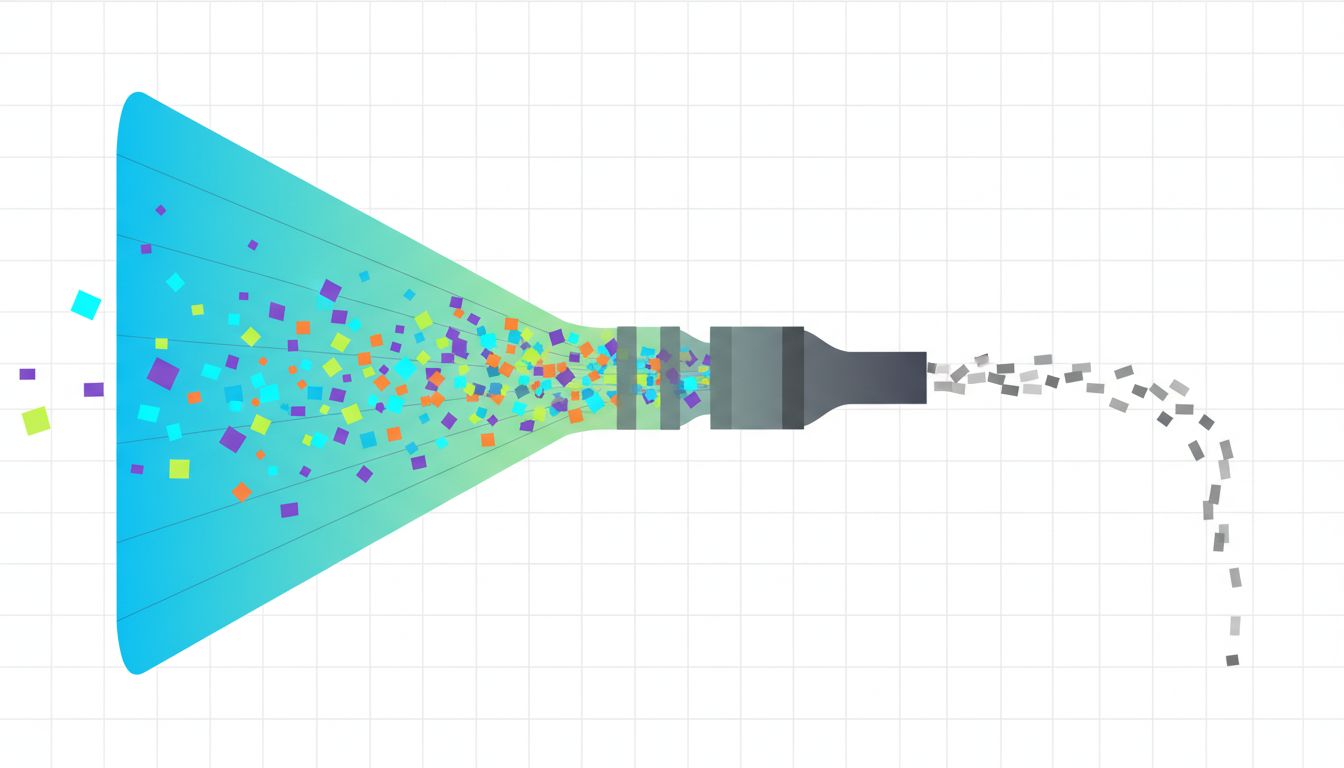
She pulled six months of Notion edit history and Jira changelog data. The pattern that came back was striking. On average, the team was adding approximately three new tasks for every two they closed. The ratio didn’t improve during crunch periods. It slightly worsened. The act of working, of being in the flow of a project, was generating more tasks than it was consuming.
This is not a bug in human behavior. It’s almost a feature. When you’re deep in a problem, you notice adjacent problems. You remember the thing you promised someone three weeks ago. You think of the edge case you meant to handle. Modern task managers are extremely good at capturing all of this. Every app in the category has frictionless inbox capture as a core design principle. Todoist, Things, Linear, Jira, Notion, Asana: they all treat “add a task” as a near-zero-cost action.
What none of them treat as a core design principle is “finish a meaningful unit of work.”
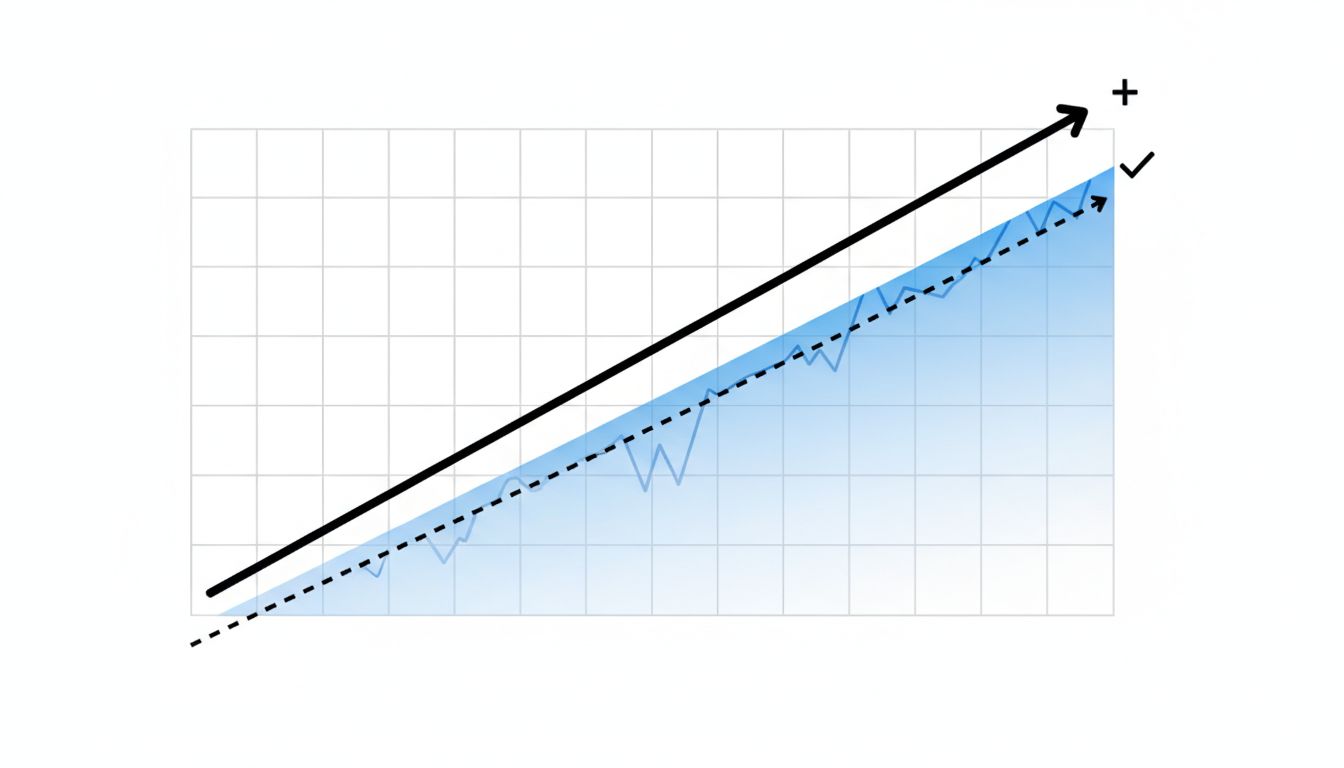
The team tried a specific intervention. They instituted what they called a “completion ratio” as a first-class metric in their weekly review. The rule was simple: if the team’s ratio of tasks closed to tasks added fell below 1.0 for two consecutive weeks, they were prohibited from adding non-critical tasks to the board until the ratio recovered. No new features in the backlog. No new “nice to haves.” Triage only.
The first time the freeze triggered, it lasted nine days. Those nine days were, by the team’s own account in a retrospective document (shared internally and later discussed at a company all-hands), the most focused work period they had experienced in over a year.
The second intervention was structural. They audited every task that had been open for more than 45 days without activity. The result was uncomfortable: roughly a third of their open tasks hadn’t been touched in six weeks or more. These weren’t bugs awaiting fixes or features under active development. They were ideas that had felt important in the moment of capture and had then quietly become ambient noise. The team archived all of them in a single afternoon. Nothing broke. Nothing was missed. Two were later re-added when someone actually needed them.
The third change was the most counterintuitive. They removed Notion from their daily workflow entirely for task tracking and moved to a physical kanban board (a literal whiteboard with sticky notes) in their shared office area. For the remote members, a shared spreadsheet with three columns: To Do, Doing, Done. No subtasks. No nested projects. No tagging system.
The constraint was intentional. A whiteboard has finite space. You cannot endlessly expand it. Adding a new sticky note when the board is full requires removing or completing something else. The physical limit imposed the prioritization discipline that no amount of digital organization had managed to enforce.
Why It Matters
This story isn’t really about Jira versus sticky notes. It’s about what your tools implicitly optimize for.
Task management software is designed and evaluated on the quality of its capture and organization features. That’s what gets reviewed, that’s what drives adoption, and that’s what the product roadmap gets built around. The UX metric that matters to a task app is how quickly and painlessly you can add something. Completion is an event that happens at the end of a workflow. Addition is the thing the product controls.
This creates a subtle misalignment. The software is doing exactly what it was designed to do, and that design is oriented around a behavior (capturing tasks) that is not the same as the outcome you want (completing meaningful work).
There’s a useful analogy in software development here. A write-heavy database that’s never been tuned for reads will look perfectly healthy on the metric it optimizes for: writes are fast, data is captured, the queue never drops. The problem only becomes visible when you ask it to produce useful output. Your task list has the same failure mode as a system that logs everything but retrieves nothing. The input path is frictionless. The output path is an afterthought.
The Zeigarnik effect (a well-documented psychological phenomenon where incomplete tasks generate persistent cognitive load) means that a long open task list doesn’t just fail to help you. It actively competes for attention with the work you’re trying to do. Every open task is a thread that hasn’t been closed. Your brain keeps the file handle open.
This connects to something deeper about how knowledge work actually functions. Most productivity advice assumes a task is a task: discrete, completable, roughly comparable in scope. But a task list mixing “reply to Sarah’s email” with “redesign the onboarding flow” isn’t a prioritized queue. It’s a category error rendered in bullet points. The tool treats them identically because the tool doesn’t understand what they are.
What We Can Learn
The team in this story didn’t solve the underlying problem by switching tools. They solved it by changing the question they were optimizing for. The tool change (whiteboard, simple spreadsheet) was downstream of that decision. It enforced the new constraint, but the insight came first.
A few things that transfer from their experience:
Track your completion ratio, not your task count. The number of tasks on your list is a vanity metric. The ratio of closed to opened over rolling two-week windows tells you whether you’re making real progress or just staging work.
Treat old open tasks as liabilities, not assets. A task that’s been on your list for 45 days without action is almost certainly not going to get done by leaving it there. Archive it. If it’s genuinely important, it will resurface. If it doesn’t resurface, that tells you something.
Introduce capture friction deliberately. The default design of every task app is low capture friction. That’s the wrong default for most people. Make yourself write one sentence of context when adding a task. Force a due date, even an estimated one. These micro-commitments act as a filter: tasks that aren’t worth that 15 seconds of effort probably weren’t real tasks.
The physical-limit trick generalizes. You don’t need a whiteboard. The principle is: your in-progress list should have a hard cap, and adding to it requires removing something. Pick three. Not “three plus whatever else needs attention.” Three.
The deepest thing this team learned isn’t a productivity hack. It’s that the tool you use to manage work shapes your implicit theory of what work is. If your tool measures success by how organized your backlog is, you will unconsciously optimize for an organized backlog. If it measures success by capture speed, you’ll get very good at capturing. Neither of those is finishing something.
Building software has trained a lot of us to think carefully about what a system is actually incentivized to do, versus what we assume it does. Apply that same scrutiny to your task manager. The question isn’t whether it’s well-designed. The question is what it’s well-designed for.





