
The Setup
In 2019, a mid-sized software product team was facing a problem that didn’t show up in any sprint retrospective. Their engineers weren’t slow. Their designers weren’t disengaged. The work was getting done, deadlines were mostly met, and by any external measure the team looked healthy.
But the team’s engineering manager had a nagging sense that the work was thin. Code reviews revealed solutions that technically worked but missed obvious edge cases. Design decisions got revisited in ways that suggested nobody had thought them through the first time. Postmortems kept surfacing the same root cause, written in different ways: we didn’t think deeply enough about this before we built it.
So she did something unusual. Instead of scheduling a workshop or bringing in a consultant, she spent two weeks just watching how her team worked. Not their output. Their process. What she saw changed how she thought about productivity tools entirely.
What Happened
The engineers on her team averaged somewhere north of thirty browser tabs open at any given time. This is not unusual. Many knowledge workers treat their tab bar as a working memory supplement, a kind of external hard drive for things they haven’t finished thinking about yet. Need to reference that API doc? Keep it open. Waiting on a Slack thread? Leave the tab up. Interesting article you want to read later? Tab.
The problem isn’t the number of tabs. The problem is what opening them does to your brain before you’ve even looked at them.
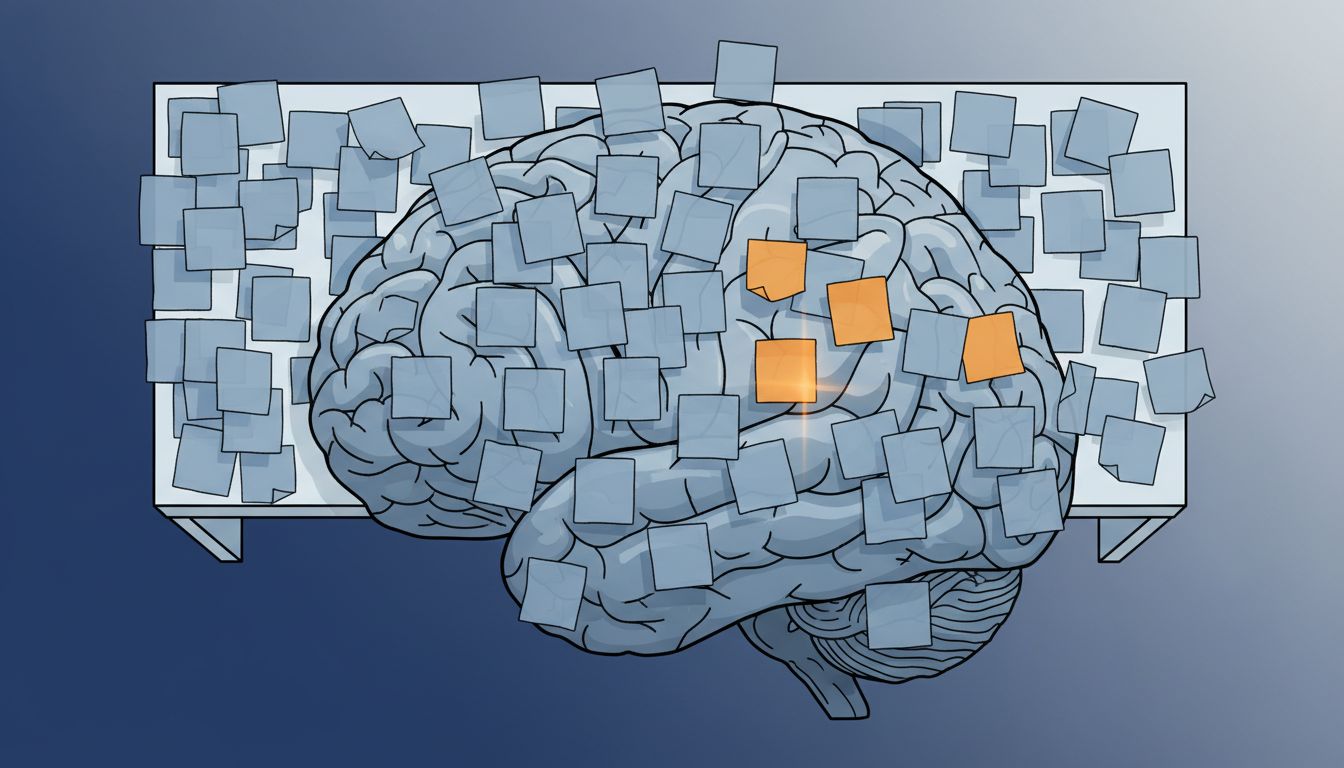
Research from Gloria Mark at UC Irvine has shown that switching tasks, even briefly, imposes a recovery cost. After an interruption, it takes an average of around 23 minutes to return to the original task at full cognitive depth. But the team’s manager noticed something subtler than task-switching. Her engineers weren’t just being interrupted by notifications or Slack messages. They were interrupting themselves, preemptively, by keeping a visible queue of unfinished cognitive threads in their peripheral vision.
Every open tab is a small unresolved commitment. Your brain knows it’s there. It registers as an open loop, which is a concept from David Allen’s Getting Things Done framework, though the underlying psychology predates the productivity literature by decades. The Zeigarnik effect, documented in the 1920s, describes how the brain persists in background processing on unfinished tasks. Open tabs are basically a way of manufacturing dozens of unfinished tasks and then trying to do focused work in their presence.
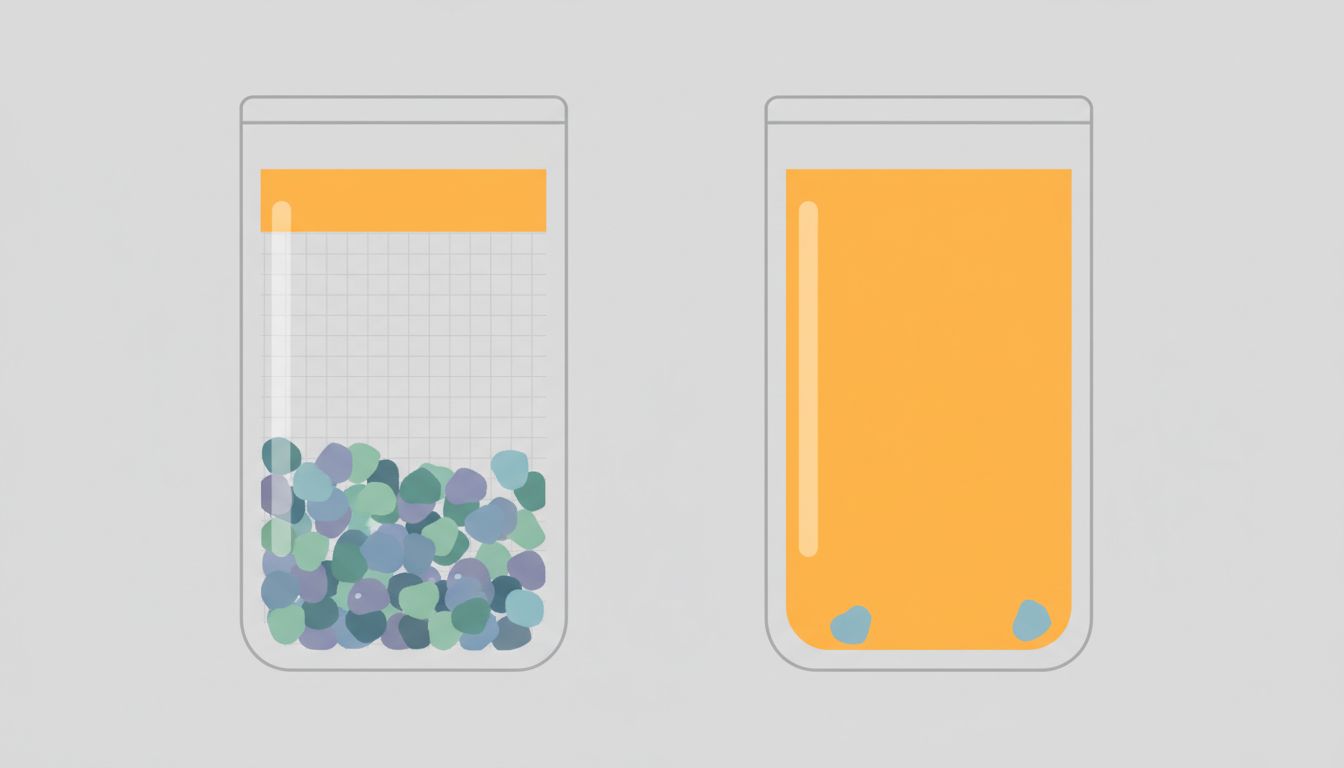
The manager asked her team to try something for one sprint: close every tab when they started a focused work block. Not tab groups, not suspended tabs, not a tab manager. Closed. If you needed something back, you’d find it again. If you couldn’t find it again, it probably didn’t matter.
The resistance was immediate and visceral. Engineers described feeling anxious, like they were throwing away work. Several reopened the tabs within minutes. One senior engineer said it felt like “being asked to work without a safety net.”
This reaction is worth pausing on, because it tells you something important. The discomfort wasn’t about losing information. It was about losing the feeling of preparedness. The tabs weren’t primarily serving as information storage. They were serving as anxiety management. And anxiety management is very different from thinking.
Why It Matters
After the initial resistance settled, something shifted. By the second week of the experiment, the manager started noticing qualitatively different conversations in design reviews. Engineers were asking questions that indicated they’d actually sat with a problem rather than bounced between it and twelve other things. One developer, who had previously been known for shipping fast and then patching, started flagging issues during planning that would have previously only surfaced after launch.
The deeper work wasn’t coming from working longer hours or reading more documentation. It was coming from the removal of a distraction the team hadn’t recognized as a distraction.
This is where the tab problem gets genuinely interesting, and where it diverges from the usual productivity advice. You’ve probably read that multitasking is bad. You know notifications are bad. But tabs feel different because they’re passive. You’re not actively switching to them. They’re just sitting there, open, waiting.
But passive and inert are not the same thing. Attention residue is real and its effects accumulate. When you know there are thirty unresolved things visible at the edge of your screen, a portion of your working memory is quietly dedicated to tracking them. That’s not a metaphor. Working memory is a genuinely limited resource, and anything consuming it is not available for deep reasoning.
Deep work, in the sense that Cal Newport uses the term, isn’t just about being undisturbed. It’s about being able to hold a complex problem in your head long enough to actually turn it over, examine it from multiple angles, and find the non-obvious path through it. That kind of thinking requires sustained attention and enough working memory headroom to build internal mental models. A tab bar with forty items on it is a direct tax on both.
The team’s experience also revealed something about the nature of the problem that pure time-management advice tends to miss. The issue wasn’t how they were allocating their hours. It was what cognitive state they were in during those hours. You can give someone a four-hour focus block and they’ll still produce shallow work if they spend it in a state of distributed, fragmented attention. The power user is losing to someone with half the tools, and this is one of the main reasons why.
What You Can Learn From This
The practical takeaway from this team’s experience isn’t “close all your tabs forever.” It’s more specific than that.
First, distinguish between tabs as reference and tabs as avoidance. If a tab is open because you’re actively using it in the next ten minutes, fine. If it’s open because closing it feels like admitting you haven’t dealt with something yet, that’s the problem. That’s anxiety management masquerading as productivity.
Second, treat the start of a focused work block as a context switch, not a continuation. Close the tabs from whatever you were doing before. Open only what this specific task requires. This takes about thirty seconds and it signals to your brain that the previous open loops are suspended, not abandoned.
Third, get a system for capturing things you’d otherwise keep in a tab. A bookmark folder works. A quick note in a plain text file works. The point isn’t the system, it’s the act of consciously parking the thing somewhere that isn’t your visual field. Once it’s recorded, your brain can release it.
Fourth, notice the anxiety response when you close tabs. That discomfort is real information. It’s telling you that you’ve been using your browser as a surrogate for decisions you haven’t made. Every tab that makes you anxious to close is a decision you’ve been deferring. Make the decision, then close the tab.
The team’s manager eventually wrote up what she’d learned in an internal document. The framing she used was this: your browser tab bar is not a workspace. It’s a list of promises you’ve made to yourself that you’re not keeping. And working in the presence of broken promises is a bad cognitive environment.
That’s as clean a summary as I’ve seen of why tabs are not a neutral tool. They’re not just slowing you down. They’re shaping the quality of your thinking in ways that don’t show up in your calendar or your task list. They show up in the shallowness of the work itself, weeks later, when you’re asking why a decision didn’t hold up.
You don’t need fewer tabs because of some rule about minimalism. You need fewer tabs because the work you’re trying to do deserves more of your brain than you’re currently giving it.





