You spend weeks fine-tuning an AI model for your specific use case. It learns your terminology, your edge cases, your quirks. Then the underlying model gets a routine software update, and suddenly it’s back to square one, answering like it never met you before. This is not a glitch. It is a fundamental feature of how most AI systems are built, and once you understand it, you can actually work around it.
This problem trips up developers and product teams constantly, and it shares more DNA with software bugs that multiply as teams grow than most people realize. The root issue is almost never purely technical. It is structural.
Why Updates Erase What AI Models Learned
Most AI models you interact with are stateless by design. They do not accumulate knowledge the way you do. When you fine-tune a model, you are not teaching a persistent brain. You are adjusting the weights of a specific version of that model, a snapshot in time.
When the provider ships a new base model, they are not updating your snapshot. They are releasing an entirely new snapshot. Your fine-tuning? It lived on the old weights. The new model has never seen your custom training data. It has no memory of the specialization you built.
Think of it like this. Imagine hiring a contractor and training them deeply on your company’s internal processes. Then the staffing agency replaces them with a newer hire who objectively has better general skills but has never set foot in your office. That is exactly what a model update feels like.
The Three Layers of AI Memory (and Which One Actually Persists)
Here is a practical framework for thinking about what AI models do and do not remember. There are three layers worth knowing:
Layer 1: Pre-training knowledge. This is baked into the model by the provider during initial training on massive datasets. It is what survives updates to the base model, though the specifics shift with each new version.
Layer 2: Fine-tuning. This is what you add. Custom examples, domain-specific language, corrected behaviors. This lives on a specific model version and must be rebuilt when the base model changes.
Layer 3: Context window memory. This is what the model “remembers” during a single conversation. It evaporates the moment the session ends. No update required to lose it.
Most teams building AI-powered products invest heavily in Layer 2 without building a plan for what happens when Layer 2 has to be rebuilt. That gap is where the pain lives.
What This Costs in Practice
The cost of this problem is not just inconvenience. If you have ever wondered why AI product timelines slip, this is one significant reason. Fine-tuning is not a one-time task. It is recurring infrastructure.
A team that fine-tunes a customer support model, then watches the provider ship GPT-5 or Claude 4 or Gemini Ultra-something, now faces a choice: stay on the old model (and miss performance gains) or rebuild their fine-tuning pipeline on the new one. Neither option is free.
This is directly related to why fixing software bugs costs 100x more than preventing them. The real expense in AI model maintenance is rarely the compute. It is the human time spent rediscovering what worked, rewriting eval sets, and re-validating outputs after each model migration.
Four Practical Ways to Protect Your AI Investments
The good news is that you can design your AI workflows to be much more resilient to model updates. Here is what actually works:
1. Store your fine-tuning data as first-class infrastructure. Treat your training examples, evaluation sets, and prompt templates the way you treat source code. Version them. Back them up. Make re-running a fine-tune a one-command operation, not a multi-week archaeology project.
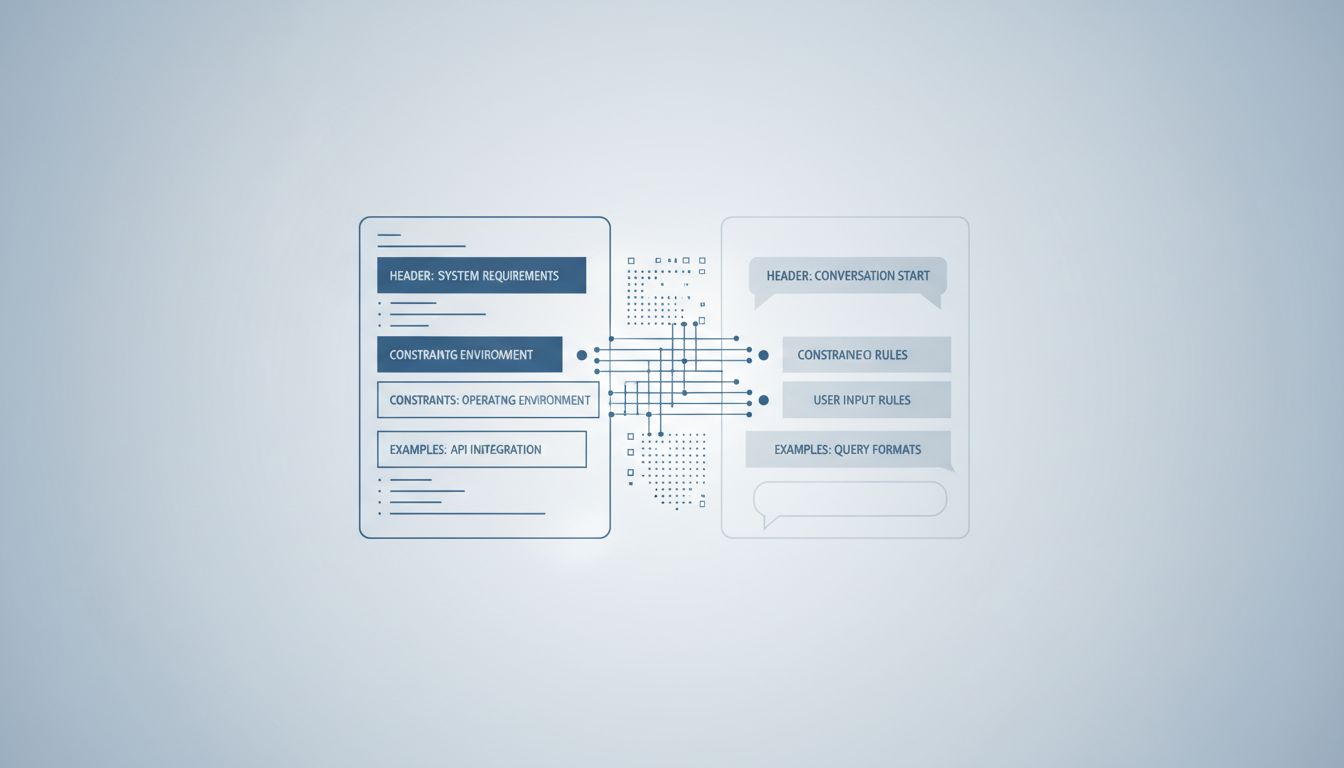
2. Use retrieval-augmented generation (RAG) for knowledge that changes. Instead of baking domain knowledge into model weights through fine-tuning, put it in a vector database the model queries at runtime. When the base model updates, your knowledge base stays intact. This approach separates your custom knowledge layer from the model version entirely.
3. Build an eval suite before you fine-tune. A set of test cases that capture the behaviors you care about is invaluable when you migrate to a new model. Without evals, you are guessing whether the new model behaves like the old one. With evals, you know within hours.
4. Track model versions explicitly in your stack. Do not let your application float to “latest.” Pin your model versions the same way you pin library versions in software dependencies. This gives you control over when you absorb an update rather than having the rug pulled without warning.
The Deeper Lesson About AI and Software Design
There is a broader pattern worth naming here. The AI field, like so much of software, is built around the assumption that updates are improvements and improvements are always desirable. But if you are a team that has built on top of a model, an update is also a disruption. Those two things are true simultaneously.
This tension is not unique to AI. It shows up in how tech companies already have features you are waiting for but are not ready to release yet. Providers are constantly making tradeoffs between pushing improvements and protecting the stability of what is already built on their platforms. When you understand that dynamic, you stop being surprised by it and start planning for it.
The teams that handle model updates gracefully are not the ones with the best engineers. They are the ones who treated their AI pipelines like infrastructure from the beginning: documented, version-controlled, and designed to be rebuilt.
You can start doing that today. Audit your current AI setup and ask one question: if the base model changed tomorrow, how long would it take you to get back to where you are right now? If the answer is “I have no idea,” that is your most urgent task. Build the system that makes that question answerable, and you will have solved the real problem underneath the forgetting.