

The average knowledge worker checks email dozens of times a day, pivots between apps constantly, and responds to Slack within minutes of every notification. None of this feels like a problem while you’re doing it. It feels like staying on top of things. But you are not staying on top of things. You are spending most of your cognitive energy on the act of switching, and doing very little actual work.
This is the core problem that digital batching solves, and it is worth taking seriously.
What Context Switching Actually Costs You
Researchers at the University of California, Irvine have found that it takes an average of over 23 minutes to fully return to a task after an interruption. That number sounds dramatic until you map it against a typical workday. If you get interrupted or switch tasks six times in a morning, you have mathematically eliminated the possibility of deep work before lunch.
The cognitive load is the real issue. Every time you shift from writing a proposal to checking Slack to skimming your inbox and back again, your brain is not just moving between tasks. It is reloading context, re-establishing priorities, and deciding what matters. That overhead compounds fast. And the worst part is that it feels productive. You’re busy. Things are moving. But the output at the end of the day rarely reflects the hours spent.
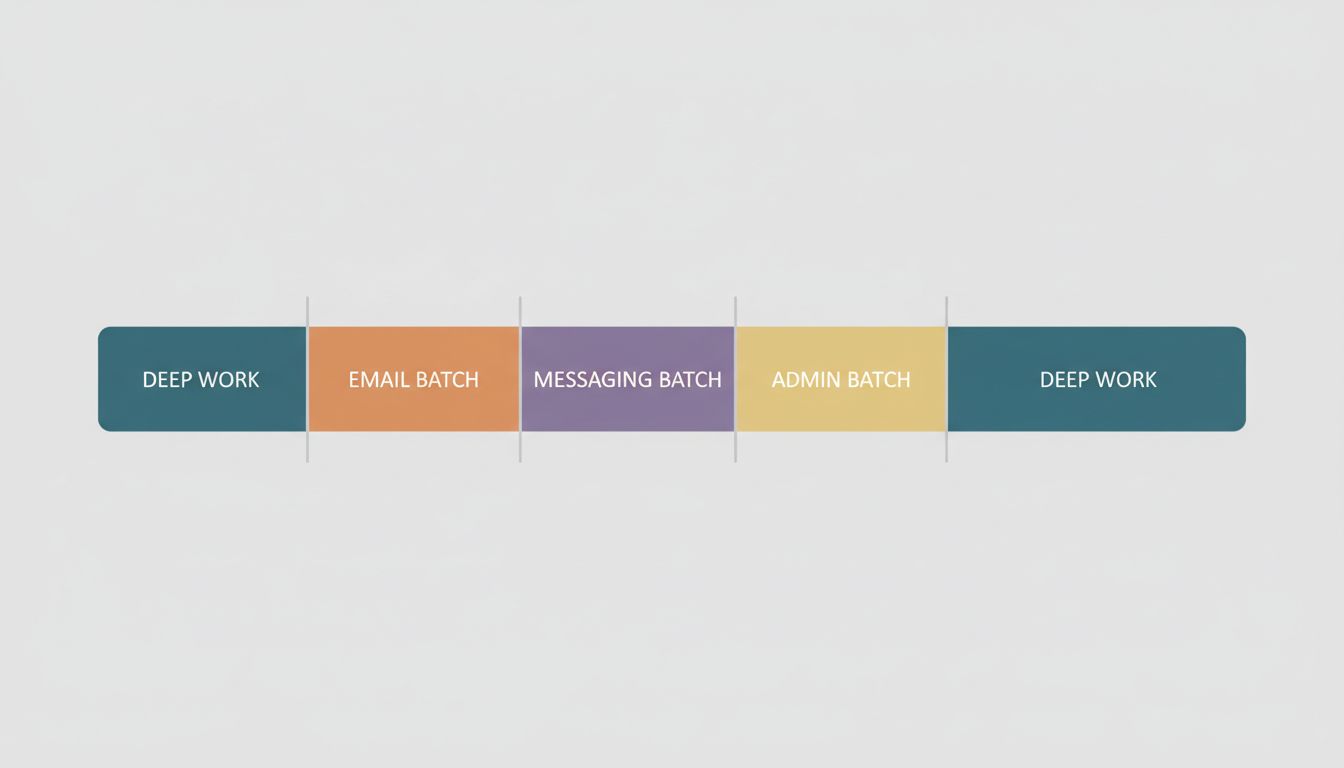
Digital batching is the practice of grouping similar digital tasks together and handling them in dedicated time windows, rather than as they arrive. You check email twice a day instead of constantly. You process Slack messages in two or three scheduled blocks. You handle administrative tasks in one session rather than letting them bleed into everything else. The concept is borrowed from manufacturing, where batching similar production tasks reduces setup time and increases throughput. The same logic applies to your brain.
How to Build a Batching System That Actually Holds
The reason most people fail at batching is that they treat it as a scheduling problem when it’s actually a boundary problem. You can block off time for email all you want, but if your Slack notifications are still firing every four minutes, you haven’t batched anything. You’ve just given yourself a guilt trip for checking.
Start with an honest audit. For one week, note every time you switch to a different digital task. Don’t try to change anything yet. Just observe. Most people discover two or three culprits that account for the majority of their switching: email, messaging apps, and whatever their team’s project management tool is.
Then design your batches around those specific culprits. A practical starting structure looks like this:
Email: Two windows per day. One in the morning after your first focused work block (not first thing, before you’ve done any real work), and one in the late afternoon. During each window, process to zero. Outside those windows, the tab is closed or the app is quit, not just minimized.
Messaging (Slack, Teams, etc.): Three windows per day, each around 20 minutes. Set your status to show you’re unavailable outside those windows. If your team resists this, the conversation you need to have is about response-time norms, not about your batching system.
Administrative and reactive tasks: One block per day, ideally in your lowest-energy period. This is where you handle scheduling requests, fill out forms, review documents that need light attention, and do anything else that doesn’t require deep focus.
The goal is not to become unresponsive. It is to become intentional about when you are responsive.
The Pushback You Will Get (and How to Handle It)
The most common objection to digital batching is that your job requires you to be available. Sometimes this is true. If you are on an on-call rotation or managing a live customer support queue, real-time availability is legitimately part of the job. But for most knowledge workers, the belief that they must be instantly available is a norm that nobody deliberately chose. It emerged from the architecture of always-on tools and gradually became mistaken for a job requirement.
It’s worth reading about how software companies design tools around engagement rather than your productivity. The default settings on most communication platforms are calibrated to maximize your responsiveness to the platform, not your output. Batching is, among other things, a way to opt out of that design.
If you manage a team, your batching system also sends a signal about what responsiveness actually means in your culture. Teams that see their managers treat every Slack message as urgent learn to generate urgency. Batching, done openly, can shift that norm.
What to Do With the Time You Get Back
Batching creates concentrated blocks of uninterrupted time, but those blocks don’t automatically fill with great work. You have to be deliberate about what goes in them.
The highest-leverage use of recovered time is sustained, single-threaded work on your most important project. Not catching up. Not getting organized. The actual thing that requires your best thinking. If you’re not sure what that is, that’s a separate problem worth solving first, but batching will surface it quickly. When you suddenly have two hours of uninterrupted morning time, the question of what to fill it with becomes very concrete.
Many people find it useful to pair batching with time-blocking, where you assign specific types of work to specific parts of the day based on your energy patterns. The combination works well because batching clears the space and time-blocking tells you what to put in it. The most productive people schedule empty time for similar reasons, creating intentional gaps that allow for reflection and course-correction rather than pure execution.
Starting This Week
You don’t need to overhaul your workflow to test this. Pick one communication channel, email or Slack, whichever dominates more of your interruptions. Set two specific times when you will check it tomorrow. Close or quit it outside those times. Do this for five days and track whether your output changes.
Most people who try this are surprised by two things. First, almost nothing that felt urgent actually required immediate attention. Second, they finish work having produced more, not less, than they do on reactive days.
The goal isn’t to be harder to reach. It’s to be worth reaching because you’ve actually had time to think.





