
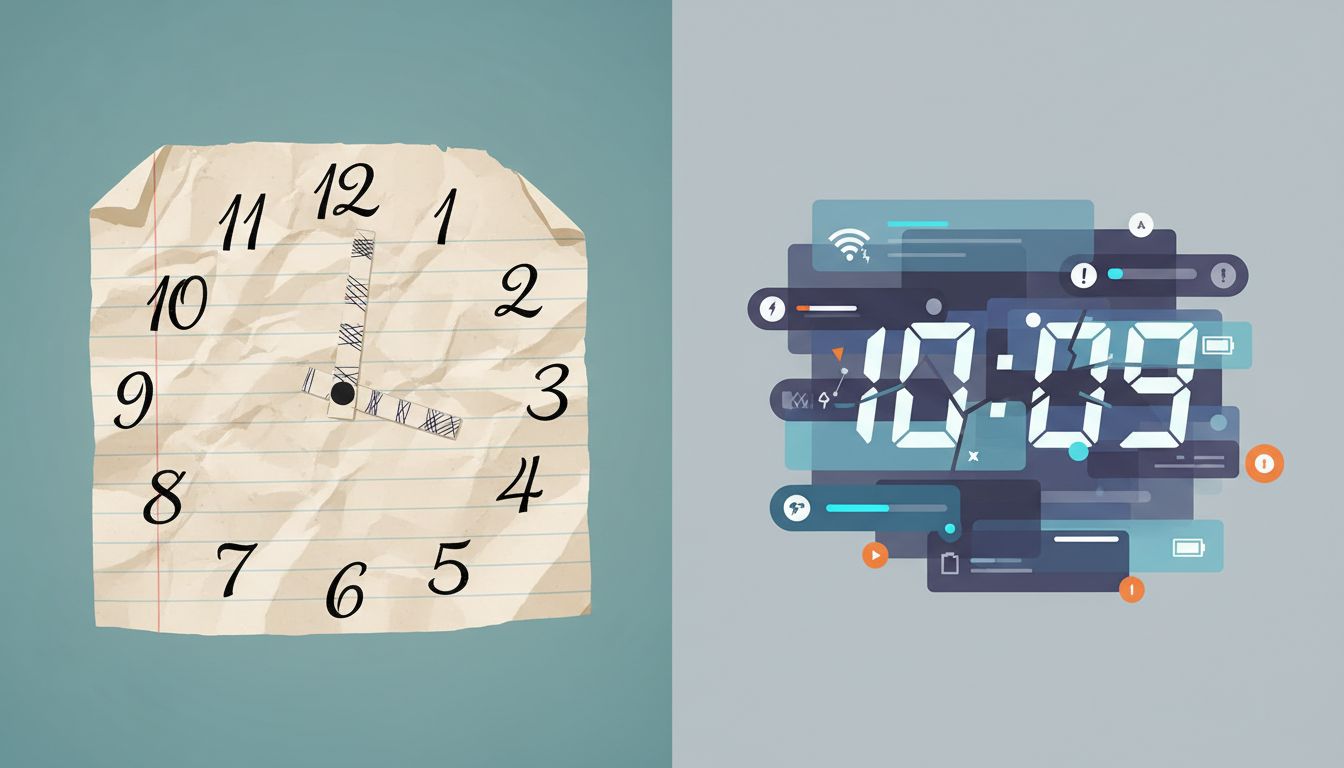
The Problem Isn’t Your Discipline
If you’ve switched from a paper planner to a digital calendar and noticed that you’re somehow worse at being on time, you’re not imagining it. And the failure mode isn’t where most people look. It’s not about notifications being too quiet, or having too many apps. It’s something more structural, rooted in how each system handles the relationship between knowing about an event and preparing for it.
Paper planners and digital calendars solve time management from opposite directions. The differences feel cosmetic until you trace them back to first principles, and then they feel almost obvious in retrospect.
What Paper Actually Forces You to Do
When you write an appointment in a paper planner, several things happen that feel trivial but aren’t. You physically locate today on the page, see everything else happening that day, flip back or forward to check context, and write the new event in relation to all of that. The act of writing is slow enough that your brain has to hold the event in working memory for a few seconds. You’re not just logging data. You’re building a mental model of that day.
Researchers studying note-taking have consistently found that handwriting engages encoding processes that typing bypasses. The slower, more generative process of writing by hand forces the brain to consolidate and restructure information rather than just transcribe it. The same mechanism applies to calendar keeping. When you write “dentist at 2pm” in a paper planner, you’re more likely to also think “so I should leave by 1:40, which means finishing my 1pm call five minutes early.”
You don’t think those thoughts because paper planners are magical. You think them because writing slowly enough requires you to.
How Digital Calendars Outsource Your Cognition
Digital calendars are genuinely better at storing and displaying scheduling information. Google Calendar, Outlook, and similar tools handle timezone conversion, invite management, recurring events, and conflict detection in ways that no paper planner can touch. These are real capabilities worth having.
But they also do something more subtle: they take on the job of remembering for you, and in doing so, they remove the moment of mental engagement that paper requires.
When you add an event to Google Calendar, the cognitive overhead is tiny. You type, you click, you’re done in ten seconds. The calendar accepts the information and promises to remind you. You’ve handed off the job of staying aware of that event to a notification system. And here’s where the failure mode starts.
The notification arrives at some configured interval before the event, usually five or fifteen minutes. That window is barely enough to close what you’re doing, find your keys, and start moving. It contains no information about travel time unless you explicitly added it. It contains no context about what else is happening that day unless you go look. The reminder is a fire alarm, not a planning tool.
The Notification Is a Terrible Proxy for Awareness
There’s a concept in systems design called a “leaky abstraction.” It describes what happens when a tool tries to hide complexity from the user but the underlying complexity bleeds through anyway. The classic example is any network call that’s supposed to behave like a local function call but occasionally fails in ways that only make sense if you remember you’re talking to a remote server.
Digital calendar notifications are a leaky abstraction over temporal awareness. They try to replace your continuous, background sense of “this thing is coming up” with a discrete interrupt: a ping at a specific moment. But that interrupt arrives too late to be useful for anything except reactive scrambling.
Paper planner users tend to scan their week during natural pauses, while brewing coffee, riding the train, or finishing lunch. These glances are low-stakes micro-reviews that keep the day’s structure in working memory. Because the planner is a physical object with a fixed location, reaching for it becomes a habit loop. The information is seen repeatedly before it becomes urgent.
A digital calendar user, by contrast, has been trained to trust the notification. Why look at the calendar if the app will tell you when to pay attention? The result is that events exist in a kind of Schrödinger’s state: scheduled but not mentally present until the moment the phone buzzes.
The Temporal Flattening Effect
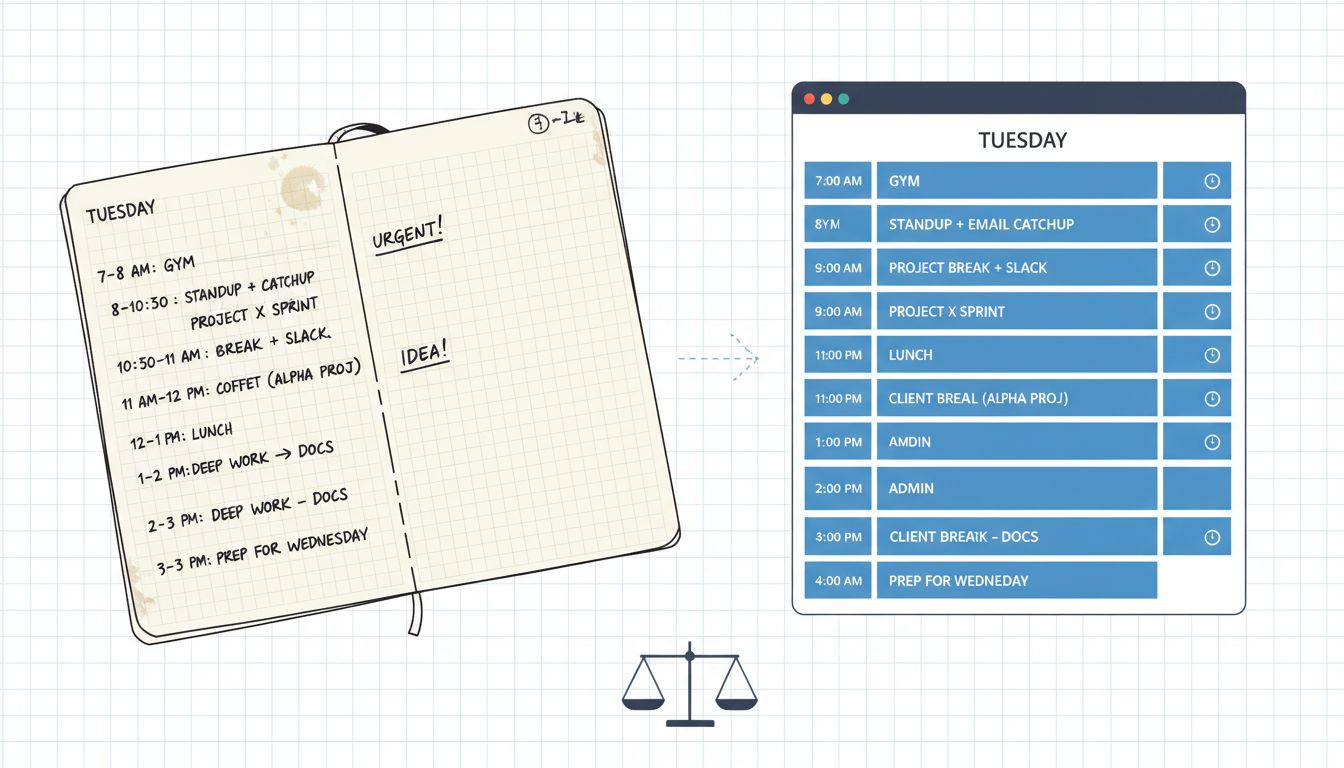
Paper planners have a spatial quality that digital calendars flatten. A week spread across two pages has physical density. A packed Tuesday looks different from an open Thursday at a glance. You can see the weight of a day before you’ve read a single word on it.
Most digital calendars render time as a vertical column of blocks, which is fine for a single day but increasingly abstract as you zoom out. The week view in Google Calendar shows seven columns of equal width regardless of what’s in them. A day with six back-to-back meetings and a day with one optional lunch look structurally similar at a distance.
This matters for punctuality because punctuality is really about buffers. Being on time requires knowing that you need transition time between events, and building it in before the day starts. Paper’s spatial density makes the absence of buffers visible. Digital’s uniform grid makes it easy to stack meetings without feeling the wrongness of it until you’re already in the weeds.
This connects to a related problem explored in how scheduling software shapes fake-meeting behavior: when the tool doesn’t respect the cost of transitions, users have to game the tool to survive their own schedules.
Why Smarter Alerts Don’t Fix This
The obvious software fix is smarter notifications: dynamic reminders that account for travel time using Maps data, earlier pings for complex back-to-back days, and so on. Google Calendar has some of this. It can estimate travel time and surface a departure reminder. This is genuinely useful.
But it doesn’t address the root problem, which isn’t about when the reminder fires. It’s about whether you have a continuous mental model of your own day. A smarter alarm is still just an alarm. It still places the user in a reactive posture.
Notification fatigue compounds this. Phones deliver dozens to hundreds of notifications per day, and humans are genuinely bad at maintaining high response quality across that volume. Research on interruption recovery consistently shows that after a notification, people take meaningful time to reorient to their prior task. When calendar reminders compete with Slack pings, email previews, and news alerts, they get processed at the same cognitive priority level as everything else, which is to say, not very high.
The deeper issue is that digital calendars were designed for scheduling, which is a coordination problem, and they’re excellent at it. But punctuality is a spatial-temporal awareness problem, which is something different. The tool was never really optimized for the thing it gets blamed for not doing well.
What This Means in Practice
None of this means you should throw out Google Calendar and buy a Moleskine. Digital calendars handle coordination and shared scheduling in ways that paper can’t compete with. The argument isn’t that paper is better. It’s that paper solves a specific cognitive problem, the maintenance of temporal awareness, that digital tools actively offload.
If you want the coordination features of a digital calendar without losing punctuality, you have to deliberately reconstruct the habits that paper enforces automatically. That means reviewing your next day the evening before, not to add events but to build a mental picture of what the day looks like as a sequence with gaps and transitions. It means treating the weekly view as something you look at proactively, on a schedule, not just when a reminder fires.
For people who find themselves chronically cutting it close on meetings, the fix is almost never a better app. It’s reclaiming the reflective step that paper forces by design and digital tools quietly eliminate. You’re not missing a feature. You’re missing a habit that the tool used to make unavoidable.
The calendar didn’t make you less punctual because it’s bad software. It made you less punctual because it’s good software that solved the wrong part of the problem.
What This Means
Digital calendars solve scheduling. Paper planners build temporal awareness. Those are different jobs, and conflating them is why so many people feel mysteriously worse at being on time after switching to a digital-first workflow. The notification model is a discrete interrupt, not a substitute for continuous awareness. The spatial flatness of digital week views hides the texture of a packed day. And the low friction of adding events digitally removes the slow, consolidating cognitive work that handwriting provides. Understanding the distinction doesn’t mean choosing one system over the other. It means knowing which part of your punctuality problem each one is actually equipped to solve.





