

The Setup That Feels Like a Superpower
You know the workstation. Three monitors arranged in a gentle arc, a laptop screen for Slack, maybe a vertical display for documentation. The whole setup communicates serious work. It says: I am someone who processes a lot of information. People walk past and feel a flicker of monitor envy.
This is the trap.
The belief underneath that setup is that more visible information means faster, better decisions. If your code is on one screen and your docs are on another and your tests are running on a third, you’ll never lose context. Everything is right there. The logic feels airtight.
Except cognitive science keeps arriving at the same uncomfortable conclusion: the ability to see more things simultaneously does not scale with the ability to process more things simultaneously. And when you’re doing knowledge work that requires sustained attention, the gap between those two capabilities is where your productivity quietly bleeds out.
What Your Brain Does With All That Space
Human attention is not a spotlight you can widen at will. It’s a resource that gets allocated, and when the environment offers more objects to allocate it to, the brain doesn’t get better at its job. It gets busier at a shallower level.
Researchers who study attention consistently find that peripheral visual stimuli trigger involuntary orienting responses. Your eyes move toward motion and change automatically, before your conscious mind has any say. When you have three monitors full of content, you have tripled the surface area of potential interruption. Every notification badge update, every test suite progress bar, every chat avatar that flickers in your peripheral vision pulls a small tax on your working memory.
These interruptions don’t feel significant. That’s precisely why they compound so effectively. Gloria Mark’s research at UC Irvine found that it takes an average of over 23 minutes to return to a task after a significant interruption. Screen-induced micro-interruptions don’t each cost 23 minutes, but they cost something, and they happen constantly on a wide monitor array.
The deeper issue is what cognitive scientists call the central executive, the part of working memory that coordinates between tasks and maintains your mental model of the problem you’re solving. Complex programming problems, architectural decisions, debugging sessions: these all require sustained engagement from the central executive. Every time peripheral content captures your attention, the central executive has to rebuild context. With one focused screen, this happens less. With three information-dense screens, it happens continuously.
The Configuration That Developers Actually Swear By
Here’s something worth paying attention to: a lot of extremely productive developers deliberately work in constrained display environments for their deepest work. Not because they can’t afford better hardware, but because they’ve noticed what happens to their output when they do.
The pattern that tends to emerge, when you strip away the status signaling of the multi-monitor setup, is something closer to a single large screen (or one monitor with disciplined full-screen application use) with a strict policy about what’s visible during focus time. The second screen, if used at all, gets relegated to a specific secondary function, reference material that stays static, not a live feed of activity.
Some developers go further. They work in a terminal full-screen, nothing else visible, because the absence of visual clutter isn’t just aesthetic. It changes the quality of thinking. This connects to something Silicon Valley workspace designers have documented: the executives who get the most cognitively demanding work done tend to have simpler, more constrained physical environments than you’d expect, not more elaborate ones.
The question isn’t whether multiple monitors can be useful. Of course they can. The question is what you’re doing with them and whether the configuration matches the cognitive demands of the task.
The Task-Switching Problem Hiding Inside Multitasking
The multi-monitor setup encourages a specific behavior that most people have convinced themselves is multitasking. It isn’t. Neuroscience has settled this fairly cleanly: what feels like parallel processing is actually rapid serial task-switching, and each switch carries an overhead cost.
When you glance at your Slack screen while holding a function’s logic in mind, you haven’t paused the code problem. You’ve interrupted the thread that was building toward a solution. When you check the test output on your third monitor mid-thought, you’ve made a withdrawal from a working memory account that was in the middle of a transaction.
The insidious part is that fast task-switching feels productive. You’re handling things. Responding to the thread quickly, catching the test failure early. The throughput of small completed actions is high. But the work that matters in software development, and honestly in most technical roles, isn’t measured in small completed actions. It’s measured in problems solved, things built, insights reached. Those outcomes require uninterrupted threads of thought that are genuinely incompatible with a wide-open visual field full of live information.
There’s also a subtler effect: having more screens tends to encourage keeping more applications open and visible simultaneously, which means more decisions about where to look and what to act on. Decision fatigue around attention allocation is real, and it accumulates through a workday in ways that affect the quality of late-afternoon judgment.
Why the Productivity Illusion Persists
If wider setups genuinely hurt focus work, why do so many smart people swear by them? A few reasons, and they’re worth understanding clearly.
First, the damage is mostly invisible. You don’t experience the thought you failed to complete, the insight that didn’t crystallize because the thread got cut. You just experience a slightly harder day. Attribution is difficult: you blame the problem’s complexity, not the three monitors.
Second, some tasks genuinely benefit from multi-monitor setups. If you’re doing data analysis that requires comparing large datasets simultaneously, or video editing where a reference monitor is functionally separate from a timeline monitor, the additional screens serve a real purpose. The mistake is applying the same configuration to deep-focus coding or writing or complex debugging.
Third, there’s a social and professional signaling component that nobody likes to admit. A multi-monitor setup looks serious. It signals that you handle serious volume. This is real social currency in tech workplaces, and it shapes hardware choices in ways that have nothing to do with output.
And fourth, more screens do help with certain mechanical tasks. Moving files, referencing documentation while typing elsewhere, keeping a video call visible during routine work. These genuine wins get mentally credited to the whole setup, even when the setup is actively working against your best cognitive output for the other six hours of the day.
What to Actually Do With This
The practical intervention here is not to sell your monitors. It’s to be deliberate about what configuration you use for which type of work, and to stop treating your hardware setup as a fixed environment rather than a tool you adjust.
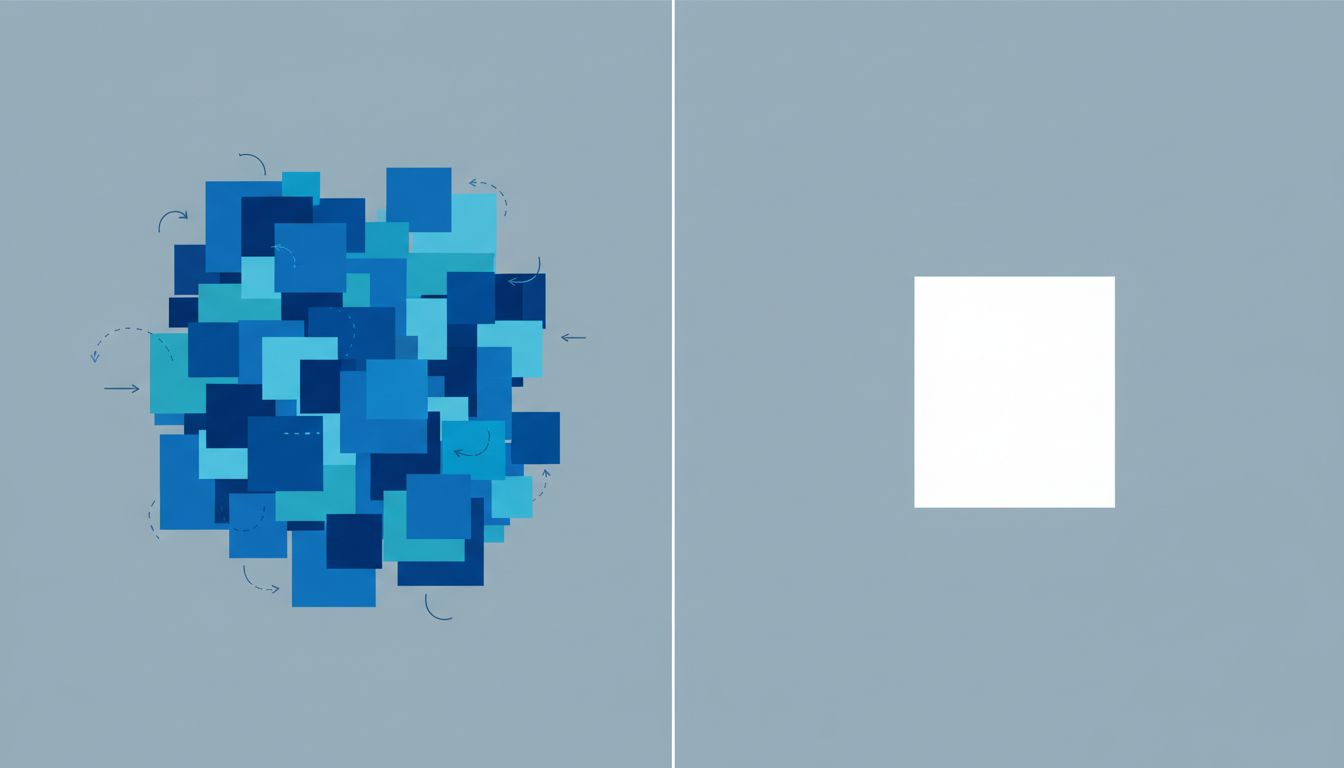
For deep focus work, collapse everything onto one screen. Use full-screen mode. Close the applications you’re not actively using. If you have a second monitor, either turn it off or use it exclusively for static reference material that you chose to put there, not a live Slack feed or an always-on browser window. The digital nomads who throttle their own internet bandwidth have arrived at a related insight through a different mechanism: artificial constraints on information access improve the work.
For reference-heavy work, coordination tasks, or anything where you’re genuinely moving between multiple stable information sources, bring the second screen back in. The key word is stable. A monitor displaying documentation you’ve already opened is very different from a monitor displaying a live feed of team communication.
Audit your current setup honestly. Count how many times in an hour your eyes move to something on a secondary screen without you consciously deciding to look there. That number, whatever it is, is your attention tax. You’re paying it whether you realize it or not.
If you want a concrete starting point: try one week of single-screen, full-screen focus blocks for your most demanding work. Not your whole workday. Just the hours when you’re doing the things that matter most. Track your output, not your feeling of busyness. The difference tends to be noticeable.
What This Means
More screen real estate optimizes for a feeling of control and throughput. It’s very good at that. It makes you look busy, feel busy, and handle a high volume of small stimuli. What it’s not good at is protecting the kind of sustained, uninterrupted attention that produces the work you’ll still be proud of six months from now.
The productive configuration is one that matches the cognitive demand of the task. For most knowledge work that requires real thinking, that means a smaller, simpler visual field than the one you’ve probably built. The monitors aren’t the problem. The assumption that more surface area equals more capability is the problem, and it’s costing most of the people who believe it more than they know.





