
The Illusion Feels Real Because You Are Always Doing Something
Here is the scenario: you are writing a document on your laptop, your phone buzzes with a Slack message, you glance at it and type a quick reply, you check your tablet to pull up a reference file, and then you return to the document. You were never idle. You kept moving. In software terms, you had zero downtime, full CPU utilization, maximum throughput.
Except that is not how cognition works, and the CPU metaphor has always been a bad one for human attention. Computers switch between tasks by saving and restoring state. The processor pauses one process, writes its registers and memory context to a designated area, loads another process’s context, and resumes. The underlying hardware does not care. There is no cost to the switch itself beyond a few nanoseconds of overhead.
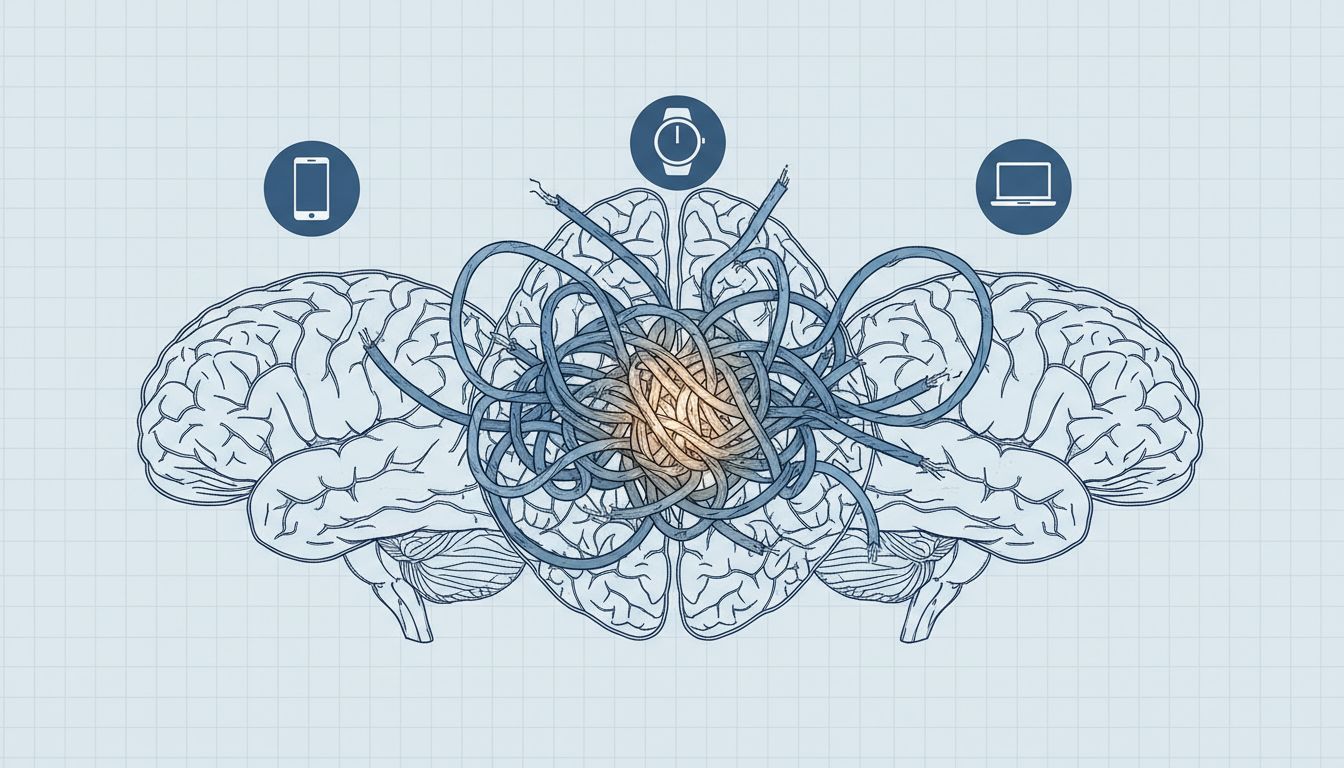
Your brain has no such clean context-switching mechanism. When you shift attention, you do not save and restore state. You abandon partially constructed mental models, lose working memory contents that had not yet been committed to longer-term storage, and then pay a reconstruction cost every time you try to return. This is not a metaphor. It is measurable, and the measurement is not flattering.
What Cognitive Science Actually Says About Task-Switching
Researchers studying task-switching, the experimental paradigm where subjects alternate between two or more tasks, consistently find a “switch cost”: slower response times and higher error rates immediately after a switch, compared to staying on the same task. This effect was well-documented by the late 1990s and has been replicated extensively. The interesting part is not that the cost exists, but where it comes from.
There are two components. The first is “task-set reconfiguration,” which is the time your brain spends updating its current goal, relevant rules, and expected inputs and outputs. If you were writing prose and now you need to evaluate a Slack message for urgency, your brain has to load a completely different interpretive frame. The second component is “backward inhibition,” where your brain actively suppresses the previous task to prevent interference. That suppression does not instantly release when you try to go back. You are, briefly, fighting your own inhibitory mechanisms.
What makes multi-device multitasking particularly costly is that devices carry strong contextual associations. Your phone is wired, through habit and design, to a specific mode of attention: scanning, reacting, consuming. Your laptop may be associated with creating or analyzing. When you shift devices, you are not just switching tasks. You are crossing contextual boundaries that trigger entirely different attentional modes. The device itself is a cue, and your brain responds to it.
The Specific Problem With Physical Device Fragmentation
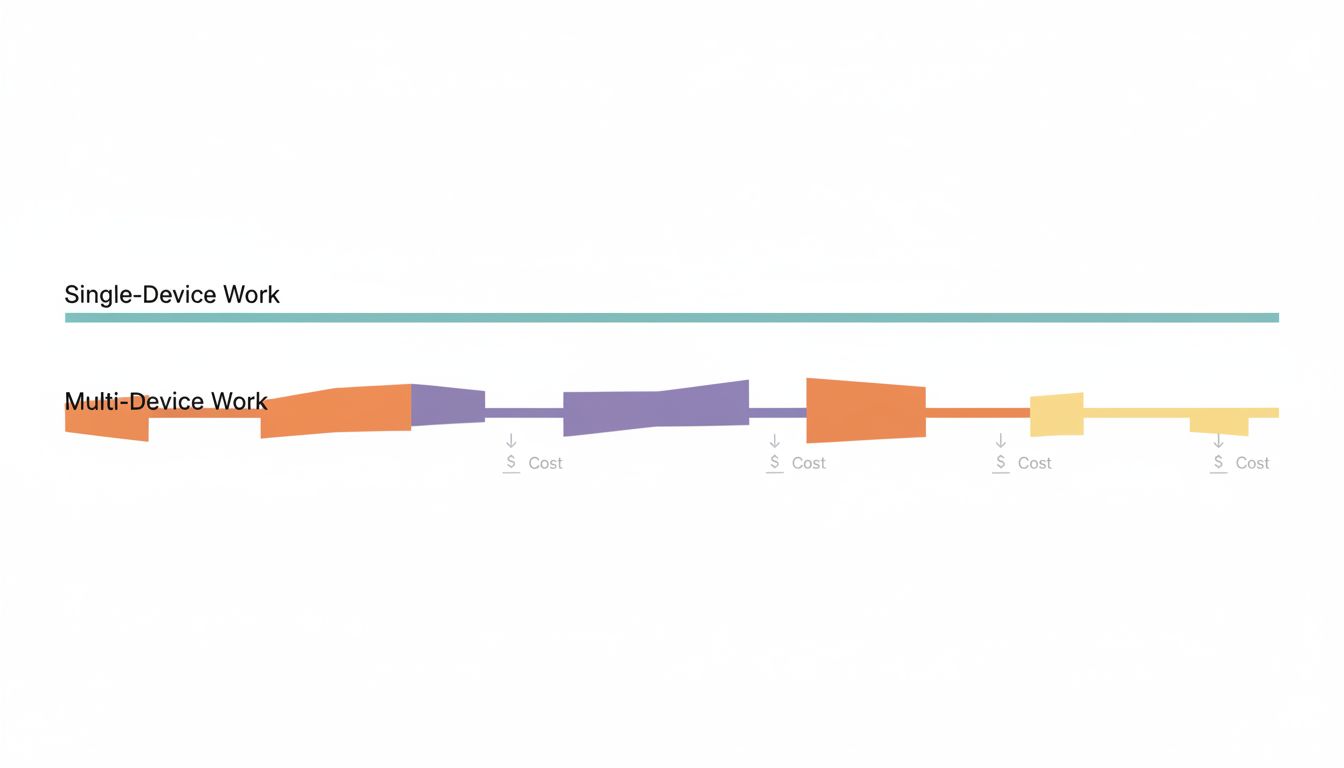
Spanning work across multiple physical devices adds a layer of friction that purely software-based multitasking does not. When you have six browser tabs open on one machine, the cost is real but contained. When your reference material is on a tablet, your communication is on a phone, and your output is on a laptop, you have also externalized your working memory across multiple physical locations. Remembering where things are becomes its own cognitive load.
There is also what you might call the “permission to interrupt” effect. Each device has its own notification system, and most people configure them independently and incompletely. The laptop might have Slack muted, but the phone has it on. The tablet has email alerts that the laptop suppresses. The net result is that no matter what you are trying to focus on, at least one of your devices is always willing to pull you away. You built a distributed interrupt system and then complained that you keep getting interrupted.
Apple’s Handoff and Continuity features, and similar cross-device sync systems from Microsoft and Google, were supposed to solve the friction problem by making it seamless to move between devices. They succeeded at that goal, and in doing so made the cognitive problem worse. When context-switching between devices becomes frictionless, you lose the natural speed bump that might have made you reconsider whether the switch was necessary. Friction is not always the enemy. Sometimes it is the only thing standing between you and a bad habit.
Why It Feels Productive Anyway
This is the part worth dwelling on, because if multitasking across devices actually felt slow and exhausting, nobody would do it. It does not feel that way. It feels responsive, connected, on top of things.
Part of this is straightforward dopaminergic feedback. Completing a task, even a tiny one like responding to a message, triggers a reward signal. If you spend ninety minutes doing difficult, ambiguous creative work, you might produce something good but you will get no discrete reward signals along the way. If you spend ninety minutes bouncing between three devices, handling messages and checking feeds and pulling references, you will feel a steady stream of small completions. Your brain scores this as a productive session.
The other part is that we are genuinely bad at estimating the cost of interruption. When you glance at your phone for thirty seconds, you do not experience the subsequent five minutes of degraded focus as being caused by that glance. The two events are separated in time, and the degradation is subtle. You just feel slightly less sharp, slightly less able to hold the thread of what you were doing, and you attribute it to anything except the device switch that preceded it.
This is why self-reporting studies on productivity are so unreliable. People who multitask heavily tend to rate themselves as effective multitaskers. Laboratory performance measures tell a different story. Gloria Mark’s research at UC Irvine, tracking information workers in their natural environment, found that it took an average of over twenty minutes to return to a task after an interruption. That number has been debated and refined, but the directional finding, that interruption costs are far larger than intuition suggests, has held up.
The Device Proliferation Trap
There is a specific pattern that has emerged as tablet ownership increased alongside smartphone ownership: people end up with a device that is too small to be a primary work machine but large enough to feel like it should be useful for work. So it gets pulled into the workflow as a reference panel, or a communication device, or a secondary display that never quite integrates cleanly.
The result is an ad-hoc three-screen setup that nobody deliberately designed. You did not sit down and architect a workflow that uses phone for communication, tablet for reference, and laptop for output. You just accumulated devices and found uses for each one, and now they all feel necessary because each one is genuinely doing something. But the question is not whether each device is doing something. The question is whether the system as a whole is producing more than a simpler arrangement would.
Powering that question forward usually requires building a deliberate system around your tools rather than letting the tools accumulate their own roles organically. Most people have never asked whether their three-device setup was a decision or a default.
What Actually Helps
The research points toward a few concrete changes, none of which require you to become a monk.
First: consolidate by task phase, not by device capability. If you are in output mode, producing code or writing or analysis, make one device the active surface and make the others deliberately inert. This is not about willpower. Configure it physically: turn the phone face-down, close the tablet, enable Do Not Disturb. You are not suppressing the devices by discipline. You are removing the cue.
Second: if you use multiple devices legitimately (and many people do, for good reasons), establish clear role boundaries rather than letting them overlap. A tablet that is strictly for reading and reference, never for communication, has a clean cognitive profile. A tablet that you sometimes use for reference, sometimes for Slack, sometimes for video calls, becomes a source of attentional ambiguity. Which mode am I in right now? That question costs something every time it arises.
Third: recognize that notification consolidation is a legitimate productivity intervention, not just a comfort preference. Getting all your cross-device notifications to route through one place, or getting them to go silent across all devices simultaneously when you need focus, reduces the distributed interrupt system to something manageable. Digital batching applies equally well to device management as it does to email triage.
Fourth: schedule explicit transition points between devices rather than moving between them reactively. If you know you will check your phone at the end of each focused block, the phone stops being a pull toward interruption and becomes a predictable destination. The cognitive framing shifts from “interrupt” to “planned context switch,” and that distinction matters.
What This Means
The real cost of multi-device multitasking is not that you are doing too many things. It is that you have built an environment that makes sustained thought structurally difficult. The devices are not neutral containers for your attention. Each one is a cue, a context, a trained attentional mode, and a dedicated interrupt channel. Spreading work across all of them means your attention is always partially allocated to monitoring the system itself.
The fix is not fewer devices, necessarily. It is deliberate architecture: knowing why each device is in the workflow, when each one is active, and what happens when one of them demands your attention at the wrong moment. That last part means having a policy, not just willpower. Willpower depletes. Policies are just settings.





