
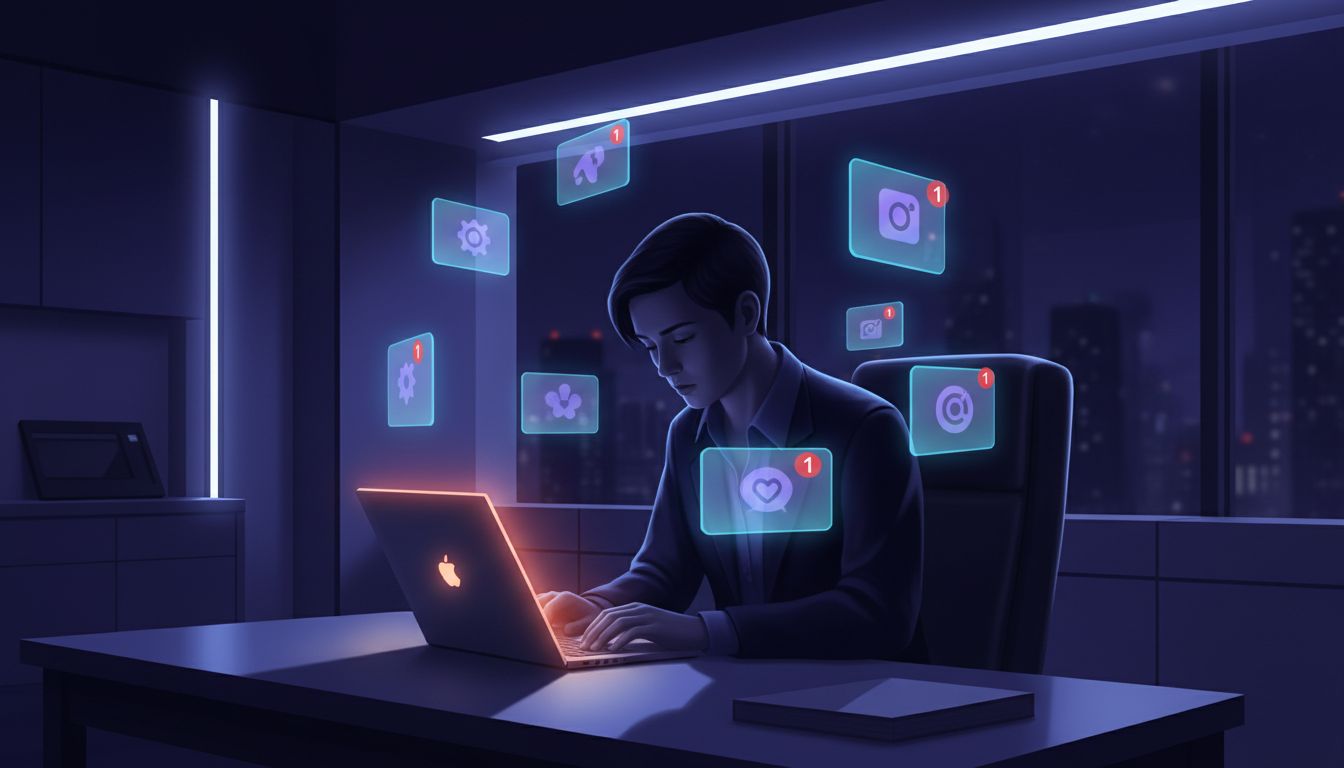
You open a task manager to focus. Within four minutes, you have checked Slack, toggled to your email, glanced at a notification badge, and returned to the task manager to log what you just did. Nothing about that sequence felt coerced. It felt like working. That is the trick, and it was not accidental.
The apps built to help you manage your attention are, in many cases, architecturally optimized to capture it instead. This is not a conspiracy theory. It is a product incentive that plays out in measurable engineering decisions, and once you see the pattern, you cannot unsee it. As we have covered before, tech giants hide their most powerful retention tools so well that users call them conveniences, and productivity software is one of the cleanest examples of that principle in action.
The Engagement Loop Hiding Inside Your Workflow Tool
Let’s talk about how most modern productivity apps are actually instrumented. Under the hood, these tools track what engineers call “session depth” and “return frequency.” Session depth measures how many distinct actions you take in a single visit. Return frequency measures how many times per day you open the app. These are the two core engagement metrics that drive retention dashboards, which in turn drive investor narratives, which in turn drive valuation.
Here is the problem. Deep, focused work produces low return frequency. You open the app, you set your tasks, you close the app, you work. That is a terrible engagement number. So apps are quietly optimized to increase return frequency, not by making you more productive, but by giving you reasons to come back. Notification systems, progress animations, streak counters, collaborative pings, and inbox-style task feeds all serve this function. They are not bugs. They are features built to a specification that has nothing to do with your output.
Think of it like a database query that has been tuned for the wrong index. The query runs fast, the metrics look great, but the data being returned is not the data you actually needed.
The Notification as an Interrupt Handler
In operating systems, an interrupt handler is a routine that pauses whatever the CPU is currently doing to respond to an external signal. A hardware interrupt from a keyboard keystroke, a timer tick, a network packet arriving. The CPU suspends its current execution context, saves its state, handles the interrupt, and then attempts to restore what it was doing.
Your brain works similarly, except the context restoration is expensive and lossy. Research in cognitive psychology consistently shows that task-switching costs compound over time, and that the overhead of returning to deep work after an interruption can stretch from several minutes to over twenty. Productivity apps that send you notifications every thirty minutes are, functionally, interrupt handlers firing at an interval designed to keep your working memory perpetually shallow.
This matters because shallow engagement is easier to measure, and easier measurement makes better dashboards. Deep work, the kind where you are three levels into a problem and holding a complex mental model intact, produces almost no in-app activity. It looks identical to the app as “churn risk.” So the incentive is to interrupt it.
Why This Is a Business Architecture Problem, Not a Design Failure
It would be tempting to frame this as laziness or negligence on the part of product teams. It is neither. The engineers building these tools are often deeply thoughtful people. The problem is structural. Successful apps look simple because years of work were spent removing things, but the things that get removed are friction points for the user, not friction points for the business. Notification systems rarely get simplified. Badge counts rarely get hidden by default. The features that bring you back stay.
The business logic runs something like this. A freemium productivity app needs to demonstrate daily active user counts to justify its valuation. DAU (daily active users) is calculated by unique users who open the app each day. A user who opens the app once at 9am, sets tasks, and closes it until the next morning is counted exactly once. A user who opens the app seven times because of collaborative notifications, status updates, and reminder pings is also counted once, but they contribute far more to the behavioral data that supports premium feature upsells and team plan conversions.
The app is not trying to make you unproductive. It is trying to make you present. Those are different objectives that happen to conflict.
What Deliberately Friction-Free Design Actually Costs You
There is a secondary mechanism worth understanding, which is what designers call “zero-friction task capture.” The idea is that capturing a task should be so easy that you never let a thought escape. This is genuinely useful in limited doses. But when every app competes to be your universal capture layer, the result is a system where you are constantly externalizing your thinking rather than doing it.
Every time you log a thought, check it off a list, or reorganize a board, you get a small dopamine hit. You feel productive. The app records an engagement event. Neither of you has done the hard work. This is related to the phenomenon top performers use when they schedule procrastination deliberately, except in reverse. Instead of using structured delay to push through resistance, you are using structured activity to avoid the thing that requires the most cognitive load.
The rubber duck debugging technique that developers use to solve hard problems works precisely because it forces you to hold a problem in your head long enough to articulate it fully. Constantly offloading to an app prevents that kind of sustained engagement from ever forming. If you have not read about how software developers solve their hardest bugs by talking to a rubber duck, the core insight is that the act of formulating a problem clearly is itself a large part of solving it. Apps that capture before you have formulated anything are skipping the most valuable step.
How to Use These Tools Without Being Used by Them
The fix is not to stop using productivity software. It is to use it with an understanding of what it is optimized for, which is not the same thing as what you are optimized for.
A few practical approaches that push against the default architecture. First, turn off all in-app notifications by default and treat the app as a pull resource rather than a push one. You go to it, it does not come to you. Second, audit how many times per day you open each tool and ask whether each visit resulted in meaningful output or just activity. Third, prefer tools that score poorly on engagement metrics because they tend to be the ones that are actually solving your problem rather than sustaining your habit.
The deeper point is that the interface you use to organize your work shapes the cognitive architecture of how you do it. A tool that rewards context-switching will teach your brain to context-switch. A tool that rewards completion will, over time, teach you something more useful. The design is never neutral. It is always optimizing for something. The only question is whether that something is aligned with what you are actually trying to build.





