
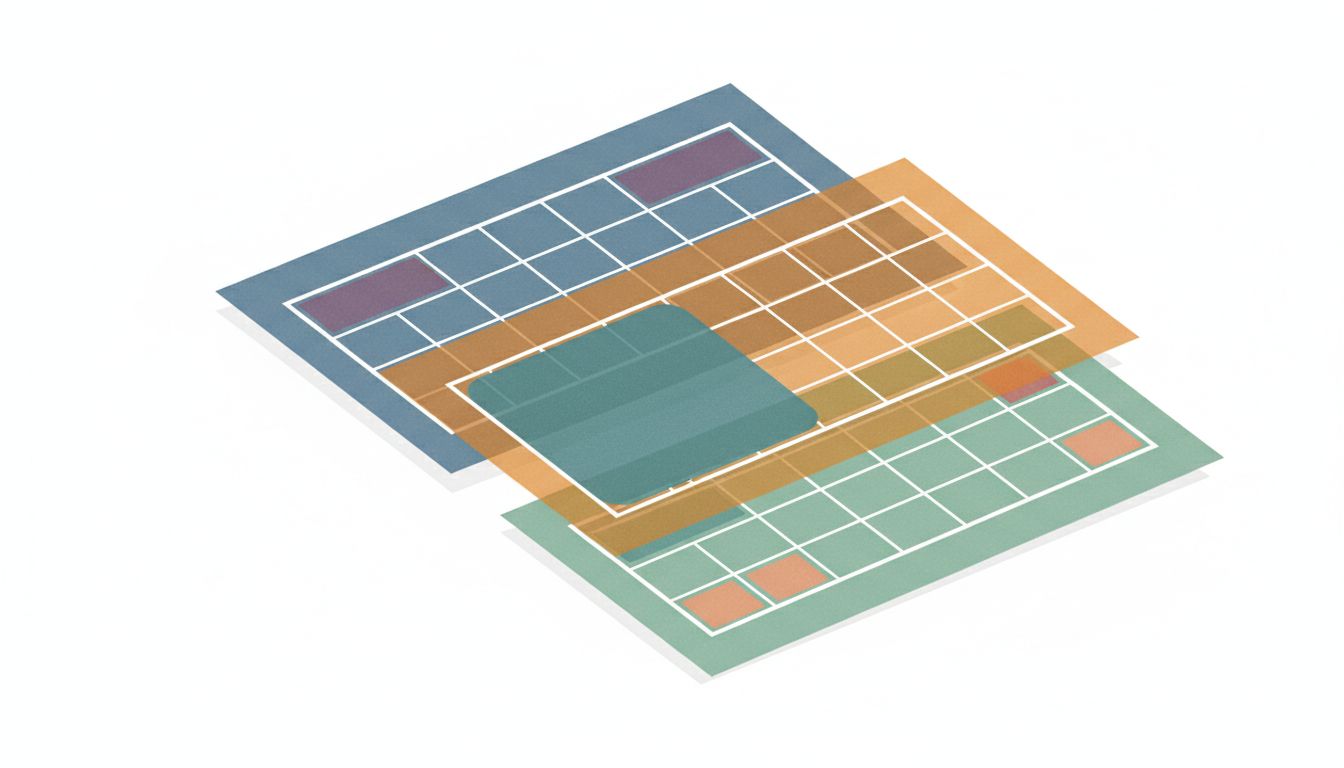
Cal Newport runs his weeks on a system that would look chaotic to most people. The Georgetown professor and author of “Deep Work” keeps separate calendars for different categories of his life, not because he loves complexity, but because he discovered that merging them made him worse at his job. His story is worth understanding, because the lesson hiding inside it changes how you think about scheduling entirely.
Newport is explicit about this in his writing and podcast. He separates deep work blocks from administrative tasks, treats them as different calendar categories, and refuses to let one contaminate the other. When he sits down to write, his calendar does not show him a dentist appointment at 3pm. When he is processing email, he is not looking at a writing block he is supposed to be protecting. The calendars serve different cognitive masters.
This is the setup: most of us were taught that a single, unified master calendar is the goal. Everything in one place. Total visibility. One source of truth. It sounds like the organized, mature choice.
The problem is that the “one source of truth” model was designed for logistics, not cognition. It works beautifully for scheduling meetings, coordinating with other people, and making sure you do not double-book a conference room. It is genuinely bad at helping you protect the kind of work that requires sustained focus.
Here is what actually happens when you use a single calendar for everything. You open it Monday morning and see a board meeting on Wednesday, a dentist appointment Thursday afternoon, a product deadline Friday, your kid’s recital Thursday evening, a team lunch Tuesday, and three recurring one-on-ones spread across the week. Your brain processes all of this simultaneously. It cannot help it. The cognitive load of holding all those different context types at once is real, and research on attention and task-switching shows that mental overhead accumulates even when you are not actively switching tasks. The dentist appointment sitting next to your deep work block is not neutral. It is a mild but persistent drain.
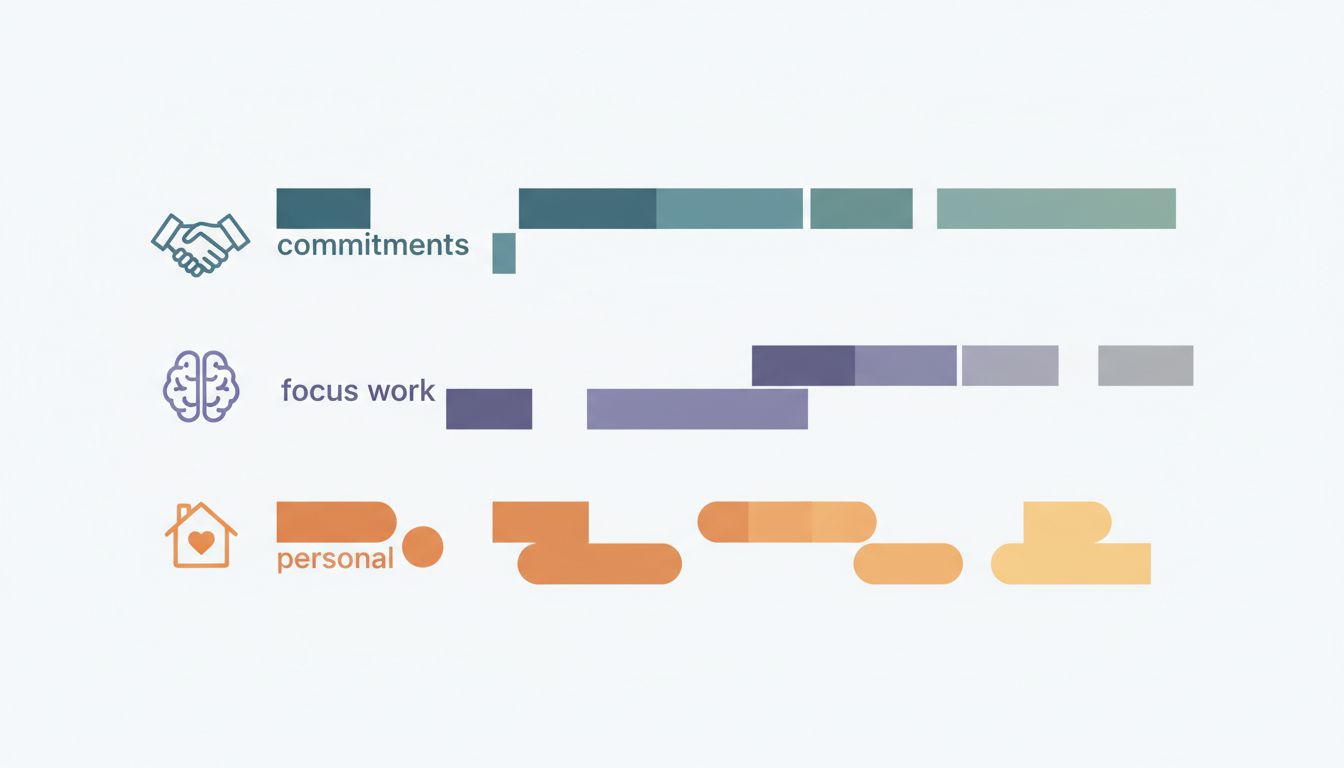
Newport’s solution works because it separates what the calendar is being asked to do. Your work calendar handles professional commitments. Your personal calendar handles life logistics. A third calendar, sometimes called a “focus calendar” or “ideal week” layer, shows you the shape you want your week to have before real appointments fill it in. Each layer answers a different question. The work calendar answers “what have I committed to?” The focus calendar answers “what kind of work do I want to be doing?” When you look at only one layer at a time, you can think clearly about what that layer is telling you.
Newport is not alone in this. Tiago Forte, who built the “Building a Second Brain” framework, talks extensively about separating different types of time claims. His system distinguishes between reactive time (meetings, messages, coordination) and generative time (creating, thinking, building). He argues that mixing them on the same visual plane trains your brain to treat them as the same category of thing, which they are not.
The practical mechanics here matter. You are not adding complexity for its own sake. You are reducing the number of things your calendar has to communicate at any given moment. When you open your focus calendar, it tells you one thing: what kind of cognitive mode should I be in right now? It cannot tell you whether your 2pm meeting is on Zoom or in the conference room. That is intentional. That information lives somewhere else.
This connects to something digital minimalists understand about multiple devices. The instinct is to consolidate everything into one device or one system for simplicity, but intentional separation creates cleaner mental contexts. Your work laptop is for work. Your personal phone is for personal life. The separation is not inefficiency. It is architecture.
So what does this look like in practice? Here is a three-layer setup you can start using today.
Layer one: your commitment calendar. This is the calendar you share with colleagues. It shows meetings, calls, deadlines, appointments, travel. It is the logistics layer. You check it when you need to know where to be and when.
Layer two: your focus calendar. This lives in a separate calendar account or as a distinct calendar color that you can toggle on and off. It contains blocks labeled by work mode, not task. “Deep work,” “admin batch,” “creative,” “review.” These blocks are not appointments with other people. They are agreements with yourself about what kind of thinking you will do. You look at this calendar when planning your week, not during it.
Layer three: your personal calendar. Family, health, social. Visible to you, invisible to colleagues. You consult it when you need to see the full picture of your life, not just your work.
The key discipline is this: you look at only one layer at a time for its specific purpose. When you are in a planning session deciding where to put your deep work blocks this week, you look at the focus calendar overlaid with the commitment calendar. When you are in the middle of a deep work block, you close the commitment calendar. You already know your next meeting. You do not need to watch the clock count down to it.
A note on resistance: every productivity system generates pushback along the lines of “that sounds like more work.” Setting up three calendars does take an afternoon. Maintaining the separation takes ongoing discipline. But the alternative, which is a single calendar that shows you everything all the time and trains you to context-switch constantly, is not actually simpler. It just front-loads the simplicity and hides the cost in your attention.
Newport’s broader argument, which holds up, is that the scarcest resource for knowledge workers is not time. It is the ability to think clearly for extended periods. Your calendar is not just a scheduling tool. It is an attention management tool. And if you are trying to use one tool to do two completely different jobs, you should not be surprised when it does both of them badly.
You already have everything you need to try this. Every major calendar app, including Google Calendar, Apple Calendar, and Outlook, supports multiple overlapping calendars with toggle visibility. The infrastructure exists. What the productivity experts figured out is just that the architecture matters as much as the content.





