You update your app, and suddenly the feature you used every single day is gone, glitchy, or hidden behind three new menus. You didn’t ask for this. You were happy. And yet here you are, googling whether you can roll back to the previous version. This isn’t bad luck, and it isn’t incompetence. There’s a structural reason this keeps happening, and once you understand it, you’ll know exactly how to protect yourself from the worst of it.
The frustration is almost universal, which tells you something important: the problem isn’t isolated to one company or one platform. It runs much deeper than that. The same economics that explain why free apps are surprisingly expensive to build also explain why the update cycle creates so much friction. Software teams are under constant pressure to ship, grow, and justify their existence, and that pressure has predictable consequences.
The Iceberg You Never See
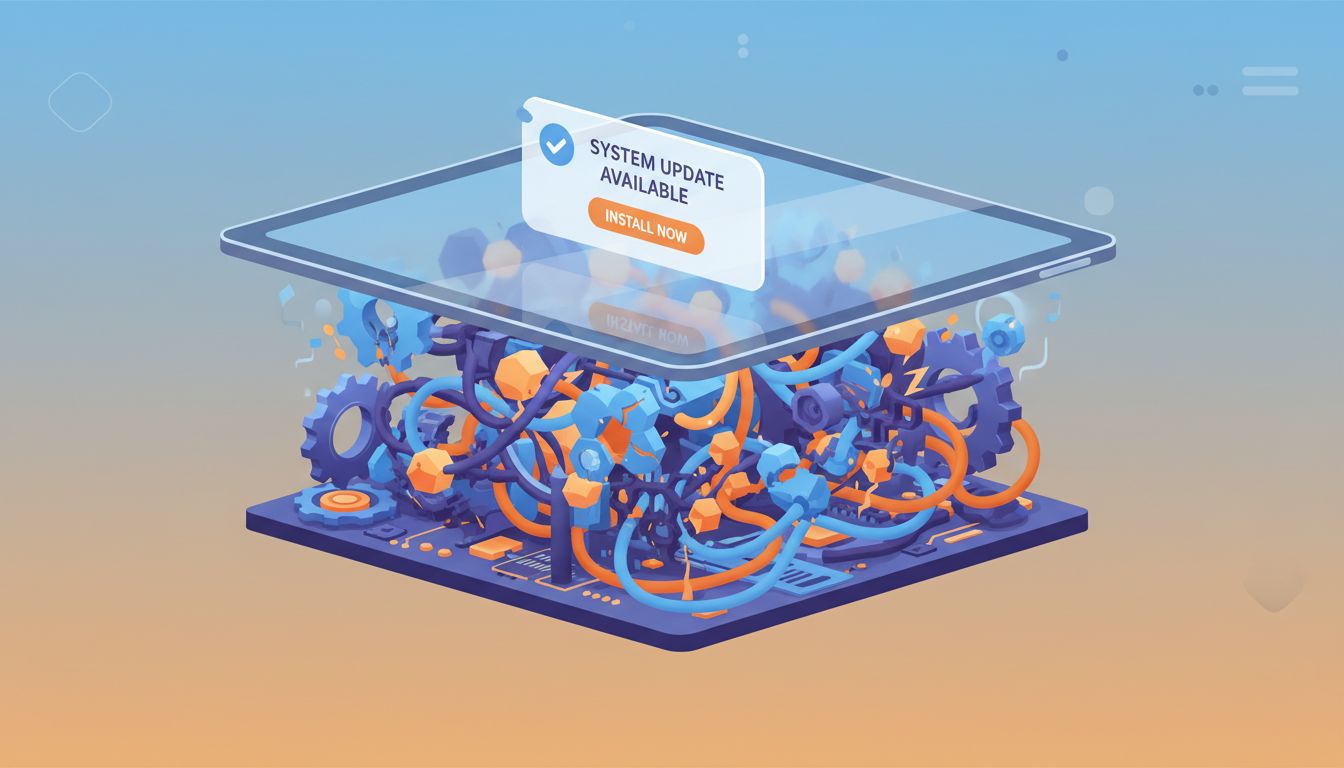
Most software today isn’t a single, self-contained thing. It’s a tower of dependencies, built on top of libraries, frameworks, APIs, and third-party services, many of which are maintained by entirely different teams, companies, or volunteers. When a developer updates one layer, every layer above it can shift.
Think of it like a building where each floor was constructed by a different contractor who had slightly different ideas about load-bearing walls. It mostly holds together. But when someone on the third floor decides to renovate, the people on the fifth floor sometimes discover that their plumbing no longer works.
This dependency chain is invisible to you as a user. You see a clean interface with buttons and menus. Underneath, there might be dozens of external components, each with their own release schedules and their own definition of what “stable” means.
Why “Testing Everything” Is Harder Than It Sounds
Here’s something most people outside software development don’t fully appreciate: it is genuinely impossible to test every scenario before releasing an update.
A moderately complex app might have thousands of features interacting with each other across dozens of device types, operating system versions, network conditions, screen sizes, and user configurations. The number of possible combinations isn’t just large, it’s astronomically large. Engineers use automated test suites to catch the most common problems, but automated tests only catch the problems someone thought to test for in advance.
What breaks in the real world is almost always something nobody anticipated. A user in New Zealand running an older version of Android on a carrier with unusual network settings, using a feature in a sequence no one on the QA team ever tried. That’s not a hypothetical. That’s a Tuesday.
The teams building this software aren’t careless. Many of them are extraordinarily talented. But the surface area of modern software is simply enormous, and the economics of how these companies operate mean that thorough manual testing at scale is often the first thing that gets compressed when shipping timelines get tight.
The Feature Treadmill and Why It Never Stops
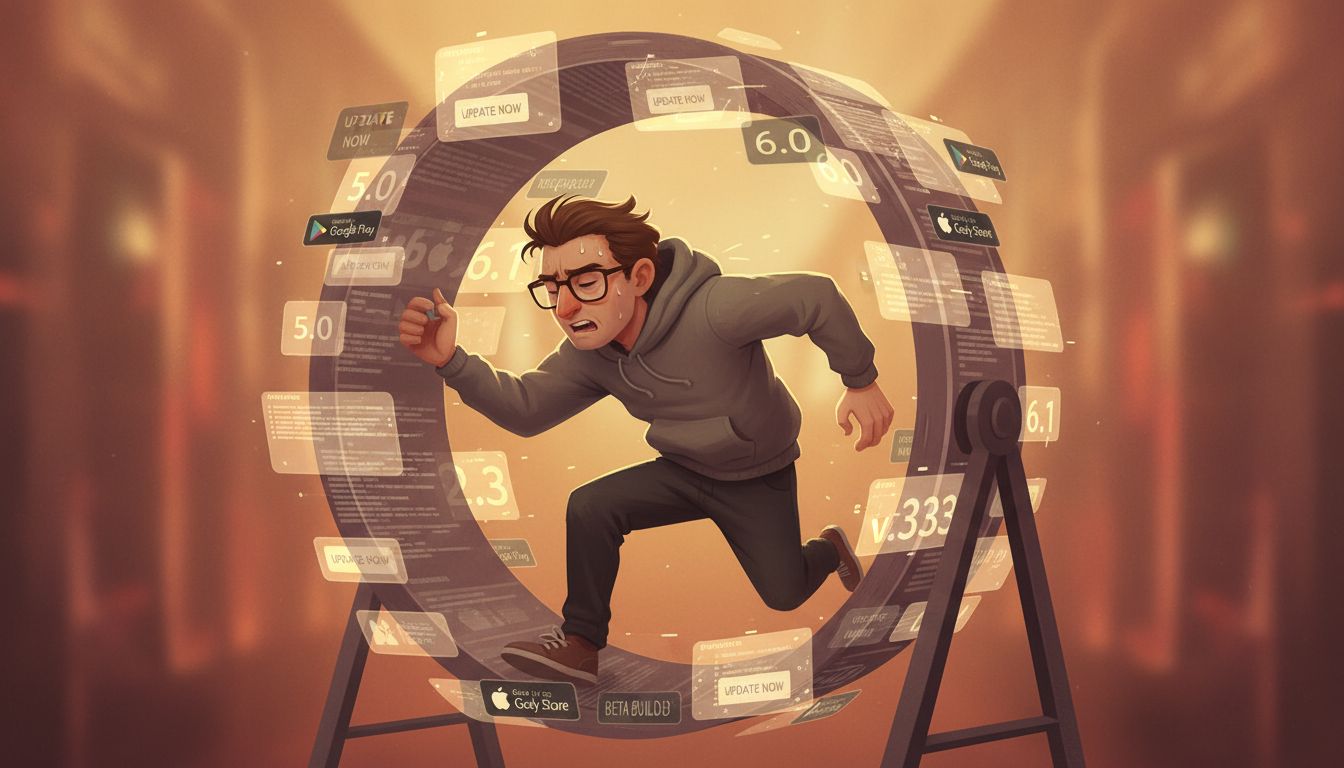
Here’s the part that should make you genuinely sympathetic to engineers, even when you’re furious at their software: most of the time, they know an update might break something. They ship it anyway. Not because they don’t care, but because the organization requires constant forward movement.
Software products live and die by growth metrics. New features attract new users. New users justify the next funding round or the next earnings report. Maintaining a stable, beloved feature set that nobody complains about doesn’t generate headlines, and it doesn’t move the needle on the charts that executives watch.
This creates a structural incentive to keep adding, keep changing, and keep experimenting, even when a significant portion of the user base would prefer the team just leave things alone. The feature treadmill is real, and it’s worth understanding if you’ve ever wondered why your favorite productivity tool keeps rearranging itself in ways that slow you down. (It’s a dynamic worth exploring more deeply, especially given how productivity apps can quietly undermine the workflows they’re supposed to support.)
The “Big Bang” Rewrite Problem
Occasionally, a team decides that the underlying codebase has become so tangled that the only solution is to rebuild everything from scratch. Engineers sometimes call this a “big bang” rewrite, and it almost always causes more pain than the original problem.
The reason is subtle but important. When you rewrite software from scratch, you lose years of accumulated fixes for edge cases you’ve long since forgotten. The original code, messy as it was, contained solutions to hundreds of small problems discovered through real-world use. The new, clean code doesn’t have those solutions yet. So it breaks in all the old ways, all over again, while the team learns the same hard lessons the first team learned.
This is actually part of why major tech companies still rely on programming languages and systems from decades ago. Old code is full of scars, and those scars are doing real work.
What You Can Actually Do About It
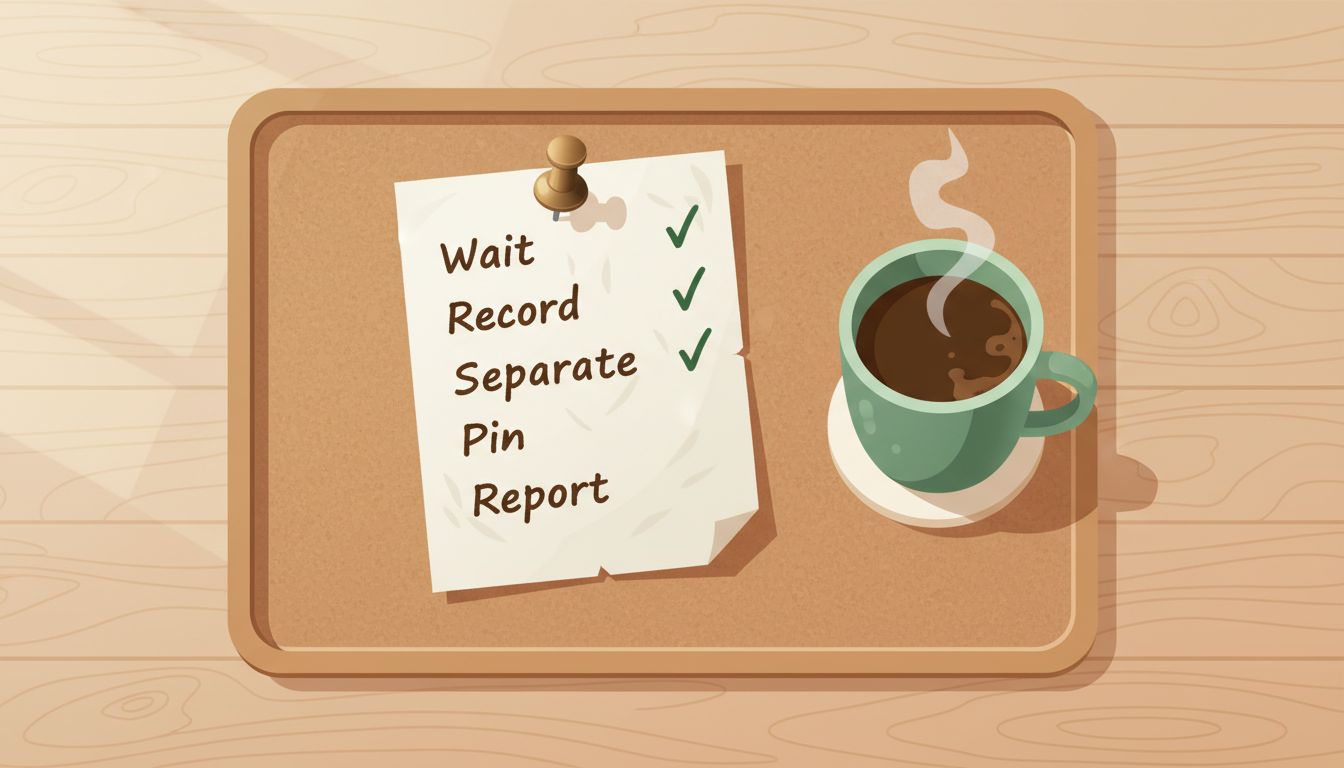
Knowing why updates break things is useful, but you probably want practical steps. Here’s a framework that genuinely helps.
Wait before you update. For non-security updates, waiting one to two weeks lets other users discover the most disruptive bugs. Let them be the canary. Check forums and app store reviews for your specific use case before updating.
Keep a record of what you actually use. Before any major update, spend five minutes writing down the three to five features you depend on most. After updating, check those specific things first. This sounds obvious but most people don’t do it, which is why they discover the breakage at the worst possible moment.
Separate your critical tools from your experimental ones. The apps you use for actual work deserve more caution than the apps you’re just trying out. Update your experimental tools eagerly. Update your critical tools carefully.
Use version pinning where possible. In professional or technical contexts, many tools let you specify which version you want to run. If stability matters more than new features for a particular workflow, locking to a known-good version is a completely legitimate strategy.
Give feedback, specifically. Vague one-star reviews don’t help anyone. Detailed bug reports, describing exactly what broke and how you were using the feature, are genuinely useful to development teams and increase the likelihood that something gets fixed.
The update cycle isn’t going to slow down. The dependency chains aren’t getting simpler. But you now understand the actual mechanics at play, which means you can navigate them deliberately instead of just absorbing the frustration. That’s a meaningful shift, and it starts the next time you see that update notification.