The planned obsolescence narrative is satisfying. It fits neatly into a worldview where corporations are villains deliberately throttling your hardware to sell you a new one. Apple even paid a settlement over it. But that one real case has become a mental shortcut people apply to every slowdown they experience, and it leads them to misunderstand what’s actually happening inside their machines.
The truth is messier, more interesting, and honestly more forgiving of the software teams involved. Your computer runs slower after updates primarily because of security, abstraction, and the compounding cost of complexity. Understanding why requires looking at how software actually grows over time.
What Software Actually Does to Your Hardware Over Time
When you buy a computer, the hardware is fixed. The CPU has a certain number of transistors, a certain cache size, a certain instruction set. What changes constantly is the software that runs on it.
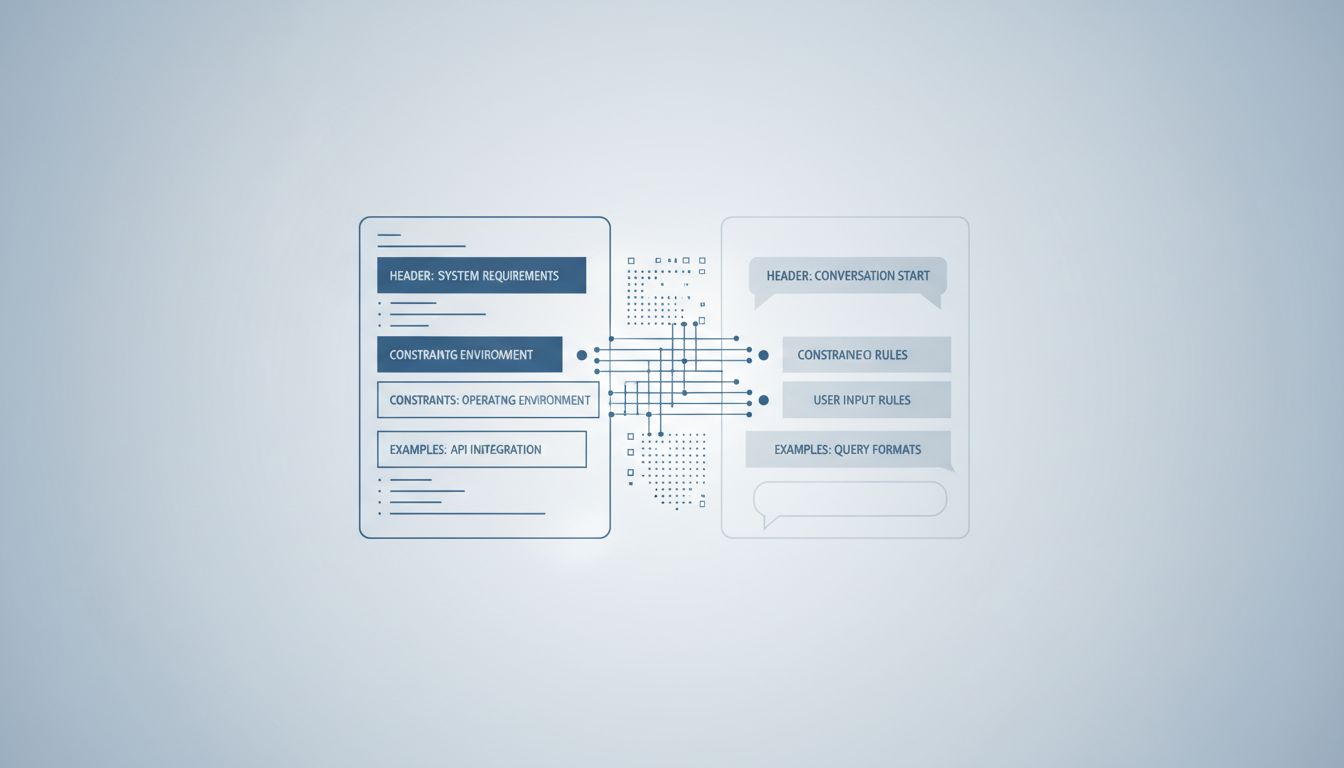
Modern operating systems are built in layers. At the bottom is the kernel, which talks directly to hardware. Above that are system libraries and frameworks. Above those are the applications you actually use. Each layer adds overhead, meaning every instruction your application issues has to travel down through several layers of abstraction before anything physical happens.
Abstraction is not a bug. It’s what lets a developer write code that runs on both an Intel chip and an ARM chip without rewriting everything. It’s what lets macOS applications keep working across a decade of hardware changes. But every abstraction has a cost, and over time, as software teams add new abstractions to solve new problems, that cost compounds.
Think of it like a game of telephone. In 2015, your app might have issued a command that passed through three translation layers before reaching the hardware. In 2025, that same class of command might pass through six, because three new compatibility or safety layers were added in between. Each individual layer is fast. The accumulation is not.
The Security Patch Problem Is Real and It Matters
The most dramatic example of legitimate performance degradation through updates is Spectre and Meltdown, two processor vulnerabilities disclosed in January 2018. These weren’t software bugs. They were flaws in the fundamental design of how modern processors handle speculative execution (a technique where the chip guesses what instructions are coming next and runs them early to save time).
The fixes required operating system-level changes that forced the CPU to flush certain caches more aggressively and prevented some of that speculative work from happening. The result was measurable performance degradation, particularly for workloads that make many system calls (requests from software to the operating system kernel). Database servers, for instance, saw meaningful slowdowns in some configurations. Desktop users noticed less, but the overhead was real.
This is the category of slowdown nobody talks about when they say “planned obsolescence”: mandatory performance costs paid to close security holes. The alternative isn’t keeping your old speed. The alternative is leaving your machine exploitable at the hardware level. That’s not a real choice.
Security patches like these accumulate over years. Your 2019 operating system install might be running with a dozen or more patches that each extracted a small performance toll in exchange for not having your CPU’s speculative execution abused by malicious code. The total tax isn’t enormous on modern hardware, but it’s not zero.
Feature Creep and the Weight of Backwards Compatibility
Software teams almost never remove features. They add them. And even when a feature is technically removed from a user interface, the code that supports it often stays in the codebase for compatibility reasons.
Windows is a useful example here, because Microsoft has maintained an unusually long backwards compatibility promise. You can still run software written for Windows 95 on Windows 11 in many cases. That compatibility doesn’t come free. It means the operating system carries around code paths, translation layers, and legacy APIs (Application Programming Interfaces, the points where programs communicate with the OS) that modern applications never touch.
Mac applications face a similar story. Apple periodically does clean sweeps, dropping support for 32-bit applications with macOS Catalina being the most recent major cut. Those transitions are painful precisely because the compatibility shims that made old software work had real overhead. Removing them made things faster, not slower, which is itself evidence that the weight had been real.
This is the architectural debt problem. Software engineers are sometimes paid more to delete code than write it because removal requires understanding everything that depends on what you’re removing. Most teams, rationally, don’t take that risk unless forced to.
Why New Features Demand More From Old Hardware
Aside from security and compatibility weight, there’s the simpler problem that new software genuinely does more.
A browser in 2010 parsed HTML, ran some JavaScript, and displayed pixels. A browser in 2025 runs a JavaScript engine that JIT-compiles (Just-In-Time compiles, meaning it translates JavaScript to native machine code on the fly) code that would have looked like a desktop application a decade ago. It sandboxes every tab in a separate process for security. It handles WebAssembly. It renders hardware-accelerated animations. It manages dozens of open connections through HTTP/2 and HTTP/3.
All of that is legitimately useful functionality. But it requires more CPU cycles, more RAM, and faster storage than the equivalent task in 2010. When you update your browser, you’re not getting a slower version of the same thing. You’re getting a more capable thing that costs more to run.
On new hardware, this is fine or even imperceptible because hardware performance has also improved. On a five-year-old machine, the gap between what the software now expects and what the hardware can deliver starts to show.
This is not obsolescence. It’s a genuine mismatch between the pace of software capability growth and the fixed capability of hardware you already own. The honest framing is that the software got better and your hardware didn’t keep up, not that the software got worse on purpose.
The RAM Management Story Nobody Explains Clearly
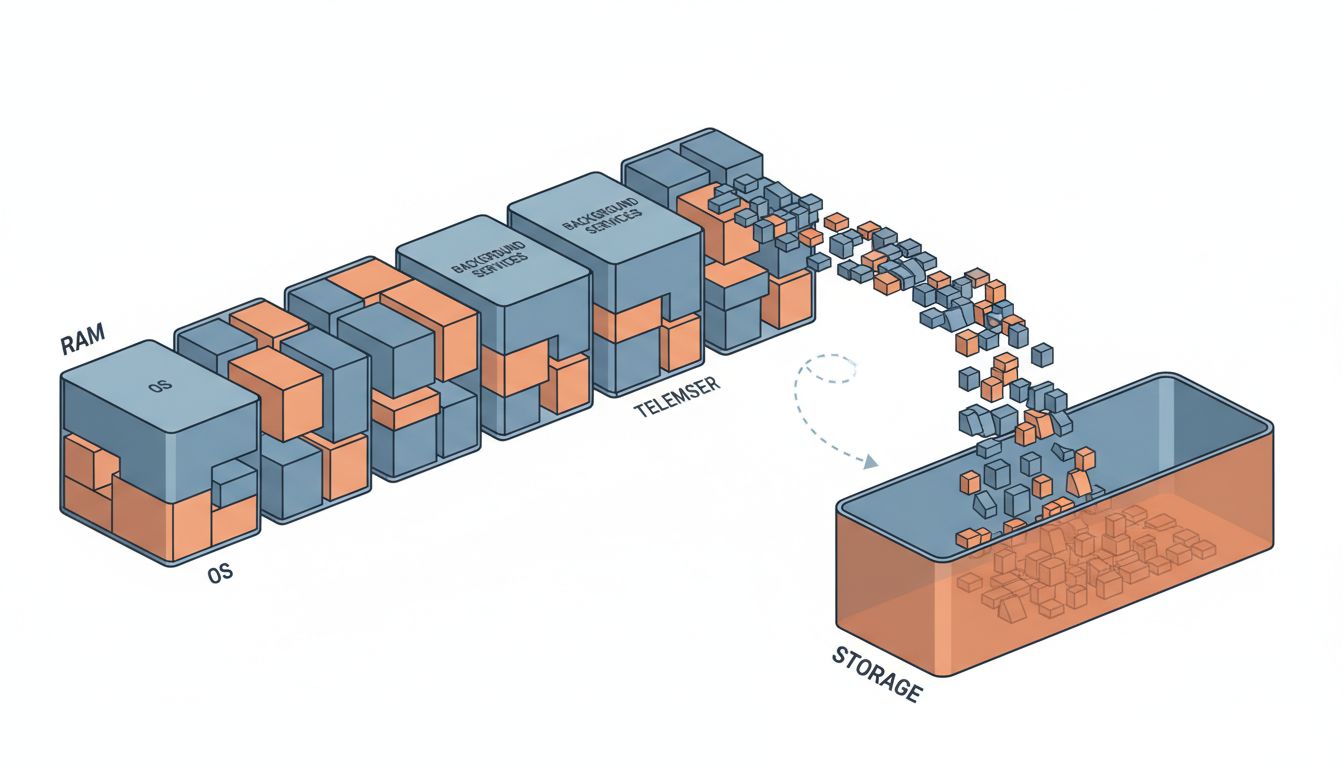
One of the most misunderstood sources of perceived slowdown is memory pressure. Modern operating systems use a technique called virtual memory, which allows them to use storage (an SSD or, on older machines, a spinning hard drive) as an overflow buffer when RAM fills up. This is called swapping or paging.
When your operating system needs to keep a dozen apps in memory and runs out of RAM, it writes the contents of some inactive apps to disk and frees up that RAM for the active task. When you switch back to that inactive app, it reads it back from disk. On a spinning hard drive, this is painfully slow. On an SSD it’s fast but still significantly slower than actual RAM.
Newer operating systems, having been developed when more RAM was the norm, often assume more is available. Background processes, crash reporters, update checkers, indexing services and telemetry collection all compete for memory that was never plentiful on older machines. The result isn’t that the OS is maliciously wasting memory. It’s that the OS was designed with different assumptions about the hardware floor.
You can verify this yourself on any modern Mac or Windows machine. Open your system’s activity monitor and sort processes by memory usage after a fresh boot. You’ll typically find the OS itself consuming a substantial chunk before you’ve opened a single application. That footprint has grown with every major release, not because engineers are sloppy, but because the OS is now doing genuinely more things on your behalf in the background.
The Real Culprit: Optimization Happens Last, If It Happens
There’s one more layer to this story that’s worth being direct about. Software development prioritizes correctness and feature delivery over performance in most commercial contexts. This is a rational choice given how development resources are allocated, but it means performance optimization is usually deferred, and often indefinitely.
The result is that many updates carry code that works correctly but wasn’t written with efficiency as a priority. Inefficient algorithms. Unnecessary database queries. JSON serialization happening in tight loops. None of this is intentional slowdown. It’s the natural output of teams under deadline pressure shipping code that passes tests.
Performance regressions in updates are common enough that large software organizations run automated benchmarking pipelines specifically to catch them before release. Google’s Chrome team has published extensively about their performance testing infrastructure. Apple maintains performance benchmarks across their OS releases. These tools catch some regressions. They miss others. The ones that make it to you in an update are the ones the automated systems didn’t flag as significant enough to block the release.
What This Means
Your computer slowing down after updates is real, but the mechanism is mundane rather than conspiratorial. Security patches extract performance costs to close genuine vulnerabilities. New features demand more from hardware that hasn’t changed. Backwards compatibility layers accumulate weight over years of releases. Memory and storage assumptions shift as hardware norms change. And code optimization is deprioritized in favor of shipping.
The practical implication is that a machine that feels slow after several years of updates isn’t a victim of sabotage. It’s a machine running significantly more sophisticated software than it was designed to run, often with security constraints that didn’t exist when it launched. In some cases, you can recover meaningful performance by staying on an older OS version, but you trade security for speed in doing so, and that’s a tradeoff that usually favors updating.
Understanding this matters because it points toward the right solutions. Upgrading RAM where possible, using lightweight browser configurations, auditing startup processes, and being selective about automatic updates on older hardware are all productive responses. Blaming manufacturers for fictional malfeasance is not, and it keeps you from understanding the system you’re actually working with.