Your software didn’t get slower because your computer aged. It got slower because someone, somewhere, made a decision in a product meeting. Designed obsolescence in software is not a conspiracy theory or a side effect of rapid development cycles. It is a documented, deliberate business strategy that shapes how billions of people interact with technology every single day, and understanding it changes how you see every update notification you’ve ever dismissed.
This is different from the hardware version of the same trick, where manufacturers engineer physical products to fail after a predictable window. Software obsolescence is subtler, harder to prove, and far more scalable. You can push it to every user simultaneously with a single deployment.
The Mechanics of Making Old Software Feel Broken
The most common technique is not removing features. It is adding weight. When Microsoft ships a new version of Office, the older version doesn’t change, but the ecosystem around it does. File formats shift slightly. Collaboration features stop working with colleagues on newer versions. SharePoint integrations quietly degrade. Nothing in the old software broke. The floor just dropped.
Adobe mastered a version of this with Creative Cloud. The perpetual license era gave way to subscription software, and with it came a policy that older versions of Photoshop and Illustrator stop receiving updates, including updates for operating system compatibility. When Apple updates macOS, older Adobe applications may stop launching entirely. The software is identical to what you paid for. The environment it runs in has moved on without it.
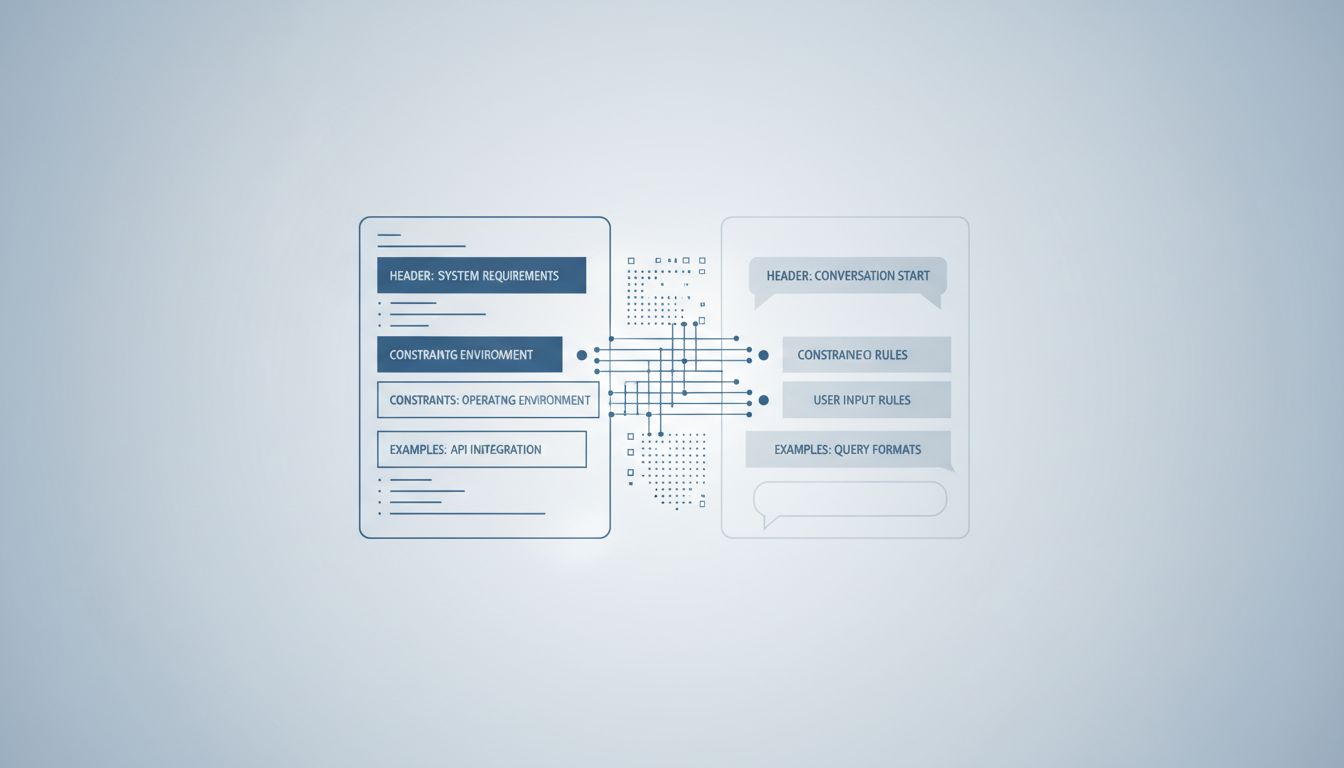
This is architecturally intentional. Engineers designing these systems know exactly how tightly coupled their software is to OS-level APIs. Choosing not to abstract those dependencies is itself a design decision, and it has a predictable shelf life baked in.
End-of-Life Policies as a Product Strategy
Every major software vendor publishes an end-of-life schedule. Microsoft’s support lifecycle policy, for example, gives Windows versions a defined expiration date after which security patches stop. On the surface this looks like responsible resource allocation. In practice, it functions as a forcing function for upgrades.
The security argument is real but it is also convenient. Ending support for an operating system does not mean the OS becomes insecure overnight. It means the vendor stops issuing patches, which shifts the risk calculus for enterprise customers dramatically. IT departments are not going to run unsupported software in regulated industries. So the upgrade happens, not because the old software failed, but because the support contract expired.
This is worth sitting with for a moment, because it’s a different kind of product failure than most people discuss. How a company responds to known software issues tells you more about their priorities than the issues themselves. Choosing to stop fixing a product that still works, and calling that a lifecycle policy, is a decision with commercial intent.
Enterprise software vendors have refined this into an art form. SAP, Oracle, and Salesforce all use end-of-life timelines to push customers toward newer (and almost always more expensive) licensing tiers. The old system works fine. The contract just stopped covering it.
The API Deprecation Playbook
For developer-facing platforms, the mechanism is API deprecation. You build your product on a platform’s API. The platform announces that API is deprecated. You have 12 to 18 months to migrate. If you don’t, your product breaks.
This is how Google has managed its Android ecosystem for years, and how Apple uses Swift and its evolving SDK requirements to keep iOS developers perpetually rebuilding for new versions. Twitter (now X) used API deprecation aggressively to kill off third-party clients that competed with the native app experience, pricing the API at tiers that made independent app development economically unviable.
The pattern accelerates when there is money in the migration. Software licenses frequently cost more than the hardware they run on, and every forced migration is an opportunity to upsell. The new API tier has more features. The new license includes services the old one didn’t. The friction of staying on the old version eventually exceeds the friction of paying more for the new one.
Artificial Intelligence Is Making This More Sophisticated
The next frontier of designed obsolescence is AI-native software. When a product’s core value proposition is a model that gets retrained and updated, the old version doesn’t just feel slower. It becomes factually less capable, sometimes in ways that are difficult to compare directly.
This creates a subtler version of the same dynamic. You can’t run last year’s GPT-4 in the same way you can refuse to upgrade Word. The model is hosted. The inference happens on their servers. When they deprecate a model version, they are deprecating access to the specific behavior you built your workflow around. AI models essentially forget everything they learned after a software update, which means every model update is also a product discontinuation event disguised as an improvement.
Companies like OpenAI, Anthropic, and Google already publish model deprecation timelines. The pattern is identical to OS lifecycle policies. It has just been compressed into months instead of years.
What You Can Actually Do About It
The honest answer is: not much, if you’re locked into a vendor ecosystem. But knowing the shape of the strategy changes how you evaluate software choices upfront.
Open-source software has a structural advantage here. The code doesn’t expire because a vendor stops caring about it. Programming languages built on open standards outlast the companies that initially popularized them, and software built on those foundations tends to be more durable. Self-hosted tools, while operationally heavier, don’t have an expiration date tied to someone else’s pricing committee.
For enterprise buyers, the negotiation point is contractual. Demanding extended support windows, API stability guarantees, and migration path commitments in writing changes the calculus for vendors. Most won’t offer these terms unprompted, but they exist because large customers have asked for them.
For individual users and smaller teams, the practical takeaway is to treat software subscriptions like infrastructure, not tools. If your workflow depends on it, know the lifecycle policy before you build around it. The end date is usually published. It just isn’t in the marketing materials.