You already know what a dark pattern is. It’s the checkbox that’s pre-ticked to sign you up for a newsletter, the cancel button that’s grayed out and barely visible, the guilt-trip copy that says ‘No thanks, I don’t want to save money’ when you try to close a popup. These are design choices engineered to override your better judgment by making one option feel easier, more natural, or less painful than another. What’s less discussed is that the same behavioral manipulation toolkit has quietly migrated from consumer-facing products into the internal software your employer uses to manage, measure, and motivate you. And unlike the dark patterns in a shopping app, these ones aren’t trying to get you to spend money. They’re trying to extract labor.
This isn’t a conspiracy theory. It’s a natural consequence of how enterprise software is evaluated. When a company buys Slack, Jira, Salesforce, or any productivity platform, the vendor’s incentive is to demonstrate engagement metrics that justify the contract renewal. More engagement sounds like more productivity. But engagement and productivity are not the same variable, and the gap between them is where things get interesting. If you want to go deeper on how software design choices that seem irrational from the outside can have airtight internal logic, this breakdown of why software companies ship buggy products on purpose is a good companion read.
The Streak Mechanic Is Not Gamification. It’s a Hostage Situation.
Let’s start with one of the most pervasive patterns in internal productivity tools: the streak. Duolingo made it famous in consumer apps, and now it shows up everywhere from sales dashboards to code review platforms. The idea is simple. You complete a task on consecutive days, a counter increments, and you feel good about the number going up. Miss a day, and the counter resets to zero.
Here’s what’s happening at the cognitive level. The streak mechanic exploits loss aversion, a well-documented phenomenon where the psychological pain of losing something is roughly twice as powerful as the pleasure of gaining the equivalent thing. Once your streak reaches, say, 14 days, you’re no longer working to build the streak. You’re working to avoid losing it. The system has transformed a positive behavior into a defensive one. You’re logging that sales call at 11:47 PM not because it’s strategically valuable, but because the counter will reset at midnight.
Some internal tools make this even more aggressive by making streaks visible to teammates or managers, which layers social pressure on top of the loss aversion. Now you’re not just protecting your own number. You’re managing your reputation.

Notification Architecture as Behavioral Training
Notifications inside enterprise software are rarely designed to inform you. They’re designed to create a conditioned response. And the conditioning happens at the timing and frequency layer, not just the content layer.
Think about how Jira or similar project management tools handle notifications. You get pinged when someone comments on a ticket, when a status changes, when a due date is approaching, when someone @-mentions you, and often when none of these things are time-sensitive. The variable reward schedule (sometimes the notification matters, sometimes it doesn’t) is the same architecture that makes slot machines compelling. You check because you’ve been trained to check, not because you have reason to believe something important happened. If you want to understand this more mechanically, the breakdown of how notification systems are designed to train you rather than inform you goes deep on the operant conditioning angle.
The enterprise software angle adds a layer that consumer apps don’t have: authority. When Slack shows you a red badge because your manager sent a message, the notification isn’t just a dopamine trigger. It’s carrying an implicit power dynamic. The result is that employees check internal tools at a frequency that has almost nothing to do with actual workflow requirements. Some research on knowledge worker behavior suggests that people check communication tools over 100 times per day, with the majority of those checks producing no actionable information.
The Visibility Trap and the Performance of Productivity
Here’s a pattern that’s more subtle and, I’d argue, more damaging than streaks or notifications. Many internal tools now include activity dashboards that make your work visible to managers and peers in real time. You can see who’s online, who’s edited a document recently, who’s pushed code in the last hour, who’s responded to messages quickly.
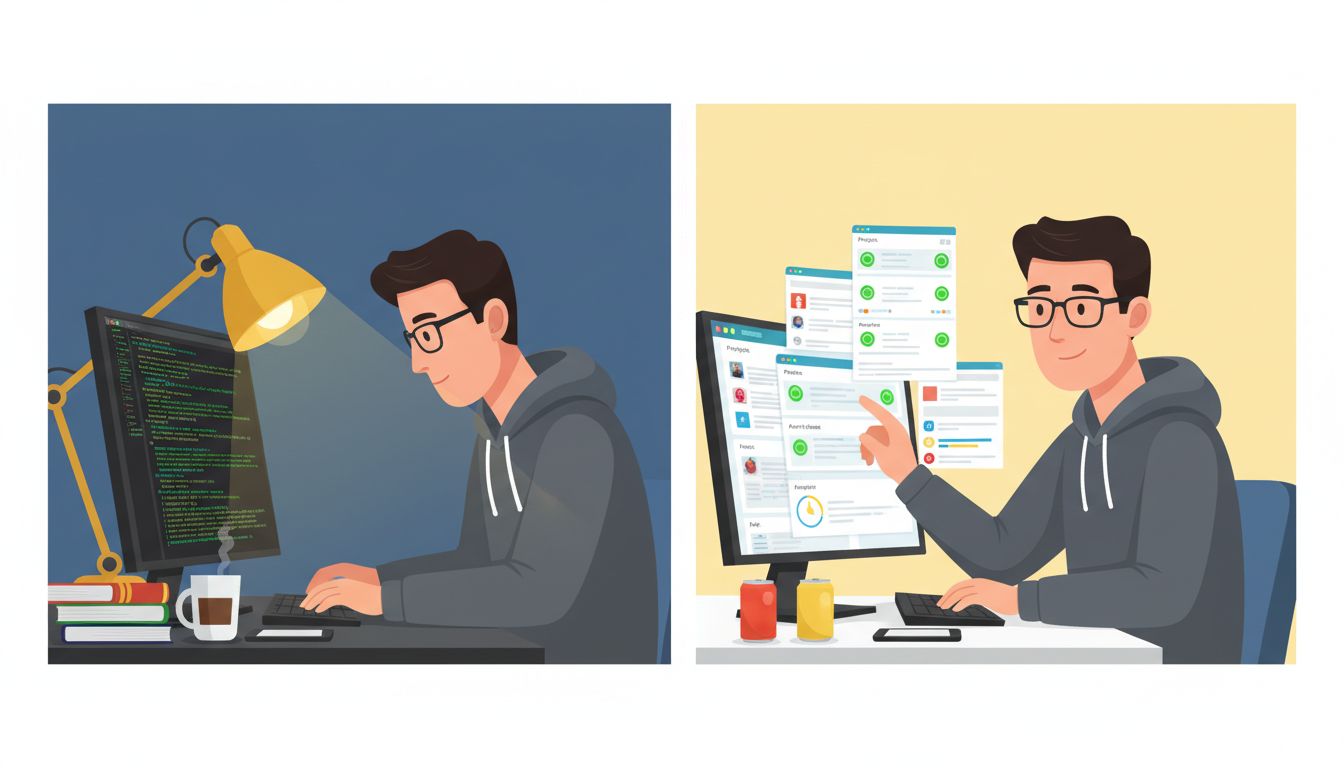
The stated purpose is transparency and collaboration. The actual behavioral effect is something different. People start optimizing for the metrics that are visible rather than the work that’s valuable. A developer refreshes their IDE and makes a small inconsequential commit at 9 AM not because it’s the right next step in the codebase, but because the activity dashboard will show them as engaged. A writer makes minor edits to a shared doc to register as active in the version history.
This is sometimes called “productivity theater,” and it’s a well-documented phenomenon in remote work research. The cruel irony is that the time spent performing productivity is time subtracted from actual productivity. Some of the research on this points toward a counterintuitive solution: teams that deliberately delete communication channels become faster, not slower. Reducing the surface area for visibility theater removes the incentive to perform.
Defaults as Silent Policy
The most elegant dark patterns in internal software don’t push or notify you at all. They simply set defaults that most people never change.
Calendar software that defaults to scheduling meetings at 30 or 60 minute increments. Standup tools that default to daily check-ins. Code review systems that default to requiring two approvals. Status tools that default to showing you as “available” unless you manually set otherwise. None of these defaults are neutral. They encode assumptions about how work should happen, and because changing defaults requires friction, most people accept them as the natural shape of their workday.
The 15-minute meeting isn’t the default even though cognitive research consistently shows that most information exchanges require far less than 30 minutes. The “available” status isn’t earned by being actually available. It’s the absence of the effort to change it. Software engineers understand this intuitively because they deal with default parameters in their own code, but we rarely think critically about the defaults in the tools we’re handed from above.
What You Can Actually Do About It
I want to be careful here not to be preachy, because some of these patterns genuinely do produce useful behavior sometimes. Streaks can build real habits early on. Visibility dashboards can surface genuine collaboration gaps. The problem is that the mechanisms don’t know when they’ve done their job and tend to keep running past the point of usefulness.
The most practical countermeasure is to audit your tool behavior the same way you’d audit code. Ask what each notification is actually doing to your working memory. Ask whether your activity on a dashboard reflects real work or performed work. Ask who set the defaults in your tools and what assumptions are baked into them.
The deeper lesson is that software doesn’t have to be consumer-facing to be manipulative, and it doesn’t have to be malicious to change your behavior in ways you didn’t consent to. Your employer’s internal tooling was designed by people with incentives that don’t perfectly align with yours, and understanding that is the first step toward working with the tools instead of being worked by them.