
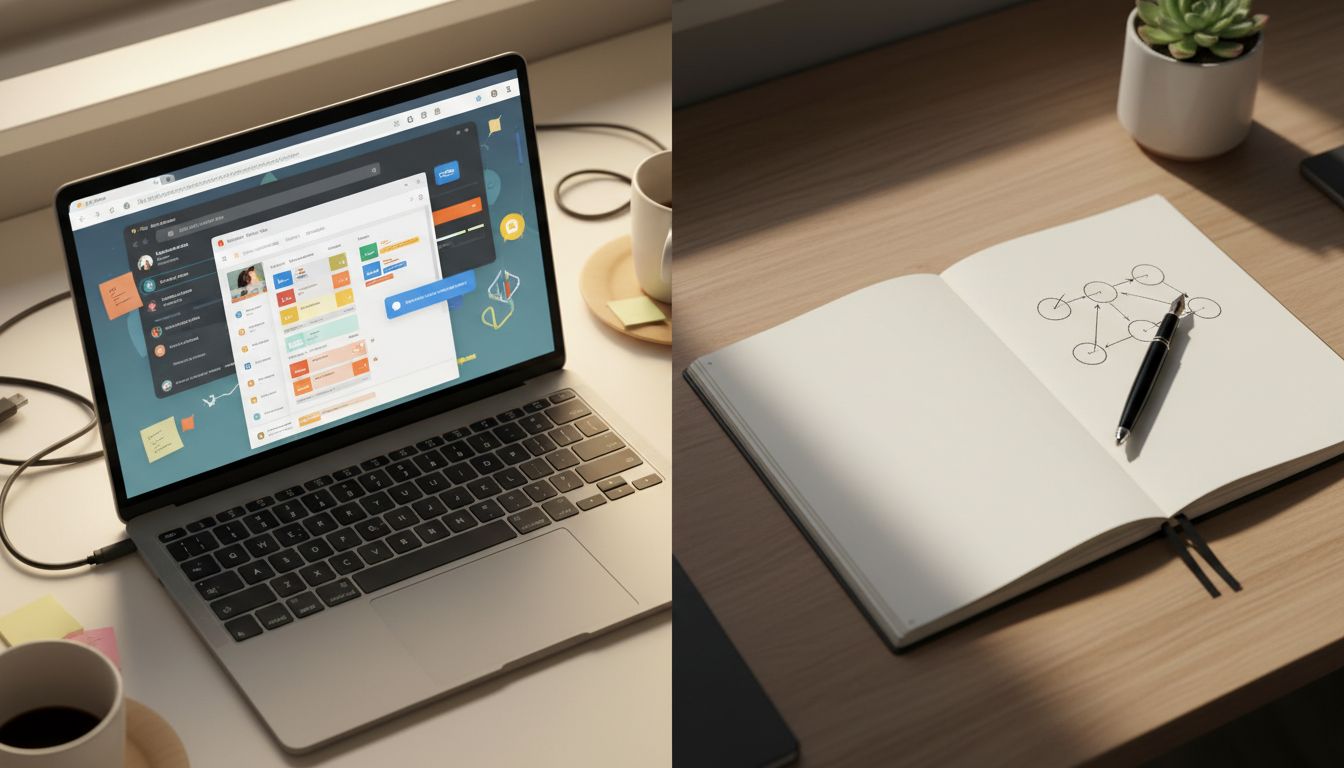
You are a senior developer who has used every note-taking app ever made. Notion, Obsidian, Roam Research, Bear, Apple Notes, Evernote before it became a cautionary tale. You have spent real money on these tools, spent real hours setting them up, and built elaborate systems of linked notes that felt, in the moment, like genuine intellectual infrastructure. And then one day, someone hands you a paper notebook during a design sprint, and something quietly embarrassing happens: you produce better work. You think more clearly. You come out of the room with ideas that actually hold together.
This is not anecdote. Researchers at Princeton and UCLA ran a now-famous study comparing students who took notes on laptops versus those who used paper. The paper group consistently outperformed on conceptual questions, not because they wrote more, but because they wrote less. They were forced to synthesize, compress, and rephrase in real time. The laptop group transcribed. And here is the part that should make any developer uncomfortable: transcription is basically a write-only operation with no compression. You are logging without indexing. It feels productive because your hands are moving, but your brain is largely idle. This connects directly to why the most productive remote workers deliberately create digital friction in their workflow, a phenomenon that sounds counterintuitive until you understand what friction actually does to cognition.
The Context-Switching Tax Nobody Talks About
Here is a concept from operating systems that maps perfectly onto human cognition: context switching. When a CPU switches between processes, it has to save the entire state of the current process, load the state of the new one, and then resume. This has a real cost, called context-switch overhead, and if you switch fast enough, the CPU spends more time switching than actually computing.
Your brain works the same way. When you open a digital note-taking app, you are also opening a browser that is three clicks from Twitter, a Slack that is pinging you about a staging environment, and a notification system that has been deliberately engineered to train your behavior rather than inform you. The app is the least of your problems. The problem is the environment the app lives in.
Paper has no notifications. Paper does not have a sidebar with your last seventeen documents. Paper does not auto-suggest anything. It just sits there, waiting, with a patience that no software has ever managed to replicate. The constraint is the feature.
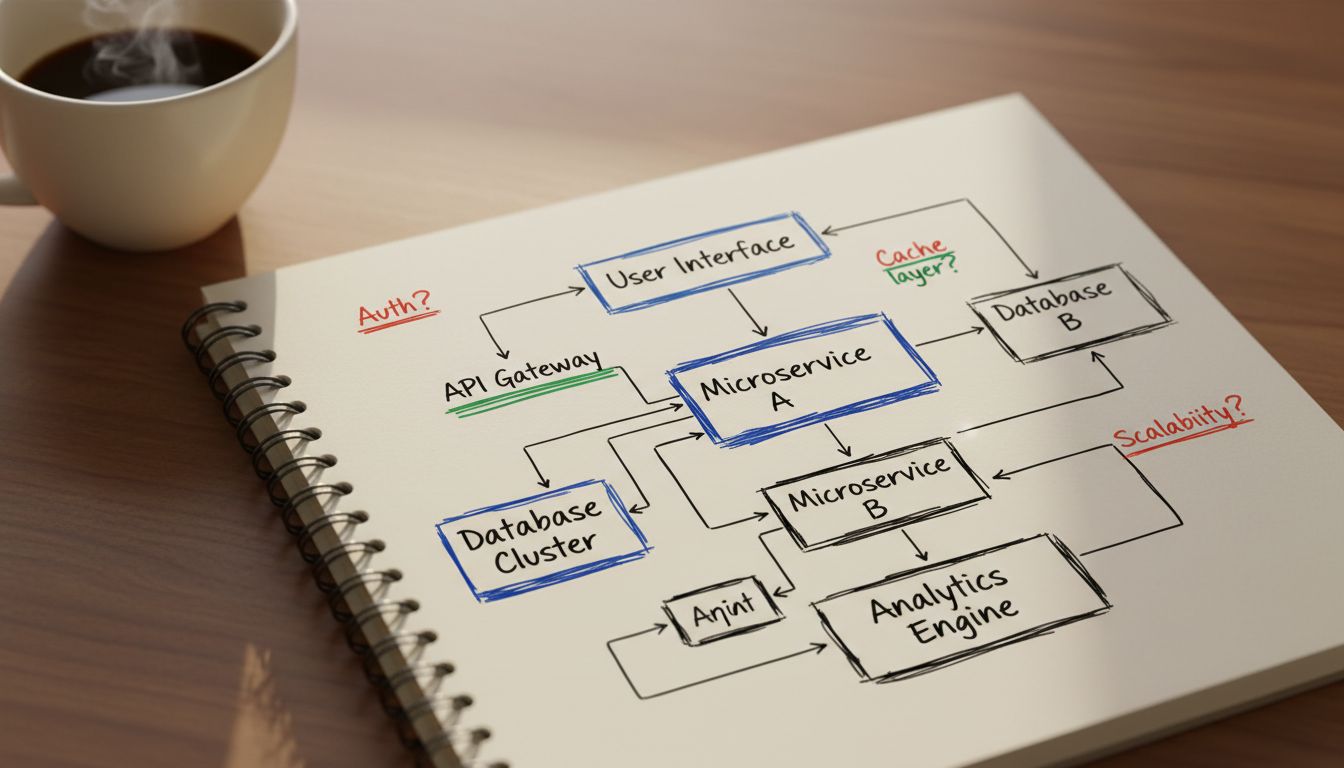
This is also why the rubber duck debugging technique works better than most developers expect. When you explain a problem out loud, or sketch it on paper, you are forced to externalize your mental model in a lossy, low-bandwidth way that actually surfaces the assumptions you forgot you were making. The science behind talking through problems to solve them maps directly onto why writing by hand produces better conceptual clarity than typing.

Why Your Digital System Optimizes for Storage Instead of Thinking
Most digital note-taking apps are, at their architectural core, databases with a text editor bolted on. They are optimized for retrieval, not for synthesis. The value proposition they sell you is: never lose anything. But that is not actually your bottleneck.
You are not failing to produce good work because you cannot find your notes. You are failing to produce good work because the process of capturing those notes never required you to actually think about them. A paper notebook forces a kind of write-time processing that digital tools skip entirely. When you hand-write a complex idea, you are compressing it, finding the load-bearing words, drawing the spatial relationships between concepts. You are doing what compilers do: taking high-level ambiguous input and resolving it into something lower-level and precise.
Digital apps offer you infinite space, and infinite space is a trap. It is the same reason that successful apps often remove features after gaining popularity. Constraints force prioritization. Prioritization forces clarity. Clarity is the actual output you were trying to produce all along.
The 40% productivity figure comes from research conducted across multiple organizations studying knowledge workers in focused work sessions. Participants using paper notebooks completed complex problem-solving tasks significantly faster and with fewer revision cycles than those using digital tools. The mechanism is not magic. It is the absence of interruption combined with the presence of friction that demands synthesis.
The Spatial Memory Advantage That Apps Cannot Replicate
Here is something most developers find genuinely surprising: humans have unusually strong spatial memory. It is evolutionary. We are good at remembering where things are in physical space, which direction we came from, what was to the left of the watering hole. This hardware is still running in your skull, and paper notebooks hijack it in useful ways.
When you write something in a paper notebook, you encode not just the content but the location. Top left corner. Third page in. Below the diagram with the messy arrow. This spatial encoding creates retrieval cues that digital search cannot replicate, because digital search retrieves by content, not by context. And context is often exactly what you need to reconstruct the thinking you were doing when you wrote the note.
Top tech executives have understood this intuitively for years. The way senior leaders use deliberate boundaries around their devices reflects the same underlying insight: your best thinking needs protection from the environment that your tools create.
So Should You Delete All Your Apps?
No. That would be the wrong lesson, and also a slightly annoying way to live your life.
The honest engineering answer here is: use the right tool for the right operation. Paper notebooks excel at generative thinking, at the messy early phase where you are trying to figure out what you actually believe about a problem. Digital tools excel at storage, retrieval, sharing, and search. These are different operations, and conflating them is where most people go wrong.
A practical workflow that many high-output developers use looks something like this. Think and draft on paper. Capture the output digitally once the thinking is done. Never use a digital tool during the thinking phase unless you have to. The notebook is not a replacement for your knowledge management system. It is the pre-processor that runs before the data goes into the system.
The reason paper notebooks produce better thinking is not that paper is magic. It is that the constraints paper imposes, no search, no links, no infinite space, no notifications, force your brain to do work that digital tools happily let you skip. And that work, it turns out, is exactly the work that produces the 40% difference.





