
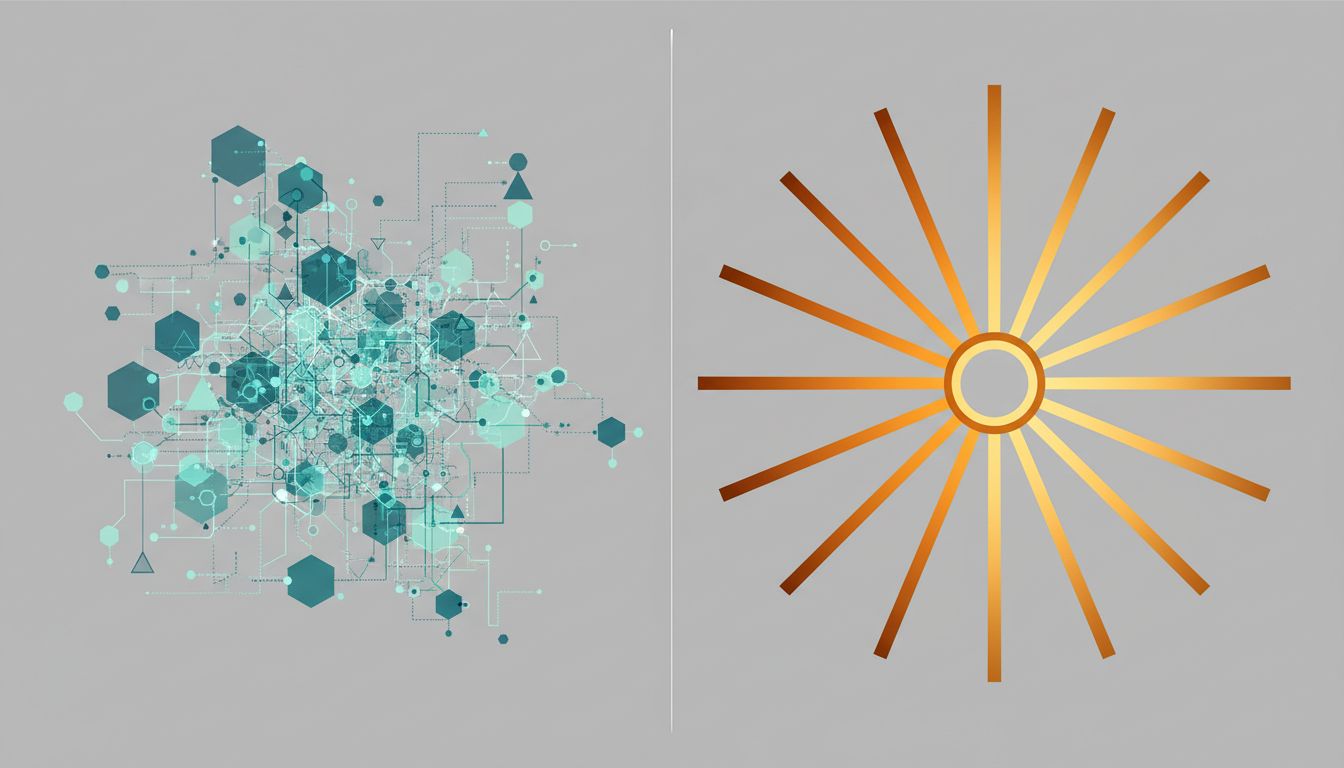
Tech Workers Use Multiple Monitors Because Their Work Demands It. CEOs Use One Screen Because Theirs Does Too.
Walk into a software engineering team’s office and you’ll see two monitors, three monitors, sometimes four. Walk into the office of the CEO of the company that employs those engineers and you’ll likely see a single laptop, maybe an external display pushed to the side. The contrast is striking enough that people have built entire theories around it: executives are more focused, developers are more productive, screens signal status, minimalism signals confidence.
Most of those theories are wrong, or at least backwards. The difference in monitor setups isn’t about personality or status. It’s about the structural difference between two fundamentally different types of cognitive work. Once you understand that, you can make smarter decisions about your own setup.
The Two Types of Work That Drive Different Setups
Developers, data analysts, video editors, and system administrators share something important: their work requires sustained, simultaneous reference to multiple streams of information. A developer writing a feature might need a code editor, the documentation for a library, the terminal running test output, and a browser showing the interface they’re building, all at once. Switching between these isn’t just annoying, it’s cognitively expensive. Every time you alt-tab, you pay a small mental cost to rebuild context.
Multiple monitors reduce that cost. The information stays in your peripheral vision. You glance right to check the terminal output without losing your place in the code on your main screen. The screens aren’t a luxury; they’re a working memory extension for jobs where working memory is the bottleneck.
A CEO’s work has a different bottleneck. Executive work is primarily about decisions, communication, and synthesis. A typical CEO day involves back-to-back meetings, short bursts of document review, and a lot of email and messaging. The cognitive demand isn’t about holding multiple open files in simultaneous view. It’s about giving full attention to the person across the table, or the document in front of you, or the strategic question you’re wrestling with. Multiple screens don’t help with that. They actively hurt, because they invite fragmentation of exactly the kind of focused attention that makes executive communication work.
Why Screen Count Follows Work Structure, Not Seniority
Here’s the test that proves this isn’t about rank: look at what happens when roles shift. A software architect who moves into pure management and stops writing code almost always downsizes their monitor setup within a year. A CFO who decides to personally dig into financial modeling often adds a screen. The hardware tracks the work.
You can also run the comparison horizontally across different kinds of technical work. Air traffic controllers famously use multiple displays. Traders at investment banks have been known to run six or eight screens (though research on whether more than two or three actually help is mixed). Video editors routinely use three monitors: one for the timeline, one for the preview, one for the project library. In every case, you can trace the screen count back to a specific cognitive requirement, not to a personality type.
The person with one screen isn’t more focused by temperament. They’re doing work that requires a different kind of focus.
The Research on Multi-Monitor Productivity Is More Nuanced Than You’ve Heard
You’ve probably seen the claim that dual monitors increase productivity by some impressive-sounding percentage. These studies exist, and some of them are real, but they’re almost always task-specific. Research conducted by groups like the University of Utah found measurable productivity gains for specific tasks like spreadsheet work and text editing when comparing single to dual monitors. Those gains were real. They were also narrow.
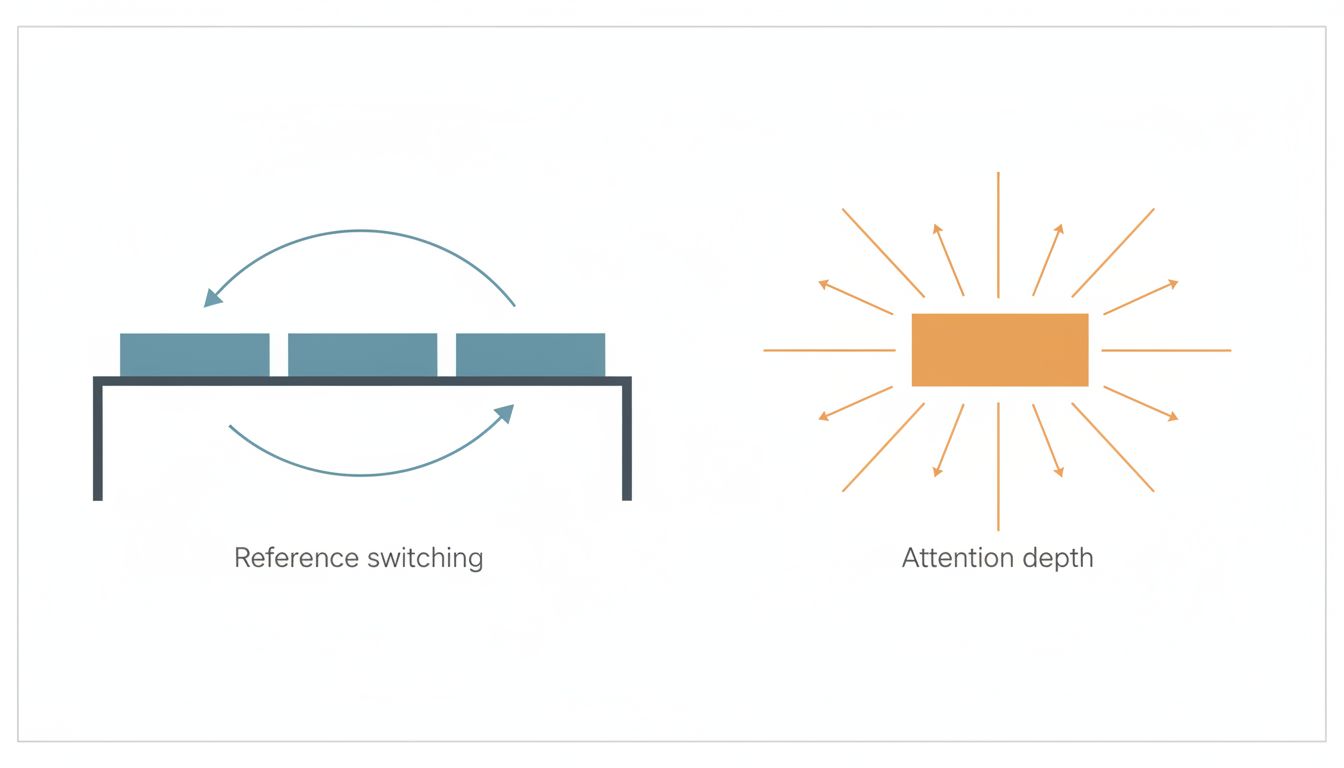
The productivity benefit depends entirely on whether your work involves frequent reference switching between open applications. If it does, a second monitor is one of the highest return-on-investment hardware purchases you can make. If it doesn’t, you’re adding visual complexity and potential distraction without getting the benefit.
The honest answer is that there’s no universal correct number of monitors. There’s only the number that matches the structure of your specific tasks. And as the research on tool use among top performers suggests, adding more tools only helps when those tools solve a real constraint in your workflow.
What Distraction Research Reveals About the Downside of More Screens
There’s a cost to multiple monitors that productivity advocates tend to undercount. Each additional screen is also an additional vector for distraction. If your second monitor has Slack or email open, you will glance at it. Humans are wired to respond to peripheral movement and notification signals. The same peripheral vision that lets a developer casually check terminal output will also pull your attention toward an incoming message, whether you want it to or not.
This is why the monitor-count question isn’t just about how many tasks you’re juggling, it’s also about your distraction profile. Some people have very good attentional control and can park a communication app on a second screen without it shattering their focus on the primary screen. Others, probably the majority, find that a visible inbox on a second monitor means they’re never fully present on what’s in front of them.
If you recognize yourself in the second group, the solution isn’t to suffer with one monitor if your work genuinely requires reference switching. The solution is to use your second monitor exclusively for reference material that doesn’t generate notifications: documentation, a static dashboard, the design spec you’re implementing. Communication apps go somewhere you have to deliberately navigate to, not somewhere that announces itself.
The Signal That Multiple Monitors Actually Send
There’s a social dimension here worth naming directly. In tech workplaces, a three-monitor setup signals technical seriousness. It says: I do intensive, specialized work, and I’ve configured my environment to do it well. This signal is often accurate. It can also be cargo-culted.
Some people add monitors because they’ve observed that respected colleagues have them, not because their own work demands them. This is how you end up with a second screen that permanently displays a browser with twelve open tabs, none of which you’re actively consulting. The monitor is there, but it’s not doing the job that justifies its presence.
As the related piece on what monitor setups signal about how you think argues, the setup you choose is a reflection of your mental model of your own work. Get that model wrong and the hardware won’t save you.
How to Actually Decide What Your Setup Should Be
Start with an honest audit of your most common work patterns over the past two weeks. Not your ideal workday, your actual one. Ask yourself three questions.
First: how many distinct applications do you need to reference simultaneously in a typical working hour? If the answer is two or more, and switching between them breaks your flow, a second monitor is worth the investment. If the answer is one, you don’t need another screen, you need better focus habits.
Second: is your primary bottleneck information access or attention quality? Developers are bottlenecked on information access. Managers are usually bottlenecked on attention quality. Information access problems are solved by hardware. Attention quality problems are made worse by more hardware.
Third: what would you put on the second screen? If you can name three specific, regularly-used, simultaneously-needed applications, get the monitor. If your answer is vague (“it would be useful to have more space”), that vagueness is telling you something.
If you decide to add a screen, assign it a fixed role and enforce it. Reference material, monitoring dashboards, and static documents belong there. Email and chat do not, unless your job literally requires you to be interrupt-driven, in which case you’ve already made your peace with fragmented attention.
What This Means
The CEO-with-one-screen versus developer-with-three-screens split isn’t a story about focus versus productivity, minimalism versus maximalism, or seniority versus hustle. It’s a story about matching your physical environment to the cognitive structure of your actual work.
Tech workers use multiple monitors because context-switching between applications is a real tax on the kind of deep, simultaneous-reference work they do. CEOs use single screens because their highest-leverage work, listening carefully, making decisions, communicating clearly, is harmed by fragmentation, not helped by it.
The actionable takeaway is simple. Before you buy another monitor, or before you feel inadequate because your desk setup looks simpler than a colleague’s, ask what problem the hardware is solving. If you can name it specifically, the hardware is probably worth it. If you can’t, you’re optimizing the wrong thing.





