The Setup
A few years ago, a 60-person strategy consultancy in London started noticing a pattern in how its analysts spent their days. The firm, which advises clients on market entry and organizational change, ran a brief internal audit after several project managers complained that junior analysts were “slow.” The expectation was that the audit would surface poor prioritization or too much time in Slack.
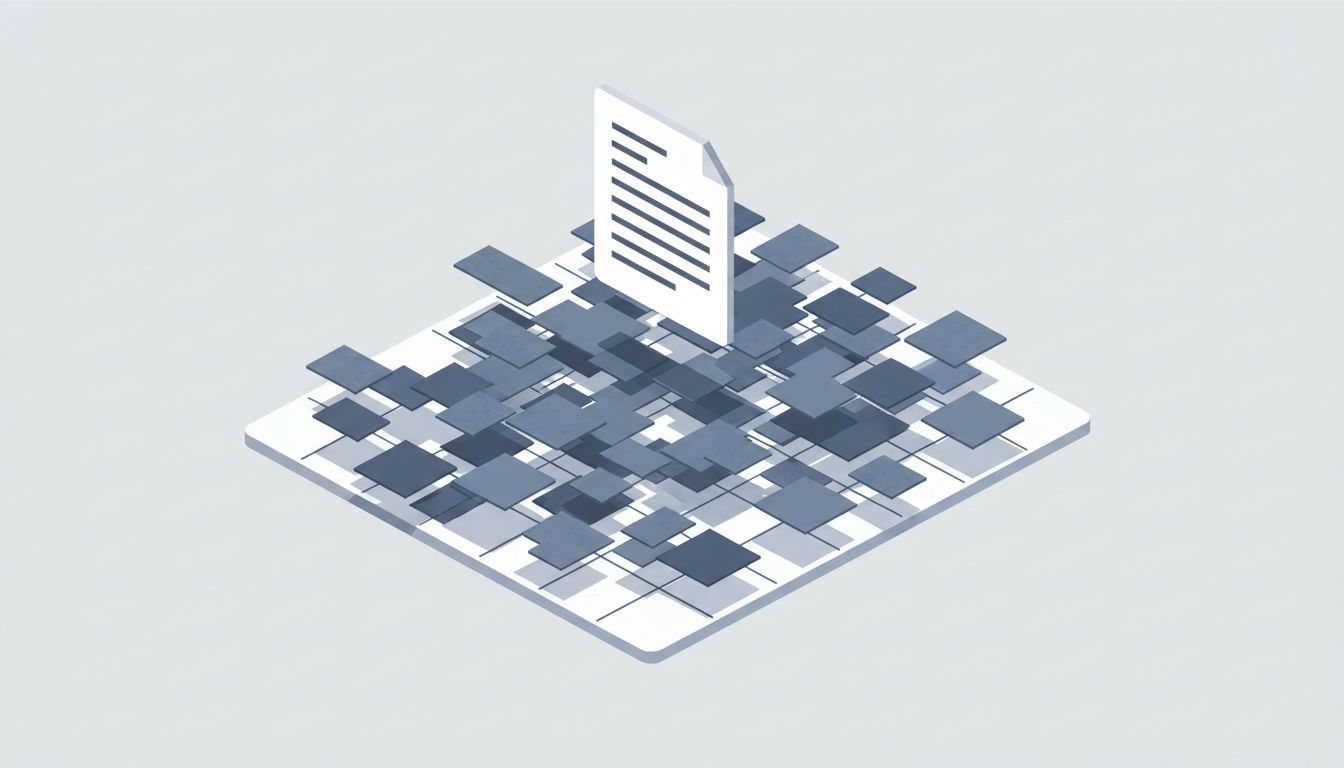
What it actually found was simpler and more embarrassing: analysts were spending significant portions of their days searching for files they had already located before. Not new research. Not novel problems. The same industry reports, the same client documents, the same slide decks from six months prior, re-hunted through shared drives every time they were needed.
One analyst had found the same competitor analysis three separate times in a single week. Each search took her roughly 15 to 20 minutes because the folder structure was nested, inconsistently named, and split across two different shared drives that had been merged after an office consolidation.
This wasn’t a problem with her ability. It was a problem with how the firm treated the act of finding a file as if it were a one-time cost.
What Happened
The firm brought in a productivity consultant to run a more structured analysis. Analysts kept lightweight logs of their search activity over two weeks, noting what they were looking for, where they eventually found it, and whether they had retrieved it before.
The results were uncomfortable. Across the team, the majority of file searches were re-searches: people hunting for things they had found, used, and then “lost” again because they had no reliable way to return to them. Browser bookmarks were inconsistently used. Shared drive shortcuts broke when folders moved. “I’ll just search for it” had become the default strategy, and search was unreliable because filenames didn’t match how people mentally categorized documents.
The total time lost was significant enough that management stopped debating whether to fix it. The question became how.
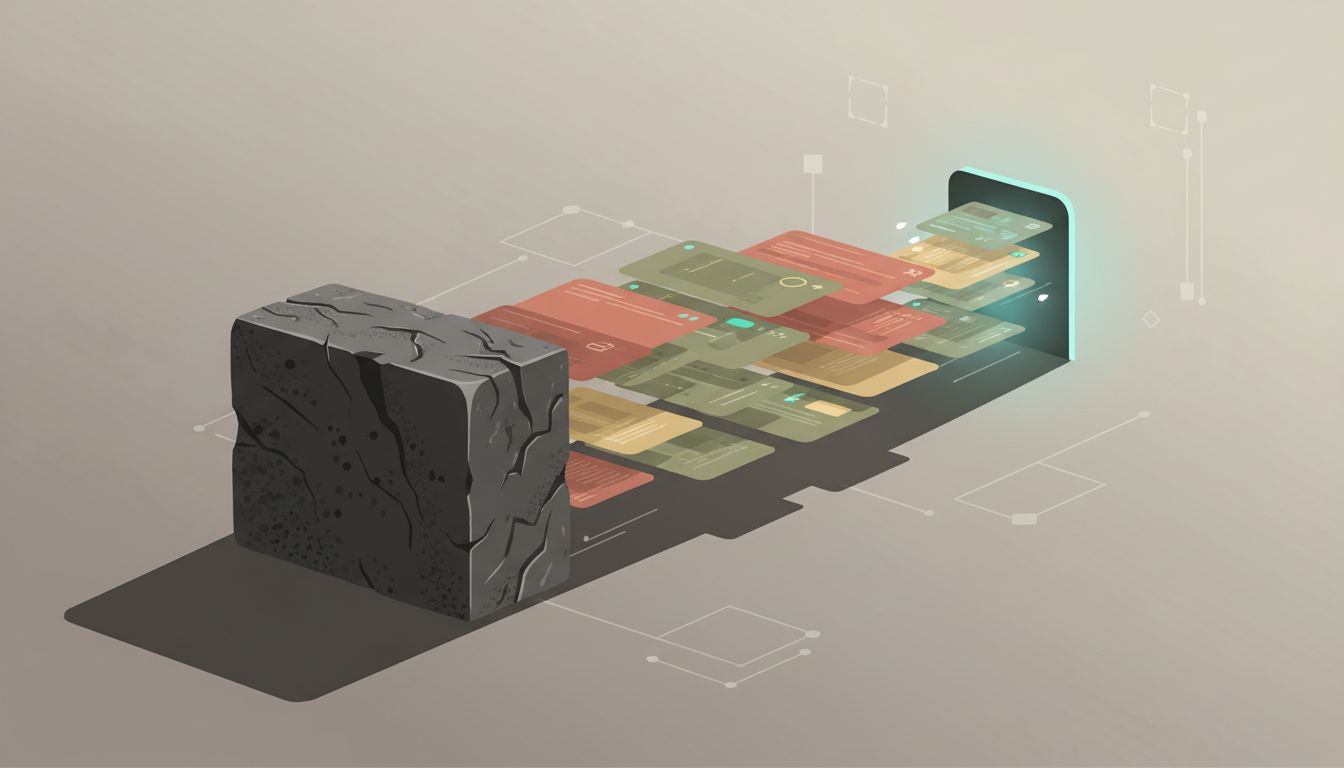
The firm tried three things. First, they audited and restructured the shared drive, creating a clear taxonomy and assigning someone to enforce naming conventions. This helped for new files but did almost nothing for the backlog of existing documents, which were too numerous to rename systematically.
Second, they introduced a team-level “reference library” in Notion, where anyone who found a useful document was expected to drop a link and a one-line description. This worked surprisingly well for about six weeks, then degraded as project pressure increased and the habit broke down.
Third, and most durably, they asked analysts to adopt a personal system: any file retrieved during a project went into a simple project-specific reference document, essentially a running list of “what we’ve found and where it lives.” This cost almost nothing to implement and required no new tools. It also proved to be the habit that actually stuck.

The re-search rate dropped measurably. More importantly, the habit changed how analysts thought about retrieval. Instead of treating search as something you do at the moment of need, they started treating curation as something you do at the moment of finding. The mental shift was small. The time savings were not.
Why This Matters
The consultancy’s experience isn’t unusual. Knowledge workers across industries operate inside shared storage systems that were designed for archiving, not retrieval. A file gets saved when someone is done with it. Nobody is thinking about the next person who needs to find it, or even the same person six weeks later.
This creates a structural problem: the act of finding something generates no record of itself. You search, you find, you use, you move on. The next time you need it, you start from scratch.
Compare this to how good research systems work. A journalist keeping a beat, a lawyer building a case, a scientist running a long-term project: all of them maintain running documents that capture not just conclusions but sources. Where did this come from? Where do I find it again? That second question is treated as important, not incidental.
Knowledge workers in corporate environments rarely get trained on this. They get trained on the tools (here’s how to use SharePoint, here’s how Google Drive works) but not on the practice of leaving a trail back to things they’ve already found. The result is that every search starts from zero.
There’s also a collaboration cost that’s easy to overlook. When you find something useful, you often do so after navigating a messy system that your colleagues will also have to navigate. If you don’t leave a record of where it was, you’ve kept that search cost entirely to yourself, and the next person pays it again. This is a form of knowledge hoarding that happens even when people have no intention of hoarding. It’s just an invisible default.
What You Can Learn From This
You probably can’t fix your organization’s file structure. Trying is usually a long, political, ultimately sisyphean project. What you can do is build retrieval habits that work regardless of the environment around you.
Keep a project reference document. For every significant project, maintain a simple running list of documents you’ve retrieved, with a link and a one-sentence note on what it is. This takes about 30 seconds per file. It will save you multiples of that across the life of the project.
Treat search as a signal, not just a task. When you spend more than five minutes searching for something, that’s a signal that your retrieval system has a gap. Fill it before you move on. Drop the link somewhere you can find it. Future you is a real person with the same needs.
Name things for retrieval, not for filing. When you save a file, name it the way you would search for it in three months when you’ve forgotten the context. “Q3_Competitor_Analysis_ACME_Final_v2” is worse than “ACME competitor positioning, healthcare segment, August 2024.” You’re not organizing a cabinet. You’re leaving a note for your future self.
Build a personal index for your area of work. If you work in the same domain repeatedly (same client, same industry, same type of project), a simple shared document listing the ten most commonly needed resources, with links, will pay for itself within a week. This is not complicated. It’s a list with hyperlinks. The value is in maintaining it.
The consultancy in this story eventually made the project reference document a standard deliverable for every engagement. Not something filed at the end, but something maintained throughout. It became part of how junior analysts were onboarded: before you search for anything, check if someone has already found it and left a breadcrumb.
That’s the actual lesson here. Finding something once should count as finding it permanently, at least within a project’s lifetime. The only thing standing between that and the current reality, where you find and re-find the same file across months, is a small habit applied consistently.
You already know how to search. You just haven’t been taught to leave a trail.