
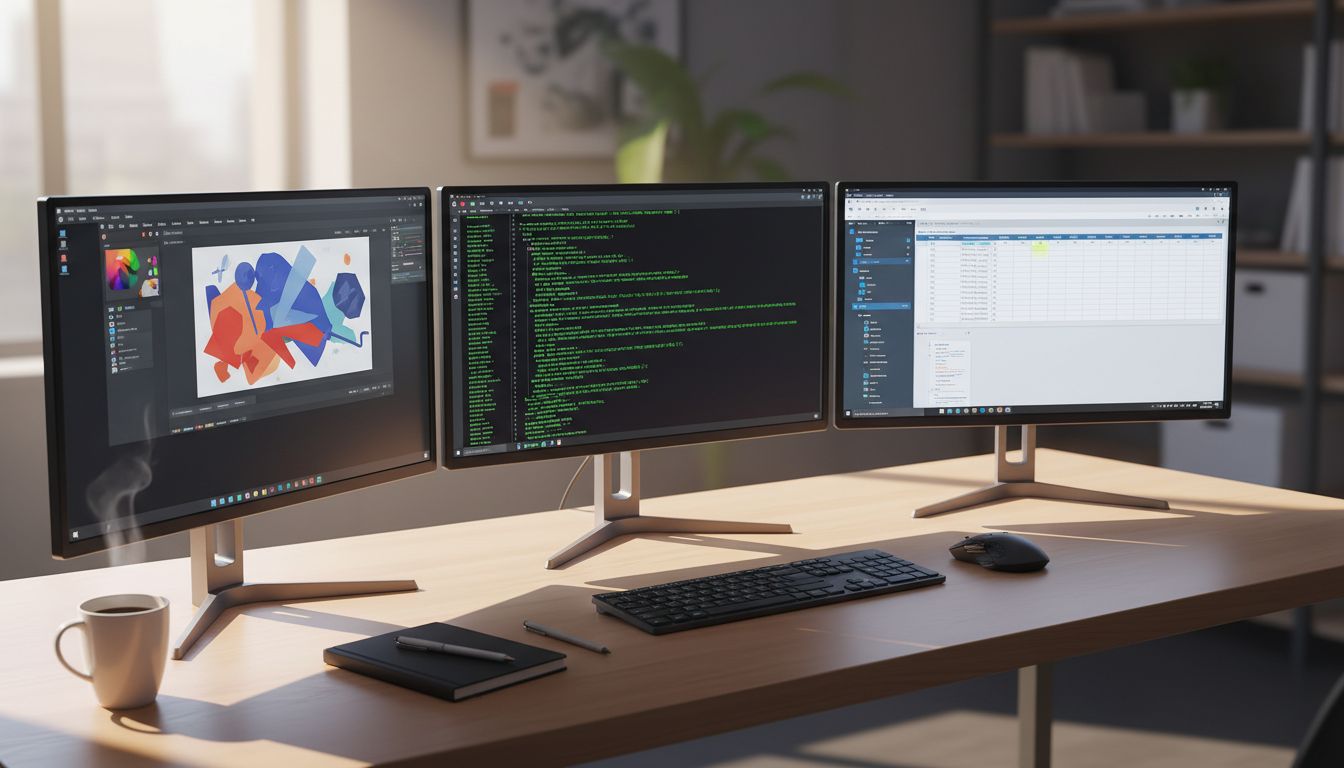
There is a certain type of person you have probably noticed in coworking spaces or engineering offices. They have a MacBook open on the left, a Windows machine humming on the right, and a Linux terminal glowing somewhere in the middle. You might have assumed they were showing off. They were not. They were working smarter than almost everyone else in the room.
The idea that loyalty to a single operating system is a virtue has been remarkably persistent in tech culture. But the highest-output developers, designers, founders, and digital workers have quietly abandoned it. They treat operating systems the way a skilled chef treats knives: you pick the right one for the job, and you get good at switching between them fast. If you want to understand how top performers structure their entire workday around minimizing the cost of switching contexts, this connects directly to what we covered in how top performers use the context switch tax to structure their workday.
Why Single-OS Loyalty Is a Productivity Ceiling
Every operating system has genuine strengths that the others do not fully replicate. macOS is exceptional for creative workflows, Unix-based terminal access, and tight hardware-software integration. Windows dominates enterprise compatibility, gaming pipelines, and certain CAD and financial tools. Linux gives you raw control, server-environment parity, and access to open-source tooling that simply runs better natively on it.
When you commit to only one, you are not being efficient. You are accepting a ceiling. You compensate for your OS’s weaknesses with workarounds, emulators, and compatibility layers that are always slightly worse than the native experience. Multiply those small inefficiencies across a full workday and you are losing more time than you realize.
The multi-OS worker sidesteps this entirely. They do not ask their tools to pretend. They go where the best tool actually lives.
The Framework That Makes It Practical
Running multiple operating systems sounds messy until you apply a simple structure to it. Here is the framework that high performers actually use.
Assign environments by task type, not by preference.
Start by auditing what you actually do in a given week. Group those tasks into three buckets: creative and communication work, development and server work, and enterprise or compatibility work. Then assign each bucket a primary environment. Creative goes to macOS. Development goes to Linux (natively or via WSL2 on Windows). Enterprise compatibility stays on Windows.
You are not randomly bouncing between systems. You are moving deliberately between dedicated environments, which means your brain knows exactly what mode it is in when it sits down at each one.
Unify your peripherals and files, not your systems.
The friction in multi-OS setups almost always comes from two sources: input devices and file access. Solve both and the rest becomes manageable. A single keyboard and mouse that switches between machines via software (tools like Synergy, Barrier, or a hardware KVM switch) eliminates the physical context cost. Cloud storage or a NAS (network-attached storage) device that all machines can access means your files are never stranded on the wrong system.
Keep your browser and password manager OS-agnostic.
Your browser profile, bookmarks, and extensions should sync seamlessly across all your machines. Same with your password manager. The goal is that when you sit down at any of your systems, your identity and access are already there waiting for you. (Worth noting: the security architecture behind modern cross-platform password managers is genuinely fascinating, and we covered why the most secure password managers use techniques that sound completely insecure.)
What You Actually Gain
The productivity gains from this approach are not just anecdotal. Developers who maintain Linux environments alongside their primary OS report dramatically faster feedback loops when building for server deployment, because they are no longer debugging environment-specific issues at the last step. Designers who keep a Windows machine available can test their work in the browser rendering environment that most of their users actually experience, rather than optimizing for Safari on a Mac and shipping something that looks slightly wrong everywhere else.
There is also a cognitive benefit that is easy to underestimate. When each of your environments has a clearly defined purpose, you get a clean mental break when you switch between them. The Linux terminal is where you build. The Mac is where you write and present. The Windows box is where you handle enterprise software. Your brain does not have to hold all of those contexts simultaneously because the physical and visual environment is doing that work for you.
This connects to something counterintuitive that we have written about before: digital minimalists often outperform power users in creative work because of how the brain allocates cognitive resources. A multi-OS setup, done right, is actually a form of digital minimalism. Each environment is lean and purpose-built. The clutter is distributed and contained rather than piled into one chaotic system.
Starting Without Buying Three New Computers
You do not need three physical machines to begin. Here is a practical on-ramp.
If you are on Windows, install WSL2 (Windows Subsystem for Linux) today. It is free, it runs a real Linux kernel, and it integrates with VS Code in a way that makes your development environment genuinely native. You now have two operating systems on one machine with almost no friction.
If you are on macOS and do any development work, spin up a cheap Linux VPS (virtual private server) from a provider like DigitalOcean or Linode. Use it as your remote Linux environment. You get server-parity testing and the full Linux toolchain without a second physical machine.
Once you have experienced the workflow benefits, adding a physical second machine becomes a much easier decision to justify, and you will already know exactly what you want it for.
The Mindset Shift That Makes This Stick
The real obstacle to working across multiple operating systems is not technical. It is psychological. Most people have spent years inside one ecosystem and feel competent there. Moving to a second environment surfaces all the small uncertainties that expertise usually hides: where is the package manager, how does this keyboard shortcut work, why does this application look different.
That discomfort is actually a signal worth paying attention to. It means you are building genuine flexibility rather than brittle expertise. The developers and founders who thrive long-term are rarely the ones who mastered one narrow environment. They are the ones who got comfortable being slightly uncomfortable across many of them.
Your operating system should be a tool you pick up and put down as the work demands. The most productive people you know already figured that out. Now you have a framework to do the same.





