

The Simple Version
Keeping one browser tab open forces your brain to finish things instead of perpetually preparing to work on things. It is less a trick and more a constraint that makes the shape of focused work visible.
What Multiple Tabs Are Actually Doing
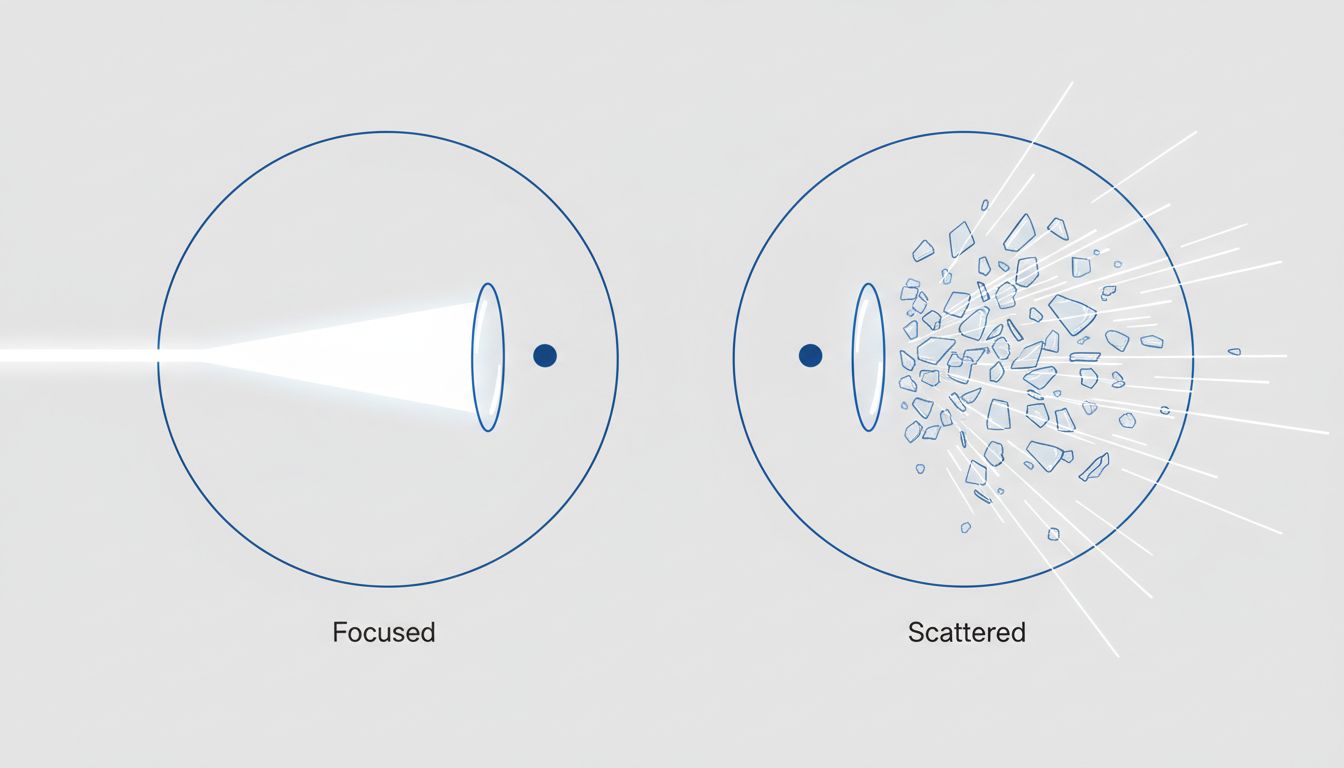
Here is a useful mental model: your working memory is a whiteboard, not a hard drive. It holds roughly four chunks of information at once (this is reasonably well-supported by cognitive research, most famously associated with George Miller’s work on memory capacity, later refined by Nelson Cowan). Each open tab is not just a dormant file sitting on disk. It is a claim on that whiteboard.
When you have twenty-three tabs open, you are not managing twenty-three tasks. You are managing twenty-three unresolved intentions. Your brain, being the pattern-matching machine it is, keeps a low-level background process running for each one. Psychologists call this the Zeigarnik effect: incomplete tasks occupy more mental bandwidth than completed ones. The waiter who remembers every open order forgets them all the moment the bill is paid. Your open tabs are all unpaid bills.
This is not a metaphor. There is measurable cognitive load associated with maintaining awareness of unfinished work. The tabs themselves are not the problem. The unresolved decisions they represent are.
Why Knowledge Workers Specifically Get Wrecked By This
A warehouse worker with twenty tasks can physically see each one. The tasks are external. A knowledge worker’s tasks live almost entirely inside their own head, which means the working memory whiteboard gets crowded fast.
Software engineers know this problem well. When you are in the middle of debugging a gnarly stack trace (the sequence of function calls that led to a crash), you need to hold a mental model of the code’s state across several layers simultaneously. This is already demanding. Now add six open Stack Overflow tabs, two open pull requests you promised to review, and a Slack thread you left half-read. The working memory whiteboard is not just full. It is smeared.
This is why multitasking does not just hurt your focus in the moment but trains your brain to prefer distraction. The behavior compounds. Each time you open a new tab instead of finishing the current task, you are reinforcing a habit of deferral. The multi-tab browser becomes a physical manifestation of that habit.
How the Single-Tab Rule Works in Practice
The rule is simple to state and genuinely hard to follow: open one tab, complete the task that tab supports, close it. Only then open the next one.
In practice, this requires a small supporting system. You need somewhere to put things that are not the current task. A plain text file works fine. A notebook works better for some people. The point is that “I need to look at this later” gets written down somewhere external rather than held open as a tab, which means it stops competing for whiteboard space.
The people who use this approach seriously tend to describe the same experience: the first few days feel artificially slow, like programming with one hand. Then something shifts. Tasks start actually finishing. The feeling of treading water recedes.
There is a reasonable analogy in software architecture here. A system that tries to process everything concurrently with no queue management does not go faster. It thrashes. Context switching has overhead. The single-tab rule is essentially telling your brain to stop thrashing and work the queue.
The Objections Worth Taking Seriously
The most common pushback is that knowledge work is genuinely non-linear. Research requires comparing multiple sources. Design work requires holding references alongside a working document. Sometimes the task legitimately involves ten things at once.
This objection is correct, and it is also a little too convenient. There is a difference between “I need four tabs open to complete this specific research task” and “I have twenty-three tabs open and I am not sure what half of them are for.” The single-tab rule, taken seriously, applies to the latter and makes space for the former.
The stronger version of the rule is not a hard ceiling of one tab. It is a forcing function: every open tab should have a named, active job. If you cannot state what job a tab is currently doing, it should be closed or written down. This reframing moves the rule from arbitrary constraint to explicit system.
It is also worth noting that this connects to a broader pattern. People who own fewer apps tend to outperform productivity hackers because subtraction is genuinely harder than addition, and the people willing to do it consistently are signaling something real about how they think about work.
The Real Reason This Works for Elite Performers
High-output knowledge workers are not smarter on average. Many of them are simply more ruthless about protecting the conditions that make good thinking possible. The single-tab rule is one instance of a broader principle: unfinished loops are expensive, and most people are running far more of them than they realize.
The rule works not because one tab is magically productive but because maintaining it forces you to make a decision every time you want to open something new. Do I close what I am doing? Do I write this down for later? The friction is the feature. It surfaces the habit of deferral and makes it visible enough to interrupt.
If you work in a context where deep, sustained thinking is your actual job, whether that is writing, engineering, analysis, or design, protecting working memory is not a lifestyle preference. It is a professional skill. The single-tab rule is one cheap, low-tech way to practice it.





