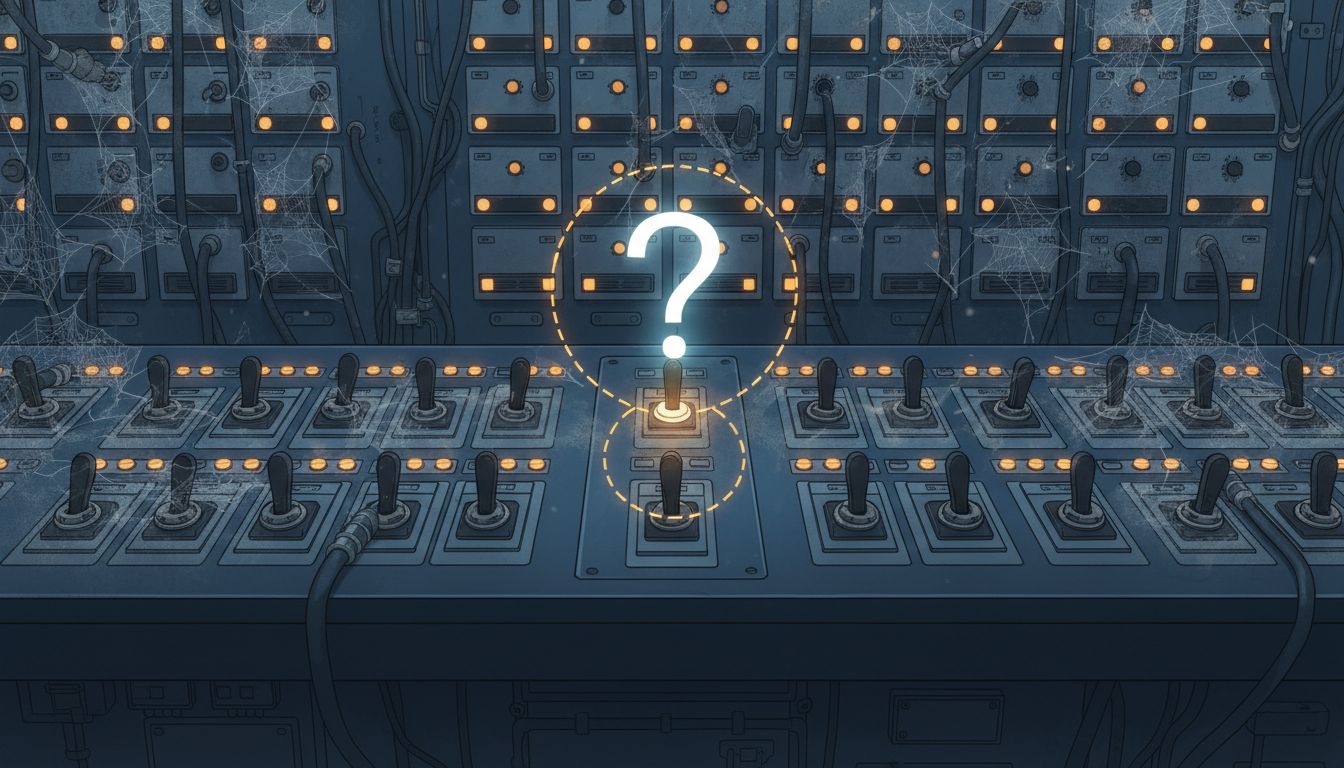
Most developers learn Git by memorizing a handful of commands: git add, git commit, git push. They use it the way people use a filing cabinet, saving things so they don’t lose them. That mental model isn’t wrong, exactly, but it explains why so many teams use version control without ever getting much out of it.
Version control is a time machine, a communication system, and a collaboration protocol rolled into one. The backup behavior is almost incidental. Once you internalize what’s actually happening under the hood, you’ll use it differently.
Your Commit History Is a Narrative, Not a Log
The most consequential shift in how you think about version control is this: commits are not saves. They are statements. When you write fixed bug, you have technically made a commit. You have told the next person who reads that code, including future you, almost nothing.
Contrast that with: Prevent null pointer in user lookup when session cookie is malformed. Now someone reading the history six months from now knows what broke, where, and why the fix was necessary. That specificity is not pedantry. It’s the difference between a codebase that teaches you things and one that just stores them.
This matters more as teams grow. On a solo project, you might remember why you made a change. On a team of five, you probably won’t remember by Friday. On a team of twenty, institutional memory lives almost entirely in commit messages, pull request descriptions, and code comments. The history is the documentation.
Practically speaking: write commit messages in the imperative voice, describe the why not just the what, and keep individual commits focused enough that each one represents a single coherent change. The standard format, popularized by Tim Pope and adopted by projects like Angular and the Linux kernel, starts with a short subject line under 50 characters, then an optional body explaining context. It’s worth learning.
Branching Is How You Think in Parallel
Branches feel like an advanced feature, something you learn after you’ve mastered the basics. They’re not. They’re the whole point.
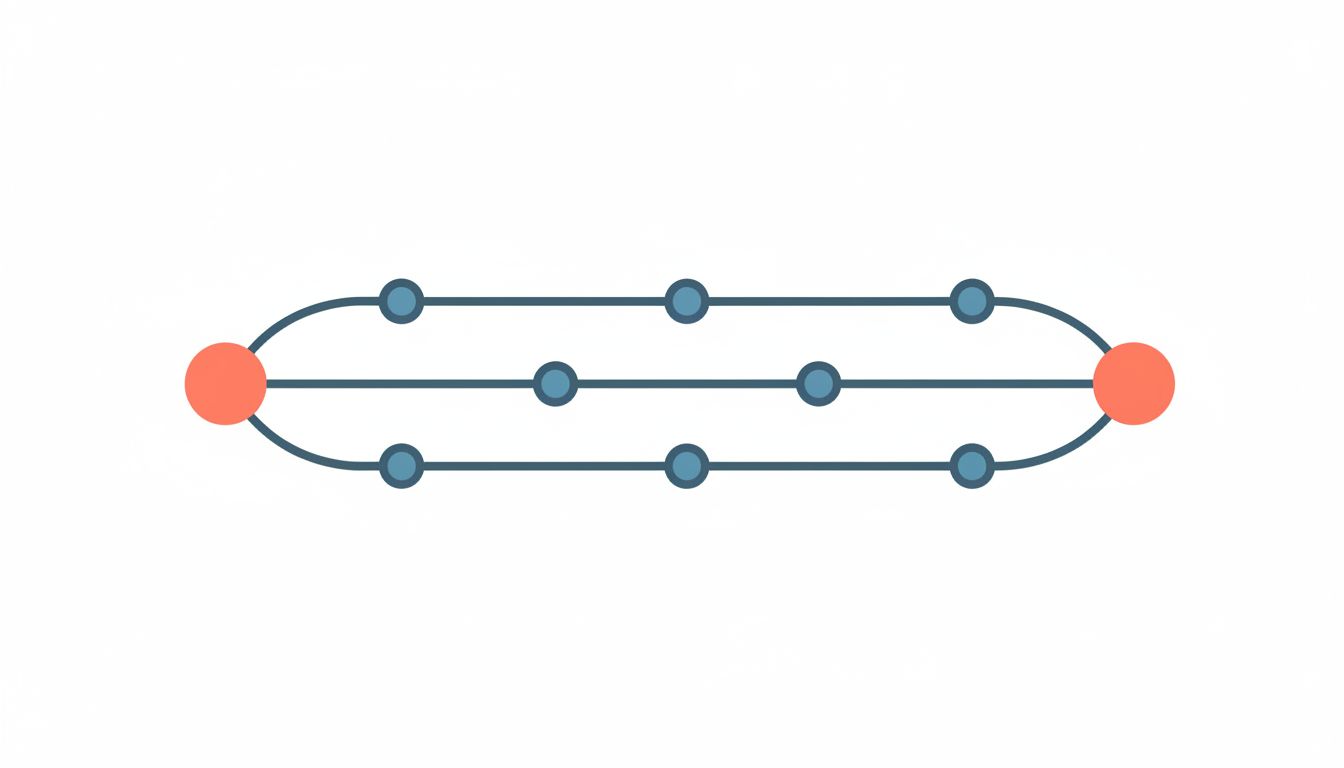
The mental model for a branch is simple: it’s a separate workspace where your changes don’t affect anyone else until you decide they should. You can experiment, break things, rebuild them, and then decide whether that work belongs in the main codebase. If it does, you merge it. If it doesn’t, you delete the branch and nothing is lost.
This is what lets multiple people work on a codebase simultaneously without constantly overwriting each other’s work. Git specifically handles this by tracking the full graph of commits rather than just a linear sequence of file states, which is why branching and merging in Git is cheap compared to older version control systems like SVN, where branching was expensive enough that many teams avoided it.
The workflows built on top of branching, things like GitHub Flow, GitFlow, and trunk-based development, are all just opinions about how to manage that parallel thinking across a team. The right one depends on your deployment frequency and team size, but you can’t evaluate any of them without understanding that branches are workspaces, not just labels.
Merging Is Where You Learn What Your Team Actually Built
Merge conflicts get a bad reputation. Developers dread them, treat them as failures, sometimes structure their work to avoid them entirely. This is understandable but backwards.
A merge conflict means two people changed the same piece of code in different ways. That’s not a Git problem. That’s a communication problem that Git is surfacing for you. Without version control, those two changes would have silently collided and you’d have a bug with no clear origin. The conflict is the version control system doing its job: refusing to guess which change was right.
The way to reduce painful merges is not to branch less or commit more cautiously. It’s to communicate more with your team about who owns what, to keep branches short-lived so they diverge less before merging, and to review each other’s work regularly enough that no change is a surprise. Those are team practices, not Git practices.
When you do get a conflict, read it carefully. The conflict markers in the file show you exactly what both versions said. That’s information. Use it to understand what your colleague was trying to do, not just to pick one version and move on.
What the Diff Actually Tells You
One underused feature of version control is the diff, the line-by-line comparison of what changed between two states. Most developers look at diffs when reviewing pull requests and almost never otherwise.
You should look at diffs before committing too. Running git diff --staged before you commit shows you exactly what you’re about to record. It forces you to read your own work with fresh eyes, catches unintended changes (that debugging print statement you forgot to remove), and prompts you to write a better commit message because you can see precisely what changed.
Diffs are also invaluable when debugging. If something broke between last Tuesday and today, git bisect lets you do a binary search through your commit history to find the exact commit that introduced the problem. You describe what “broken” means as a test, and Git systematically checks out commits until it finds the culprit. On a large codebase with hundreds of commits over a week, this can narrow a search from hours to minutes.
The Repository Is a Shared Brain
Here is the frame that ties all of this together: a version-controlled repository is a shared cognitive artifact. It stores not just what the code does but the reasoning behind every significant decision your team made, in the order they made it, attributed to the people who made it.
Used well, a repository answers questions like: why does this function exist in this form? When was this behavior introduced? Who was thinking about this problem last year, and what did they conclude? A repo where every commit is fix, update, or wip cannot answer any of those questions.
If you’re working with AI coding tools, this matters even more. An AI assistant that can read your commit history, your pull request comments, and your issue tracker has a much richer picture of your codebase than one working only from the current state of the files. The quality of your documentation (and commits are documentation) directly determines the quality of what you can build on top of it.
Start with the commit message. Make the next one actually say something. That’s the whole practice, applied over time.