
The Interruption Is the Feature
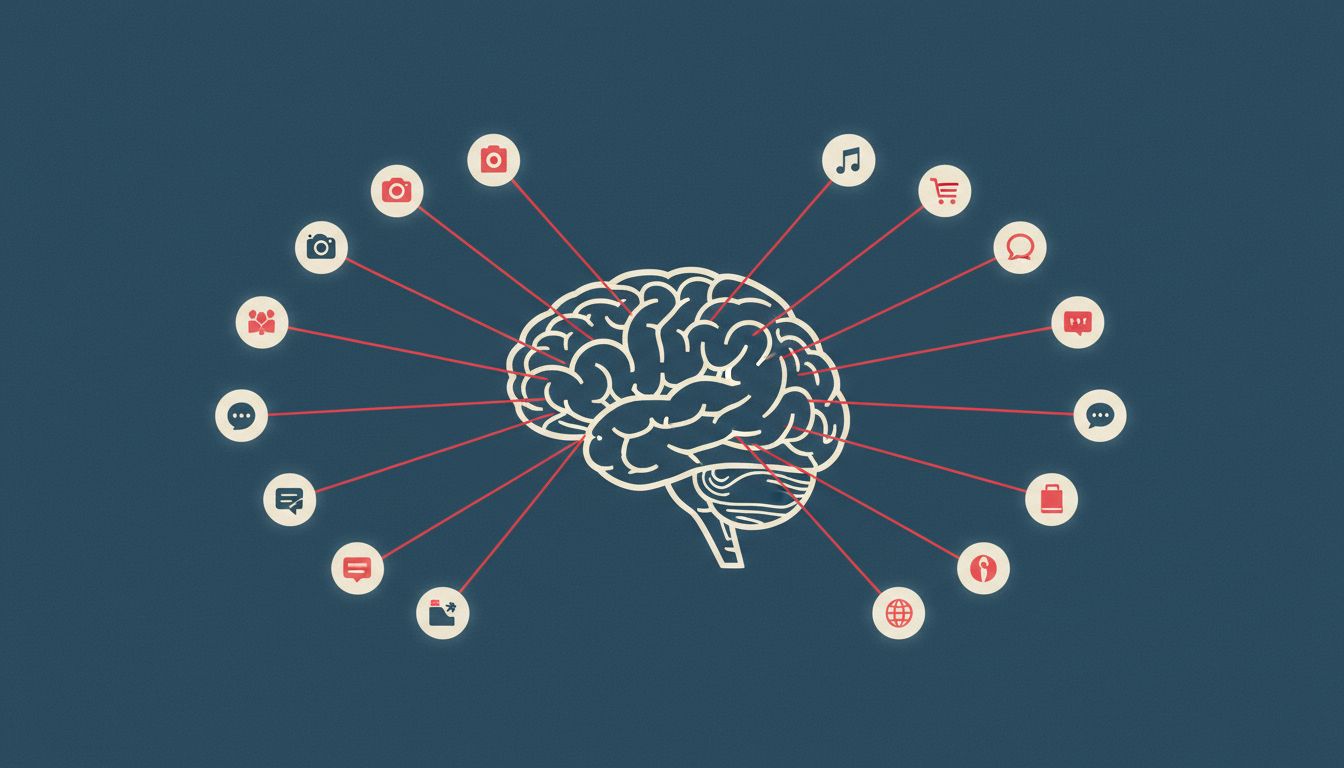
There is a specific kind of productivity loss that’s hard to name because it doesn’t feel like loss when it’s happening. You open Slack to send one message. You notice a thread. You respond. You check a notification badge on another app. Fifteen minutes later you’re back at your editor, and the half-formed idea you were about to write down is gone. Not delayed. Gone.
Most people frame this as a self-discipline problem. That framing is wrong, and accepting it means you’ll keep losing.
The software doing this to you isn’t broken. It’s exceptionally well-built. The interruption isn’t a side effect of good design; for many of the tools eating your mornings, the interruption is the design. Understanding the mechanism matters because you can’t defend against something you haven’t named.
What “Flow State” Actually Means in Technical Terms
Psychologist Mihaly Csikszentmihalyi described flow as a state of complete absorption in a task, where you lose track of time and self-consciousness drops away. Neuroscientifically, it correlates with a specific pattern of activity: the prefrontal cortex (the brain’s executive function, responsible for planning and working memory) is active but not overloaded, and the default mode network (the part that generates mind-wandering and self-referential thought) is suppressed.
Getting into that state takes time. Research by Gloria Mark at UC Irvine found it takes an average of around 23 minutes to fully return to a task after an interruption. Note the asymmetry: an interruption that costs five seconds of clock time can cost 23 minutes of cognitive time. That’s not a metaphor. Your working memory has to reload context, re-establish the problem frame, and rebuild the mental model you were operating on.
This is what software is stealing. Not your attention in the abstract. Your loaded context, which took 20 minutes to assemble and can be scattered in an instant.
The Notification Badge Is an Unread Counter Designed to Feel Like Debt
A red badge with a number on an app icon is doing something very specific psychologically. It’s representing a gap between the world’s current state and the state you last checked. That gap activates the same neural machinery as an open loop in a story, or a half-finished puzzle. Zeigarnik effect: the brain preferentially remembers and attends to unfinished tasks.
App designers know this. The badge isn’t just informational. It’s engineered to feel like an obligation you haven’t discharged yet. The specific color choice (red, universally associated with urgency and error states) isn’t accidental. Neither is the number. A number implies completeness once it reaches zero, so it keeps you checking.
Slack’s unread indicators, Gmail’s bold unread count, the little dot on your iPhone’s App Store icon: these are all implementations of the same pattern. The goal isn’t to inform you. The goal is to generate a low-level anxiety that resolves only by opening the app.
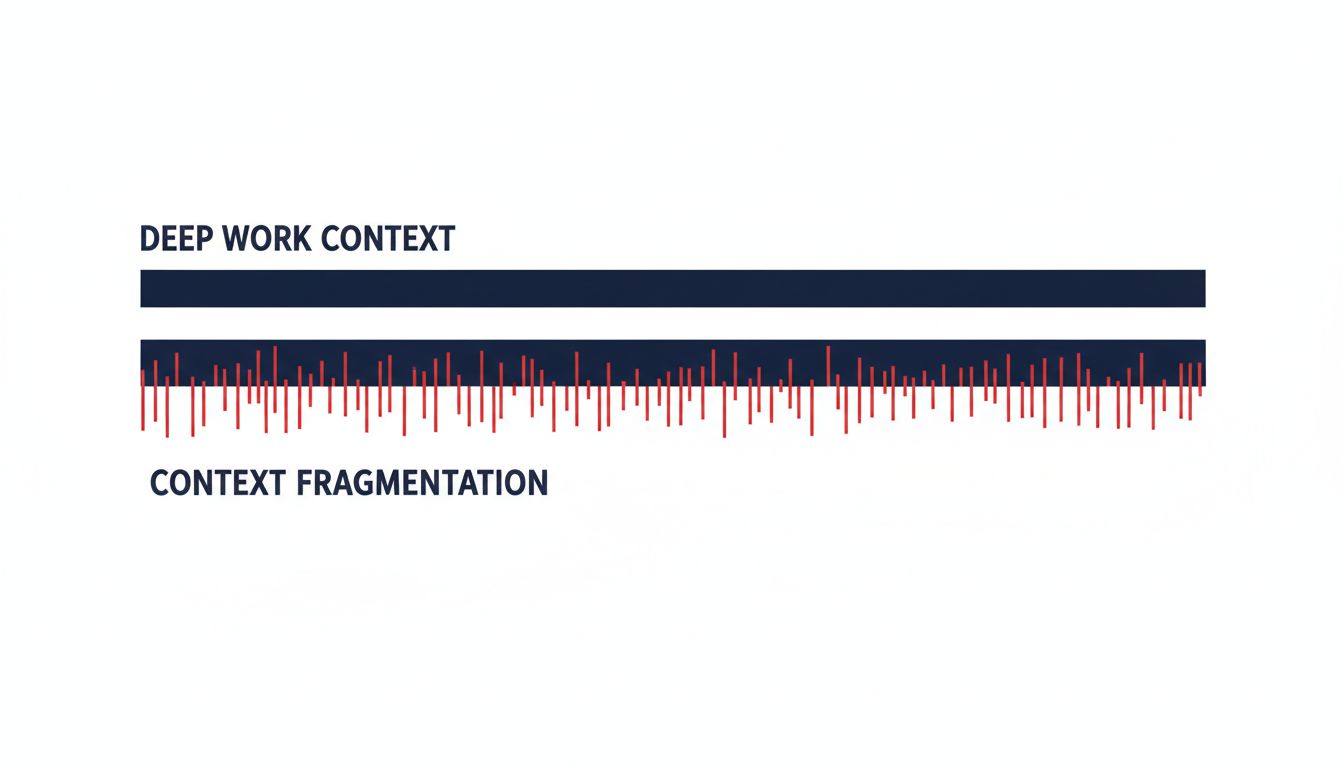
This matters for productivity specifically because the anxiety doesn’t stay contained. Even when you’re not looking at your phone, the knowledge that badges are accumulating competes for cognitive resources. It’s not unlike running background processes on a computer: they don’t show up in your foreground application, but they’re consuming memory and cycles.
Why the Most Productive Hours Are Targeted Specifically
Most people have a cognitive peak period. For morning people (the chronotype majority), it’s roughly the first two to three hours after waking, before the midday cortisol dip. This is when working memory capacity is highest, when you’re most capable of holding complex, multi-variable problems in mind simultaneously.
Good software designers know their usage patterns. They know when you open your apps. And the features that generate engagement (push notifications, digest emails, algorithmically surfaced content, “you have N unread messages since yesterday”) are often timed to activate during your morning check-in ritual. Open your phone when you wake up, and you’ve already handed your peak cognitive hours to someone else’s priority queue.
The mechanism is a context hijack. You wake up with a blank working memory, ready to load your own problem. But before you do, you check your phone. Now your working memory loads someone else’s problem. Their urgent Slack message. Their calendar invite that needs a response. Their support ticket. Your brain starts working on their task queue before you’ve had a chance to set your own. By the time you sit down to do your actual work, your mental RAM is already partially allocated.
This is not a conspiracy. It’s an alignment problem between what software is optimized for (engagement, retention, daily active users) and what you need it for (doing work).
The Asynchronous Communication Trap
Here’s where it gets subtle. Slack, Teams, and similar tools are sold as asynchronous communication platforms. The pitch is that you don’t have to be in meetings; you can respond when it suits you. This is true in principle. In practice, the social dynamics around these tools push strongly toward synchronous behavior.
When someone sends you a Slack message and you don’t respond within a few minutes, there is social pressure. Not always explicit pressure, but the implicit norm that “you’re online, so you saw this.” The green dot next to your name broadcasts your availability in real time. That changes the nature of the communication from asynchronous to pseudo-synchronous: it has the scheduling flexibility of email but the response-time expectations of a phone call.
Stewart Butterfield addressed this repeatedly in Slack’s early positioning, framing the tool as a replacement for internal email rather than a real-time chat system. The product evolved differently from the intention. What was designed as a low-pressure message store became, in most organizations, an always-on presence-and-availability system.
The result is a tool that delivers the worst of both worlds for deep work: it has enough latency that you can’t have a real conversation efficiently, but enough social pressure that you can’t actually treat it as asynchronous. You end up context-switching constantly without the satisfaction of actually resolving anything.
The Variable Reward Schedule Hidden Inside Your Tools
B.F. Skinner’s research on operant conditioning found that variable reward schedules (where the reward comes at unpredictable intervals) produce the most persistent and resistant-to-extinction behaviors. Slot machines are the classic example. You can’t predict which pull will pay out, so you keep pulling.
Email inboxes are variable reward schedules. Most messages are low-value or irrelevant. But occasionally there’s something genuinely important or delightful. Because you can’t predict which check will contain the good message, checking becomes compulsive in ways that a predictable schedule wouldn’t produce. If every third email were important, you’d check every third email. But since any email could be the important one, you check constantly.
This isn’t a bug in how email works. It’s an emergent property of any communication system where message quality varies, which is every communication system. The same dynamic applies to Slack channels, LinkedIn notifications, and yes, GitHub pull request comment notifications. Whoever is reviewing your PR might have found a real issue. Or they might have left an emoji reaction. You won’t know until you look.
The technical solution most productivity systems reach for is batching: check communications at defined times rather than continuously. This works, but it requires the kind of deliberate reconfiguration most people never do because the default settings of every tool push in the opposite direction.
Designing Your Own Environment Since Nobody Else Will
The fundamental issue is that the defaults in your software were not set by someone optimizing for your deep work. They were set by someone optimizing for engagement metrics. You can’t outsource the configuration of your attention environment to the tools you’re trying to use.
Some concrete approaches that actually work: Turning off all notification badges at the OS level (not per-app, which requires constant re-configuration as you install new tools, but system-wide as a default). Treating your communication apps the way a surgeon treats their phone during an operation: available in emergencies, irrelevant during the procedure. Scheduling your peak cognitive hours before you open any communication tool, not after.
The deeper move is architectural. Instead of trying to resist the pull of your tools in the moment (which requires constant willpower expenditure against a system specifically designed to overcome that resistance), restructure your environment so the pull isn’t there to resist. Phone in another room. Communication apps closed, not just minimized. Notifications off at the OS level so there’s no badge to generate ambient anxiety.
This is what power users who actually ship consistently do differently from everyone else. They don’t have stronger willpower. They’ve built systems that make the bad default behavior physically harder to execute than the good behavior.
What This Means
Your most productive hours aren’t being stolen by bad software. They’re being extracted by good software that’s optimizing for something other than your output. The notification badge is engineering masquerading as courtesy. The green dot is surveillance masquerading as availability. The variable-reward inbox is a slot machine masquerading as a communication tool.
None of this requires bad intent from the people who built these tools. It requires only the normal incentive structure of engagement-driven software development. When your metric is daily active users and session length, you build features that maximize those things. The fact that this comes at the cost of your users’ cognitive capacity is an externality the product team doesn’t measure.
You have to measure it yourself. And then you have to build the environment that protects it, because the software running on your devices is not going to do that for you.





