
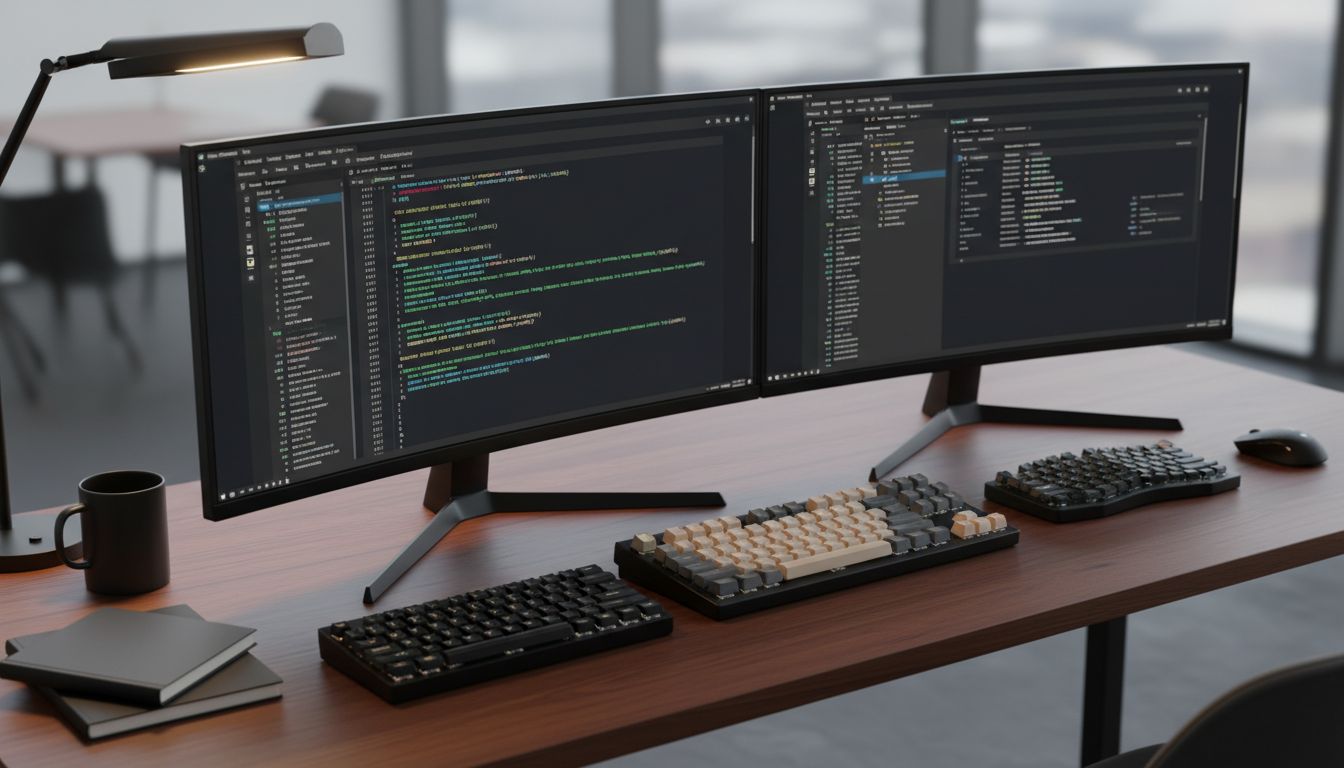
Here is a setup you will almost never see on a “battlestation” subreddit, but you will find it on the desks of some of the most productive engineers, researchers, and writers working today: two monitors, yes, but also three keyboards. Not one. Not two. Three. The first time I saw this arrangement at a colleague’s desk, I assumed it was the result of some procurement mistake or a stubborn refusal to clean up. Then she walked me through her reasoning, and I have not been able to stop thinking about it since.
This connects to something deeper about how productive people actually think about their tools. We tend to fetishize hardware for its visible properties, screen real estate being the obvious example, but the real leverage is often hiding in the friction we remove and the cognitive modes we separate. If you have ever wondered why digital minimalists consistently outperform power users, the keyboard story is a perfect case study.
The Two-Monitor Case Is Settled Science (Almost)
Let’s establish the baseline first. The dual-monitor productivity argument is well-documented. Studies from the University of Utah found that dual monitors reduced task completion time by roughly 44 percent for tasks involving copy-and-paste operations between documents. Microsoft’s own internal research suggested that workers with two screens spent significantly less time switching between applications, which makes intuitive sense when you think about what switching actually costs.
Every time you alt-tab, your brain has to perform what cognitive scientists call a “context reload.” You are not just moving your eyes. You are re-establishing what problem you were solving, what state the data was in, and what your next intended action was. Think of it like a CPU flushing its L1 cache and rebuilding it from slower memory. The operation itself is fast, but the overhead compounds. Two monitors let you keep two contexts loaded simultaneously, which is why they help so much with reference-heavy tasks like coding against documentation or writing while reading research.
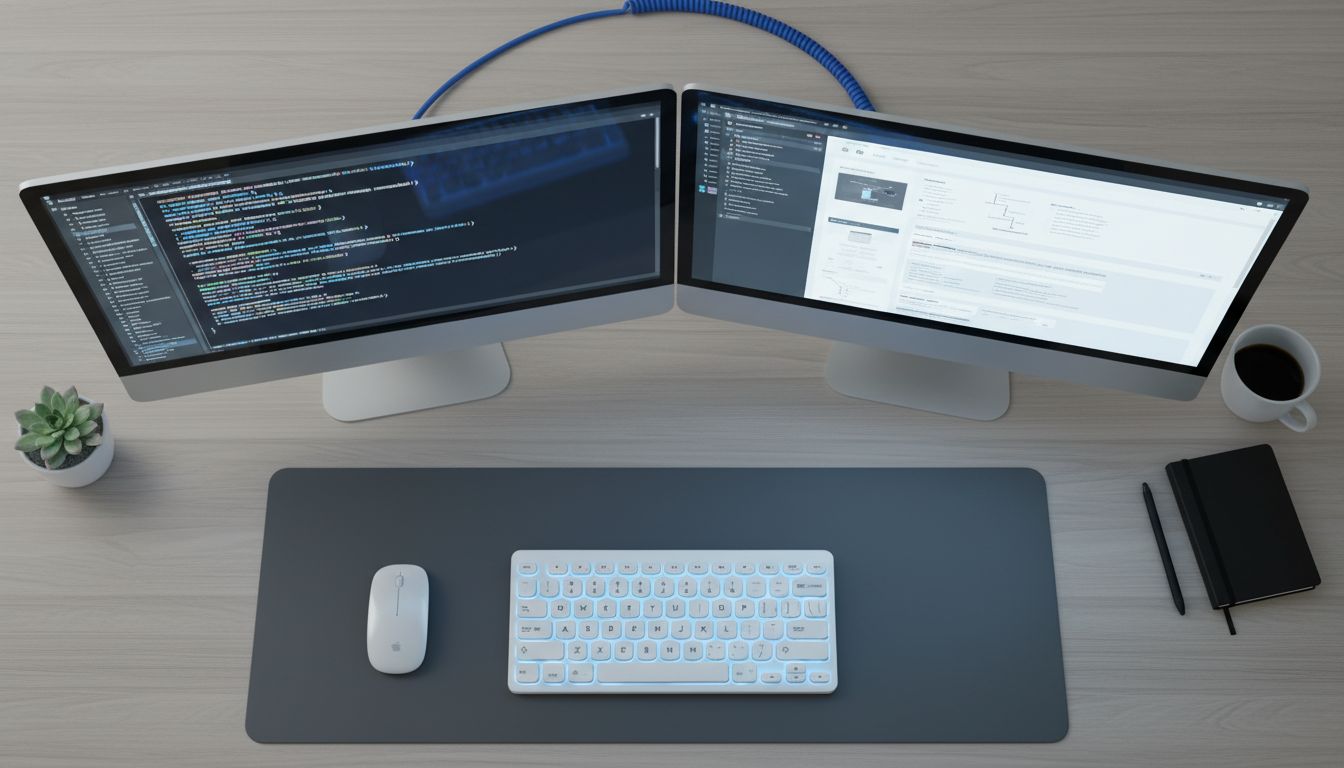
But notice what two monitors actually solve: they reduce display-switching. They do nothing about input-switching, and that turns out to be a completely different problem.
What the Third (and Fourth) Keyboard Actually Does
Here is the model my colleague was using, and once you see the logic, it is hard to argue with it.
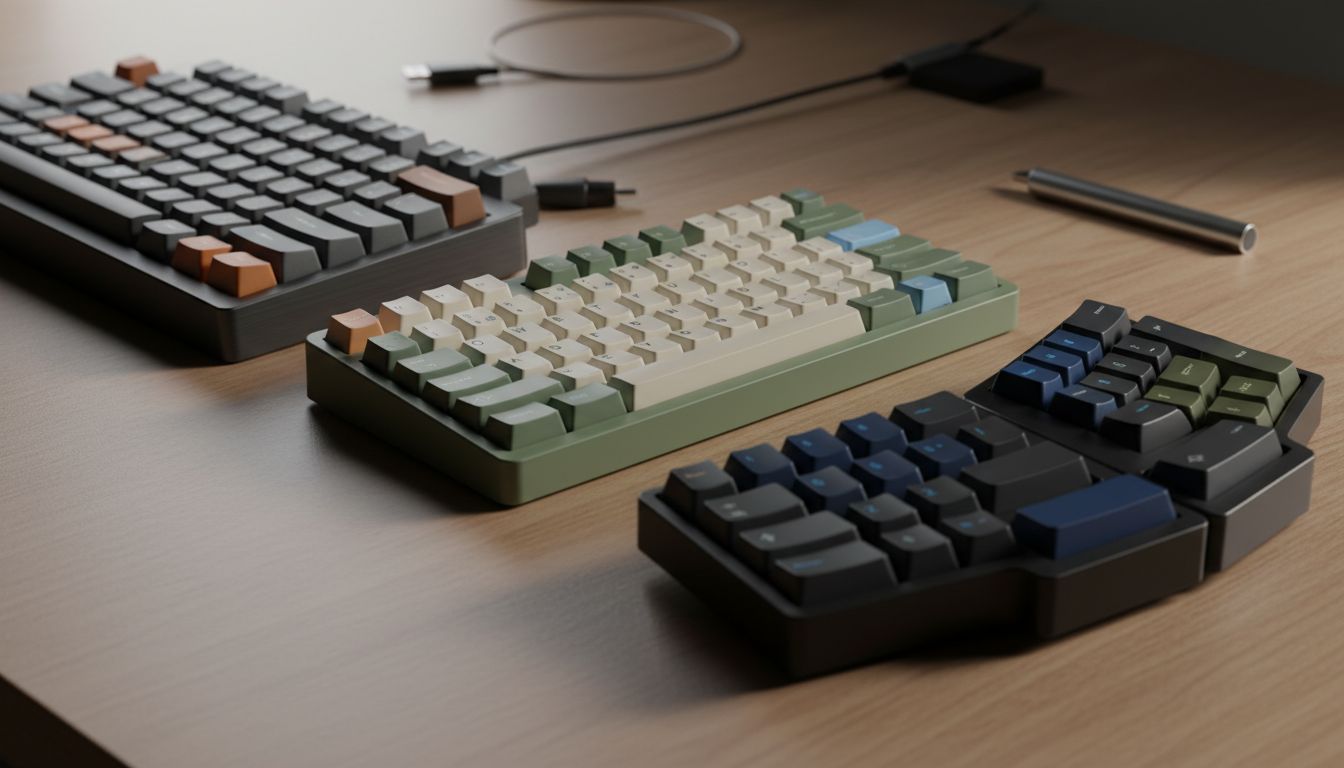
She had three keyboards on her desk. The first was a standard mechanical keyboard connected to her primary work machine, a MacBook Pro running her IDE, email, and communication tools. The second was a compact 65-percent layout (meaning it drops the numpad and some function keys to save space) connected to a Raspberry Pi running a local home automation dashboard and a persistent terminal session. The third was a split ergonomic keyboard connected to a secondary Windows machine she used for testing cross-platform builds.
Each keyboard was physically dedicated to a specific cognitive mode.
This is the part that sounds obvious once stated but feels non-obvious before you hear it: switching computers by physically reaching for a different keyboard encodes a context switch in your body, not just your eyes. It is a proprioceptive signal (your brain registering your body’s position and movement in space) that tells your working memory to close one mental file and open another. Software-based KVM switches (Keyboard Video Mouse, meaning one input device controls multiple computers) are convenient, but they undermine this effect entirely because the physical action becomes identical regardless of which machine you are addressing.
This is not far from the science behind why elite software teams use cognitive separation tricks to ship faster. The physical environment becomes a state machine. Different position, different keyboard, different mental mode.
The Context Isolation Principle
Let’s make this concrete with a scenario most developers will recognize.
Imagine you are deep in a debugging session. You are holding a mental model of a call stack, three variable states, and a hypothesis about a race condition. Your Slack pings. You glance over, read a message about an unrelated deploy, and type a quick response. When you look back at your code, the race condition hypothesis is partially gone. Not because you forgot it, but because your working memory allocated some of its limited slots to the Slack thread.
Now imagine instead that Slack lives on a second physical keyboard and a second machine. Reaching for that keyboard is a conscious, physical gesture. It takes maybe one additional second. But that second is doing enormous work: it is signaling to your brain that you are deliberately leaving the debugging context, which triggers a more intentional save-and-restore cycle rather than an accidental one.
This is the same principle behind why good code separates concerns into discrete modules. You do not want your authentication logic tangled up with your rendering logic, not because the computer cares, but because humans debugging it later will pay a cognitive tax every time the boundaries blur. The keyboard setup is applying that same principle to your meatspace workflow.
The Keyboard-Specific Muscle Memory Advantage
There is one more layer here that took me longer to appreciate.
Different keyboards train different muscle memories. A programmer using a high-actuation mechanical keyboard for their IDE will develop keypress habits (force, timing, finger angle) tuned to that board. A second keyboard with a lighter tactile switch used exclusively for writing prose will train a different set of patterns. Over time, reaching for the writing keyboard begins to feel like putting on a different cognitive hat, not just a different physical tool.
This sounds like rationalization, but it is consistent with how skill encoding works in motor learning. Pianists do not practice scales and concertos on the same keyboard in the same way. Context and physical sensation are part of how procedural memory gets indexed. The tool becomes a retrieval cue for the skill set attached to it.
This is worth noting if you have ever read about why dark mode is really a signal about developer cognition rather than eye comfort. The tools we choose are rarely just about ergonomics. They are about building environments that reliably produce certain mental states.
The Practical Objection and Why It Is Weaker Than It Looks
The obvious pushback is desk space and cost. Three keyboards sound expensive and cluttered. But consider: mechanical keyboards worth actually using start around $80, and 65-percent compact layouts take up roughly the footprint of a paperback book. The total additional cost over a single keyboard setup is less than most developers spend on a mechanical keyboard upgrade for fun.
The space objection also tends to collapse once you realize the keyboards are not all in front of you simultaneously. They are positioned to match the physical layout of the machines they serve. One is forward-center for primary work. One is slightly right for the secondary machine. One lives on an adjacent surface for the tertiary system. The motion between them is not disruptive. It is deliberate, and that is the entire point.
The deeper lesson in all of this is that productivity at the tool level is almost never about the tool’s raw capability. It is about the cognitive architecture the tool enables. Two monitors work not because pixels are magic but because they externalize your working memory. Three keyboards work not because typing is the bottleneck but because they encode context separation into the physical world, where your brain can feel it instead of just thinking about it. That is a meaningful difference, and it is one that software alone, no matter how good, has a hard time replicating.





