
Here is a counterintuitive truth about remote work productivity: the people getting the most done each day are not the ones with the smoothest, most optimized digital setups. They are the ones who have carefully, deliberately made certain things harder for themselves.
This sounds backwards. The entire productivity software industry wants you to believe that one more integration, one more automation, one more notification will finally unlock your best work. But that same industry may be working against you. The remote workers consistently outperforming their peers have figured out something the app stores won’t tell you: friction, applied in the right places, is not the enemy of productivity. It is the mechanism of it.
What Digital Friction Actually Means
Friction, in a workflow context, is any small resistance that slows you down before you take an action. The key word is “deliberate.” Accidental friction, like a slow VPN or a confusing interface, costs you time without giving you anything back. Deliberate friction is different. It is a speed bump you install yourself, in front of behaviors you want to interrupt.
Think about how tech companies use this against you. The same psychological levers that make it hard to cancel a subscription or find the logout button on a social platform can be flipped in your favor. Tech giants are using friction against you, and it works perfectly. The insight here is that friction is a neutral tool. Its value depends entirely on who controls it and where it is placed.
The most productive remote workers have learned to be the ones doing the placing.
The Four Places Deliberate Friction Pays Off
1. Before you open social media or news sites
The simplest version of this is a browser extension like Cold Turkey or Freedom that requires you to type a long, annoying phrase before accessing distracting sites. This is not about willpower. It is about inserting a gap between the impulse and the action. Most of the time, that gap is enough. You remember what you were supposed to be doing, and you go back to it.
A more committed version: log out of every social platform after each session. Re-entering credentials every time you want to check Twitter takes about 20 seconds and eliminates roughly 80 percent of mindless visits. The math is lopsided in your favor.
2. Before you send a message
Remote teams over-communicate in real time and under-communicate in writing. The reason is that messaging apps are frictionless. Sending a Slack message feels like talking, so people treat it that way, firing off half-formed thoughts that interrupt colleagues and create conversational threads that should have been a two-paragraph email.
The fix is to add friction before you hit send. Some high-performing remote workers use a simple rule: if a message would take the recipient more than 30 seconds to read and respond to, it becomes an async document instead. Others set their status to Do Not Disturb by default and require senders to escalate intentionally. Both approaches work because they make thoughtless interruption harder.
3. Before you switch tasks
Task-switching is where remote work productivity quietly bleeds out. Without the physical cues of an office (a meeting room you have to walk to, a colleague who can see you are busy), digital context-switching happens constantly and almost invisibly.
One effective approach: keep a plain text file open and require yourself to write one sentence about what you are leaving and one sentence about what you are starting before every task switch. It takes 45 seconds. It forces a moment of metacognition. And over a week, it makes you acutely aware of how often you are switching, which tends to reduce the behavior on its own.
4. Before you reach for your phone
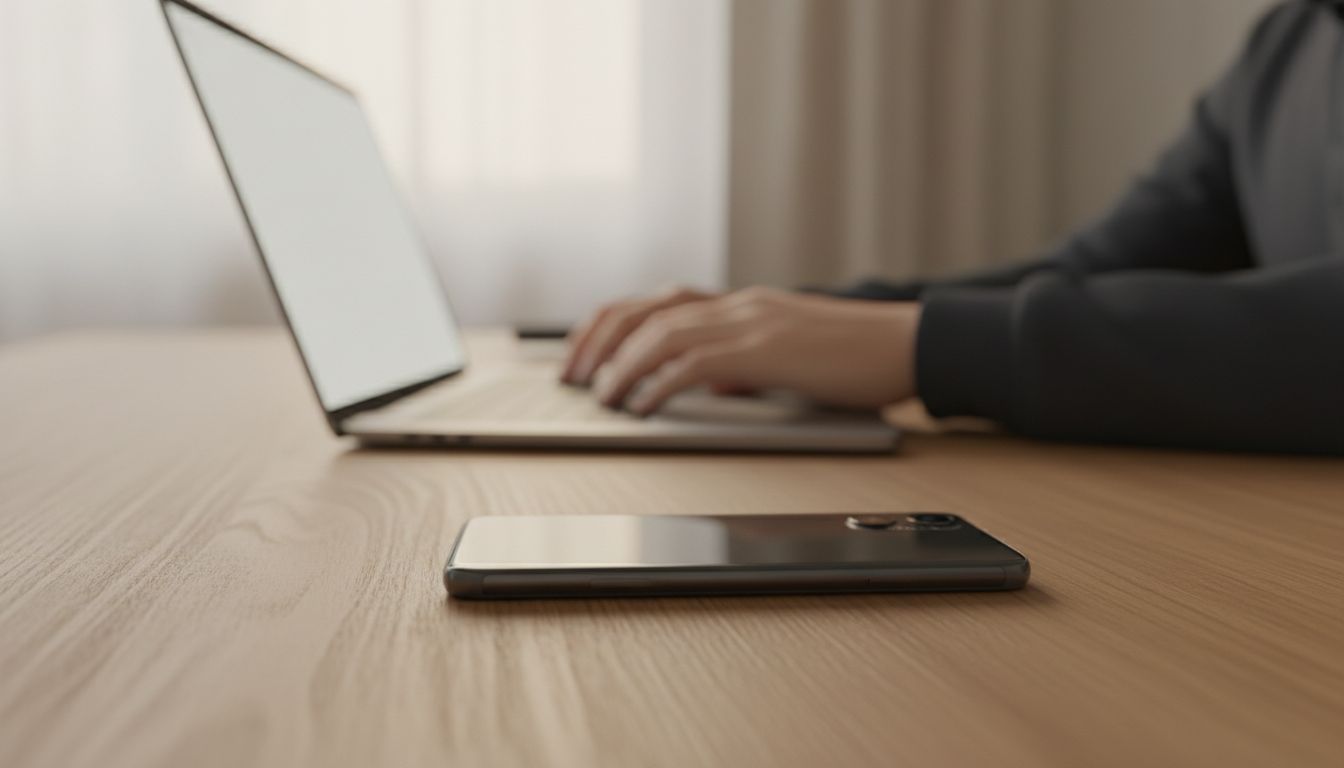
This one is physical as much as digital. Remote workers who keep their phones face-up on their desk are making focus structurally impossible. The fix, again, is deliberate friction: phone in another room, phone in a drawer, phone turned face-down with notifications off. The most productive people are deleting apps rather than downloading them, and the underlying logic is the same. Less access means fewer interruptions means more sustained attention.
Why Your Brain Actually Prefers This
There is a cognitive science argument here that goes beyond habit and willpower. Your brain does not multitask. What feels like multitasking is rapid context-switching, and each switch carries a cognitive cost called the “attention residue,” a term coined by researcher Sophie Leroy. Part of your working memory stays stuck on the previous task even after you have nominally moved on.
This is why keyboard shortcuts, once learned, produce better sustained performance than touch gestures. The cognitive science behind why keyboard shortcuts stick while touch gestures do not points to the same underlying principle: the brain builds durable habits around actions that require deliberate encoding. Friction, applied thoughtfully, is one of the fastest ways to trigger that encoding.
When you create friction before a distraction, you are not just blocking the behavior in the moment. You are gradually rewiring the habit loop that makes the distraction feel automatic.
Building Your Friction Audit
Here is a simple framework you can apply this week.
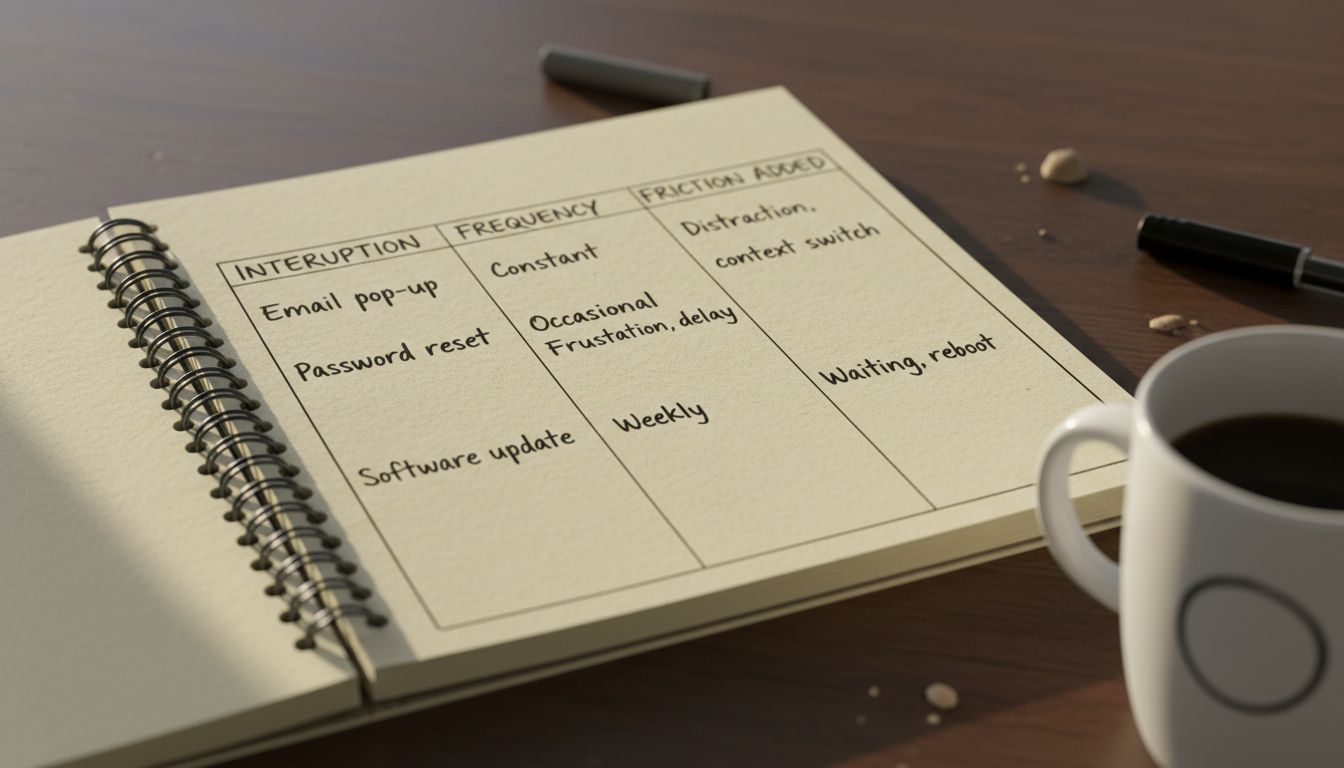
Step one: Track every interruption for two days. Not just incoming notifications, but self-initiated ones. Every time you open a new tab, check your phone, or switch applications without finishing what you were doing, write it down.
Step two: Identify your top three interruption patterns. Most people find two or three behaviors account for the majority of their distraction. These are your friction targets.
Step three: Design one piece of friction for each target. It does not need to be clever. Logging out of an app, moving an icon off your home screen, or requiring yourself to write a sentence before switching tasks are all effective. The criterion is simple: it should take between 10 and 60 seconds and require conscious effort.
Step four: Run the experiment for one week and measure output, not feelings. How many focused hours did you get? How many meaningful tasks did you complete? Feelings about productivity are notoriously unreliable. Numbers are less so.
The Bigger Picture
The best tools for remote work are not always the ones with the most features or the smoothest interfaces. Sometimes the best tool is a locked door, a logged-out account, or a notebook that requires you to pick up a pen. There is a reason the best engineers and founders still reach for a notebook when they need to think clearly. The physical friction of writing slows thought down just enough for it to become useful.
Frictionless workflows feel productive. Deliberate friction actually produces results. The difference shows up in your work, not your setup.
Start with one friction point this week. Just one. Then watch what happens to the hours that used to disappear.





