
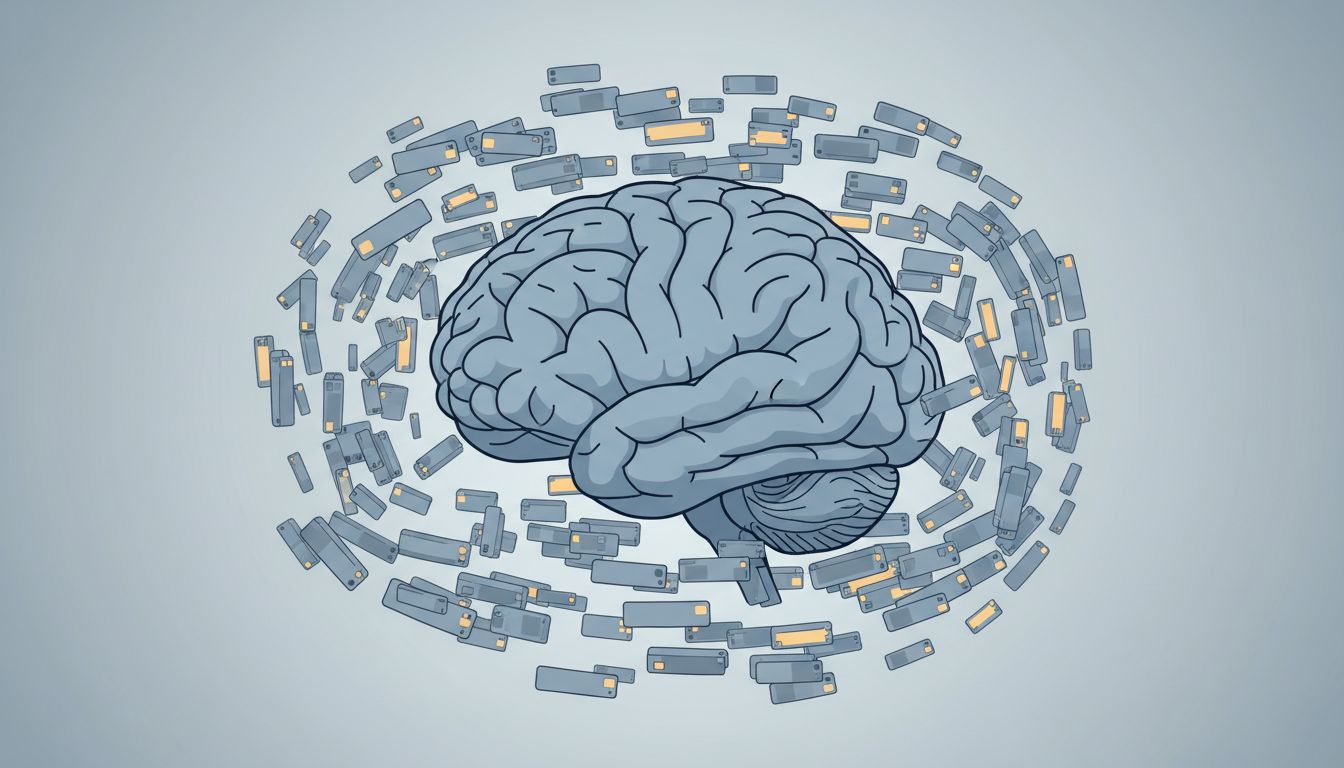
Most people treat browser tabs the way someone might treat sticky notes plastered to a monitor: a visible, ambient reminder that something exists and matters. The problem is that tabs are not a filing system. They are an interruption queue pretending to be one. Each open tab is less a saved item and more a standing request on your attention, waiting to be acknowledged.
1. A Tab Is a Deferred Decision, Not a Saved Resource
When you open a tab and don’t close it, you haven’t saved something. You’ve postponed a decision. The tab represents an unresolved question: do I need this, and if so, what for? Your brain, which is reasonably good at noticing unfinished things (psychologists call this the Zeigarnik effect, the tendency to remember incomplete tasks more readily than completed ones), registers each open tab as a small open loop.
The practical result is a low-grade tax on working memory. You’re not consciously thinking about the 34 open tabs at the top of your browser, but some part of your cognitive housekeeping is. Multiply that by a full workday and you’ve spent meaningful mental energy on things you explicitly decided not to deal with yet.
2. The Tab Limit Is Not the Problem. The Absence of One Is.
Chrome, Firefox, and Safari will all let you open hundreds of tabs. There’s no hard wall. And that permissiveness is exactly the issue. When a system doesn’t constrain you, you have to constrain yourself, which requires willpower, which is finite.
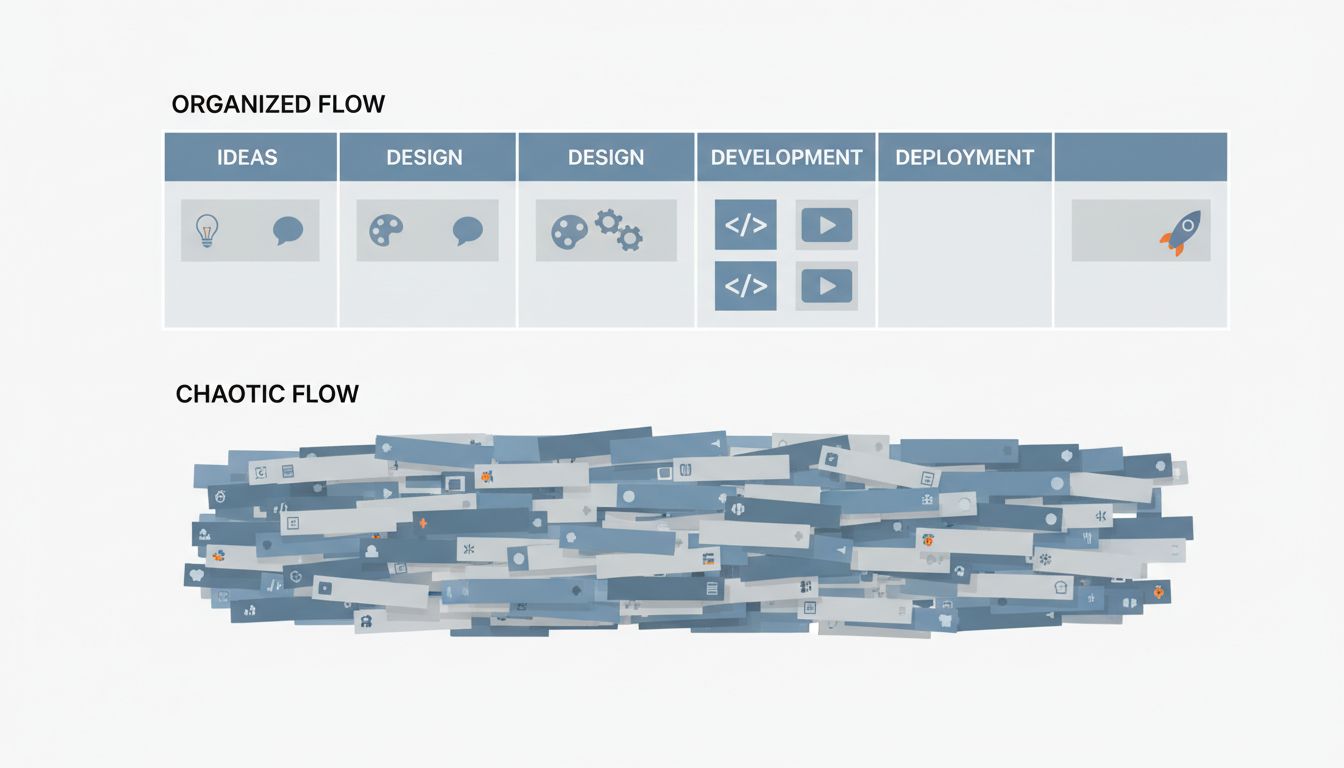
Contrast this with how well-designed tools handle similar problems. A kanban board (popularized by Toyota’s production system and adopted widely in software development) typically enforces WIP limits, meaning Work In Progress limits, caps on how many tasks can occupy a given column at once. The constraint isn’t punitive. It’s a forcing function that makes you decide what matters before you start something new. Your browser has no equivalent. You can start infinite things and finish none of them.
3. Tabs Exploit the Same Mechanism That Makes Notifications Dangerous
There’s a reason notification designers think carefully about badges, the little red circles showing unread counts. Visible, countable, incomplete things pull attention. Tabs work the same way. A row of 40 favicon-sized tabs creates a perceptual environment that constantly signals incompleteness. Your visual field is telling you that you have unfinished business, even when you’re trying to focus on exactly one thing.
This is worth taking seriously because it’s not a willpower problem, it’s an environmental design problem. If you’ve ever noticed that you work better in a clean physical space than a cluttered one, the same principle applies here. Software companies are running experiments on your behavior and iterating on exactly these mechanisms, and the browser tab, infinitely scalable and visually prominent, is one of their most effective surfaces.
4. Tab Groups Are a Partial Solution That Most People Configure Wrong
Chrome introduced tab groups in 2020, and most major browsers have followed. The feature lets you color-code and label clusters of tabs, which sounds useful. The problem is that most people use tab groups to organize their hoarding rather than to limit it. A group labeled “Research” containing 22 tabs is not meaningfully different from 22 loose tabs. You’ve just given the pile a name.
Tab groups are actually useful when treated as a project-scoping tool. One active project, one group, a self-imposed limit of tabs within it (five is a workable ceiling). Close the group when the project is done. This reframes the browser window as a workspace rather than a warehouse, which is the conceptual shift that actually changes behavior.
5. The Real Productivity Cost Is Context-Switching, Not Distraction
People usually frame the tab problem as a distraction problem: you’ll click away from your work and end up somewhere irrelevant. That’s real, but it’s not the main cost. The deeper problem is context-switching overhead.
Researchers studying task-switching have consistently found that moving between tasks carries a cognitive switching cost, the mental overhead of reloading context for whatever you just switched to. A browser with 50 tabs is an environment optimized for switching. Everything is one click away, which means you’re constantly tempted to reload context for something other than what you were working on. The opportunity cost isn’t that you’ll watch a video instead of working. It’s that you’ll answer a semi-relevant email, check a reference, skim something you meant to read, and arrive back at your original task four minutes later with a partially reloaded mental state.
6. Session Restore Features Make This Worse, Not Better
Every modern browser will restore your previous session if it crashes or if you close and reopen it. This feels like a safety net, and technically it is. But it also removes the natural forcing function that previously existed: closing the browser used to mean confronting your tabs and deciding what to do with them. Now you can defer that reckoning indefinitely.
The session restore feature is comfortable in the same way that an infinitely large inbox is comfortable. Nothing is lost, so nothing has to be decided. But that’s exactly the problem. The most productive people build systems that remember for them rather than using ambient accumulation as a substitute for actual organization. A tab is not a system. It’s a hope.
7. The Fix Is Structural, Not Behavioral
Telling yourself to close more tabs is about as effective as telling yourself to check email less. It works for a while and then stops working because the environmental pressure hasn’t changed. The fix has to be structural.
A few things that actually work: use a read-later app (Instapaper, Pocket, or even just a plain text file) as a dedicated landing zone for things you want to revisit, removing them from the browser the moment you save them. Install a tab limiter extension that physically blocks you from opening more than a set number (One Tab and Tab Limiter both do this). End every work session by closing everything and writing down, in one sentence each, what you’re resuming tomorrow. That last one sounds tedious and is, which is the point. The friction is information: if a tab isn’t worth one sentence of description, it wasn’t worth keeping open.
The goal isn’t a clean browser for its own sake. The goal is an environment where your attention is the thing you’re managing, and the browser is subordinate to that rather than the other way around.





