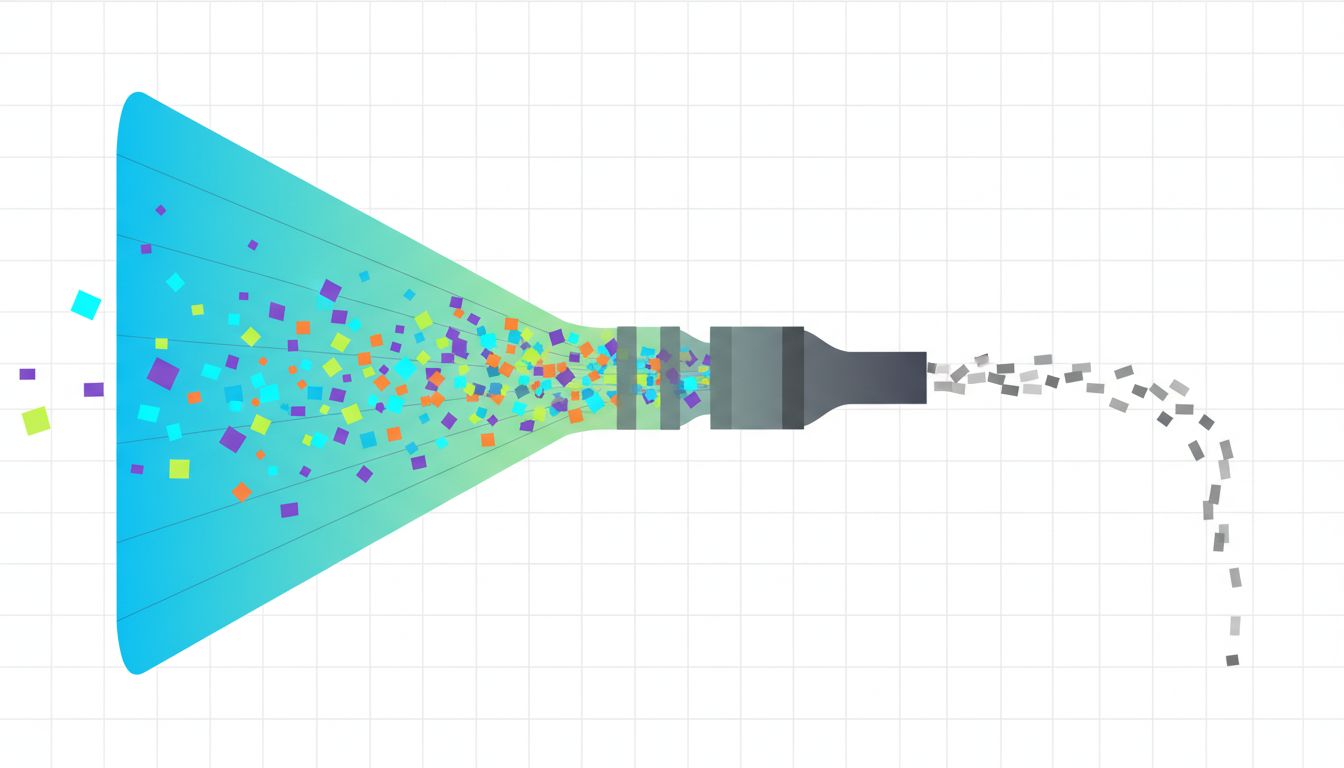
Most to-do apps are built around a single satisfying action: adding a task. The input field is always front and center. Capture is fast, frictionless, and encouraged. Completion is an afterthought, a small checkbox you tap before moving on to add the next thing.
This is a design choice, and it’s working against you. Here are the structural reasons your list grows faster than it shrinks, and what to do about each one.
1. Capture Is Instant, Prioritization Is Never
Every modern to-do tool optimizes for zero-friction capture. Todoist, Things, Apple Reminders, Notion databases: they all make it trivially easy to add tasks from anywhere. This is genuinely useful. The problem is that most systems stop there.
A task added without a priority, a deadline, or a committed time slot isn’t a plan. It’s a wish. And wishes accumulate. Open any list you’ve maintained for more than a few months and you’ll find tasks you added in a hopeful mood that you will never, realistically, do. They sit there quietly making the whole list feel heavier.
Fix this by adding exactly one constraint at capture time: ask yourself whether this task goes on today’s list or into a “someday” bucket that you review weekly. If you can’t answer that in five seconds, the task isn’t defined well enough to belong on a to-do list at all.
2. There Is No Cost to Adding a Task
In most systems, your list can grow infinitely with no consequence. You’re never asked to make a trade-off. Adding “research new CRM options” costs the same effort as adding “buy milk.” The list doesn’t push back.
But your time is finite, and every task you add is implicitly a commitment. When there’s no limit on the list, you stop treating additions as commitments and start treating them as free parking for vague intentions.
Try imposing an artificial constraint: cap your active task list at ten items. Not your backlog, your active list. When you hit ten, you must either complete something or explicitly delete something before a new task can come in. This forces the trade-off that should have happened at capture. It’s uncomfortable at first, which is exactly the point.

3. Completion Gives You Nothing to Work With
When you check off a task, most apps give you a brief visual flourish and then either archive the item silently or let it linger in a “completed” graveyard you never visit. There’s no signal, no pattern, no feedback.
Compare that to how you add tasks: with tags, projects, priorities, due dates. The capture side of the system is rich with metadata. The completion side is binary. Done or not done, and then silence.
Start treating your completions as data. At the end of each week, look at what you actually finished versus what you planned to finish on Monday. Not to beat yourself up, but to calibrate. If you planned twelve things and finished four, you’re not lazy. You’re over-committing at capture time, and your system is letting you do it unchecked. A software team that audited this exact gap found they finished more by tracking less.
4. Long Tasks Live Next to Short Tasks, and Short Tasks Always Win
Most lists are flat. “Write Q3 strategy memo” sits right next to “reply to Dan” with no visual distinction. Cognitively, this is a disaster. The short task is easier to start, easier to complete, and gives you a faster dopamine hit. So you do it first.
Multiply this across a week and you end up with a graveyard of completed small tasks and a collection of important-but-large tasks that have been on your list for two weeks, three weeks, a month.
The fix isn’t complicated: separate your list into two physical sections. One for tasks that take under fifteen minutes. One for tasks that require a real block of time. Never let them share the same visual space. When you sit down to work, decide which section you’re working from before you look at individual items. This prevents the gravitational pull of easy tasks from eating your entire day.
5. Your List Confuses Reminders with Commitments
A reminder is “I should probably do this at some point.” A commitment is “I will do this specific thing at this specific time.” Most to-do lists hold both types of items with no distinction between them, which means neither type gets treated correctly.
Reminders need a review cadence, not a due date. Commitments need a time block, not just a due date. When these live together in the same undifferentiated list, you end up checking your reminders with the urgency of commitments (stressful) and treating your commitments with the casualness of reminders (costly).
The clearest version of this separation: genuine commitments go directly into your calendar as time blocks. Your to-do list holds everything else. If something is truly important enough to do, it’s important enough to schedule. If you’re not willing to put it on your calendar, that tells you something honest about how much you actually intend to do it.
6. Review Is Treated as Optional
Getting Things Done, the productivity framework David Allen introduced in 2001, built the weekly review into the core of the system for good reason. Without a regular culling, any capture-heavy system degrades into an anxiety machine. You’re not sure what’s current, what’s obsolete, and what you’ve accidentally forgotten.
Most people skip the review because it’s uncomfortable. You have to confront the tasks you added six weeks ago and never did. But skipping it just means the discomfort compounds. A list you don’t trust is worse than no list at all, because it has the shape of a plan without the function of one.
Schedule thirty minutes every Friday. Go through your list and delete anything you’re not genuinely going to do. Not postpone, not move to someday. Delete. The tasks worth keeping will survive this pass. The ones that don’t survive probably shouldn’t have been on the list in the first place.
Your to-do list isn’t broken because you lack discipline. It’s broken because it was designed to accept tasks, not to help you finish them. Adjust the system, and the behavior follows.