Every major software download page lists a checksum. A SHA-256 hash, maybe an MD5 for older projects, sometimes a PGP signature. The string of hex characters sits right next to the download button, patiently waiting to be used. Almost nobody uses it.
This is not a minor inconvenience. It is a structural gap in how software reaches users, and the security community has largely decided to politely mention checksums in documentation and then move on. That’s the wrong call. Verification is the difference between trusting a file and knowing what you got, and we’ve built an entire software distribution ecosystem that treats that distinction as optional.
The Attack Surface Nobody Talks About
Checksums exist because the path between a software publisher and your machine is longer and less trustworthy than it looks. You might be downloading from a mirror server you’ve never heard of. Your connection might pass through infrastructure you don’t control. The file might have been sitting on a CDN that got quietly compromised. None of these scenarios are exotic; supply chain attacks have become routine enough that NIST issued formal guidance on them.
The SolarWinds breach in 2020 is the canonical example, but it’s almost misleading because of its scale. More common are smaller incidents: a compromised package in a dependency tree, a tampered binary on a third-party mirror, a download interrupted and silently corrupted. A checksum catches all of these. An unchecked download catches none of them.
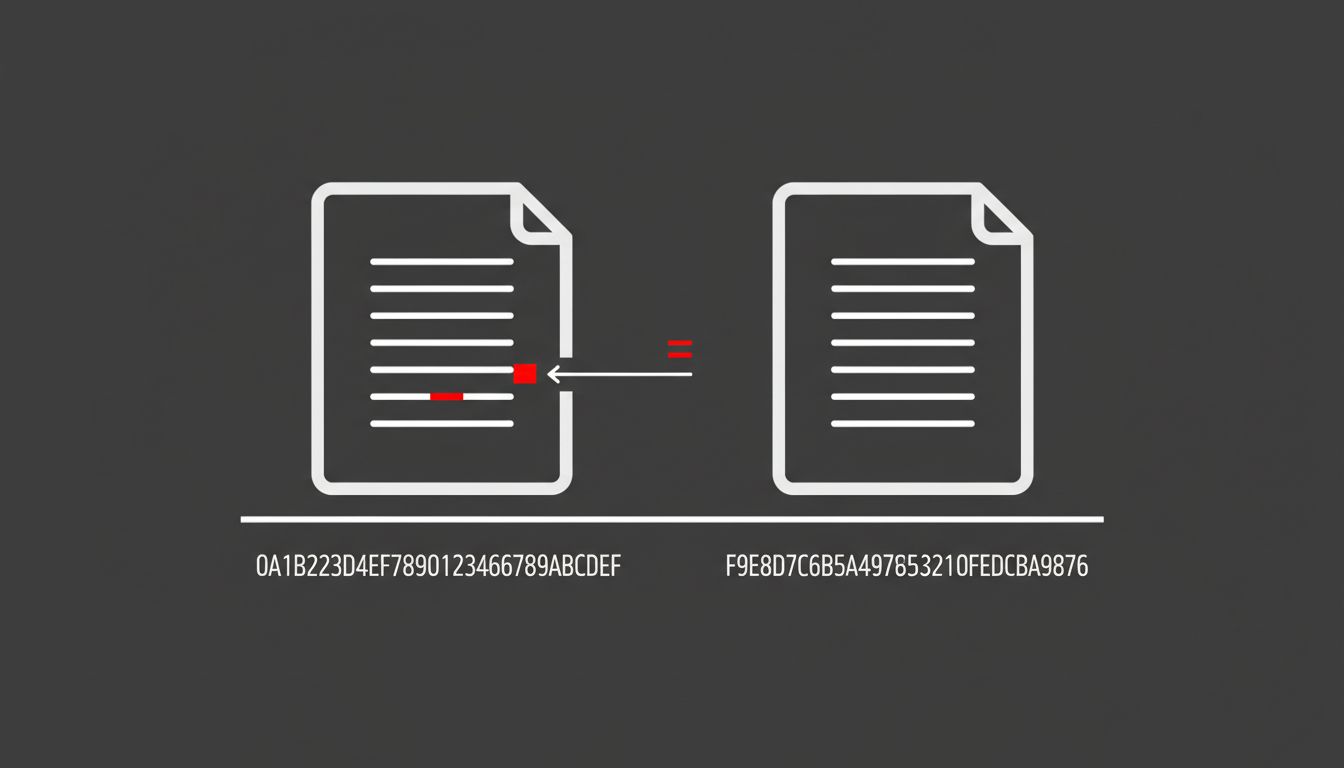
The math is not complicated. A SHA-256 hash is deterministic. The same input always produces the same 256-bit output. If even one byte of a file changes, the hash changes completely. So if the hash the publisher computed matches the hash you compute locally, you have the exact file they published. If it doesn’t match, something happened between their server and your disk.
Why Nobody Does It Anyway
Verification friction is real. On most operating systems, computing a hash requires opening a terminal and running a command most users have never typed. Even for developers, the workflow of downloading a file, copying a hash from a webpage, and running a comparison tool interrupts momentum. Package managers like Homebrew, apt, and pip handle this automatically, which is genuinely good. But any software distributed as a raw binary download, an installer, a tarball, sits outside that infrastructure. That’s still a large fraction of software that enterprises and developers actually use.
The deeper problem is that software publishers have largely accepted low verification rates as inevitable. They post the hash. They’ve discharged their responsibility. Whether you check it is your problem. This is the same logic that kept SSL optional on web forms for years: the feature existed, so the threat model was theoretically addressed, so nobody felt urgency to make adoption happen.
The Tools Exist to Make This Automatic
Verification being manual is a policy choice, not a technical constraint. Operating systems could verify hashes before executing installers. Browsers could check publisher-provided hashes against downloads before completing them. None of this requires new cryptography. The Web App Manifest specification already supports something like this for web resources. The integrity attribute in HTML lets developers specify a hash for scripts and stylesheets loaded from external sources, and the browser refuses to execute anything that doesn’t match. It has been supported across major browsers for years.
That same principle applied to desktop software distribution would close most of the gap. An installer that refuses to run if its hash doesn’t match a publisher-signed manifest is not a complicated engineering project. It’s a product decision. The reason it hasn’t happened at scale is that nobody with the platform leverage (Microsoft, Apple, Linux distributors) has made it a hard requirement outside their curated app stores.
App stores are actually the quiet success story here. When you install software through the Mac App Store or Google Play, cryptographic verification happens automatically, invisibly, every time. Users don’t have to think about it. That’s the right model. The problem is that significant categories of software, developer tools, enterprise applications, open-source utilities, live outside those stores by design or necessity.
The Counterargument
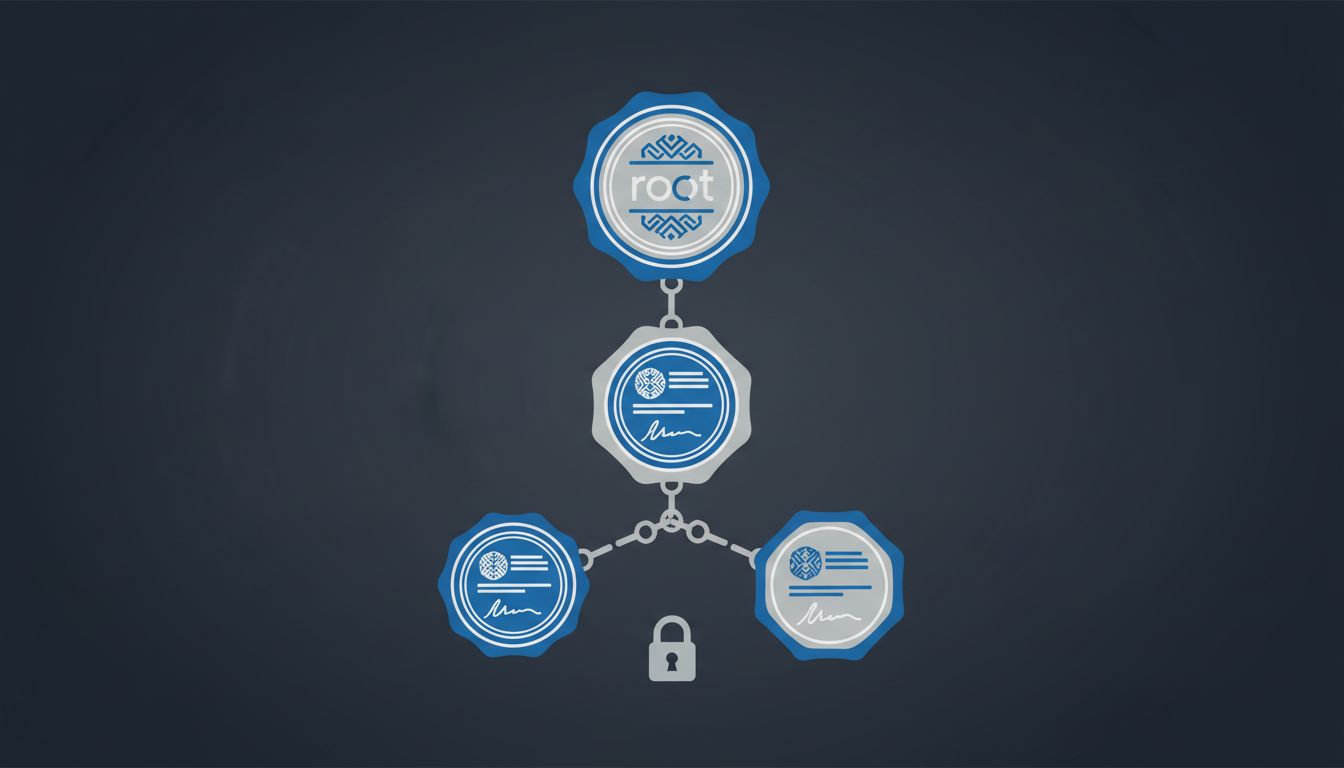
The standard pushback is that checksums only verify file integrity, not trustworthiness. A malicious actor who controls the download server can simply replace both the file and the hash. This is true, and it’s why PGP signatures and certificate pinning exist. But this argument is used to dismiss checksum verification entirely, which is backwards. A checksum catches accidental corruption, compromised mirrors, and man-in-the-middle attacks. It doesn’t catch a fully compromised publisher. No single mechanism does. Defense in depth means using the tool that solves the problems it solves, not waiting for a tool that solves every problem.
The other objection is that package managers have made this moot for most software. Also partially true, and progress worth acknowledging. But package managers don’t cover everything, and even within managed ecosystems, the packages themselves can be tampered with before they’re submitted. The PyPI and npm ecosystems have each seen incidents where malicious packages were published under typo-squatted names. Checksums don’t prevent that either, but signed manifests and verified provenance do, and those are just checksums applied higher in the stack.
We Should Make This Invisible, Not Optional
The argument for checksum verification isn’t that users should become more disciplined. That argument has never worked in security and won’t start working now. The argument is that platforms should make skipping verification the hard path, not the easy one.
Publishers should sign their releases and host signed manifests. Operating systems should check them. Browsers should surface a warning when a download’s hash doesn’t match a publisher’s published value. None of this is technically ambitious. It’s operationally inconvenient, which is a much more solvable problem.
The hex string sitting next to the download button is not decoration. It’s a commitment from the publisher about what you’re supposed to receive. Treating that commitment as optional is how we end up running software we can’t actually vouch for.