You finished the report. You shipped the feature. You sent the email. And yet, somehow, those things are still taking up space in your head, your inbox, or your task manager. That’s not a coincidence. Finishing a task and closing it are genuinely different acts, and most productivity advice treats them as one. That confusion is expensive.
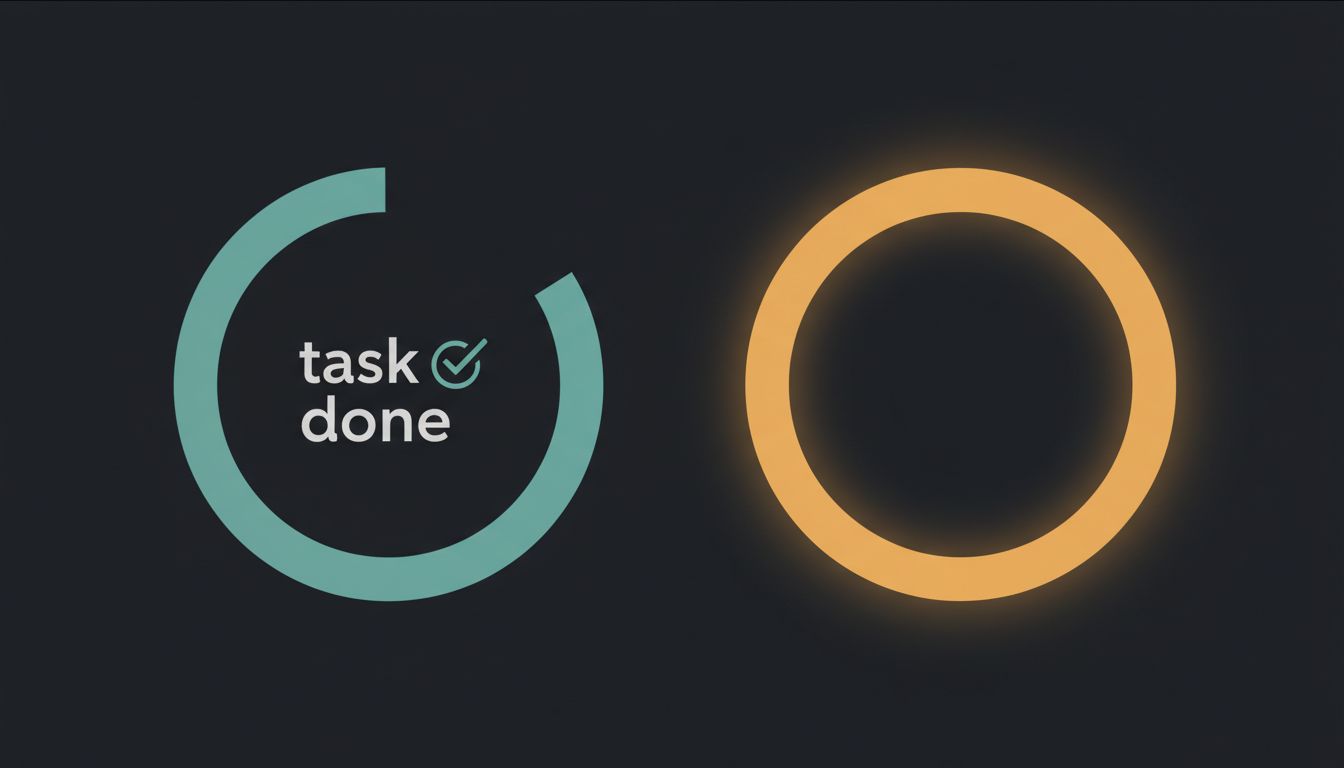
Here’s what closing actually means: the task leaves your attention system entirely. No follow-up needed, no open question hanging, no artifact sitting in a half-done state. Finishing is about output. Closing is about the loop. You need both.
1. Finishing Produces Output. Closing Removes the Burden.
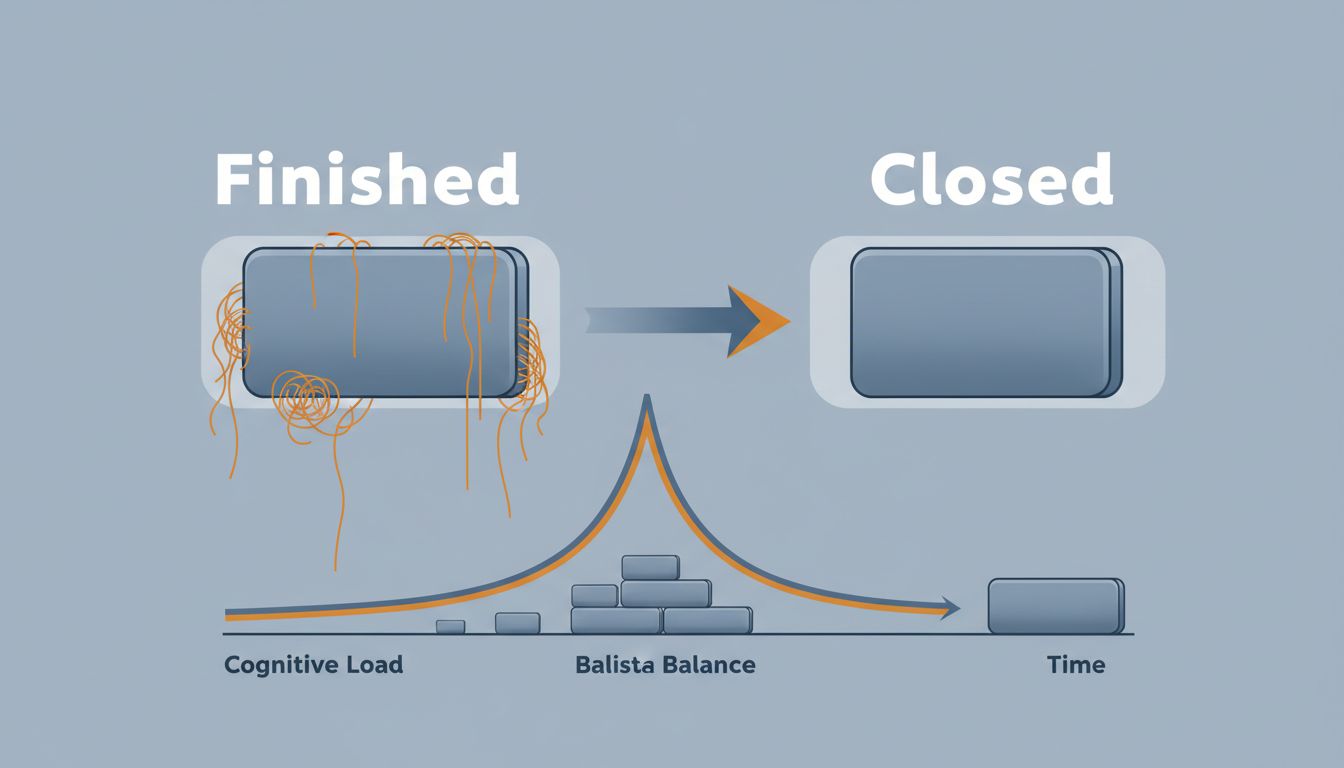
When you finish a task, you stop doing the work. When you close it, you stop carrying it. These are not the same moment, and the gap between them is often measured in days, sometimes weeks.
Think about the last time you sent a proposal. You wrote it, reviewed it, hit send. Done, right? But unless you logged the follow-up, moved the contact to a waiting state, and got it out of your working memory, that proposal is still alive in your head. It surfaces at 11pm. It makes you hesitant to start the next proposal because some part of your brain knows the first one isn’t really handled. The output existed the moment you hit send. The closure hasn’t happened yet.
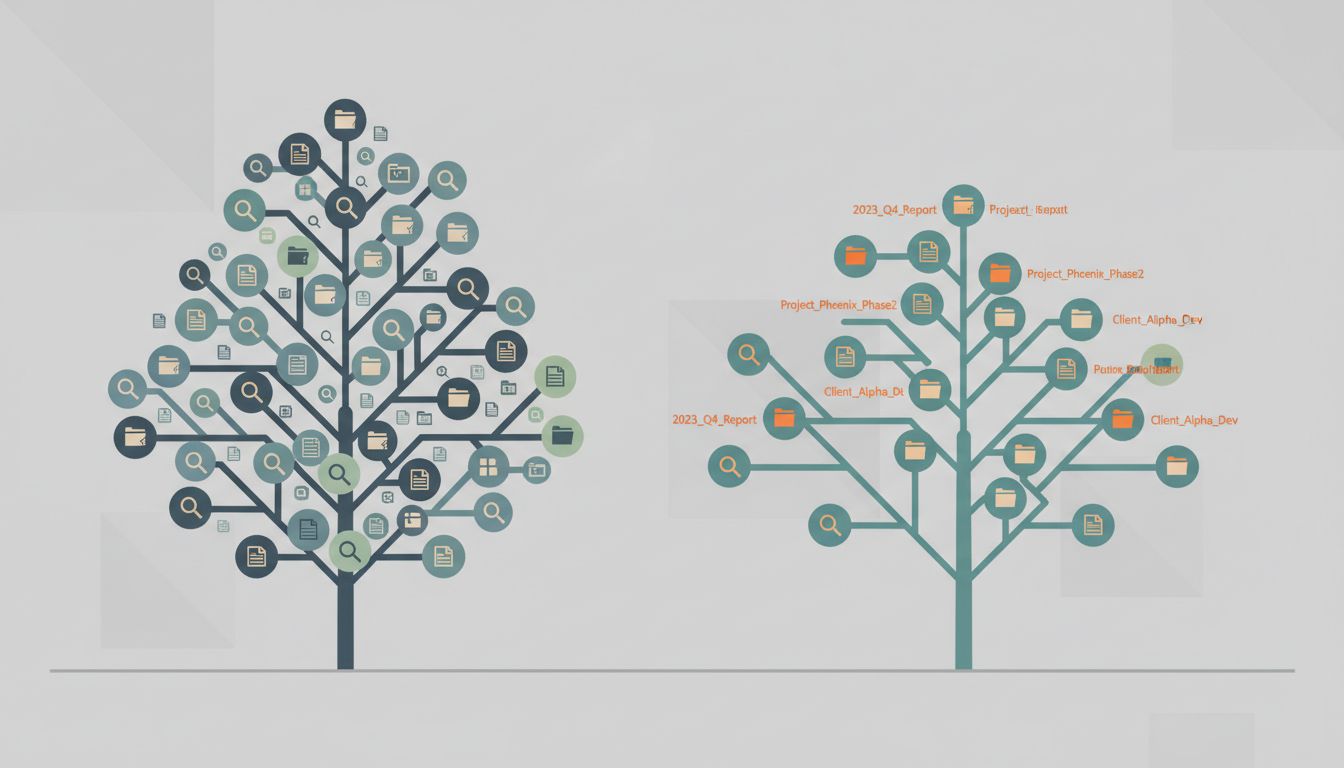
This is why your task manager can turn into a graveyard. Tasks pile up not because you’re not working, but because finishing and closing have been conflated, and the system is full of things that are technically done but still open.
2. Open Loops Have a Cognitive Cost That Compounds
Psychologist Bluma Zeigarnik documented in the 1920s that people remember interrupted or incomplete tasks more readily than completed ones. Your brain keeps unfinished business in active memory whether you ask it to or not. This is useful in small doses and brutal at scale.
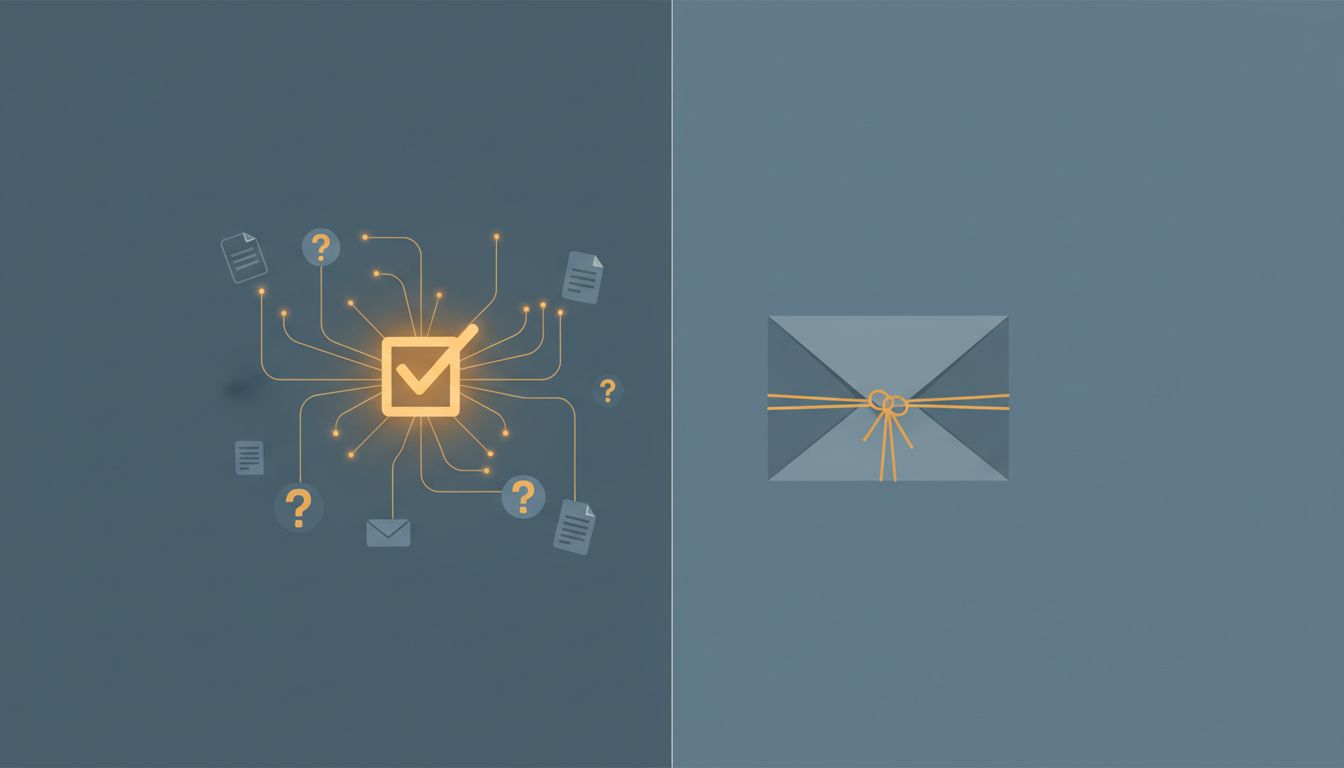
Every task you’ve finished but not closed is an open loop. It’s still consuming working memory. It still generates low-level anxiety. And because these loops don’t announce themselves loudly, you don’t notice the accumulation until you’re exhausted by a workload that looks manageable on paper. The cognitive overhead isn’t coming from the work you’re doing. It’s coming from the work you think you’ve already done.
The fix isn’t a better app. It’s a closing ritual. Something that explicitly moves a task from “done” to “gone.” That might be archiving, logging, filing, or simply asking: is there anything still attached to this? If yes, create the next action. If no, mark it closed and mean it.
3. Many Tasks Aren’t Finished. They’re Abandoned at a Convenient Stopping Point.
There’s a third category nobody talks about: tasks that feel finished because you stopped, but aren’t actually complete. You wrote the first draft. You built the prototype. You had the hard conversation. But the draft needs one more pass, the prototype needs documentation, the conversation needed a follow-up email to confirm what was agreed.
This is the most insidious version of the problem because it masquerades as productivity. Your output list looks healthy. But you’ve created a trail of 80%-done work that will eventually demand attention at the worst possible time, usually when something downstream depends on it.
The honest question to ask before marking anything done: what would a person picking this up cold need to have no questions? If the answer is “quite a bit,” you haven’t finished yet. You’ve just paused.
4. The Closing Step Is the One Most Likely to Be Skipped Under Pressure
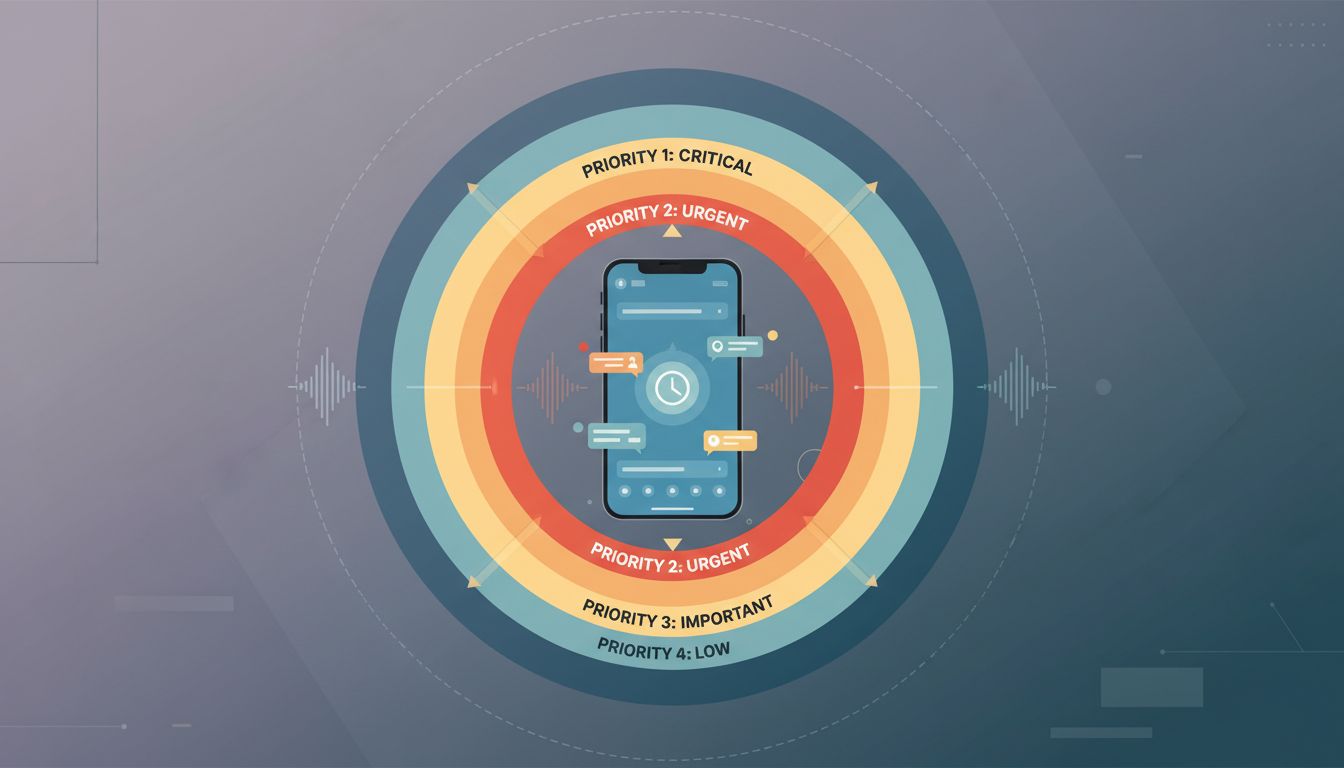
Here’s the cruel irony of busy periods: the more pressure you’re under, the faster you move from task to task, and the less likely you are to properly close anything. You finish the work, immediately get pulled into the next thing, and the closing step (the log, the archive, the follow-up creation) never happens.
This means your busiest weeks are the ones that generate the most open loops. And open loops accumulate interest. Two weeks of skipped closing rituals can create a cognitive debt that takes a quiet Friday afternoon to pay down, assuming you ever do.
Building the closing step into the task itself is the practical solution. Not as an afterthought, but as the final defined action. Before you start anything, decide what “closed” looks like. Write it down. “Closed” for this task means: document sent, response logged, follow-up scheduled, file archived. When those four things are done, the task is closed. Not before.
5. Your System Probably Rewards Finishing, Not Closing
Most productivity systems, from simple to-do lists to elaborate project management tools, are optimized for capturing and completing tasks. They’re not designed around closure. A task gets a checkmark when you mark it done. But the system has no way to know whether you’ve actually closed the loop or just stopped working on it.
This creates a subtle misalignment between what your system measures and what you actually need. Your completion rate looks good. Your cognitive load stays high. You feel like you’re productive because the numbers say so, but the lingering mental weight tells a different story. As the article your productivity system is optimized for feeling busy argues, the metrics your system tracks may be actively misleading you.
The fix isn’t necessarily a new tool. It’s adding a closing state to whatever you already use. Call it “Closed,” “Archived,” or “Done-Done.” Make it distinct from “Done.” Reserve it for tasks where the loop is genuinely gone. You’ll quickly notice how few of your “done” tasks actually qualify.
6. Closing Requires a Decision, and That’s Why It Gets Avoided
Finishing a task is largely mechanical. You do the work until it’s done. Closing a task requires a judgment call: is this actually complete? Is there a follow-up I’m responsible for? Does anyone else need to know? Those questions take a moment of real attention, and under pressure, that moment feels like a luxury.
But skipping those questions doesn’t make them go away. It defers them to a worse time, usually when someone asks about the status of something you thought was handled. The thirty seconds of closing work you skipped has now become a five-minute conversation plus the repair work, plus the trust cost if anything slipped.
Closing is a decision, and decisions have a small cost upfront and a large payoff later. Treating it as optional is a trade you will reliably lose. Build the decision point into your workflow as a fixed step, not a variable one. You’ll close fewer tasks per day and finish more work per week.