The Setup
Sometime around 2012, a small engineering team at Basecamp (then 37signals) started publishing detailed write-ups about how they actually worked. Not thought leadership, but operational specifics: how they made decisions, how they structured projects, how they handled documentation. One pattern that stood out to anyone paying attention was how they organized information for retrieval rather than for filing.
Most people, when they save a file, are thinking about where it belongs. They’re solving a categorization problem. Where does this thing live? The Basecamp team was doing something structurally different. They were designing for the question they’d ask later, not the answer they had now.
That distinction sounds subtle. It isn’t.
What Actually Happened
Here’s the problem that most file organization systems are quietly solving: how do I store what I just made?
You finish a document. You need to put it somewhere. So you find the most logical folder, drop it in, and move on. The folder structure was probably built the last time you cleaned up your desktop, which means it reflects the kinds of files you had then, organized the way your brain worked then.
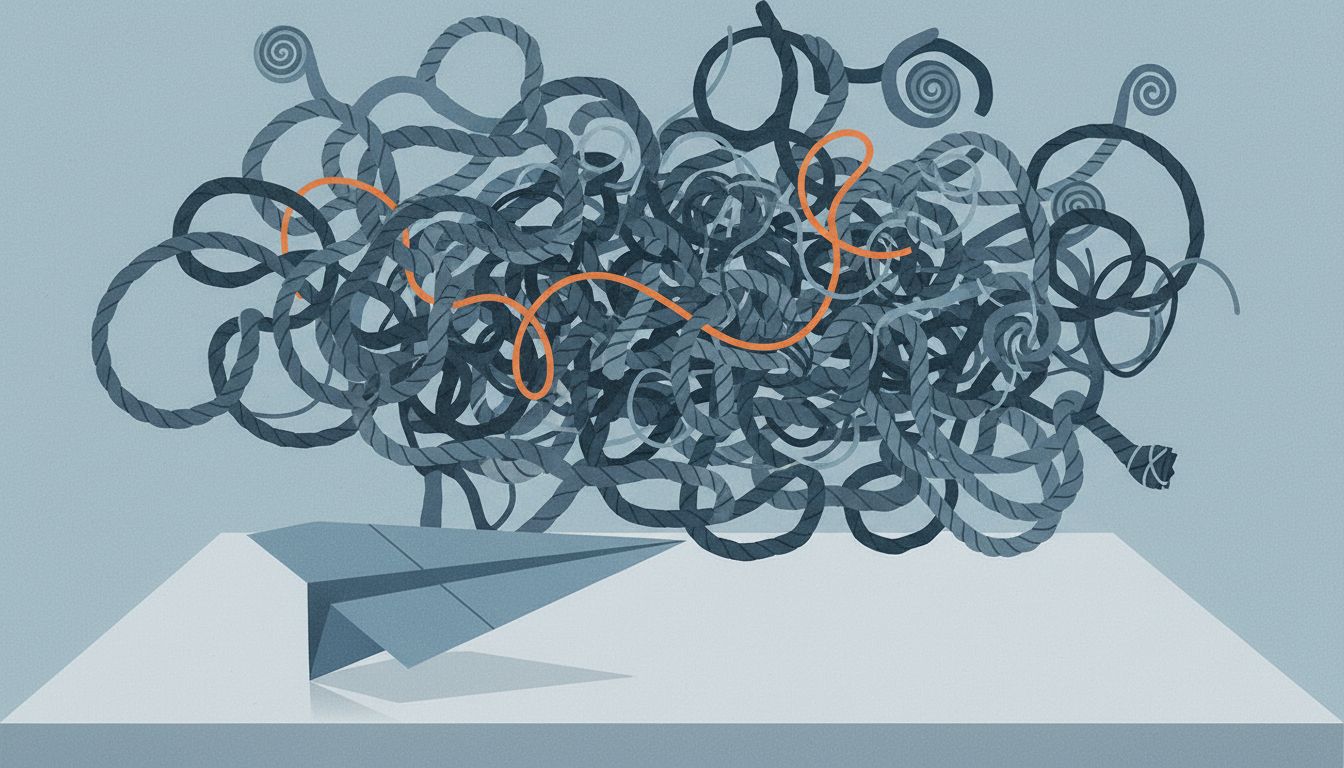
Six months later, you need to find it. You remember making it. You remember roughly when. You do not remember what you called it or which of three plausible folders it ended up in. You search. You find twelve files with similar names. You open three of them before you find the right one.
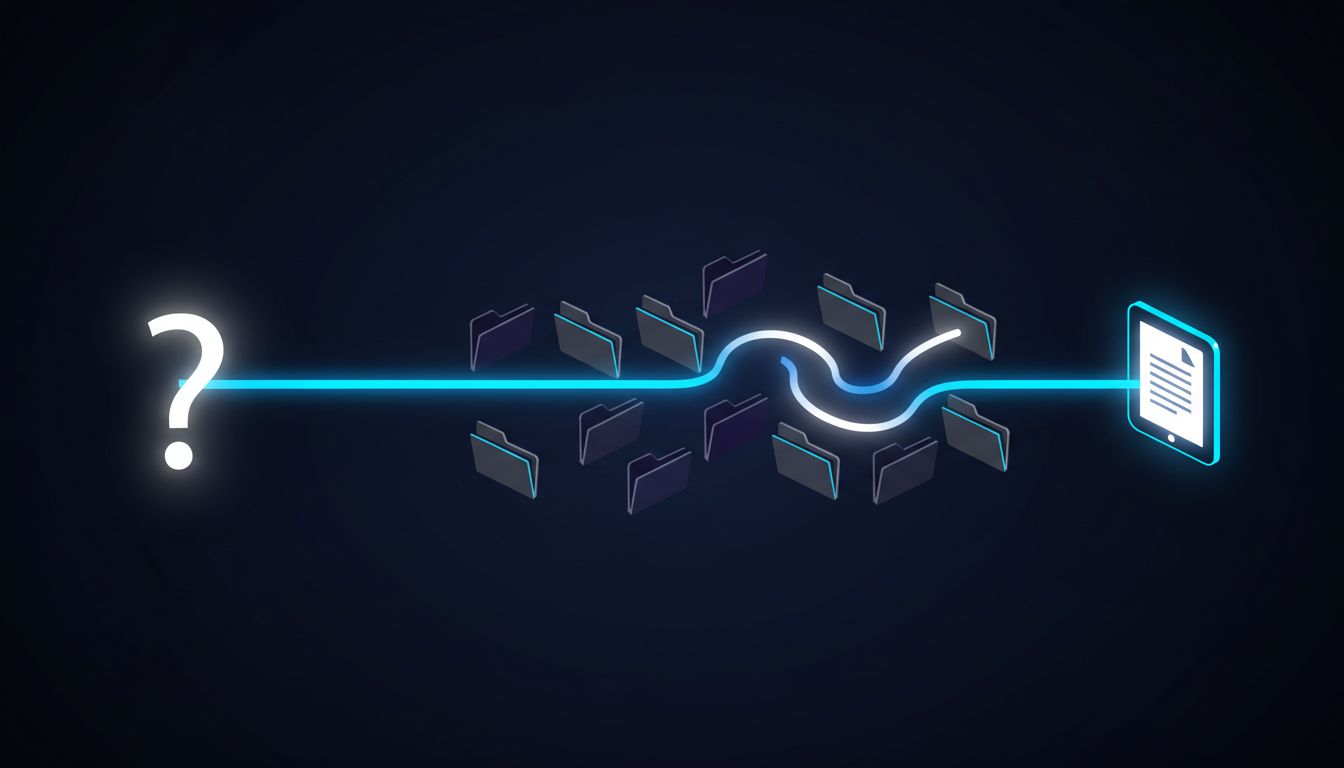
This is not a search problem. It’s a design problem. The system was designed for the moment of saving, not the moment of finding.
The Basecamp team’s approach, which they formalized later in their writing and in tools like Basecamp 3, was to structure project spaces around questions people would actually ask. Not “where does this design mockup go?” but “what do I need to look at when I’m deciding whether to ship this feature?”
The difference is that the first question has a dozen reasonable answers (Design/, Assets/, Mockups/, Projects/FeatureName/, etc.). The second question has exactly one.
Why This Matters
There’s a computer science concept called a “write-optimized” versus “read-optimized” data structure. A write-optimized structure makes it fast and easy to insert new data. A read-optimized structure makes it fast and easy to query existing data. They’re often in tension. Optimizing hard for one usually means accepting some penalty on the other.
Most personal file systems are accidentally write-optimized. You optimize for the action you’re doing right now (saving a file) without thinking about the query patterns you’ll need later.
Professional database engineers spend serious time thinking about query patterns before they design a schema. If your application will frequently ask “show me all orders for a given customer sorted by date,” you build your indexes around that. You don’t wait until the queries are slow and then try to fix it.
File organization rewards the same thinking, and almost nobody applies it.
The people who are genuinely good at this, and I mean the ones who can find any document in under 30 seconds regardless of when they made it, aren’t more disciplined about filing. They designed their systems around retrieval queries before they started putting things in. They asked: what will I be looking for, and what will I remember about it when I look?
The Retrieval Query Model
Here’s what this looks like in practice.
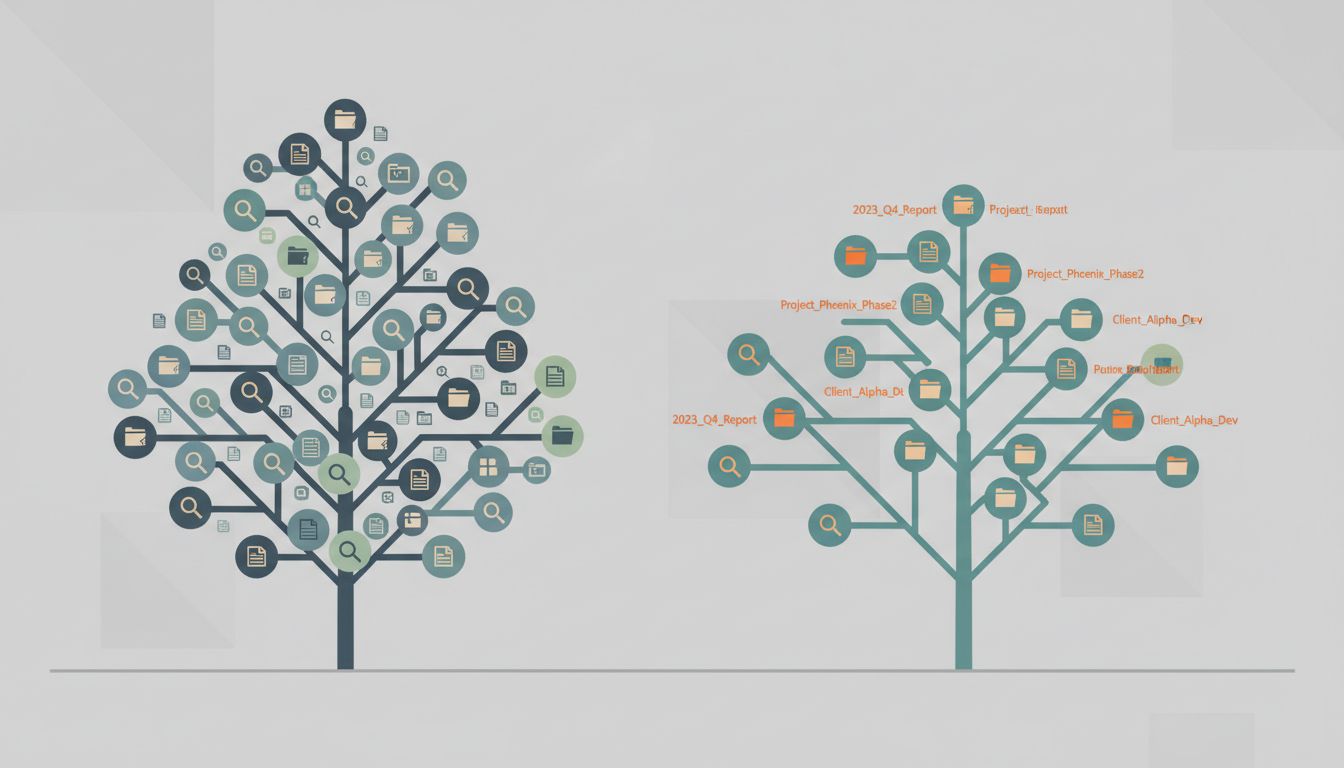
A mediocre folder structure for a freelance developer might look like this:
Clients/
  AcmeCorp/
  WidgetCo/
Projects/
  WebsiteRedesign/
  APIIntegration/
Invoices/
Contracts/
That structure solves “where does this go?” reasonably well. It does not solve “find me the contract for the ACME API project” because that file could reasonably live in three different folders.
A retrieval-oriented structure asks: when I’m looking for something, what context will I definitely have? Almost always: the client, and roughly the time period. Sometimes the project name. Rarely the exact file type.
So you might collapse to:
Work/
  AcmeCorp/
    2023-Q4-APIIntegration/
      contract.pdf
      invoices/
      deliverables/
  WidgetCo/
    2024-Q1-WebsiteRedesign/
Now there’s one place anything ACME-related can possibly live. The contract and the invoices and the deliverables are all in one folder because when you’re looking for any of them, you’ll know the client and the project. The date prefix gives you chronological ordering for free.
This feels wrong to people at first because mixing “types” of files in one folder violates the categorical instinct. But categories aren’t retrieval paths. They’re just another layer of indirection.
What the Experts Get Right
The Basecamp write-ups were one instance of a broader principle that shows up in how good engineers handle any organizational problem: design the structure around the operation you perform most often, not the operation you’re performing right now.
For databases, that operation is the read query. For source code, it’s often the “find everything related to this feature” search, which is why feature-based directory structures often outperform layer-based ones (grouping by feature rather than by “controllers/” and “models/” and “views/”). For personal files, it’s almost always retrieval by context: who, what project, roughly when.
There’s also something to be said for naming files like you’ll search for them under duress. File names like “final_v3_REAL_USE_THIS.docx” are jokes about a filing system that was never designed. File names like “acme-api-sow-2023-11.pdf” are self-describing retrieval keys. They contain the context you’ll have when searching.
The other thing experts do consistently: they don’t create folders until they have at least three items that belong in them. Premature folder creation is the filing equivalent of premature abstraction in code. You end up with a hierarchy that reflects imagined future needs rather than actual present patterns, and then you’re reluctantly fitting real files into conceptual slots that don’t quite fit.
What We Can Learn
The lesson from the Basecamp case isn’t really about folder structures. It’s about designing systems for the operation that matters, not the operation that’s convenient.
When Basecamp built their project spaces, they weren’t asking “where should announcements, to-dos, and docs live?” They were asking “when someone joins a project late and needs to get up to speed, what will they look for and where will they expect it?” The structure followed from the retrieval scenario, not from a taxonomy of content types.
You can apply this to almost any organizational problem. Before you design the structure, write down three to five sentences that start with “When I’m looking for…” Finish those sentences. Now look at your existing structure and ask whether it would surface the answer in one step or three.
If it’s three, you have a write-optimized system. And write-optimized systems pay the cost every time you read from them, which is every time you’re trying to get actual work done.
The file you can’t find doesn’t feel like it exists. The real problem is usually that the system that should surface it was never designed to.