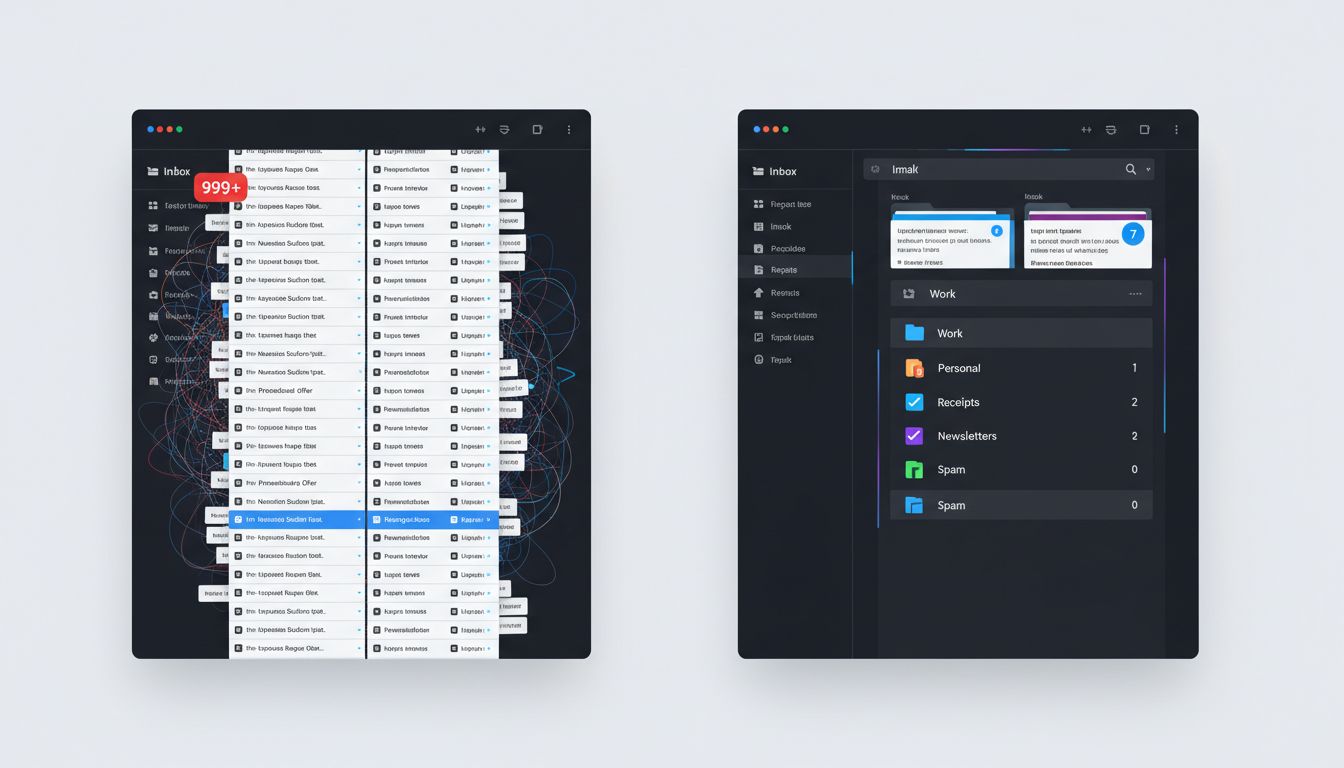
If you dropped into the inbox of a Fortune 500 CEO on any given Tuesday morning, you would not find a zen garden of carefully read messages awaiting thoughtful replies. You would find something closer to a distributed message queue under load, hundreds of items arriving continuously, most of them noise, a small fraction of them genuinely load-bearing. The executives who handle this gracefully are not superhuman. They have just, often intuitively, built filtering systems that any engineer would recognize as architecturally sound.
This connects to a broader truth about high-performance individuals that is worth sitting with: the most effective people are not adding more tools, they are ruthlessly subtracting friction. As we explored in why the most productive people delete apps instead of downloading them, the instinct to solve a workflow problem by installing something new is almost always the wrong reflex.
The Inbox as a Priority Queue
In computer science, a priority queue is a data structure where each element has a “weight” and higher-weight items are processed first, regardless of arrival order. A standard inbox is the opposite of this. It is a FIFO queue (first in, first out) with no weighting, which means a newsletter from a vendor you forgot you subscribed to in 2019 sits at the same priority level as a message from your CFO flagging a cash flow anomaly.
Experienced executives solve this by implementing what you might call a pre-processing layer, a set of rules that run before any message reaches conscious attention. In Gmail, these are called filters. In Outlook, they are called rules. The concept is identical: conditional logic applied at ingestion time.
A simplified version looks something like this:
IF sender_domain NOT IN approved_list
  AND subject NOT CONTAINS urgent_keywords
  AND recipient = [email protected]
THEN skip_inbox, label='low-priority', mark_read=true
That pseudo-code is not far from what Gmail’s filter syntax actually supports. The practical effect is that roughly 60 to 70 percent of incoming volume never touches the primary inbox at all. It gets routed, labeled, and deferred for batch processing during a designated low-cognitive-load window (typically late afternoon, when creative problem-solving capacity has already peaked for the day).
The Three-Tier Architecture Most Execs Use Intuitively
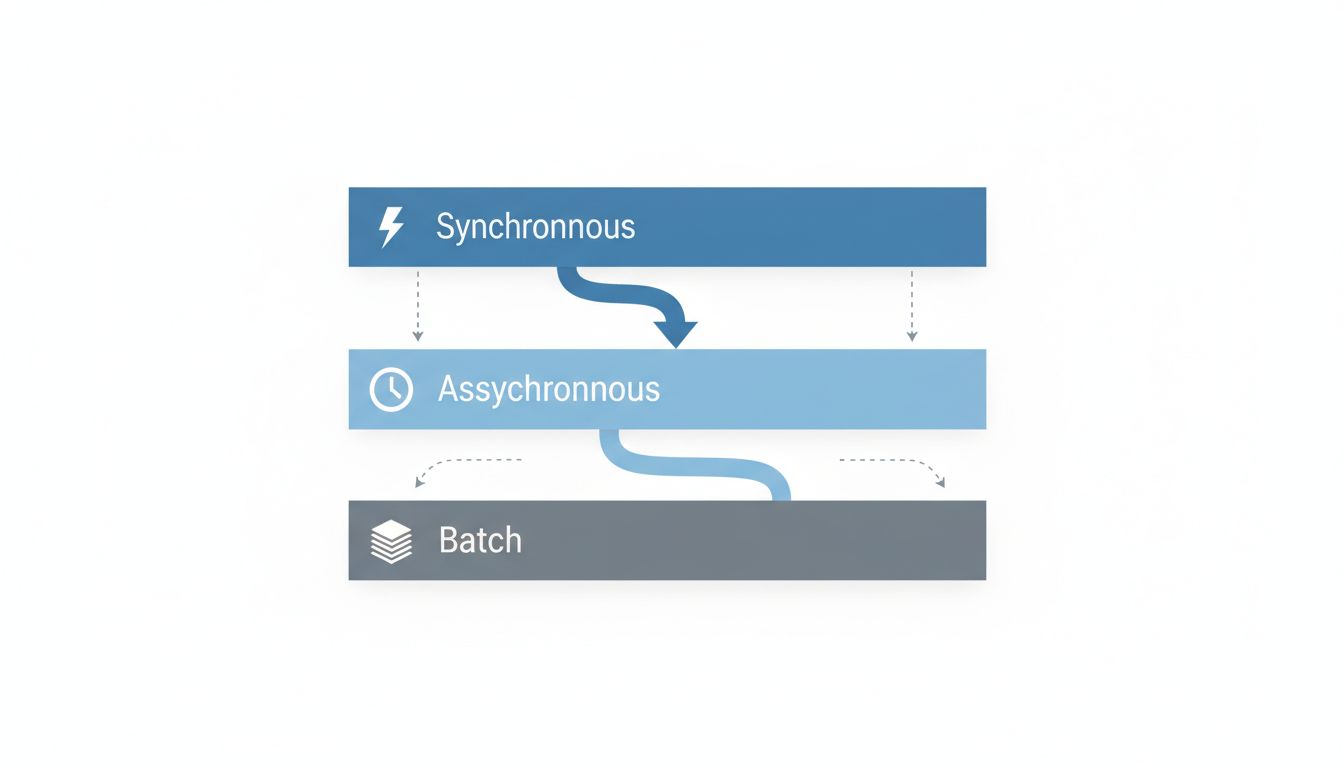
When you interview executives who are known for inbox control, a consistent three-tier structure emerges, even when they have never consciously designed it that way.
Tier 1: Synchronous-worthy. Direct messages from a short list of humans whose input requires a same-day response. Board members, direct reports on active issues, key customers mid-negotiation. This list is typically five to fifteen people. Everything from this group bypasses all filters and triggers a notification.
Tier 2: Asynchronous but scheduled. Internal memos, project updates, vendor correspondence, anything that matters but does not require immediate action. This tier gets processed in one or two dedicated inbox sessions per day, not reactively throughout the day.
Tier 3: Batch or delegate. Newsletters, automated alerts, CC’d threads, anything where the executive is not the primary decision-maker. This either gets delegated to an EA (executive assistant) with clear processing instructions, or reviewed weekly and bulk-archived.
The interesting thing about this architecture is that it mirrors how well-designed software systems handle traffic. You do not route every incoming API request to your most expensive compute resource. You triage at the edge, handle cheap stuff cheaply, and escalate only what genuinely needs premium processing.
Why Most People Never Build This System
The honest answer is that building a filter architecture requires an upfront time investment that feels expensive precisely when your inbox is most overwhelming. It is the classic catch-22: you need uninterrupted thinking time to design the system that would give you uninterrupted thinking time.
There is also a psychological component that is genuinely sneaky. Email clients are designed to be checked compulsively. The unread count badge, the pull-to-refresh gesture, the red notification dot, these are not accidents. They are the result of deliberate engagement optimization. As covered in tech companies engineered your brain’s reward system, now they’re quietly trying to undo it, the variable reward loop baked into most communication tools is the same mechanism that makes slot machines compelling. Your inbox is a slot machine that occasionally pays out with something important, which is exactly why it is so hard to ignore.
Breaking that loop requires treating the filter system not as a nice-to-have but as infrastructure. Non-negotiable. Load-bearing.
The Labeling Taxonomy Problem
Here is where most people’s filter systems collapse: the label taxonomy. A taxonomy (the classification scheme you use to organize filtered mail) that made sense in year one becomes incomprehensible by year three. Executives who maintain effective systems tend to follow a rule that should be familiar to anyone who has designed a database schema: normalize aggressively early, and resist the urge to add new categories for every edge case.
A good working taxonomy has somewhere between six and twelve top-level labels. More than that and the cognitive overhead of categorization exceeds the benefit. The labels should map to decision types, not sender types. “Needs decision,” “for awareness,” “delegate,” “reference” is a better schema than “vendors,” “board,” “press,” “HR” because it tells you what to do with the message, not just where it came from.
This is the same principle behind good software architecture: design around behavior and intent, not around the shape of your current data. It is also, perhaps not coincidentally, the reason boring technology wins in the long run. Simple, predictable, well-understood systems outperform clever ones when the stakes are high and the volume is sustained.
What This Looks Like in Practice
A CTO at a Series C company described her setup to me in a way that stuck. She uses three email addresses. One is public-facing and goes through a heavy filter layer that her EA monitors. One is internal-only, known to about forty people, and has a much lighter filter set. One is a “break glass” address known to maybe five people, for genuine emergencies only. Each address has its own routing rules, its own notification settings, and its own processing cadence.
This is essentially a multi-environment architecture applied to personal communication. Prod, staging, and dev, but for human attention.
The specific tools matter less than the logic. Whether you are in Gmail, Outlook, Hey, or Superhuman, the underlying question is the same: at what point in the processing pipeline does this message earn a slice of your conscious attention? Answer that question with deliberate rules rather than reactive habits, and you have built something that scales.
Five hundred emails a day stops being a flood when your system treats it as a stream to be filtered, not a pile to be manually sorted.