You learned Ctrl+Z so long ago you can’t even remember learning it. But three-finger swipe to switch apps? You’ve been using the same laptop for eight months and still have to think about it. This isn’t a personal failing. It’s a predictable outcome of how your brain encodes procedural memory, and once you understand the mechanism, you can use it deliberately to build any tech habit you want faster.
The gap between keyboard shortcuts and touch gestures isn’t about complexity. It’s about something far more interesting: the difference between closed-loop and open-loop motor skills. Understanding this distinction is the first step to rewiring how you actually use your devices.
The Feedback Loop That Keyboard Shortcuts Exploit
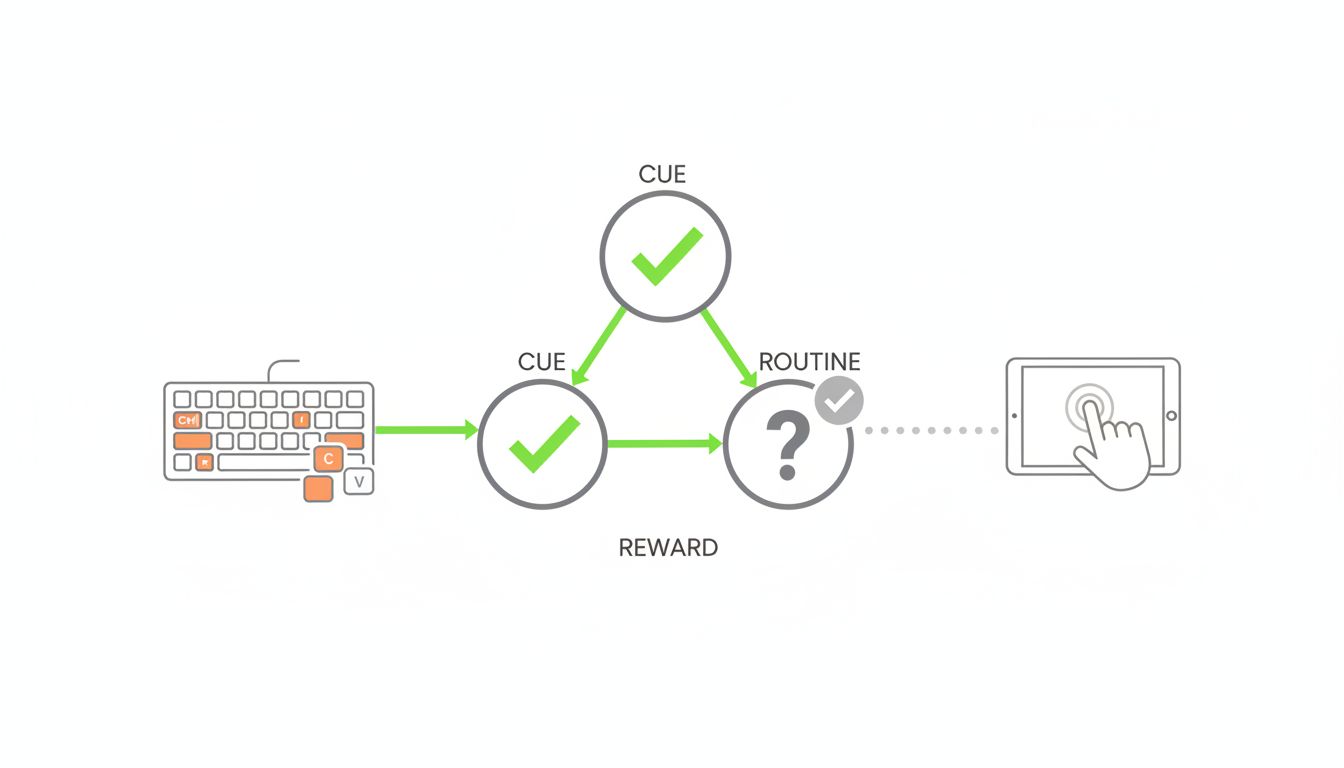
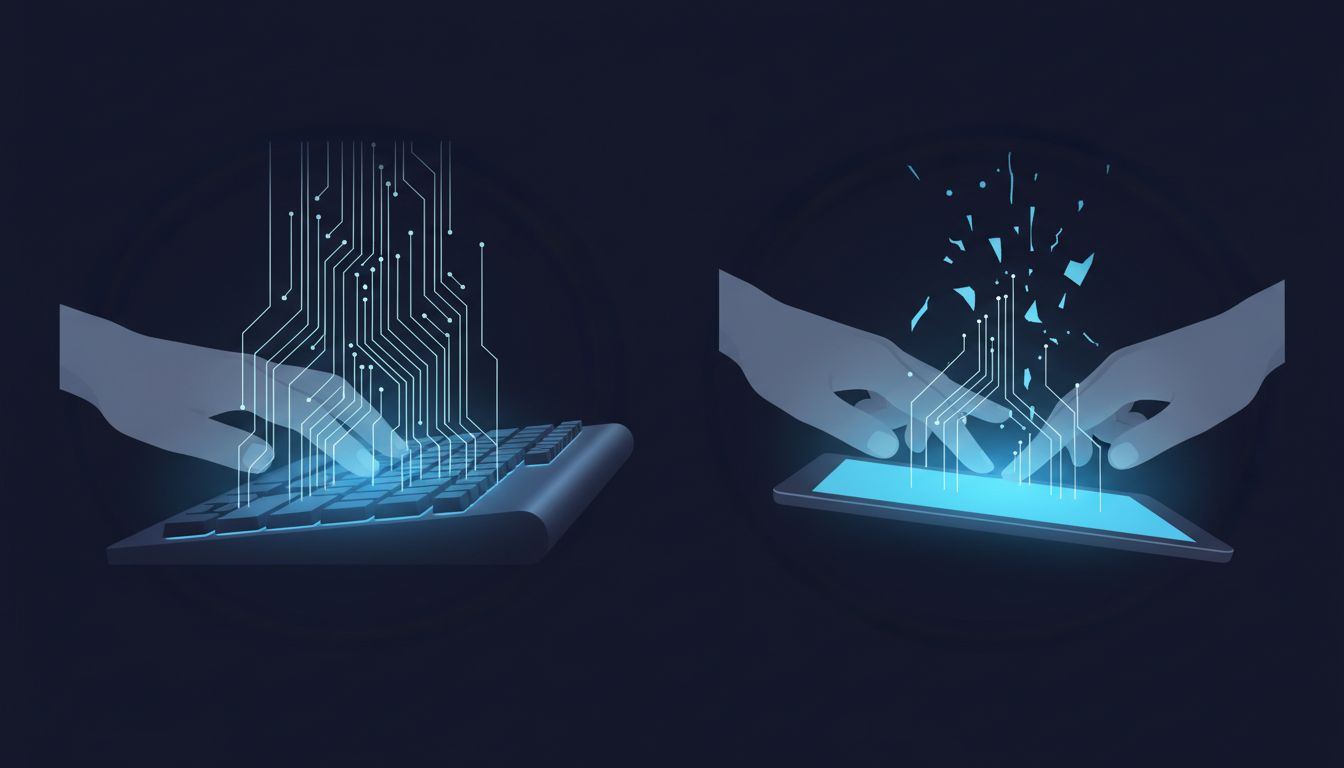
Every time you press Ctrl+Z, something satisfying happens: the text disappears, or the action reverses, or the file restores. The feedback is immediate, binary, and unmistakable. Your brain receives a clean signal that says, “that worked.” Neuroscientists call this a closed-loop motor action. The result confirms the input, and confirmation is the raw material of habit formation.
Touch gestures are different in a frustrating way. A three-finger swipe has to travel a certain distance, at a certain speed, in a certain direction, and it has to land on the right surface area. Miss any of those parameters and you get nothing, or worse, you get the wrong thing. The feedback isn’t “that worked” or “that failed.” It’s often a muddy “something happened, not sure what.”
Your motor cortex cannot build a precise movement pattern from imprecise feedback. It’s the same reason surgeons practice on simulators with haptic resistance before operating on actual patients. The resistance tells the hand what it did. Without that signal, you’re just waving in the dark.
Keyboard shortcuts sidestep this entirely. The physical key travel gives you tactile confirmation on the way down. The result gives you visual confirmation immediately after. Two feedback signals, stacked, every single time you practice. That’s not accidental design. That’s why keyboards have survived decades of interface reinvention, the same reason boring technology keeps winning even when flashier alternatives seem more intuitive.
Why “Muscle Memory” Is a Misleading Term
People say keyboard shortcuts live in “muscle memory,” which technically isn’t wrong but dramatically understates what’s happening. What actually gets encoded is a motor program: a pre-planned sequence of movements stored in the basal ganglia that your brain can execute with minimal conscious oversight.
Building a motor program requires repetition under consistent conditions with consistent feedback. Keyboard shortcuts deliver all three. The key combination is always the same physical motion. The keyboard doesn’t move. The result is always the same. Run that loop a few dozen times and the pattern drops out of conscious working memory and into automatic execution.
Touch gestures fight this process at every stage. The angle of your wrist changes. The screen surface varies between devices. The gesture recognition algorithm (which is software, not physics) interprets your input with a small margin of variability. These inconsistencies aren’t huge, but they’re large enough to keep the motor program in draft form rather than letting it finalize.
The Spatial Anchoring Advantage You’re Not Using
Here’s something keyboard users exploit without realizing it: spatial anchoring. Ctrl is always in the bottom-left corner. Z is always two rows up. Your fingers build a spatial map of the keyboard that transfers across nearly every device you’ll ever use. The location of the shortcut is a memory cue in itself.
Touch gestures have no spatial anchor. “Swipe from the edge” means something different on iOS, Android, Windows, and macOS. The gesture might be three fingers or four. It might require starting exactly at the bezel or just near it. There’s no stable geography to memorize because the geography keeps changing. This is worth thinking about alongside a broader pattern in tech: the way software updates keep breaking things that worked fine isn’t always negligence. Sometimes it’s strategic. But for touch gestures, the churn is particularly punishing because it resets the spatial learning you’ve accumulated.
A Framework for Making Any Tech Habit Actually Stick
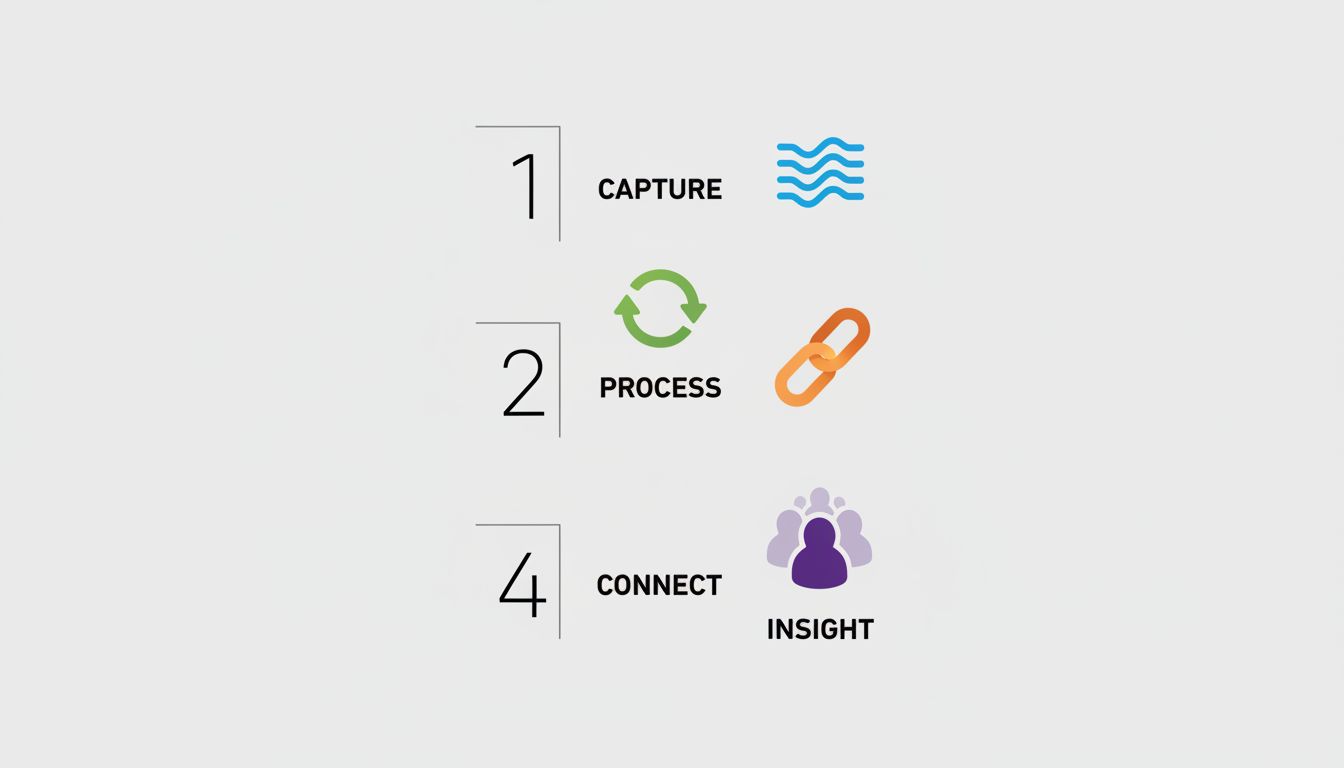
Now for the part you can actually use. The cognitive science points to a clear four-step framework for building any digital habit, whether it’s a keyboard shortcut, a touch gesture, or a new app workflow.
Step 1: Isolate the feedback signal. Before you try to build a habit, make sure you can clearly tell when it worked versus when it didn’t. If the feedback is ambiguous, the habit won’t form cleanly. For touch gestures, this sometimes means turning on accessibility overlays that show what the system registered.
Step 2: Practice in blocked repetitions, not random exposure. Don’t just “try to remember” the shortcut when you happen to need it. Spend two minutes doing nothing but repeating it twenty times in a row. Blocked practice builds motor programs faster than random practice, even though random practice feels harder in the moment.
Step 3: Attach the new habit to an existing trigger. You already reach for undo constantly. Attaching Ctrl+Z to that existing urge is trivially easy. For a touch gesture you want to learn, identify the specific moment you’ll use it and write that trigger down. “When I finish reading an email, I will swipe left.” Specific triggers produce faster encoding.
Step 4: Reduce the number of habits you’re building simultaneously. This is the one most people skip. Your working memory has a fixed capacity for monitoring new behaviors. If you’re trying to build five new shortcuts at once, none of them will consolidate properly. Pick one, run it for a week, then add the next. This connects directly to something worth reading about: why the most productive people delete apps instead of downloading them. Reduction isn’t laziness. It’s how you make room for things to actually work.
The Real Reason You Should Care
The average knowledge worker context-switches tasks more than 300 times per day. Every time you have to consciously think about a tool, you’re spending attention that could go toward the actual work. Keyboard shortcuts aren’t a power-user trick. They’re a way of making your tools invisible so your thinking can stay in the foreground.
Touch gestures can reach the same level of invisibility, but they need more deliberate scaffolding to get there. Now you know exactly what that scaffolding looks like. Your fingers are smarter than you think. They just need the right conditions to learn.