In October 2025, Microsoft will end support for Windows 10. At that point, roughly 240 million PCs currently running Windows 10 will stop receiving security patches. Many of those machines are capable, functional computers that their owners have no technical reason to replace. The discontinuation is not an accident of the product lifecycle. It is the product lifecycle.
This is the cleanest modern example of software-driven planned obsolescence, and it’s worth examining in detail because it exposes how the mechanism actually works. It is not as crude as it looks.
The Setup
When Microsoft announced Windows 11 in June 2021, it introduced a set of hardware requirements that immediately puzzled engineers. The most significant was a mandatory requirement for TPM 2.0, a security chip that was not standard on most consumer PCs manufactured before 2018. The other was a CPU compatibility list that excluded many chips from Intel’s 7th generation and AMD’s Ryzen 1000 series, processors that were still competent by any reasonable performance standard.
The practical result: a large share of the installed base of Windows 10 machines would not be eligible for Windows 11. Microsoft initially offered workarounds, and unofficial methods to install Windows 11 on unsupported hardware circulated widely. But the company never blessed these routes, and when it established the October 2025 end-of-support date for Windows 10, it locked in the pressure on every user still running the older system.
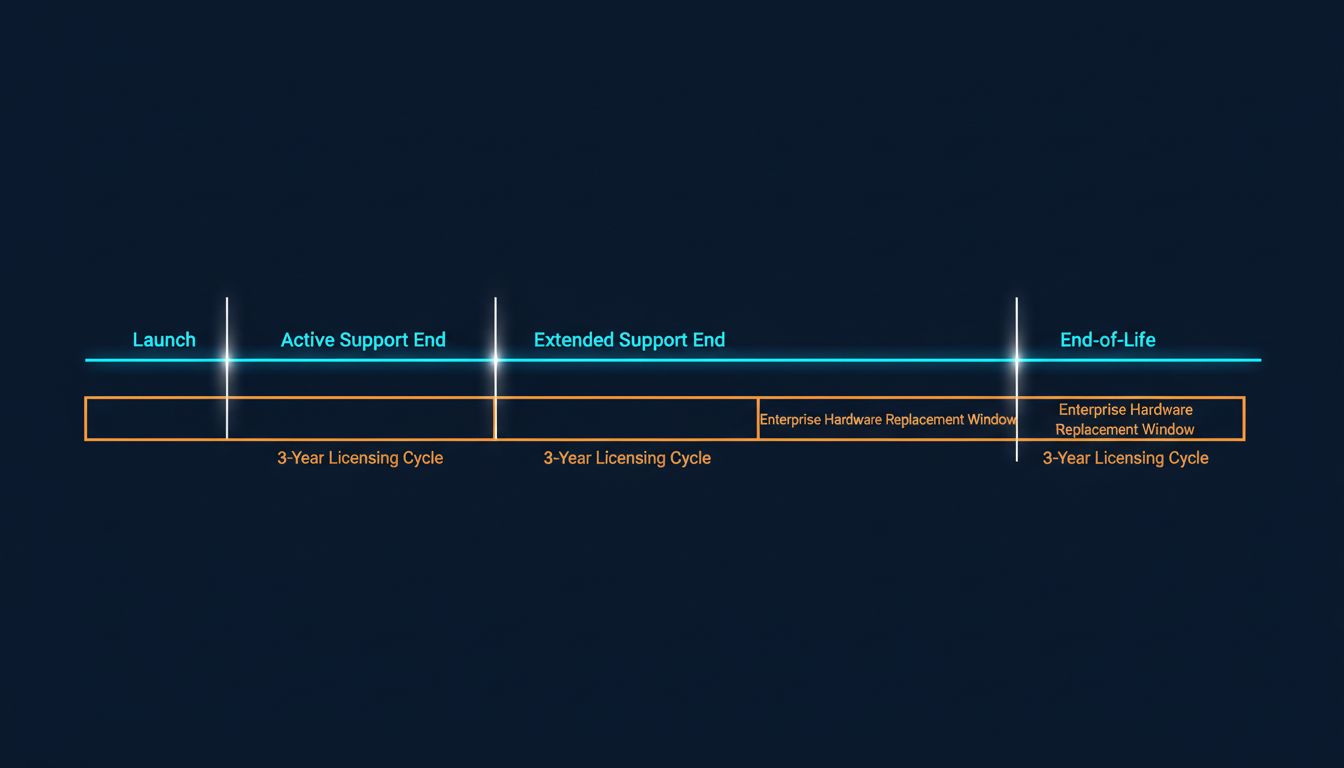
The timeline is important. Windows 10 launched in July 2015. Its announced end of support falls in October 2025. That’s a ten-year lifespan, which sounds generous until you realize that the practical upgrade pressure arrives years earlier, once the end-of-support date is publicly known and IT departments begin their migration planning. Enterprise customers, who make up a substantial portion of Microsoft’s revenue, typically require two to three years of lead time for OS migrations. Microsoft gave them exactly that.
What Actually Happened
The TPM 2.0 requirement was presented as a security necessity, and there’s a kernel of truth there. TPM chips support disk encryption, secure boot, and credential protection. But the framing obscured a simpler reality: the security benefit of TPM 2.0 over TPM 1.2 (which many older machines already had) is marginal for most users, and Microsoft itself had not required it in any previous Windows release.
The CPU exclusions were harder to justify on security grounds. The performance and security profiles of Intel’s 7th-generation Core chips are not meaningfully weaker than 8th-generation chips for enterprise workloads. The exclusion lines tracked closely with the age at which machines would be approaching their natural replacement window, not with any clear security threshold.
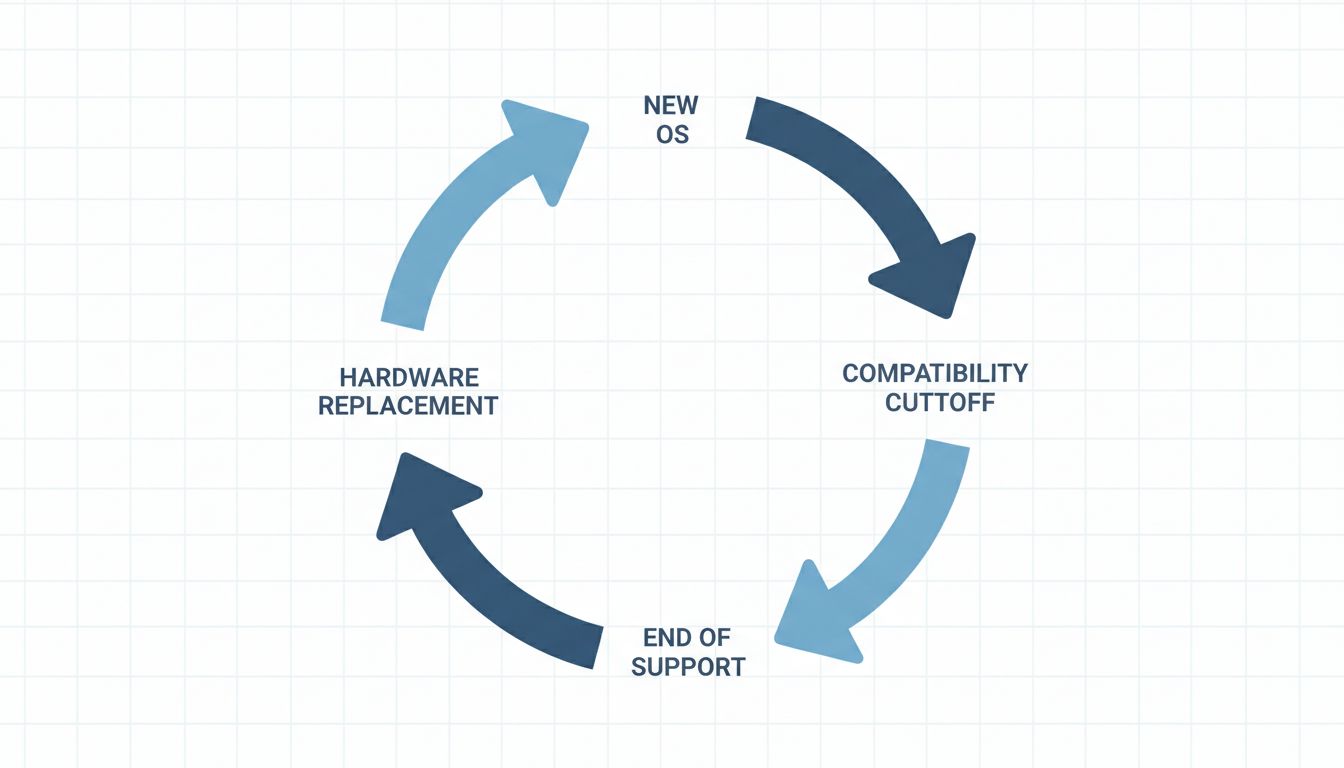
This is the pattern that distinguishes software obsolescence from hardware obsolescence. Hardware eventually fails. Software just stops being updated, which in a connected environment is functionally equivalent to failure because the security implications are real. Microsoft did not need to build in a physical self-destruct mechanism. It only needed to set a date.
Enterprise customers faced a binary: pay for extended security updates (Microsoft offered ESUs for Windows 10 at an escalating cost, reaching several hundred dollars per device by the third year of the program) or buy new hardware. For organizations with large fleets of machines that couldn’t run Windows 11, the economics of extended support quickly pushed toward replacement. That is not a coincidence. The ESU pricing structure was designed to make replacement cheaper than extension at scale.
Why This Matters
The Windows 10 case is instructive partly because it demonstrates that planned obsolescence in software does not require malicious design. No one at Microsoft needed to write code that secretly degraded performance on older machines (though that mechanism exists in other contexts). The mechanism here was simpler: define a compatibility requirement, set a deadline, and let the security economics do the rest.
The 3-to-5-year upgrade cycle that most enterprise IT organizations operate on is not organic. It is calibrated. Microsoft’s volume licensing agreements are typically structured in three-year increments. Hardware warranties are commonly five years. Support lifecycles for operating systems are set at ten years, with the active support phase (which includes feature updates) ending at five. Every one of these numbers creates a natural renewal moment, and they are designed to arrive roughly in sync.
For individual consumers, the calculus is less formal but equally effective. A user whose Windows 10 PC cannot upgrade to Windows 11 faces a machine that will lose security support in 2025 and cannot access new features. They may keep using it, and many will, but the message is clear: you are outside the product. The social and professional pressure to stay current does part of the work.
What We Can Learn
The most important lesson is that the mechanism of software obsolescence has shifted. Classic planned obsolescence (building a product to fail) required engineering effort and left companies legally exposed. Software obsolescence requires only policy decisions: what to support, for how long, and on what hardware.
This gives software companies a significant advantage over hardware manufacturers in managing upgrade cycles. The obsolescence is not physically visible. There is no fraying cord or cracked screen. There is just a date, and then a slowly accumulating risk that most organizations are not willing to accept.
The second lesson is about who absorbs the cost. The environmental argument against forced upgrade cycles is underappreciated. Functional hardware being replaced because software stopped supporting it represents a real cost that gets externalized onto consumers and ultimately onto landfills. Microsoft itself acknowledged this, committing to a recycling program for machines displaced by the Windows 11 transition, but the commitment was voluntary and modest relative to the scale of the displacement.
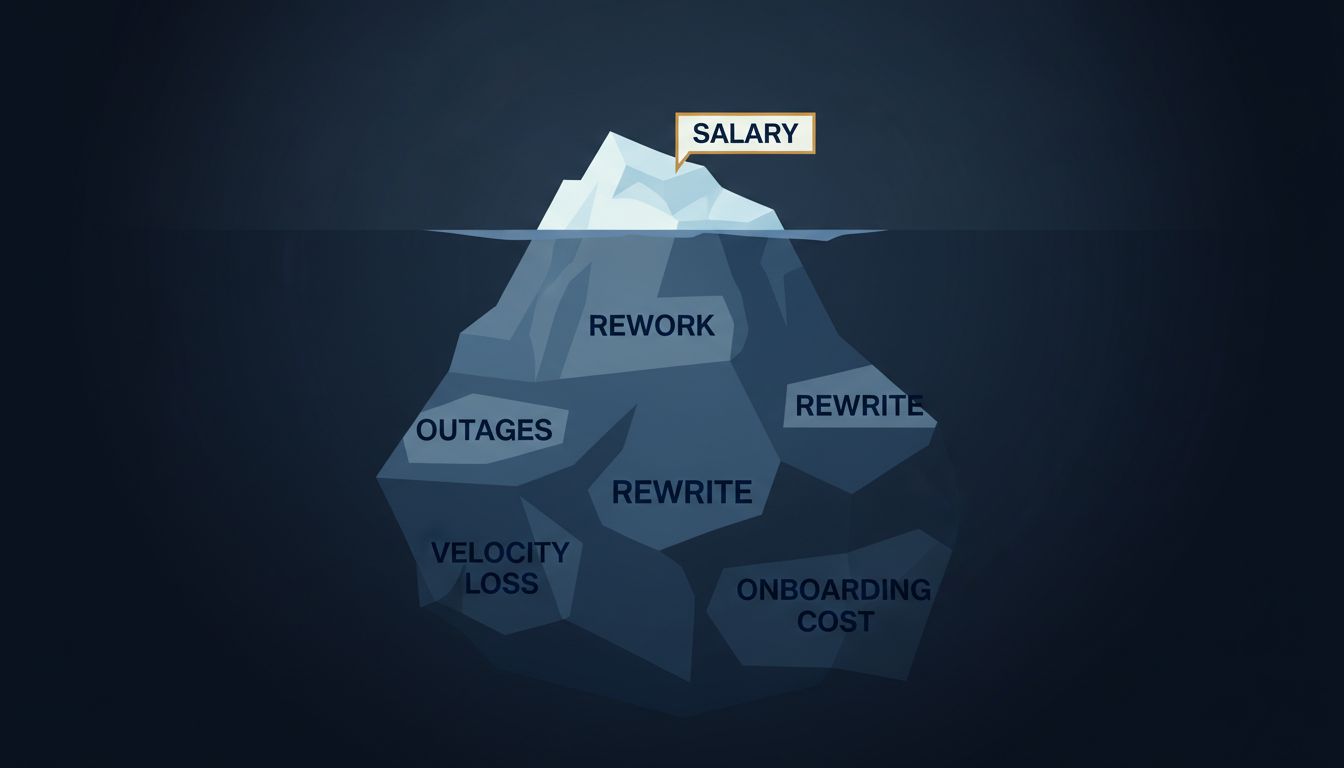
For businesses evaluating software platforms, the Windows case argues for weighting long-term support commitments more heavily when selecting vendors. The total cost of a software platform includes not just the license but the hardware refresh costs that the vendor’s upgrade policies will eventually require. Those costs are real and they are foreseeable, even if they are rarely included in the initial procurement analysis.
The final lesson is the most uncomfortable one. Microsoft’s approach worked. The Windows 10 end-of-support announcement accelerated PC sales at a moment when the PC market was otherwise soft. The company did not need to build bad software to generate upgrade revenue. It only needed to stop supporting the software it had already built.