
The Simple Version
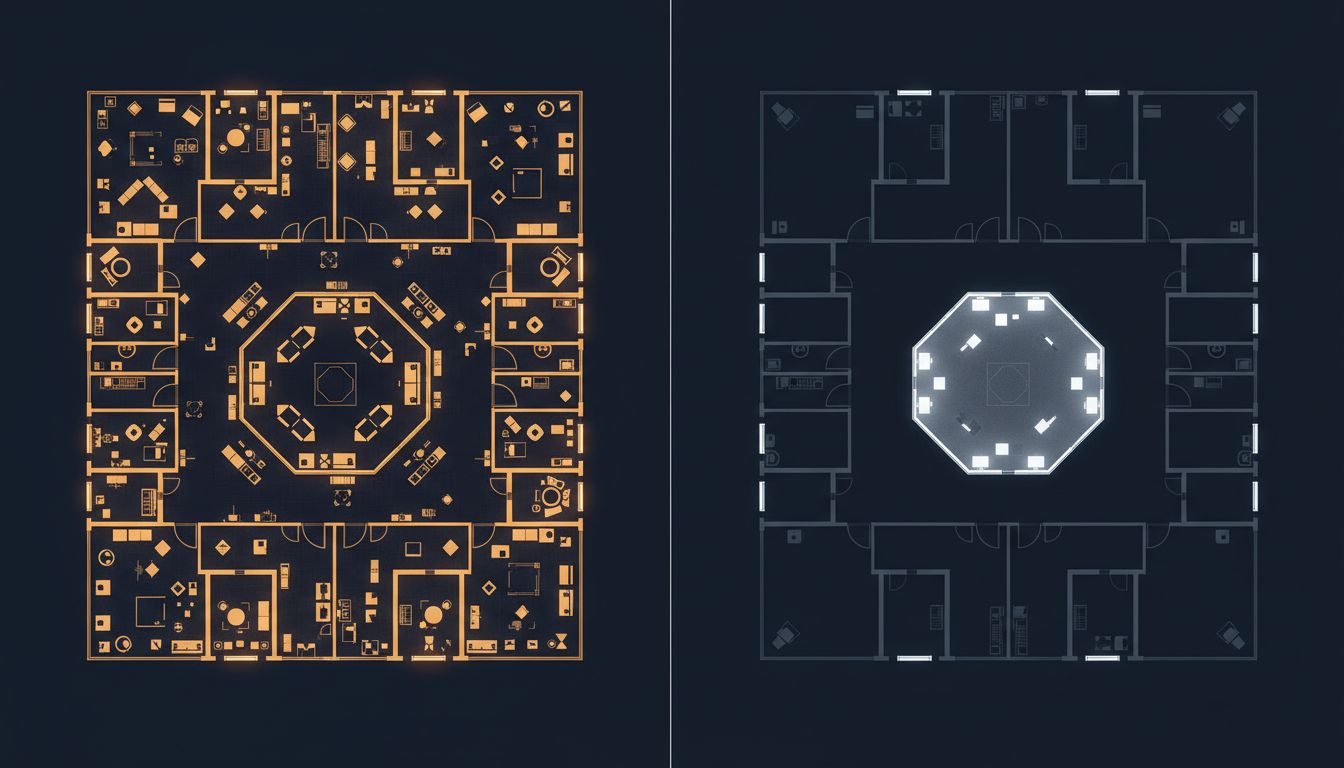
A cluttered desktop doesn’t just look messy, it actively consumes cognitive resources your brain needs for writing code. Reducing visual noise gives those resources back to you.
What’s Actually Happening in Your Brain
Your visual cortex doesn’t switch off when you’re focused on a task. It keeps processing everything in your field of view, including the seventeen browser tabs you can see at the top of your screen, the Slack notification badge in your dock, and the folder of screenshots cluttering your desktop. This background processing has a cost.
Cognitive load theory, developed by educational psychologist John Sweller in the 1980s, describes this well. Working memory is genuinely limited, and anything competing for it, even passively, degrades your ability to hold complex problems in your head. For a developer trying to trace a three-layer bug through an unfamiliar codebase, that competition is not trivial.
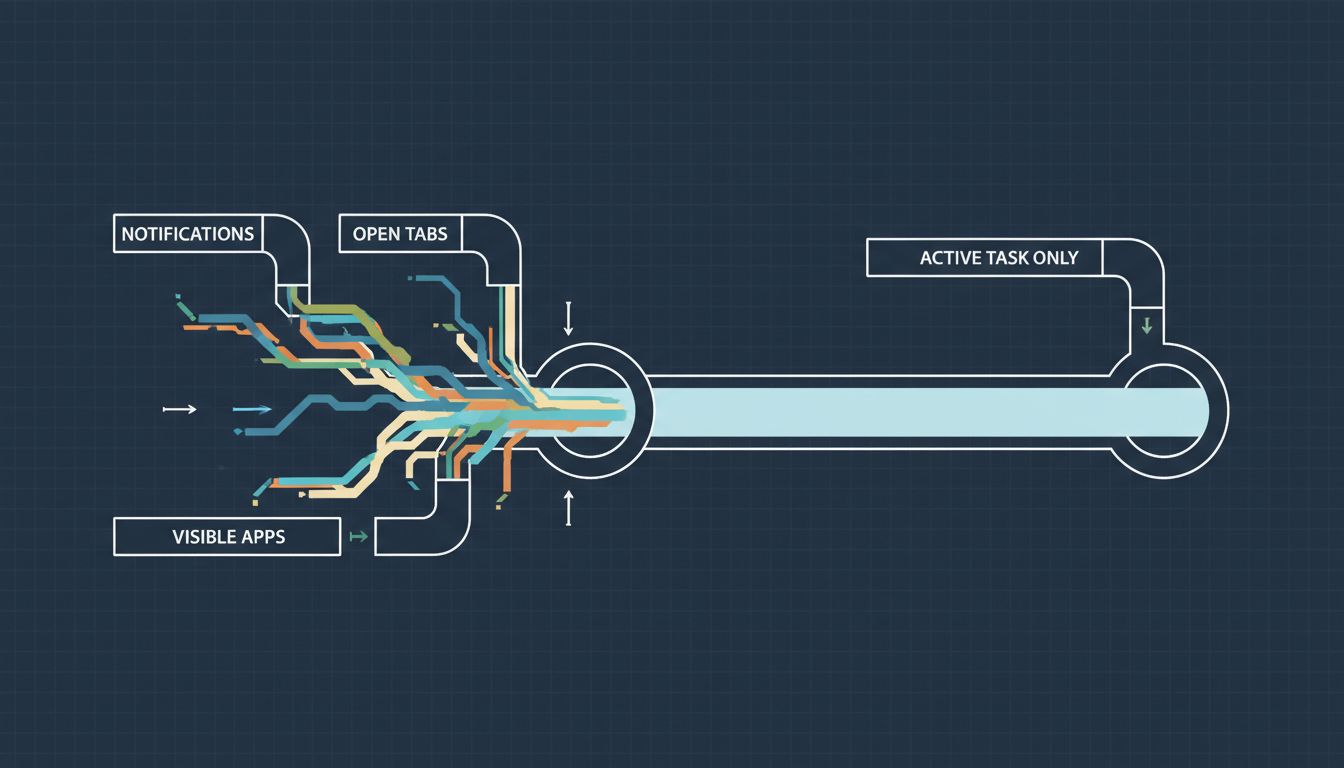
The claim floating around productivity circles that minimalist setups boost output by exactly 40% is not a real finding. There is no single clean study producing that number. But the underlying mechanism is real and well-documented. Research on multitasking and attention consistently shows that visible but unactioned items (notifications, open apps, visual clutter) create what psychologists call “attention residue,” a partial engagement with an unfinished task that bleeds into whatever you’re trying to do next. You can’t see a Slack notification and fully ignore it. Your brain registers it and keeps a small thread alive, waiting.
The Two Types of Distraction You Need to Manage Separately
Not all distractions work the same way, and conflating them leads to solutions that don’t actually help.
The first type is interrupt-driven distraction: a notification fires, you look at it, you respond, you try to return to your work. This is the obvious kind, and most developers already have some defenses against it, do-not-disturb mode, turning off badge counts, closing Slack during deep work.
The second type is ambient distraction: nothing is actively demanding your attention, but your environment is visually or cognitively complex enough that your brain can’t fully settle. This is subtler and harder to fix with a single setting. It’s why two developers can sit in identically quiet rooms and have completely different experiences of concentration, because one of them has seventeen things open on their screen and the other has one.
Minimalism as a practice is primarily useful for the second type. Clearing your desktop background, hiding your dock, closing applications you aren’t using right now, and using a single full-screen window instead of a tiled arrangement all reduce ambient distraction. These are small individual changes, but they’re additive.
What Actually Works (and What’s Just Aesthetics)
Not every minimalist habit has the same return. Here’s a useful way to think about it.
High-impact changes: - Close every application you aren’t actively using. Not minimize. Close. Out of sight is not fully out of mind if you know it’s in the dock. - Use full-screen mode for your editor during focused sessions. The research on task-switching suggests the mere visibility of other windows increases switch frequency. - Turn off all non-critical notifications at the OS level during your deep work blocks. Browser-level notification management is not enough if your OS is still surfacing alerts. - Set a plain dark or neutral desktop background. The brain is wired to seek faces and patterns. A busy wallpaper is ambient processing overhead.
Lower-impact changes (mostly aesthetic): - Cable management. Feels good, doesn’t measurably affect cognition. - Physical desk tidiness. Moderately helpful for mood, not strongly linked to actual coding performance. - Monochrome color schemes in your editor. Preference-driven, not universally better.
There’s a good related point worth making here: the screen real estate question is not as obvious as it seems. More monitors can mean more context, but they can also mean more ambient distraction competing for your attention.
How to Set This Up Without Making Your Machine Miserable to Use
The practical challenge is that most minimalist advice assumes you can work in a hermetically sealed focus session all day. You can’t. You have meetings, you need Slack, you reference documentation while you code. The goal isn’t a pristine environment at all times, it’s a quick transition into one when you need to go deep.
Here’s a workflow that actually holds up:
-
Create a “deep work” desktop space. On macOS, use Mission Control to set up a second desktop with nothing on it except your editor. Switch to it when you need to focus. On Windows, virtual desktops do the same job. The switch takes two seconds and the effect is immediate.
-
Use a launcher instead of a dock. Alfred, Raycast, or just Spotlight means you can hide your dock permanently without losing quick access to anything. Your dock is mostly visual clutter you’ve just learned to ignore.
-
Close browser tabs aggressively. If you’re using a tab for reference, bookmark it and close it. Your browser is not a to-do list. Keeping forty tabs open because you “might need them” is ambient distraction at scale.
-
Pick a consistent start ritual. Before a focused session, spend sixty seconds closing everything you don’t need. This isn’t just housekeeping, the act of preparing your environment signals to your brain that focused work is beginning. It’s a small but real priming effect.
This pairs well with protecting your peak cognitive hours. A minimalist environment during low-energy hours helps less than the same environment during your best two hours of the day.
The Part Most Productivity Advice Skips
Minimalism as an aesthetic movement and minimalism as a cognitive tool are different things. The former is about how your setup looks in a screenshot. The latter is about reducing the number of active cognitive threads your environment forces you to maintain.
You don’t need a pristine, $3,000 single-monitor setup to get the benefit. You need to ruthlessly close what you’re not using, protect your visual field during focused work, and build a fast transition ritual into a cleaner state when you need it.
The 40% figure is made up. The mechanism is not. Start with closing everything you have open right now that you’re not actively using, and see what your next hour of coding actually feels like.





