The Padlock Is Not a Seal of Approval
Most people interpret the padlock icon in their browser as a signal that a website is trustworthy. This interpretation is wrong in a specific and consequential way. The padlock means your connection to the website is encrypted. It does not mean the website itself is legitimate, safe, or operated by honest people. Phishing sites have padlocks. Scam stores have padlocks. The padlock has nothing to say about any of that.
What an SSL certificate actually does is more narrow and more interesting: it proves that the server you are talking to controls a specific domain name, and that a third party has checked this. Understanding how that proof works requires understanding what problem it was designed to solve.
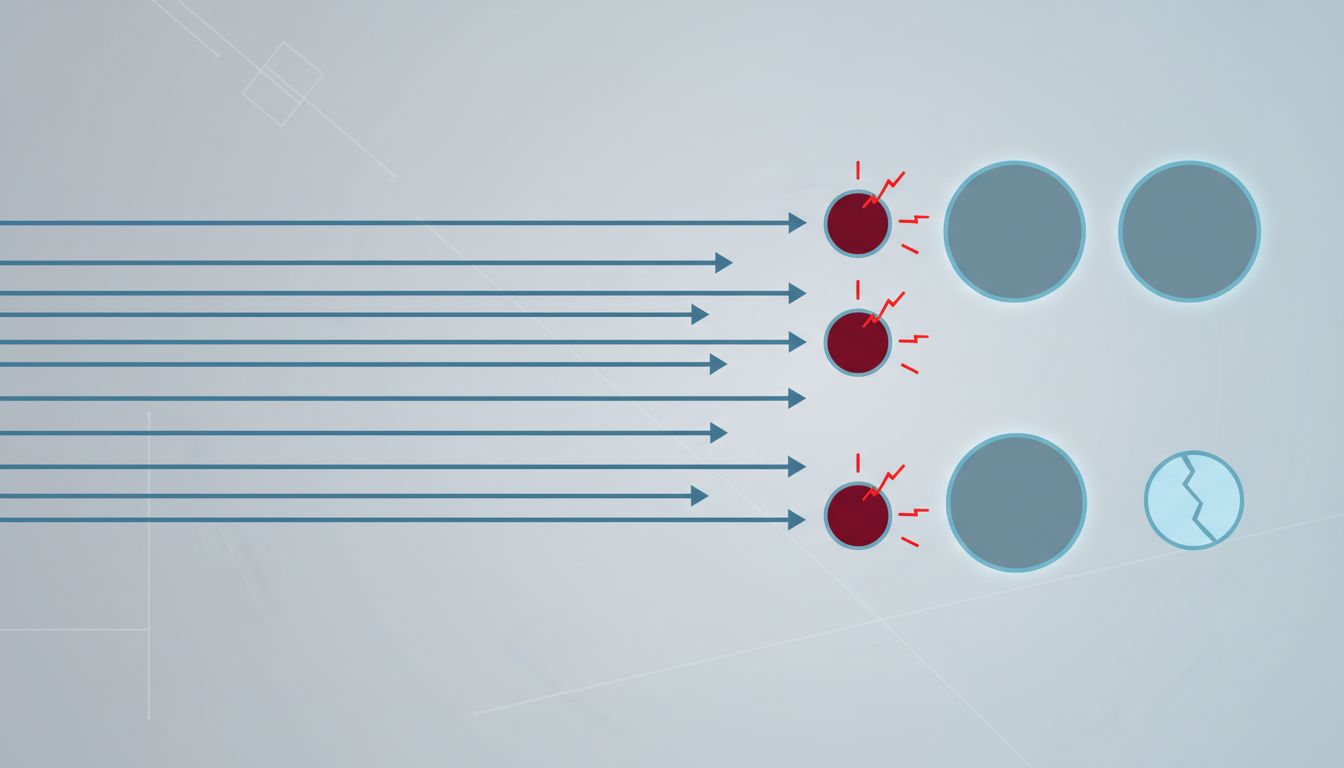
Before SSL became standard, your browser would connect to a web server and simply take its word for everything. If you typed in your bank’s address, there was no mechanism to confirm you had reached your bank rather than a router along the way that had quietly redirected you. An attacker positioned between you and the destination, a so-called man-in-the-middle, could read or alter traffic without either side knowing. SSL certificates were built to close that gap.
How Identity Gets Established
A certificate is a digital document. It contains a domain name, a public cryptographic key, an expiration date, and a signature from a certificate authority. The certificate authority (CA) is a company or organization that has agreed to verify domain ownership before issuing certificates, and whose own identity is pre-installed and trusted by your operating system and browser.
When your browser connects to a site over HTTPS, the server presents its certificate. Your browser does three things with it. First, it checks that the certificate was signed by a CA it already trusts. Second, it checks that the domain name on the certificate matches the domain you actually navigated to. Third, it checks that the certificate has not expired and has not been revoked. If all three pass, the browser proceeds to establish an encrypted session.
The cryptographic mechanics behind the third step are worth understanding. Each certificate contains a public key. The server holds a matching private key that it never shares. During the handshake, the server uses that private key to sign a piece of data. Your browser verifies the signature using the public key in the certificate. This proves the server genuinely holds the private key that corresponds to the certificate, which means it controls the domain that the certificate names. An impersonator who obtained a copy of the certificate but not the private key would fail this test immediately.
The Chain of Trust and Its Weak Links
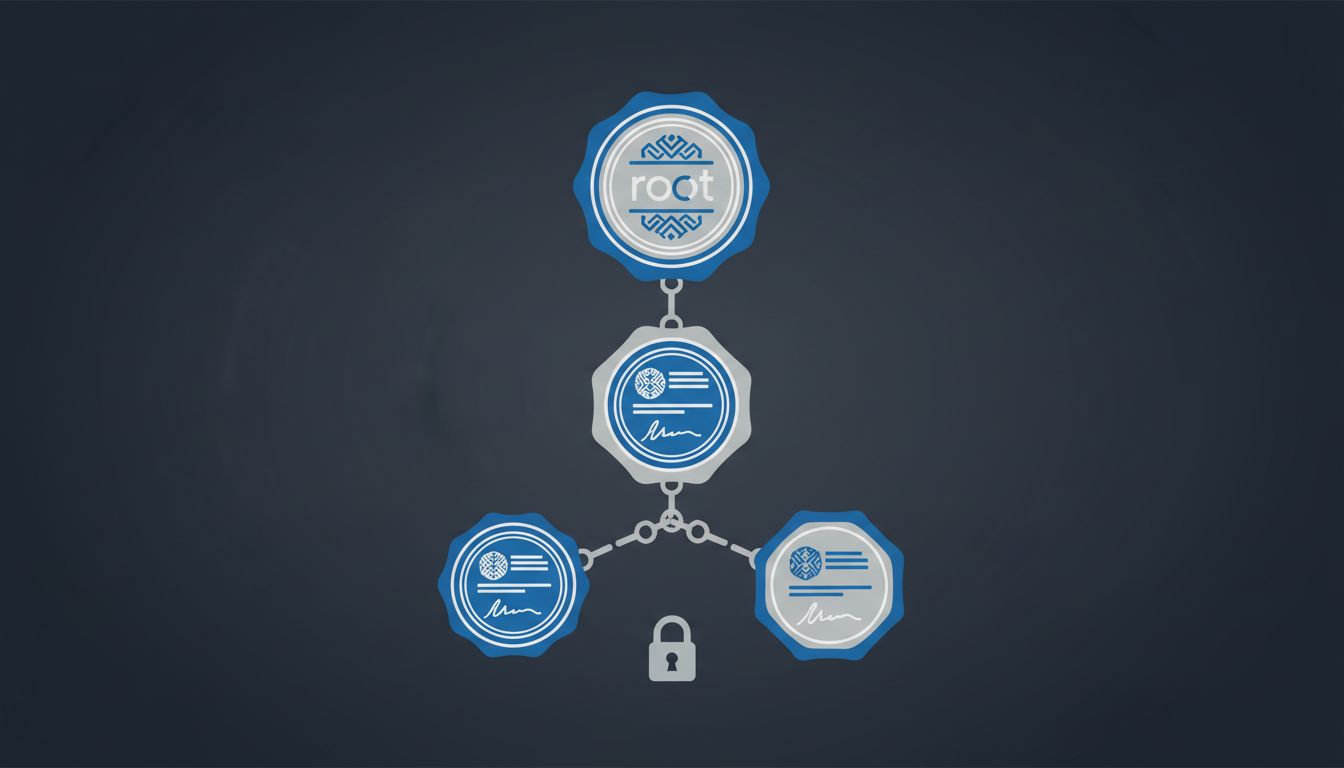
The system works because of a hierarchy. At the top are root certificate authorities, roughly 150 of them, whose certificates are embedded directly into browsers and operating systems by companies like Apple, Microsoft, and Google. Below them are intermediate CAs, which root CAs authorize to issue certificates on their behalf. The certificate your browser receives from a typical website chains up through one or more intermediates to a trusted root. Your browser follows this chain and verifies each signature along the way.
This design concentrates enormous power in a small number of organizations. A root CA that misbehaves, or gets compromised, can issue fraudulent certificates for any domain. This is not theoretical. In 2011, a Dutch CA called DigiNotar was compromised, and attackers used it to issue fraudulent certificates for Google, allowing them to intercept traffic from Iranian users. The incident led to DigiNotar’s immediate removal from trusted root stores, which effectively destroyed the company within weeks. Google subsequently built Certificate Transparency, a public logging system that requires all certificates to be recorded in auditable logs, so that fraudulent issuance becomes detectable even if it briefly succeeds.
The fragility of a system that depends on trusted intermediaries is not unique to SSL. It appears anywhere a network needs to delegate authority across parties who cannot all verify each other directly. The solution is almost always the same: make the delegation auditable after the fact, which is exactly what Certificate Transparency does.
Three Levels of Trust, One Padlock
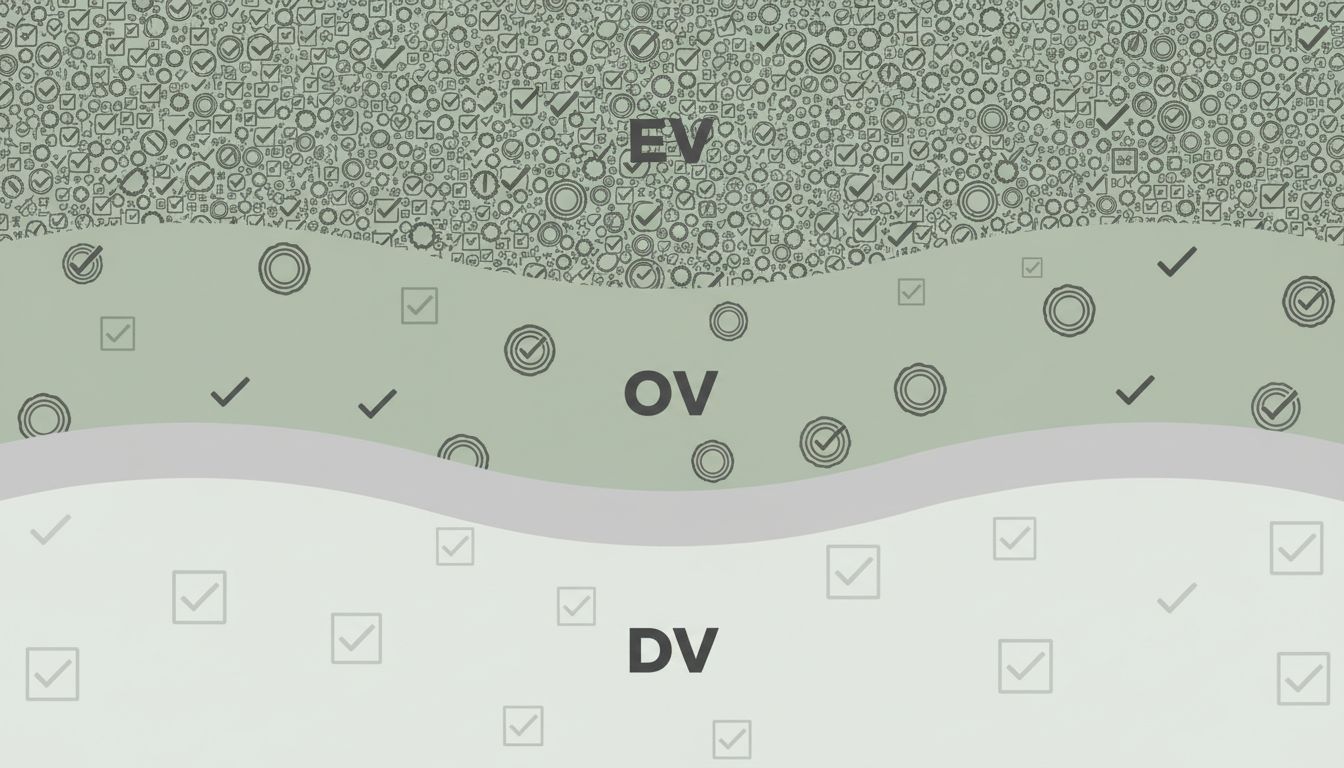
Not all certificates are created equal, though your browser generally treats them identically. There are three validation levels, and they represent meaningfully different amounts of checking.
Domain Validation (DV) certificates require only that the applicant prove control of the domain, usually by placing a specific file on the server or adding a DNS record. This can be done in minutes. Let’s Encrypt, the free CA that has issued certificates to hundreds of millions of domains, issues only DV certificates. They are excellent for encryption. They tell you nothing about the legal identity of the organization running the site.
Organization Validation (OV) certificates require the CA to verify that the applicant is a real registered organization. Extended Validation (EV) certificates historically triggered a green bar in browsers showing the company’s legal name, requiring the most rigorous checks. Browser makers have progressively downgraded the visual treatment of EV certificates over the years, and most users never noticed the difference, which tells you something about how much the distinction matters in practice.
For most users, the practical implication is this: the padlock means your connection is private and you are talking to whoever controls that domain. It does not mean that entity is who you think it is. A domain like “paypa1.com” can have a perfectly valid certificate. The name is the deception, and the certificate dutifully authenticates it.
What the System Actually Guarantees
SSL certificates solve a real and important problem. Before widespread encryption, ISPs, governments, and network operators could read, modify, or inject content into web traffic as a routine matter. The shift to HTTPS has made mass passive surveillance significantly harder and has removed entire categories of attack from the practical toolkit of casual adversaries.
What the system cannot do is guarantee the trustworthiness of the party at the other end. That is not a flaw in the design; it is outside the design’s scope. The certificate infrastructure was built to answer one question: is this server the legitimate controller of this domain? It answers that question reliably. Conflating that answer with a broader endorsement of the site’s intentions is a user interface problem, not a cryptographic one.
The padlock is a narrow guarantee about communication integrity, not a broad assurance about destination safety. That distinction matters more as HTTPS adoption becomes universal, because the presence of a certificate no longer discriminates between honest and dishonest operators at all. Everyone has one now. Understanding what it actually proves, and what it does not, is the starting point for thinking clearly about web security.