The Joke That Isn’t a Joke
Every IT helpdesk worker on earth has a version of this story. You call in, describe something broken, and before you finish the sentence they say it: “Have you tried turning it off and on again?” It’s been memed, it’s been immortalized in British sitcoms, and it has quietly become the most reliable piece of technical advice ever dispensed.
The reason it works isn’t mysterious, but it is revealing. Understanding why rebooting fixes so many problems requires a short tour through how software actually manages memory, state, and resources over time. What you find when you take that tour is not flattering to the industry that built these systems.
What a Running Program Actually Looks Like
When a program starts, it requests memory from the operating system. It creates variables, initializes data structures, opens connections to other services, and begins accumulating state. That state, the record of everything the program has done and is currently doing, lives in RAM for as long as the process runs.
The problem is that software is written by humans, and humans make mistakes. Memory that gets requested sometimes doesn’t get released when it’s no longer needed (a memory leak). Connections to databases or network services get opened and never properly closed. Counters that should wrap around instead overflow. Temporary files accumulate. Threads get into states where two of them are each waiting for the other to proceed, a deadlock that neither can escape without external intervention.
None of this is theoretical. Memory leaks are common enough that entire categories of programming languages (Rust, notably) were designed partly to eliminate them. Firefox, one of the most scrutinized open-source projects in existence, had a famously bad reputation for memory leaks for years. Early versions of Chrome would routinely bloat to gigabytes of RAM usage after a few hours of use.
A reboot clears all of this. RAM is wiped. Processes start fresh. Connections are rebuilt from scratch. The accumulated debris of hours or days of operation disappears in about thirty seconds.
Why Developers Don’t Just Fix the Leaks
This is where the story gets more uncomfortable. A memory leak is, in principle, a fixable bug. So why does rebooting remain the standard fix decades into modern computing?
Part of the answer is that finding a memory leak in a complex system is genuinely hard. You can’t usually observe it in development because it might take days of sustained load to manifest. Reproducing it reliably requires the right combination of user actions, timing, and concurrent processes. Profiling tools help, but they introduce overhead that changes behavior, a version of the observer effect applied to software.
The deeper answer is economic. Fixing a hard-to-reproduce memory leak in a system that mostly works requires developer time that could be spent on new features that users will actually notice. Software bugs are never really fixed, they’re relocated to a place you haven’t looked yet, which applies here in a specific way: patching one leak often reveals another. The marginal value of a perfect fix is low when a scheduled nightly reboot eliminates the symptom entirely.
This is why many server systems, particularly before the cloud era normalized always-on infrastructure, were simply scheduled to restart periodically. Not because anyone admitted the software was buggy. Because rebooting was cheaper than finding the leak.
The State Problem Is Bigger Than Memory
Memory leaks are the most visible issue, but they’re not the only one that rebooting addresses. There’s a broader category of problems that fall under “accumulated state corruption.”
Consider a network daemon that maintains a list of active connections. Under normal conditions, connections are opened and closed cleanly, and the list stays accurate. But networks are not normal conditions. A client might crash without closing its connection. A router might drop packets in a way that leaves a connection in limbo. The daemon’s list now contains connections that are technically open but effectively dead. Over time, this list grows. Eventually it affects performance, or hits a hard limit, or causes the daemon to behave incorrectly when new connections arrive.
The same pattern appears in file systems, in caches, in session stores, in virtually anything that maintains persistent state across many operations. Software is designed with a mental model of how things should work. Reality repeatedly violates that model in small ways. The divergence between the model and reality accumulates until something breaks.
A restart re-establishes ground truth. Everything that was ambiguous gets resolved by virtue of being gone.
The Operating System Isn’t Innocent Either
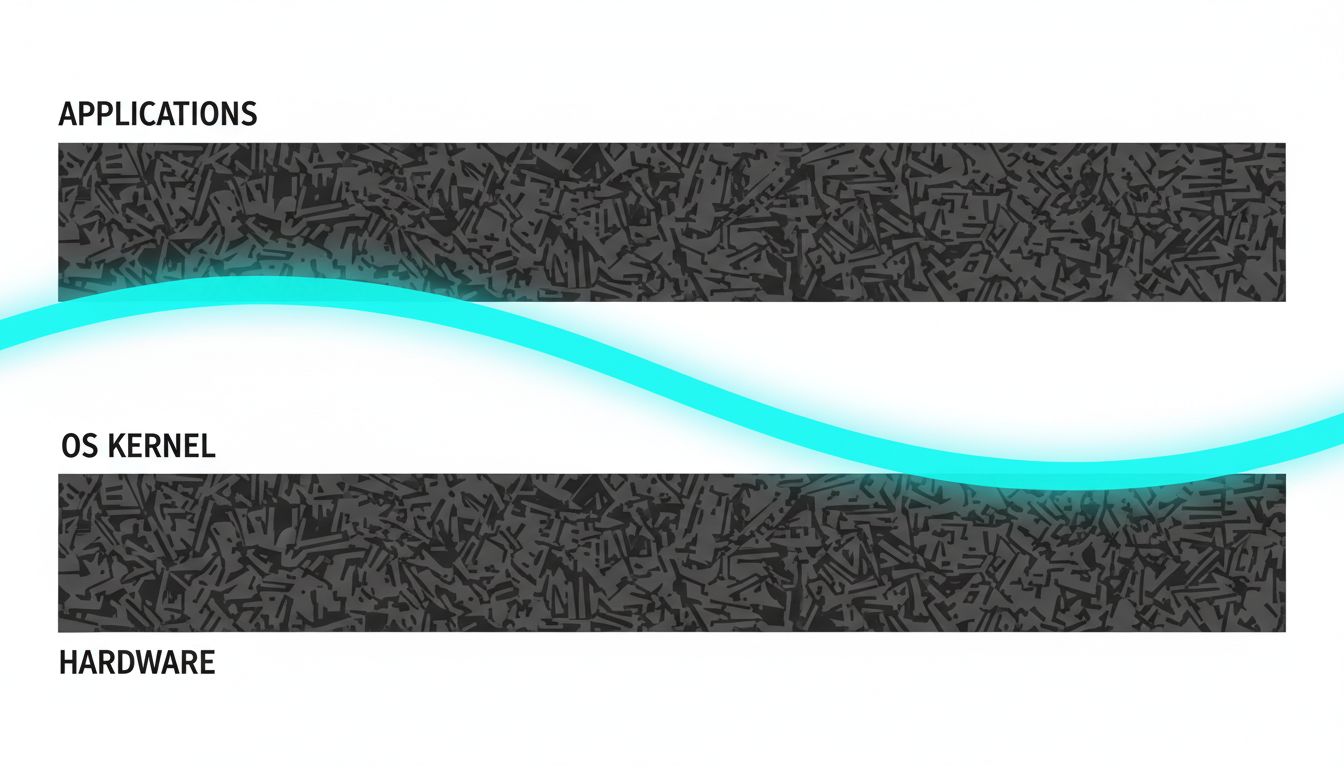
It’s tempting to think of the OS as a stable floor under unreliable applications. It’s not. The kernel itself manages memory, handles interrupts, schedules processes, and maintains its own state. It can accumulate the same kinds of problems.
Driver code, particularly for older hardware, is notoriously fragile. Drivers run in kernel space, which means a bug in a driver can corrupt memory or cause behavior that affects the entire system. Windows has historically been more susceptible to this than Linux, partly because Windows historically ran a much wider range of hardware with drivers from third-party manufacturers with varying levels of quality control. The Blue Screen of Death, for an entire generation of Windows users, was the OS acknowledging that its internal state had become unrecoverable.
Even on stable systems, kernel-level state accumulates. Restarting the OS doesn’t just clear application memory. It reinitializes the kernel, reloads drivers from scratch, and re-establishes every assumption the system makes about its own configuration. It’s the equivalent of resetting the referee, not just the players.
When Rebooting Doesn’t Work
Understanding why reboots work also clarifies when they won’t. If a problem is caused by persistent state (state stored in files, databases, or configuration, rather than in RAM), a reboot changes nothing. A corrupted settings file survives a restart. A misconfigured network driver will be misconfigured again the moment it reloads. A database with logically inconsistent data will be just as inconsistent after the server comes back online.
This is the diagnostic value of the question “did a reboot fix it?” A yes suggests the problem was in-memory state or a transient process condition. A no suggests something persistent: a corrupted file, a misconfiguration, a hardware problem, or a software bug that manifests immediately rather than over time. Two different diagnoses, and the reboot helped determine which one by either solving the problem or ruling itself out.
Seasoned IT professionals use reboot outcomes as triage data. The advice isn’t cargo-cult superstition. It’s a fast, low-cost diagnostic step that resolves the problem in a high percentage of cases and narrows the diagnosis in the rest.
What the Cloud Changed (and What It Didn’t)
Cloud infrastructure introduced a partial architectural response to these problems. The practice of treating servers as disposable, killing and replacing instances on a schedule rather than letting them accumulate state over months, is essentially automated rebooting at scale. Tools like Kubernetes terminate and recreate containers regularly, partly for load management and partly because starting fresh is more reliable than trying to ensure long-running processes remain healthy.
Microservices architecture pushes in the same direction. If you decompose a monolith into many small services, each responsible for a narrow function and each stateless where possible, you limit how much problematic state any single component can accumulate. You also make targeted restarts easier: restart the one service that’s misbehaving without touching the others.
But the underlying reason all of this helps is the same reason rebooting your home router helps. Software accumulates state. Some of that state becomes incorrect over time. Starting over is often more practical than diagnosing exactly which part went wrong.
The architectural fashion of the last decade is, in a sense, the industrialization of “turn it off and on again.”
What This Means
The helpdesk advice that sounds like a shrug is actually a precise response to a well-understood class of software failures. Memory leaks, connection state drift, accumulated file handles, and kernel-level corruptions are all real, common, and expensive to fix permanently. A reboot addresses all of them simultaneously in under a minute.
The reason this remains necessary in 2024 isn’t that engineers don’t know about these problems. It’s that fixing them completely, in complex systems under production load, is often harder than managing the symptom with a restart. That’s a judgment call that reasonable people can disagree with, but it’s a judgment call, not ignorance.
When the tech support agent asks if you’ve rebooted, they’re not stalling. They’re applying a high-probability solution to a problem space they can’t directly observe. The fact that it works so often is the embarrassing part: not that the advice is lazy, but that so much shipped software still needs it.