What the Lock Actually Certifies
The padlock icon has been a fixture of browser UI since the mid-1990s. Netscape introduced it. Every major browser adopted it. Billions of people have been trained, through decades of repetition, to treat it as a safety signal. Bank websites have it. Phishing sites have it too.
Here is what the lock actually means: the connection between your browser and the server is encrypted and authenticated. Data traveling between you and that server cannot be easily read or modified by someone sitting between you on the network. That is a real and valuable guarantee. It is also a narrower guarantee than almost anyone realizes.
The lock says nothing about what the server is doing with your data. Nothing about whether the site is legitimate. Nothing about whether the company behind it is trustworthy or even real. It certifies the pipe, not the destination.
The Certificate Authority System and Its Assumptions
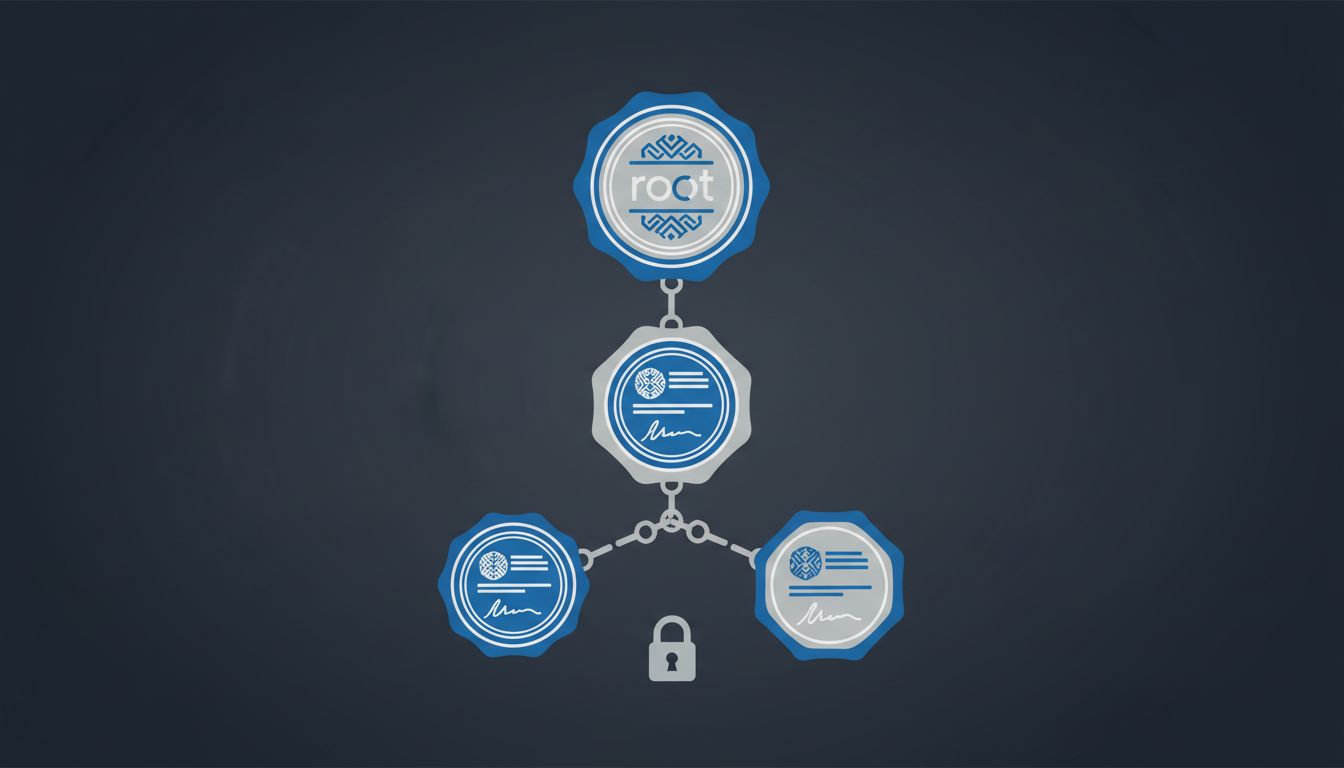
HTTPS works because of TLS (Transport Layer Security), and TLS works because of a trust hierarchy built on Certificate Authorities (CAs). When you connect to a site, the server presents a certificate. Your browser checks whether that certificate was signed by a CA it trusts. If yes, the padlock appears.
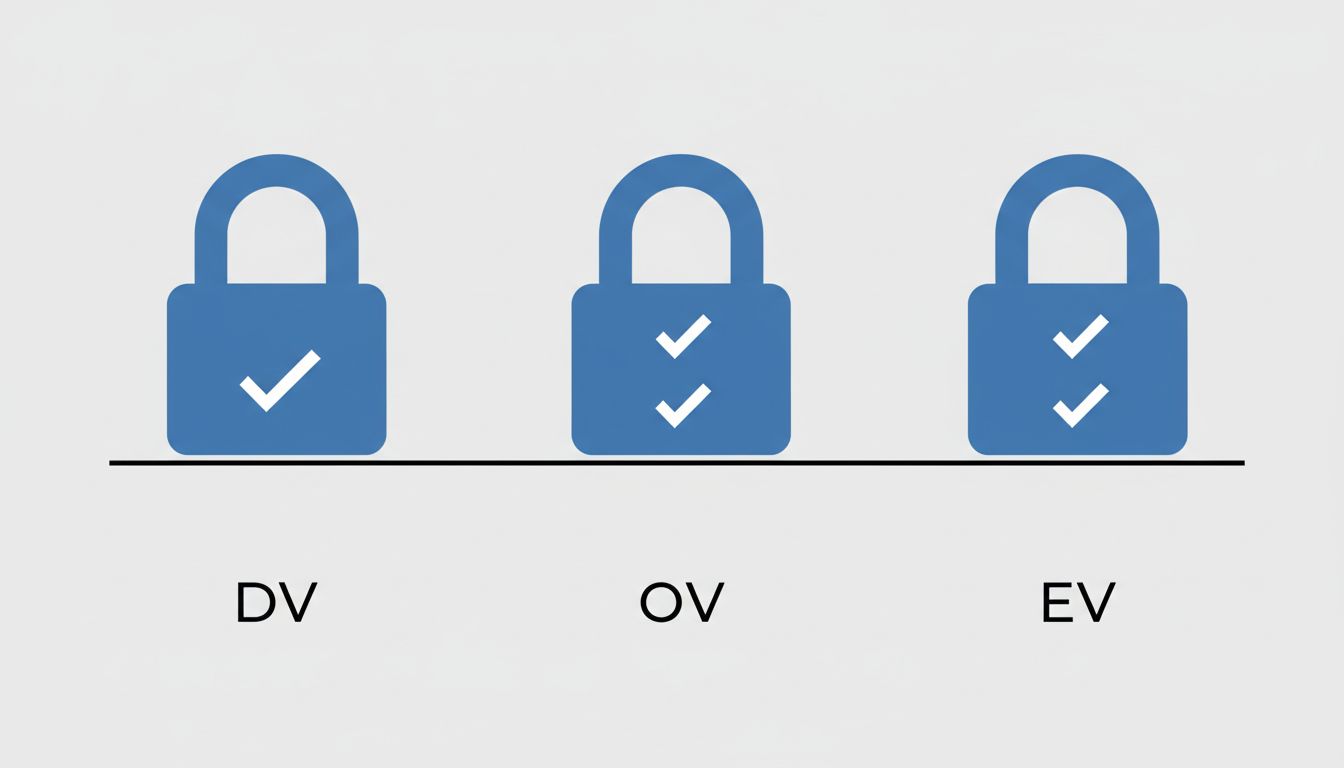
The entire system rests on CAs doing rigorous identity verification before issuing certificates. The problem is that not all certificates require the same verification. There are three tiers:
Domain Validation (DV) certificates only confirm that the person requesting the certificate controls the domain name. No identity check. No business verification. Automated. Often free.
Organization Validation (OV) certificates require the CA to verify the organization exists. More work, more cost, but the padlock looks identical to a DV certificate in most browsers.
Extended Validation (EV) certificates involve thorough vetting of the organization’s legal identity. Browsers used to show a green bar with the company name, but most major browsers quietly dropped that distinction starting around 2019 because research showed users didn’t understand it.
So the visual signal that was supposed to distinguish “encrypted connection” from “encrypted connection to a verified legitimate business” was removed, leaving everyone with the same padlock regardless of how much verification happened behind it.
Let’s Encrypt Changed the Calculus Permanently
Let’s Encrypt launched in 2014 and went public in 2016 with a simple proposition: free, automated, DV certificates for everyone. The intent was admirable. Encrypting web traffic is genuinely good for privacy and security. HTTP sites leak your browsing activity to anyone on your network. Pushing the whole web toward HTTPS was a legitimate goal.
It worked. HTTPS adoption accelerated dramatically after Let’s Encrypt launched. The percentage of web traffic served over HTTPS went from roughly half to well over 90% within a few years. That is a genuine improvement in baseline security.
But it also means that spinning up a convincing phishing site with a valid certificate now costs nothing and takes minutes. As we’ve noted before, SSL certificates prove a site is who it claims to be, not that it’s safe, and the “who it claims to be” bar is low when anyone can claim a domain and get a certificate automatically issued against it.
The Anti-Phishing Working Group has tracked this for years. Their reports consistently show that the majority of phishing sites now use HTTPS. The lock icon, in other words, is present on a huge fraction of the sites designed to steal your credentials.
What “Authenticated” Actually Means at the Domain Level
This is where the technical reality diverges hardest from the mental model most users carry.
When TLS authenticates a connection, it confirms that you are talking to the server that controls a particular domain name. If you navigate to paypa1.com and see a padlock, TLS is correctly telling you: the connection to paypa1.com is encrypted and you are genuinely connected to the server that controls paypa1.com. The system is working as designed.
The system is not designed to catch that paypa1.com is not paypal.com. That is a homograph attack, a typosquatting attack, a visual similarity attack. TLS doesn’t care. The certificate was legitimately issued for the domain that was legitimately registered. Every technical assertion in the chain is true. The deception is entirely at the human perception layer.
This is not a bug in TLS. TLS is a cryptographic protocol, not a fraud detection system. The mismatch is between what the protocol does and what users believe it does.
Why Browsers Stopped Explaining This Well
For a brief period, browsers tried to communicate certificate strength. Internet Explorer would show a blue address bar for DV certificates, a yellow one for OV, and a green one for EV. Firefox did something similar. The green bar with the company name (“PayPal, Inc. [US]”) was supposed to be the reliable trust signal for high-stakes transactions like banking.
Research from researchers at Stanford and elsewhere found that most users didn’t notice the difference, couldn’t correctly interpret what the colors meant, and often confused absence of the green bar with presence of a threat. The UI experiment mostly failed to achieve its goal.
Browsers then moved in the opposite direction. Rather than educating users, they simplified. Chrome eventually moved to just showing a lock icon (and later a neutral “tune” icon) without distinguishing certificate types at all. The reasoning was partly pragmatic: maintaining complex UI for something users demonstrably didn’t understand had limited security value.
The result is that the visual signal is now maximally simple and minimally informative. You get a lock or you don’t. What kind of lock, who verified what, how much scrutiny went into the certificate? Your browser has mostly stopped telling you.
The Actual Threat Model Most People Should Have
If the padlock doesn’t mean what you thought, what should you actually be checking?
First, the domain name itself matters more than the padlock. Before you enter credentials anywhere, look at the full domain. Not just “does it say PayPal somewhere” but what is the exact domain in the address bar. Subdomains are legitimately used everywhere, but paypal.evil.com puts the word PayPal in the URL while the actual domain is evil.com. The part just before the first single slash, and just after https://, is the domain that the certificate covers.
Second, browser warnings matter enormously. When a browser actively flags a certificate problem (expired certificate, self-signed certificate, domain mismatch), that is a hard signal, not a suggestion to click through. The lock is quiet approval; the warning is the system actually raising its hand.
Third, the presence of a lock should be treated as a floor, not a ceiling. It means the connection has a baseline level of protection. It is a necessary condition for transmitting sensitive data, not a sufficient condition for trusting the destination.
For organizations, the calculus is different and higher stakes. Internal tooling that handles sensitive data should use certificates that fit the actual trust model required. Certificate Transparency logs (which publicly record all issued certificates) can help organizations detect unauthorized certificates being issued for their domains. Monitoring those logs is underutilized.
What This Means
The HTTPS lock icon solved a real problem (widespread unencrypted traffic) while creating a secondary problem (widespread misunderstanding of what encryption alone guarantees). Both things are true simultaneously.
Encryption in transit is genuinely important. A world where most web traffic is encrypted is strictly better than the alternative. The people who built Let’s Encrypt and pushed HTTPS adoption made the internet more secure on a measurable dimension.
But the security model stopped at the wire. The lock tells you your connection to a server is private and hasn’t been tampered with in transit. It tells you nothing about whether that server is run by who you think, whether the organization behind it is legitimate, or whether handing over your information is a good idea.
The gap between what the icon communicates and what it technically certifies is exactly the space that modern phishing exploits. Closing that gap is not primarily a technical problem at this point. It is a UI problem, a literacy problem, and a design problem. Browsers have mostly chosen simplicity over accuracy, and users have mostly been left with a mental model that the technology never actually supported.
When you see the lock, think: “My connection is encrypted.” Stop there. The question of whether you should trust the site is a separate question entirely, and the lock is not answering it.