The Human Brain Was Not Built for This
You have somewhere between 70 and 200 online accounts. Each one, if you follow security guidance, should have a unique password of at least 16 characters, mixing uppercase, lowercase, numbers, and symbols, with no dictionary words or personal information included. The math on what this requires from human memory is straightforward: it is impossible.
This is not a failure of effort or discipline. It is a fundamental mismatch between how memory works and what password security demands. Human memory is associative and contextual. We remember things by linking them to meaning, emotion, and pattern. A string like xQ7!mP2@nR9$kL4^ has none of those hooks. It is, by design, meaningless, which is precisely what makes it secure and precisely why your brain refuses to hold onto it.
The conventional response to this problem has been to ask people to try harder. Write better, longer, more complex passwords. Use mnemonics. Try a passphrase. None of this actually solves the underlying problem, which is that security and memorability are genuinely in tension with each other. The more memorable a password is, the more patterns it contains. The more patterns it contains, the more vulnerable it is to the tools attackers actually use.
How Attackers Actually Break Passwords
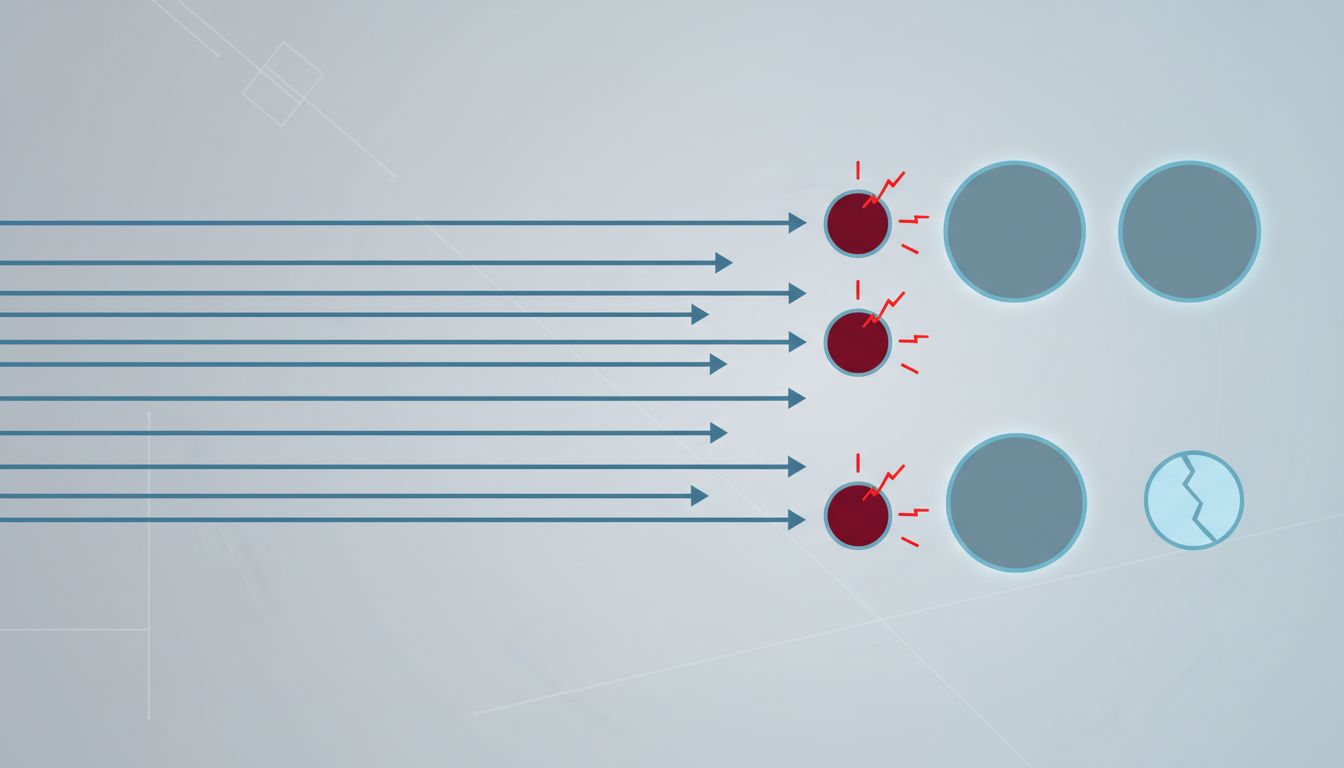
Most people imagine password cracking as a hacker manually typing guesses. The reality is automated, fast, and systematic. Modern cracking rigs using GPUs can test billions of password candidates per second against a stolen hash database. At that speed, the question is not whether your password will be tried, but whether it will be found before the attacker moves on.
The tools these systems use are not random. They start with known breached passwords (have been collecting them for years), then run through dictionary words in every language, common substitutions (replacing ‘a’ with ‘@’, ‘e’ with ‘3’), appended numbers, and name-date combinations. This covers an enormous proportion of passwords real people actually choose. Studies of large breach datasets consistently show that huge numbers of passwords fall within the first few million guesses of a well-configured cracking run.
What defeats these tools is genuine randomness at sufficient length. A 20-character random string from a good generator has more entropy than any memorable phrase you could construct, because human creativity is predictable in ways that a cryptographically secure random number generator is not. When you try to make a password both secure and memorable, you inevitably introduce patterns. Those patterns are exactly what attackers exploit.
Why Password Managers Are Not Just Convenient, They Are the Right Architecture
The solution to this problem is not a better memory strategy. It is a better system. Password managers exist to resolve the tension between security and memorability by removing memorability from the equation entirely. You remember one strong master password. The software generates, stores, and retrieves everything else.
This architecture is correct in a way that individual password strategies are not. When a password manager generates a credential for a new account, it produces something like qT8#mN2@pX5!vL9$rW3^ without any human input shaping its structure. There are no patterns derived from your pet’s name, your birth year, or your keyboard habits. The password is random because it was made by a process with no preferences, habits, or tendencies to exploit.
The objection people raise is that this creates a single point of failure. If someone compromises your password manager, they have everything. This is true, but the comparison is not between a password manager and perfect individual security. It is between a password manager and the actual behavior of people managing passwords manually: reuse across sites, simple variations, passwords written on sticky notes, passwords stored in plaintext in a notes app. Against that baseline, a reputable password manager with a strong master password and two-factor authentication is not a single point of failure. It is a dramatic reduction in attack surface.
The 1Password, Bitwarden, and Dashlane model of storing an encrypted vault that only decrypts locally means the service provider cannot hand over your passwords even if compelled to, because they never have them. The architecture itself is the security guarantee, not a promise from a company you have to trust.
The Real Problem Is That We Keep Asking the Wrong Question
The framing of password security as a memory challenge has persisted for decades because it puts the burden on users, and putting burdens on users is easier than building better systems. Security teams issue complexity requirements. Websites enforce character minimums. None of this addresses why breaches keep happening at scale.
The answer is not more memorable passwords. The answer is making memorability irrelevant. The most secure software is built by developers who assume they will be hacked, and the same adversarial thinking applies to credential design. Assume your password will be stolen in a breach. Assume it will be run through a cracking tool. Given those assumptions, the only rational response is to make each credential random, long, and unique to a single site, so that a breach of one account reveals nothing about any other.
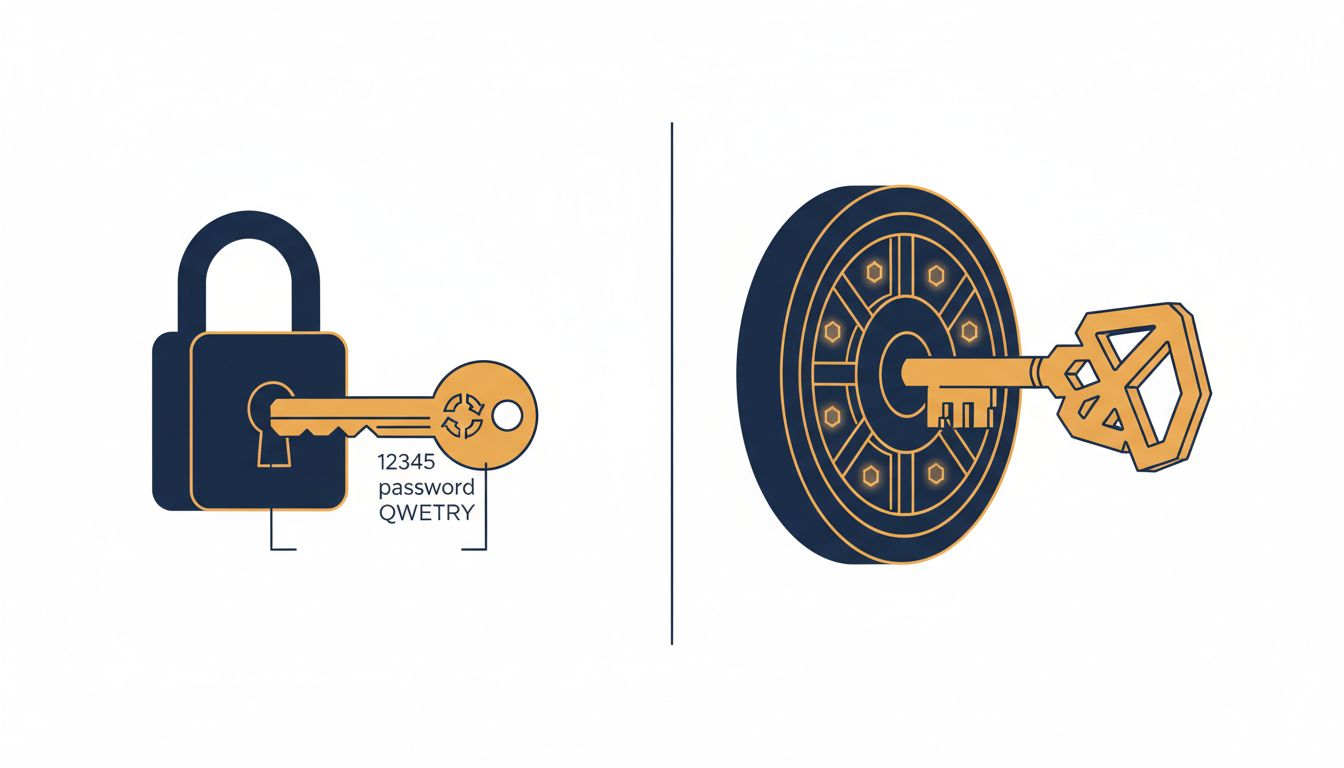
Passkeys, which replace passwords with cryptographic key pairs stored on your device, push this logic further. There is no shared secret to steal, no password to crack, no credential to phish. The authentication is based on something you have (your device) and something you are (biometric verification). This is where credential security is heading, and the direction makes sense precisely because it removes the human memory problem from the equation entirely rather than managing around it.
What You Should Actually Do
The practical upshot is straightforward. Use a password manager. Let it generate credentials for every account. Set a strong, memorable master password (this is the one place a passphrase built from random words works well, since its entropy is high even if its format is readable). Enable two-factor authentication on the password manager itself and on any account that supports it.
For sites that support passkeys, use them. They are not a complication on top of passwords. They are a replacement that eliminates the attack vectors that make passwords problematic in the first place.
The most secure password is the one you cannot remember because you never saw it, never typed it, and never thought about it. Your password manager knows it. The site you logged into knows it. Everyone trying to get in does not. That is the whole point.