The Setup
In 2017, a developer named Drew DeVault posted a write-up that made a lot of people uncomfortable. He was using a ThinkPad X200, a machine released in 2008, as his primary work computer. Not as a stunt. Not as a minimalist experiment. Because it was fast enough, and in several measurable ways, faster than newer machines he’d tested for writing code, browsing documentation, and managing files.
The post circulated through Hacker News and similar communities, generating the usual mix of nodding agreement and defensive skepticism. The skeptics had a point: raw benchmark numbers favor newer hardware, often dramatically. A modern laptop has more CPU cores, faster RAM, NVMe storage that makes old spinning disks look prehistoric. So how does a machine with a fraction of that horsepower feel snappier for daily use?
The answer isn’t mystical. It’s about what the hardware is actually being asked to do.
What Happened
DeVault’s setup ran a lightweight Linux distribution with a minimal window manager, a terminal, and a small set of tools chosen specifically because they did their jobs without dragging in enormous dependency trees. His text editor launched in milliseconds. His file manager didn’t phone home. His browser was the weakest link, which is true for everyone.
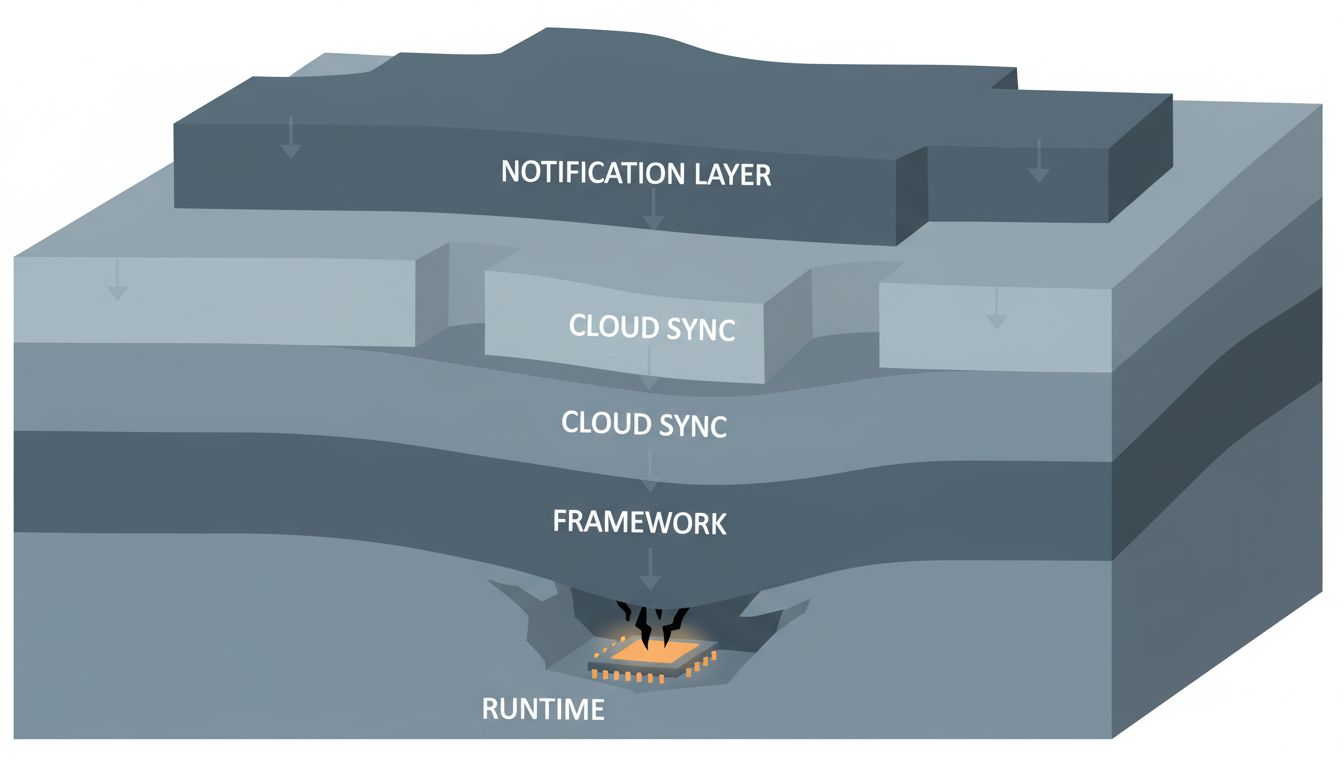
Compare that to a brand new Windows laptop, or even a recent MacBook running a full desktop environment with a cloud sync daemon, a security suite, a software update service, a notification system pulling from a dozen apps, and a browser with thirty tabs each running JavaScript that would have been considered ambitious server-side code ten years ago. The new machine has ten times the raw compute capacity, and most of it is occupied before the user opens a single application.
This isn’t a Linux-versus-Windows argument. The same phenomenon shows up within operating systems. A Mac running macOS Ventura on a 2023 M2 chip will feel sluggish if you load it with enough background processes. A Mac running an older, lighter version of macOS on older hardware can feel more responsive for focused work. The hardware isn’t the variable. The software load is.
The technical term for the gap between theoretical performance and experienced performance is “overhead.” Every layer of abstraction in a software stack adds some. Modern software stacks have many layers, and each one made sense when it was added, usually for good reasons: security, convenience, cross-platform compatibility, developer productivity. The problem is they compound.
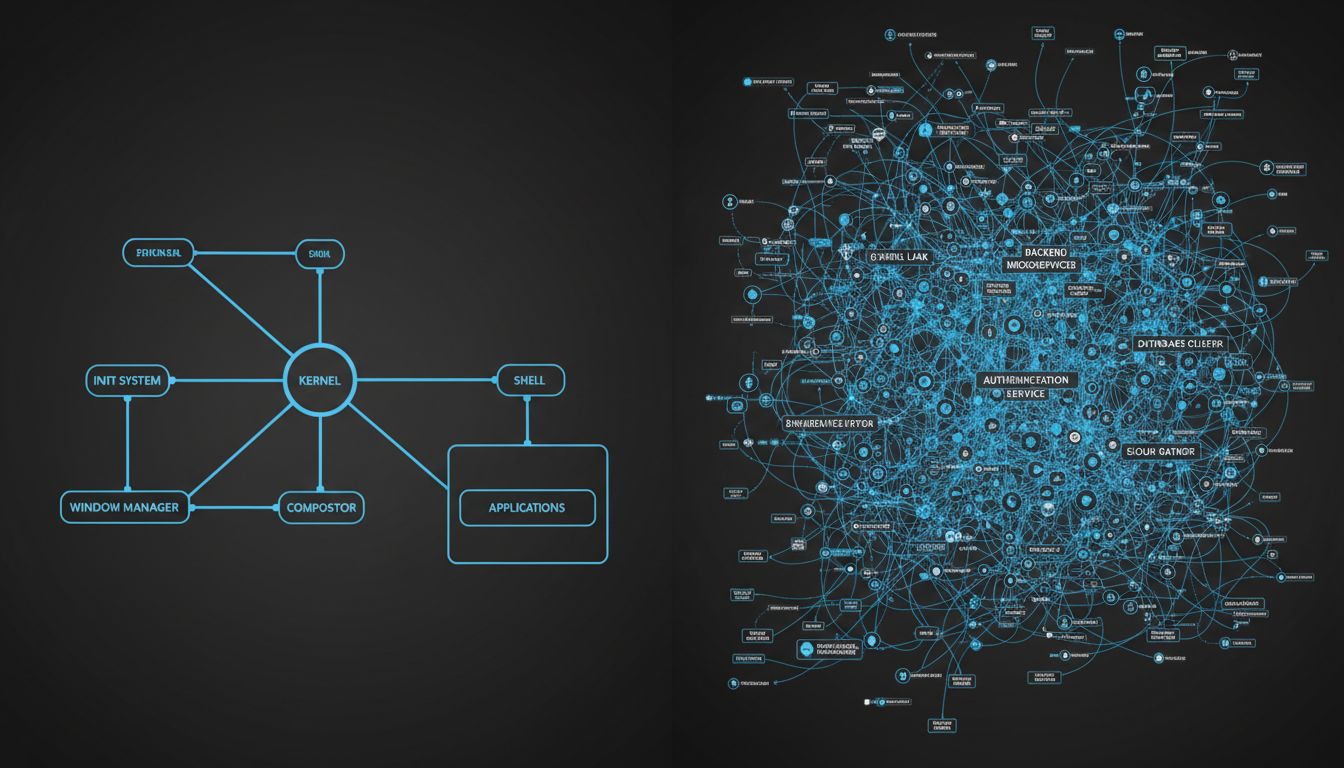
Take something as mundane as opening a settings panel in a modern desktop application. A decade ago, that might have involved reading a config file and rendering some widgets. Today, the same conceptual action might involve a JavaScript runtime initializing inside an Electron shell, making API calls to a cloud service to fetch your preferences, and rendering a web page inside a Chromium instance embedded in a native window. The end result looks the same. The computational cost is categorically different.
Electron is an easy target, but it’s genuinely illustrative. Slack, at various points in its history, has used more RAM than the entire operating system footprint of some Linux distributions. Notion, a note-taking app, has a memory footprint that would have seemed unreasonable for a video game ten years ago. These aren’t badly built products. They’re products built with tools that prioritize developer convenience and cross-platform deployment over runtime efficiency, and that trade-off has real costs that users pay in perceived responsiveness.
Why It Matters
The uncomfortable implication is that a significant portion of what we buy when we buy new hardware isn’t more speed. It’s more headroom to absorb the weight of software that has grown to fill whatever space is available.
Moore’s Law gave us roughly doubling compute capacity every couple of years for decades. Software consumed those gains as they arrived, not through malice but through accumulated convenience. Tech giants don’t need to plan obsolescence because software does it for them, and this is the mechanism: every new software generation assumes the hardware headroom from the previous silicon generation.
For users, this creates an odd treadmill. You upgrade hardware not to go faster than before, but to go the same speed as before with new software. The subjective experience of computing, for many people, hasn’t improved dramatically in fifteen years despite hardware that is objectively far more capable.
For developers, the implications cut deeper. When you build on abstractions that are wasteful by default, you’re borrowing against your users’ hardware. The loan gets called every time they try to use your product on a machine that’s more than a few years old. Many of your users are on exactly those machines, whether by choice or necessity.
DeVault’s ThinkPad experiment is also a data point in a broader argument about software architecture. Lightweight tools, built to do specific things well without accumulating dependencies, tend to age gracefully. Bloated tools age poorly. This isn’t a new observation, but it’s one the industry keeps having to relearn. The Unix philosophy of small, composable programs that do one thing well is still, fifty years later, producing software that runs fast on modest hardware.
What We Can Learn
The DeVault case isn’t an argument for running antique hardware or abandoning modern tooling wholesale. It’s an argument for taking performance seriously as a design constraint rather than treating it as something hardware will eventually solve.
A few things follow from that.
First, benchmark what users actually experience, not what your hardware is theoretically capable of. Time-to-interactive, input latency, and memory footprint under realistic workloads tell you more about perceived performance than synthetic CPU benchmarks. Many teams don’t measure these at all until users complain.
Second, treat dependencies as costs. Every library you pull in, every framework layer you add, has a runtime cost that compounds. Some of those costs are worth paying. Many aren’t, and the decision gets made implicitly, by default, without anyone consciously choosing to make software heavier.
Third, test on old hardware. Deliberately. Keep a five-year-old machine in your office and use it to run your product. If the experience is unacceptable, that’s a product problem, not a hardware problem. The users who will notice first are often the users you most want to keep: people who are careful about what they run, who think about their tools, who have options.
The ThinkPad X200 is genuinely outdated now. There are real tasks it can’t handle reasonably. But the fact that it ever competed with modern hardware on everyday responsiveness isn’t a story about old hardware being underrated. It’s a story about what happens when software stops treating performance as a constraint and starts treating it as someone else’s problem.