The Simple Version
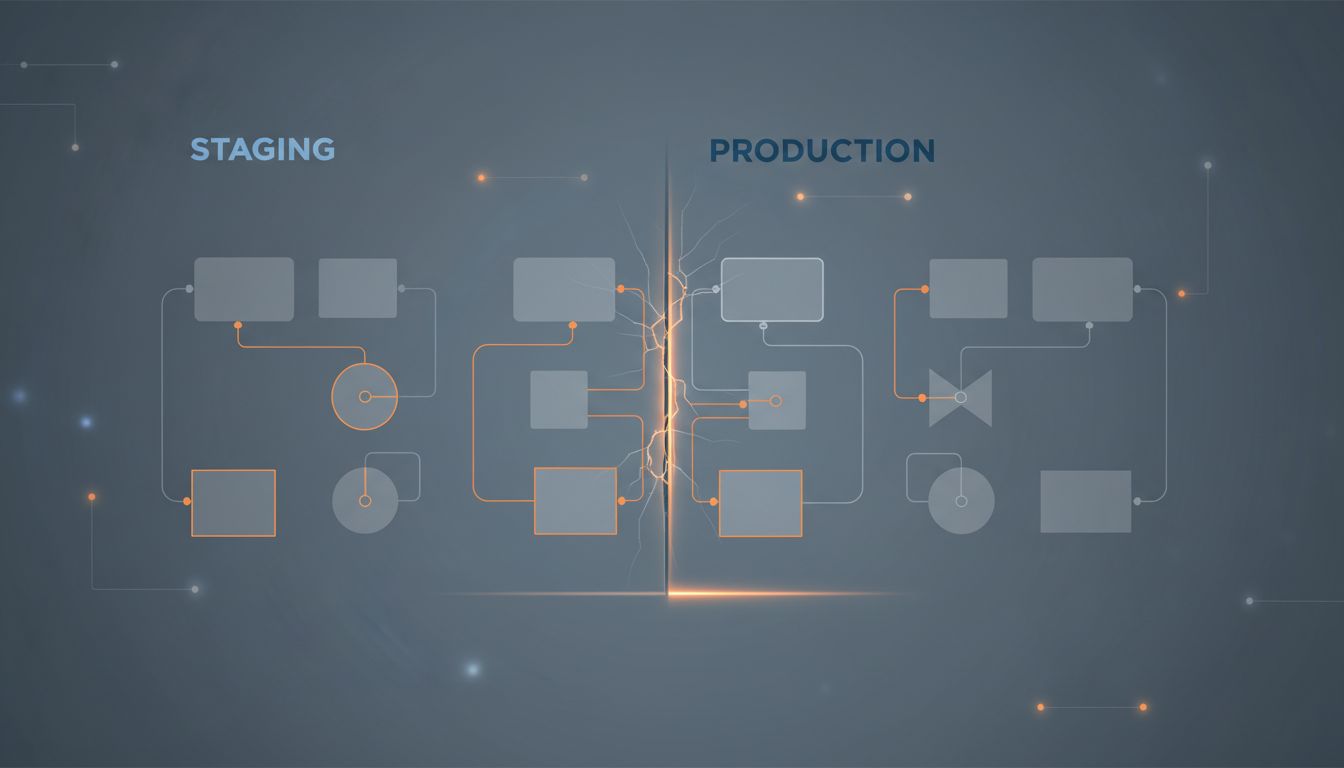
Databases store timestamps as numbers. The problems happen when two different parts of your system assume that number means different things, specifically when they disagree about which time zone it belongs to.
Why Computers Treat Time Differently Than You Do
When you say “3pm,” you almost certainly mean 3pm somewhere specific. Your brain fills in the location context automatically. Databases don’t do that unless you explicitly tell them to.
Most databases give you two options for storing a timestamp. The first stores the exact moment in time as a fixed point, usually as an offset from UTC (Coordinated Universal Time, the global baseline that replaced GMT for technical purposes). The second stores the clock-face time with no location attached, like writing “3:00” on a sticky note without saying which time zone.
PostgreSQL calls these TIMESTAMPTZ (with time zone) and TIMESTAMP (without). MySQL has similar distinctions. The naming is unfortunately misleading: TIMESTAMPTZ doesn’t actually store a time zone. It converts whatever you give it to UTC and stores that. When you read it back, the database converts it to whatever time zone your current session is set to. The raw stored value is always UTC. The “with time zone” label really means “time zone aware,” not “time zone stored.”
This distinction sounds academic. It causes real production outages.
What Actually Goes Wrong
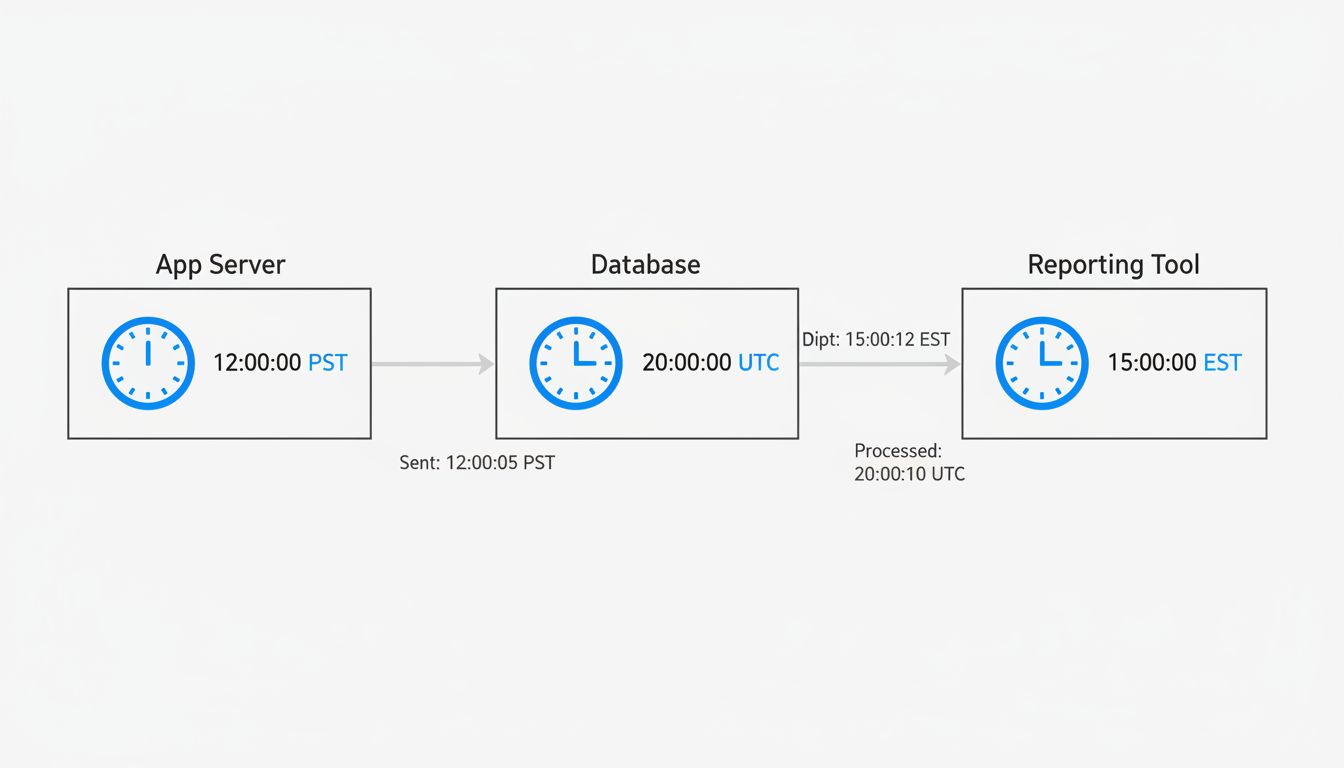
Imagine a web application with three components: a backend server in New York (UTC-5 in winter), a database server configured to UTC, and a reporting tool that a European team installed and never reconfigured, so it defaults to CET (UTC+1).
A user submits an order at 11pm New York time. The backend records this correctly, converting to UTC: 2024-01-15 04:00:00 UTC. The database stores it faithfully.
The reporting tool pulls the same row. Because it’s configured to CET, it displays the order as arriving at 05:00:00 on January 16th. Nobody catches this immediately because timestamps are hard to sanity-check at a glance.
Now someone writes a query to pull all orders from January 15th. Depending on which system runs that query and which time zone it assumes, the order either appears or doesn’t. You haven’t lost data. The data is correct. But your systems are speaking different dialects of time, and the result looks exactly like a data integrity problem.
This gets worse when daylight saving time is involved. On the night clocks spring forward, one hour of wall-clock time simply doesn’t exist. On the night they fall back, one hour occurs twice. If your application stores local times without offsets, events from that ambiguous hour become genuinely unresolvable. You cannot know, from the stored value alone, which of the two identical-looking timestamps is which.
Arizona doesn’t observe daylight saving time. Most of Indiana didn’t for decades. Parts of China span five geographic time zones but operate on one official time. If your system handles any of these regions and you’re storing naive (timezone-unaware) timestamps, you are accumulating quiet errors.
The Right Default and Why Most Codebases Don’t Use It
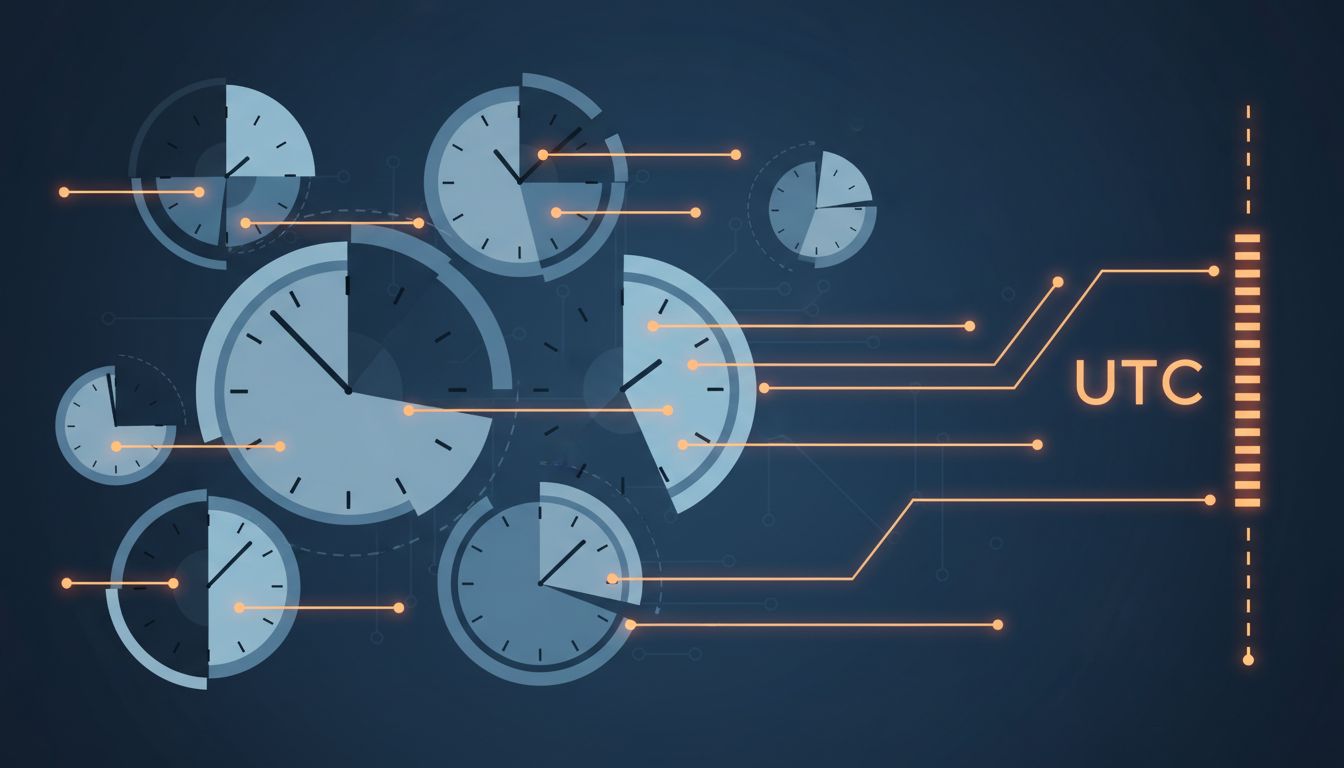
The defensible default is: store everything in UTC, always, from the moment data enters your system. Convert to local time only at the display layer, and keep that conversion logic in one place.
This works because UTC has no daylight saving time. It never has an ambiguous hour. It provides a stable, universal reference point that any system anywhere can interpret consistently. When two systems both speak UTC, they cannot disagree about when something happened.
The reason many codebases don’t do this comes down to how applications get built. Early-stage projects often run on a developer’s local machine. The database picks up the OS time zone by default. The app works fine. The developer ships it. Months later, the database moves to a cloud server in a different region, the time zone setting doesn’t come along, and suddenly timestamps are off by some number of hours with no obvious explanation.
ORM (object-relational mapping) libraries add another layer of confusion. Some ORMs quietly convert timestamps to the local system time zone when writing to the database, and then convert back on reading. If the system time zone changes between a write and a read, the recovered value is wrong. This is especially treacherous during server migrations.
How to Actually Audit This in Your Own System
If you’re not sure what your database is doing, a few checks will tell you quickly.
In PostgreSQL, run SHOW timezone; to see what the server assumes. Then look at how your timestamp columns are defined. Any TIMESTAMP WITHOUT TIME ZONE column is a potential landmine if data enters from multiple sources or if your application servers aren’t all in the same time zone.
In MySQL, SELECT @@global.time_zone, @@session.time_zone; shows you the same. MySQL’s DATETIME type stores no time zone information at all. Its TIMESTAMP type stores UTC but has a range that only extends to January 19, 2038 (the Unix epoch overflow problem, a separate but related time-handling crisis that’s approaching faster than most people want to think about).
The most reliable test: insert a timestamp from one system, read it back from another system configured to a different time zone, and verify the values agree on the actual moment in time. If they don’t, you have a configuration problem to fix before it becomes a data problem.
What a Solved Version of This Looks Like
Well-designed systems treat time zone handling like input sanitization: you do it at the boundary, consistently, before the data touches anything else. Every timestamp that enters the system gets converted to UTC immediately. Every timestamp that leaves the system for display gets converted to the user’s local time at the last possible moment, ideally in the client.
Application-level configuration should make time zone explicit. In Rails, config.time_zone and config.active_record.default_timezone are separate settings that confuse people regularly. In Python, libraries like pendulum or arrow enforce timezone-aware datetimes by design, making it harder to accidentally create naive timestamps.
The architectural principle is straightforward: one canonical representation (UTC) for storage and transit, with explicit conversion at the edges. The bugs don’t come from complex requirements. They come from the system silently assuming a context that nobody ever explicitly chose.