When your app shows a loading spinner, it feels like neutral feedback. Something is happening, please wait. But that spinner represents a choice that was made somewhere upstream, usually without your input, and often without you realizing a choice existed at all.
The decision is this: how much latency is acceptable before we show anything? And beneath that, a harder one: should we even make the user wait, or should we show them something now and reconcile the data later?
Most developers never frame it that way. They reach for a spinner because their framework’s documentation shows a spinner, because the loading state is the obvious thing to handle, and because waiting for data before rendering feels correct. It feels like honesty. But it’s a particular kind of honesty that has real costs, and choosing it without examining the alternatives is itself a decision, just one made by default.
The Spinner Is a Symptom, Not a Solution
A loading spinner communicates exactly one thing: the interface cannot proceed without information it doesn’t have yet. That’s sometimes true and unavoidable. But more often, it’s the result of an architecture that treats every piece of data as a blocking dependency.
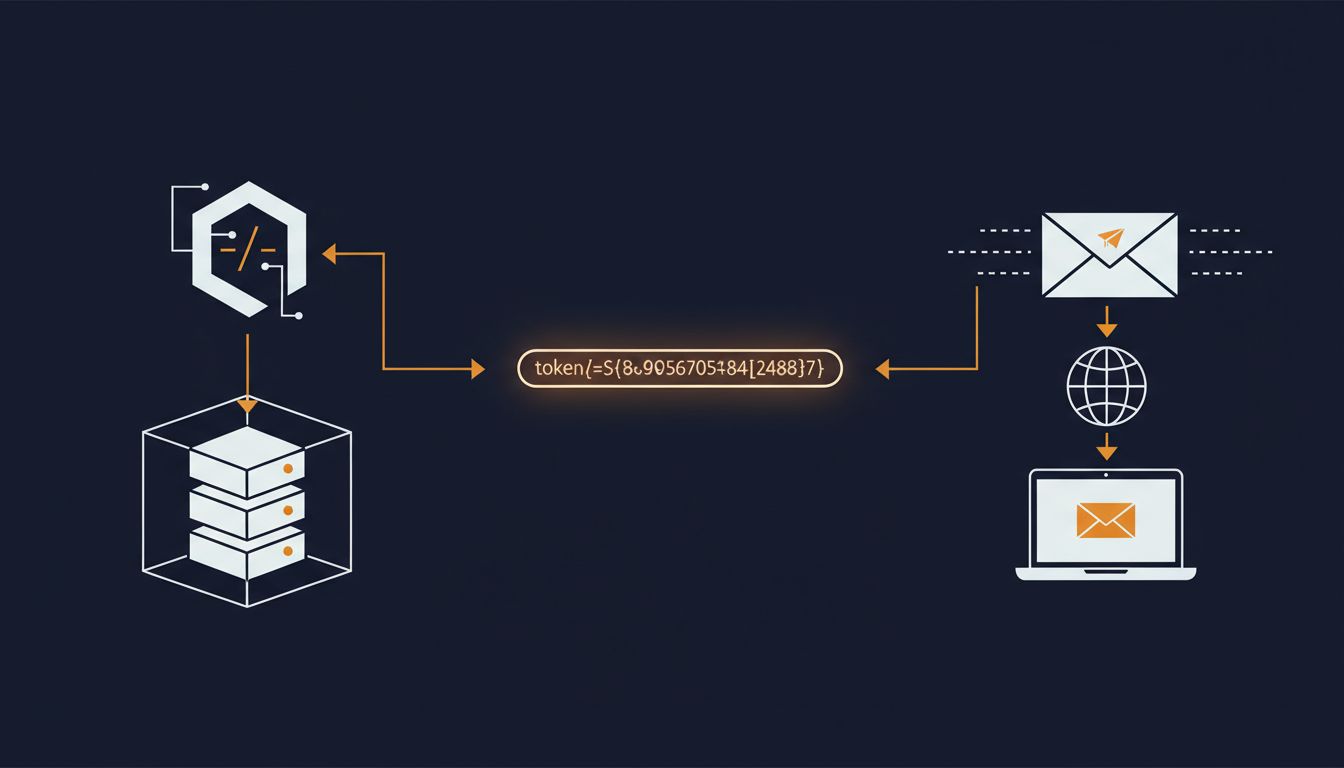
Consider what happens in a typical request-response cycle. The user taps a button. A network request goes out. The server processes it, probably queries a database, serializes a response, and sends it back. The client receives it, parses it, updates its state, and re-renders. Only then does the user see anything. Every step in that chain is latency you’re forcing the user to absorb before they get feedback.
The alternative isn’t magic. It’s a technique called optimistic UI, where the interface updates immediately as if the operation succeeded, then quietly confirms (or corrects) once the server responds. Gmail does this when you archive an email. The message disappears from your inbox the moment you click, even though the actual server-side change might take another 200 to 500 milliseconds. If it fails, Gmail shows an undo prompt and restores the message. The happy path feels instant because it is instant, and failures are handled without pretending they couldn’t happen.
This isn’t a new idea. Facebook’s paper on their newsfeed from years back described similar patterns. The technique has been documented extensively. And yet the spinner remains the dominant pattern in most apps, because it requires less thought about failure states and rollback logic. Optimistic UI forces you to reason carefully about what happens when the server disagrees with your assumption. That’s harder work, so most teams skip it.
Who Actually Made This Decision
When you use a library or framework without questioning its defaults, you’re inheriting the assumptions of whoever wrote those defaults. This isn’t a criticism of libraries. It’s just the reality of how software gets built.
React’s Suspense, for instance, makes it easy to show a fallback (typically a spinner or skeleton screen) while waiting for data to load. It’s a clean API. But the existence of a clean API for a particular pattern means that pattern gets used by default. You need to actively reach for something different. Most developers, under time pressure, don’t.
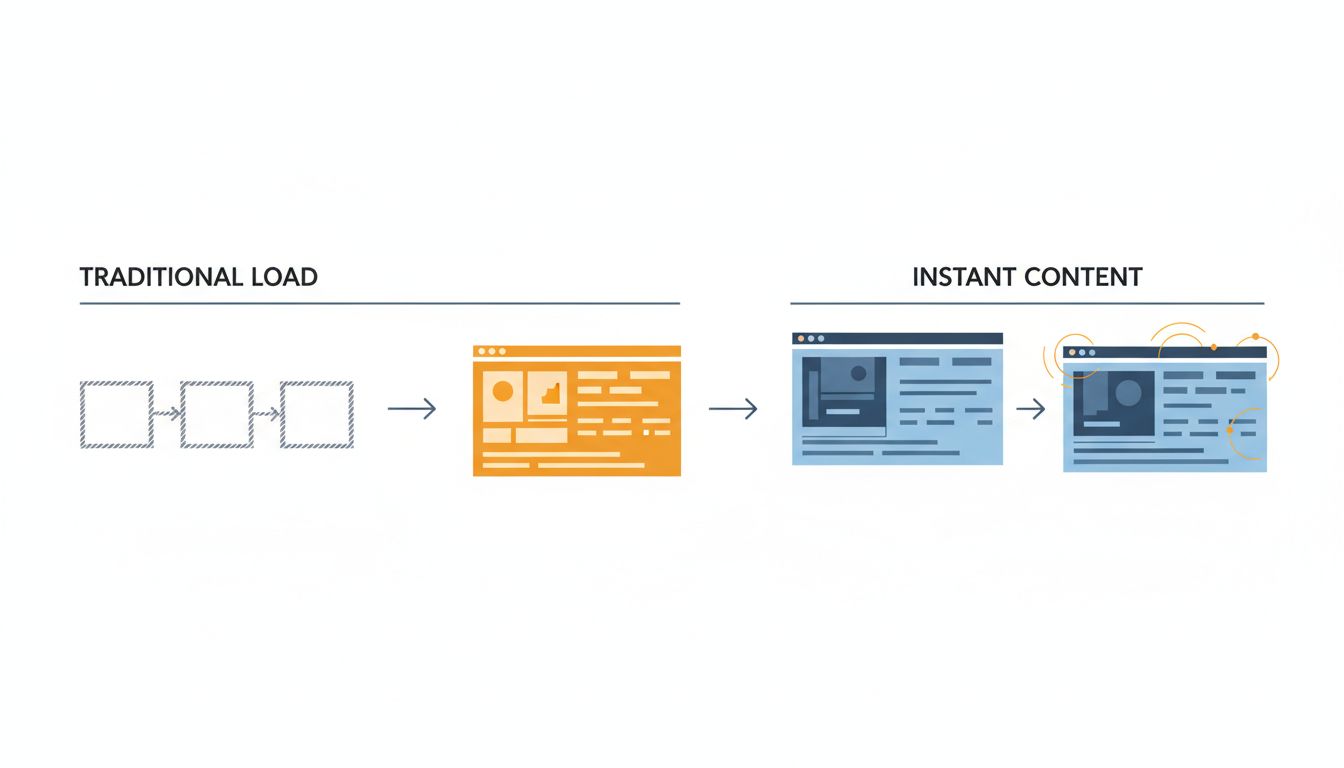
Skeleton screens are worth separating from spinners here. A skeleton screen (the gray placeholder blocks that approximate the shape of incoming content) is meaningfully better than a spinner. Research on perceived performance consistently shows that users tolerate wait times better when they can see the structure of what’s loading. The brain starts building its model of the page. But a skeleton screen is still a waiting state. It still treats data as a blocking dependency. It’s a better waiting room, not an exit from waiting.
The real exit is rethinking what needs to block. Not every piece of data your page displays is equally urgent. Navigation can render immediately. Cached data from a previous visit can render immediately and update in the background. User-generated content that changes rarely can be served stale while a fresh fetch happens silently. These are not hacks. They are deliberate caching strategies that major content platforms rely on at scale. The cost is having to reason about staleness. Most teams would rather show a spinner than think about staleness.
The Hidden Cost You’re Passing to Users
Spinners feel neutral, but they have a compounding cost. Every spinner represents a moment where the user’s context is interrupted. They stop thinking about what they were trying to do and start thinking about the wait. If the wait is short, they absorb it. If it’s slightly longer, they might switch tabs. If it’s inconsistent, they lose trust in the interface.
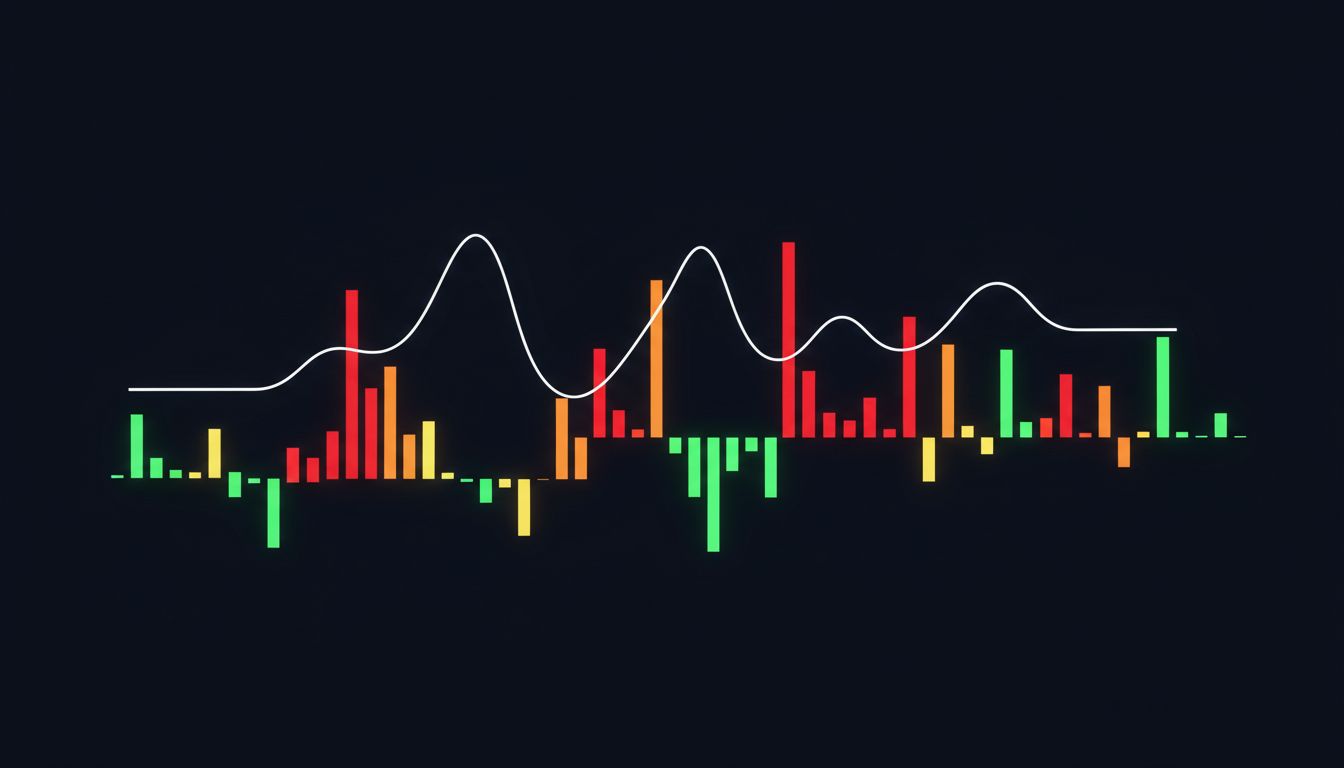
This is related to a broader pattern in perceived performance: speed isn’t just about absolute latency, it’s about predictability. An interface that consistently takes 400ms feels faster than one that sometimes takes 100ms and sometimes takes 1200ms, even if the average is better. Spinners, because they offer no information about duration, amplify the anxiety of unpredictability. A progress bar with an estimated time is better than a spinner even if both take the same amount of time, because it sets expectations. (This is well-documented in HCI research going back to Nielsen’s work in the 1990s.)
Mobile networks make this worse. A user on a subway might have 50ms latency on one request and 3 seconds on the next. If your architecture treats every data dependency as blocking, your app’s usability degrades proportionally with network quality. If you’ve cached aggressively and optimized for offline-first behavior (the way apps like Notion or Linear have invested in doing), the experience degrades much more gracefully.
What You’d Choose If You Thought About It
The point isn’t that spinners are always wrong. Some operations genuinely cannot proceed without fresh data. A payment confirmation screen should wait for the server. A form that depends on server-side validation has to block. These are the cases where showing a spinner is the correct, honest response to an actual dependency.
But most spinners are not guarding those cases. They’re guarding list views that could serve cached data. They’re guarding navigation that could render structure immediately. They’re guarding user actions that almost never fail and could be handled optimistically.
The question worth asking before you reach for the spinner is: what does the user need from this data, and do they need it before they can see anything? If the answer is no, you have options. If the answer is yes, make sure it’s actually yes and not just the path of least resistance.
Default behavior in software is a form of implicit policy. When you accept a default, you’re not avoiding a decision. You’re delegating it to whoever wrote the code you’re using. Sometimes that’s fine. But in this case, the person who wrote the spinner into your component library probably wasn’t thinking about your users’ experience on a slow commuter train in a city with inconsistent coverage.
That decision belongs to you. Take it back.