The Simple Version
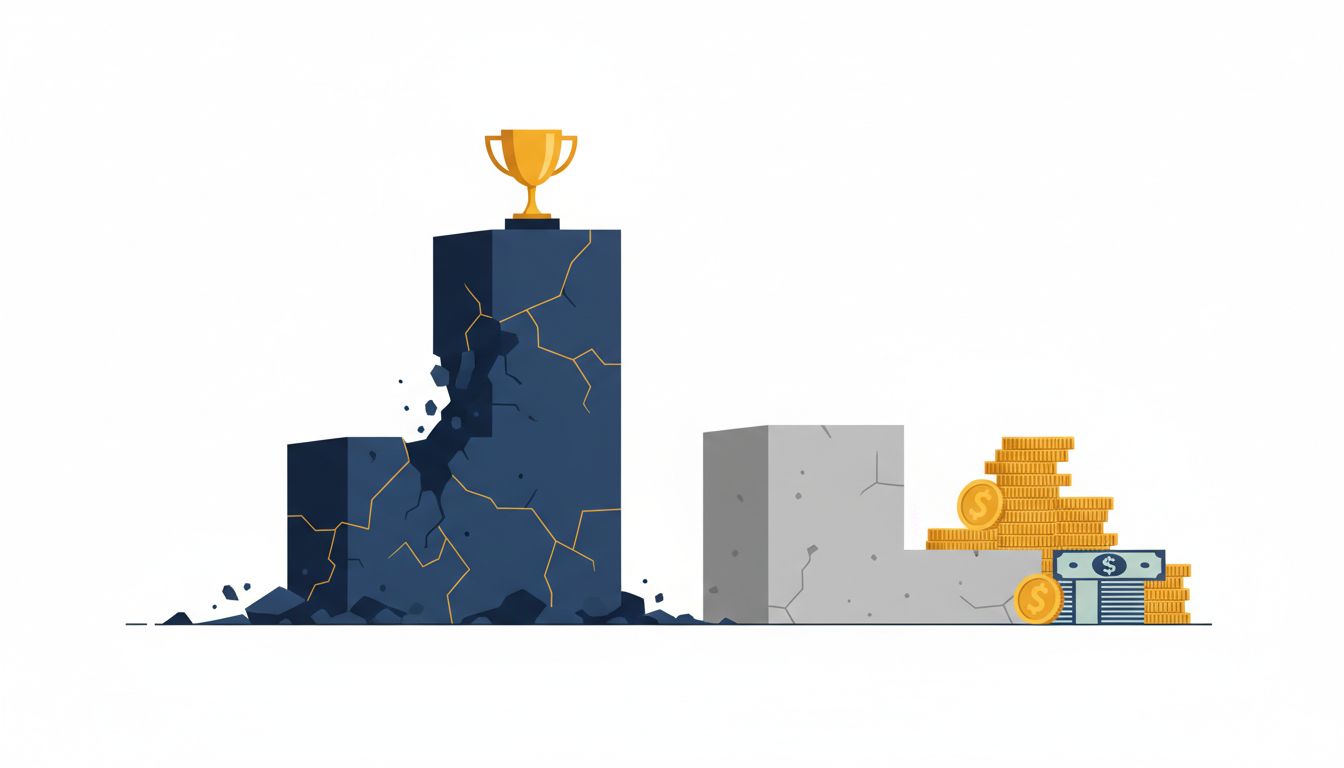
When you pick a cheaper cloud plan to save money, you often trigger a cascade of hidden costs, workarounds, and engineering hours that exceed what the expensive plan would have charged you outright. The sticker price is almost never the real price.
Why the Price Tag Is the Wrong Number to Look At
Cloud pricing pages are engineered to make comparison shopping feel rational. Rows of features, columns of tiers, a highlighted “Most Popular” badge nudging you toward the middle. It looks like a spreadsheet decision. It isn’t.
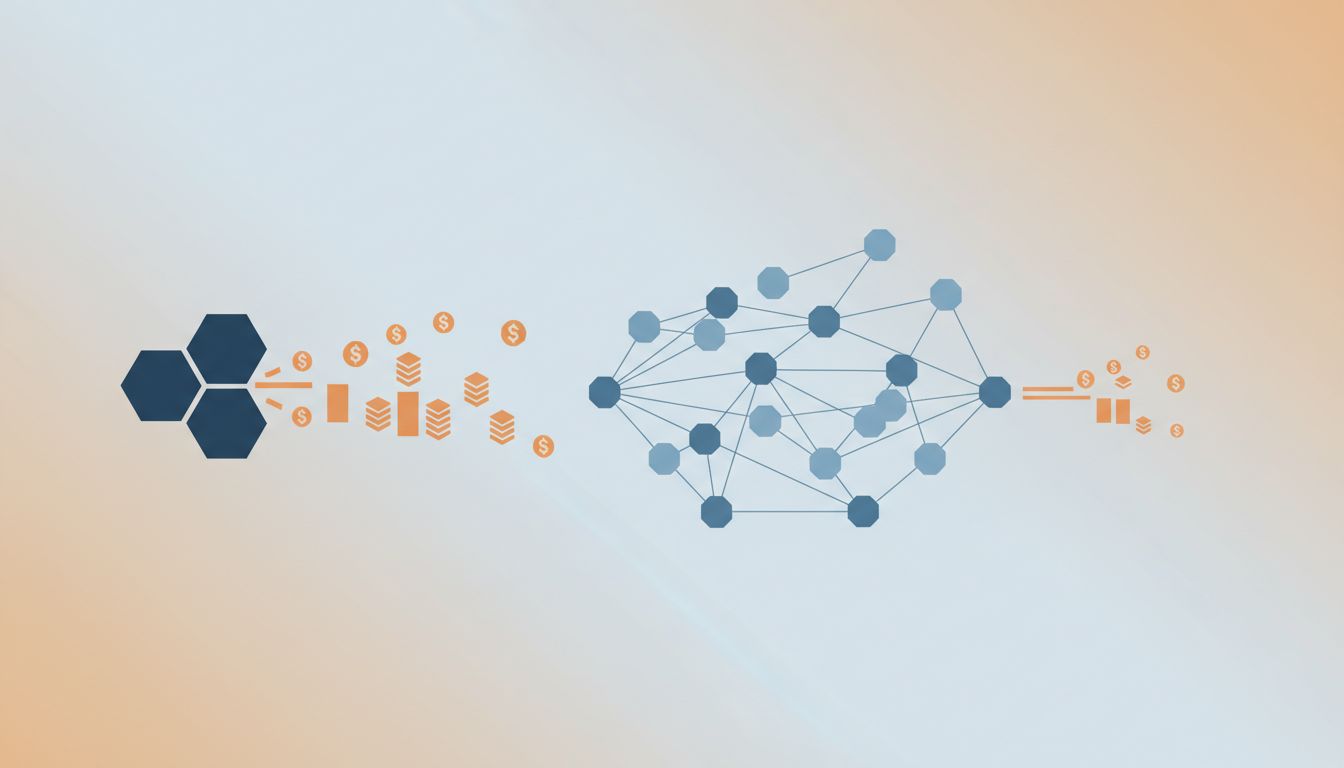
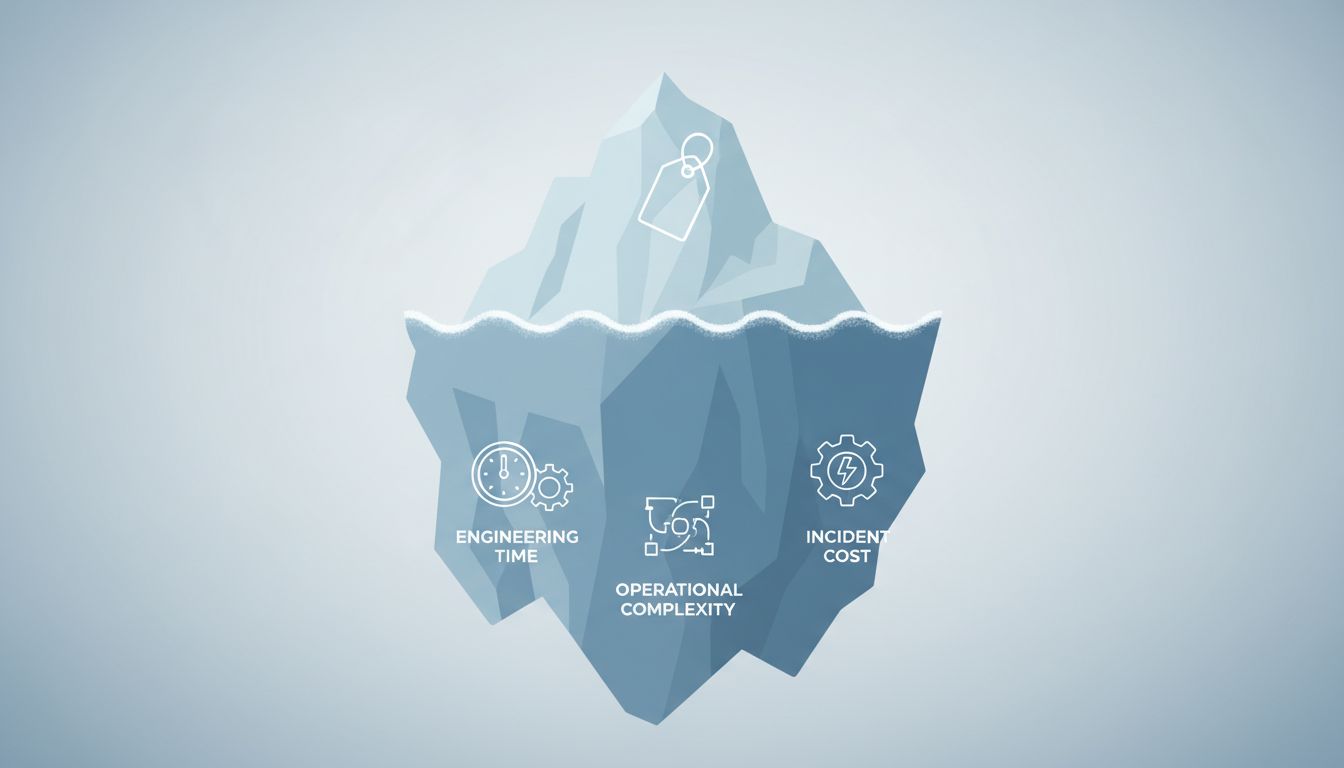
The actual cost of a cloud plan has four components, and only one of them appears on the pricing page. The others are: the engineering time required to work around the tier’s limitations, the operational complexity those workarounds introduce, and the incident cost when that complexity breaks at the worst possible moment.
The premium tier is usually priced to include things that sound optional until they aren’t. Automated backups. Higher connection limits. Priority support with a real SLA. Read replicas. When you buy the cheaper tier, you don’t eliminate these needs. You just agree to handle them yourself, with your own time and your own infrastructure.
The Math Nobody Does Before Signing Up
Take a concrete scenario. A startup picks a mid-tier managed database plan instead of the top tier, saving roughly $400 a month. What the cheaper tier doesn’t include: automated point-in-time recovery, high availability failover, and connection pooling above a certain threshold.
So the engineering team builds connection pooling middleware, configures a manual backup schedule with scripts that run on a separate server, and sets up monitoring to catch when the backup job silently fails. That work takes a senior engineer about two weeks. At a realistic all-in hourly cost for a senior engineer in a major metro, those two weeks cost more than a year of the price difference. And now there’s a new server to maintain, a new failure mode to worry about, and a backup system that will eventually drift out of date when someone changes the database schema and forgets to update the script.
This is the trap. You paid in engineering time upfront, you’re paying in operational overhead every month, and you’ve created a fragile system that could make the whole product less stable in ways that are genuinely hard to predict.

The Second-Cheapest Tier Has a Specific Problem
The cheapest tier, paradoxically, often forces better decisions. It’s so limited that teams either accept those limits explicitly and build accordingly, or they quickly recognize they need to upgrade. The constraints are legible.
The second-cheapest tier is dangerous because it’s almost enough. It handles your current traffic. It passes your load tests. It doesn’t throw errors in staging. It only fails under conditions you haven’t encountered yet: a traffic spike at 2 a.m., a connection pool exhaustion during a batch job, a failover scenario you never thought to test because the dashboard said “high availability” without specifying what that actually means at this tier.
Cloud providers know this. The jump in features from the second tier to the top tier is almost always disproportionately large compared to the price difference. That’s not an accident. It’s where the real product lives. Everything below it is a lead-generation mechanism.
Support Costs Are the Hidden Bill That Compounds
Support tier is where the abstraction breaks down most visibly. The mid-tier plan’s support might promise a 24-hour response time. The premium plan might promise 15 minutes. When something breaks in production at 11 p.m. on a Friday, that’s not a rounding error in quality of service. That’s the difference between a four-hour outage and a twenty-minute one.
A four-hour outage for a company doing meaningful revenue isn’t an abstract cost. It’s refunds, churned customers, a post-mortem that consumes the next week, and a reputational hit that takes months to measure. The $500K engineer is often cheaper than the $120K one for roughly the same reason: the cheap option only looks cheap if you ignore what happens when things go wrong.
Most companies don’t calculate expected downtime cost before choosing a support tier. They should. If your product generates $50,000 a day in revenue and your cheap support tier means outages last four times longer than they would with premium support, the math on that one incident can wipe out years of savings.
How to Actually Evaluate Cloud Costs
The right framework isn’t “what does this tier cost per month.” It’s “what does it cost us to run reliably on this tier, including everything the tier doesn’t provide.”
That means inventorying what features you’re giving up and explicitly pricing the alternative. Connection pooling you’d have to build yourself. Backup systems you’d have to configure and monitor. Failover you’d have to design. Support response times you’d have to compensate for with on-call rotations and runbooks.
Then price the risk. What’s a realistic outage cost? How often might you hit the tier’s limits under normal growth? What does a breach of those limits look like, and who has to deal with it at what hour?
If you do that math honestly, the premium tier wins more often than feels intuitive. Not always, but more often. The pricing page is designed to make the middle option look prudent. The operational reality usually tells a different story.