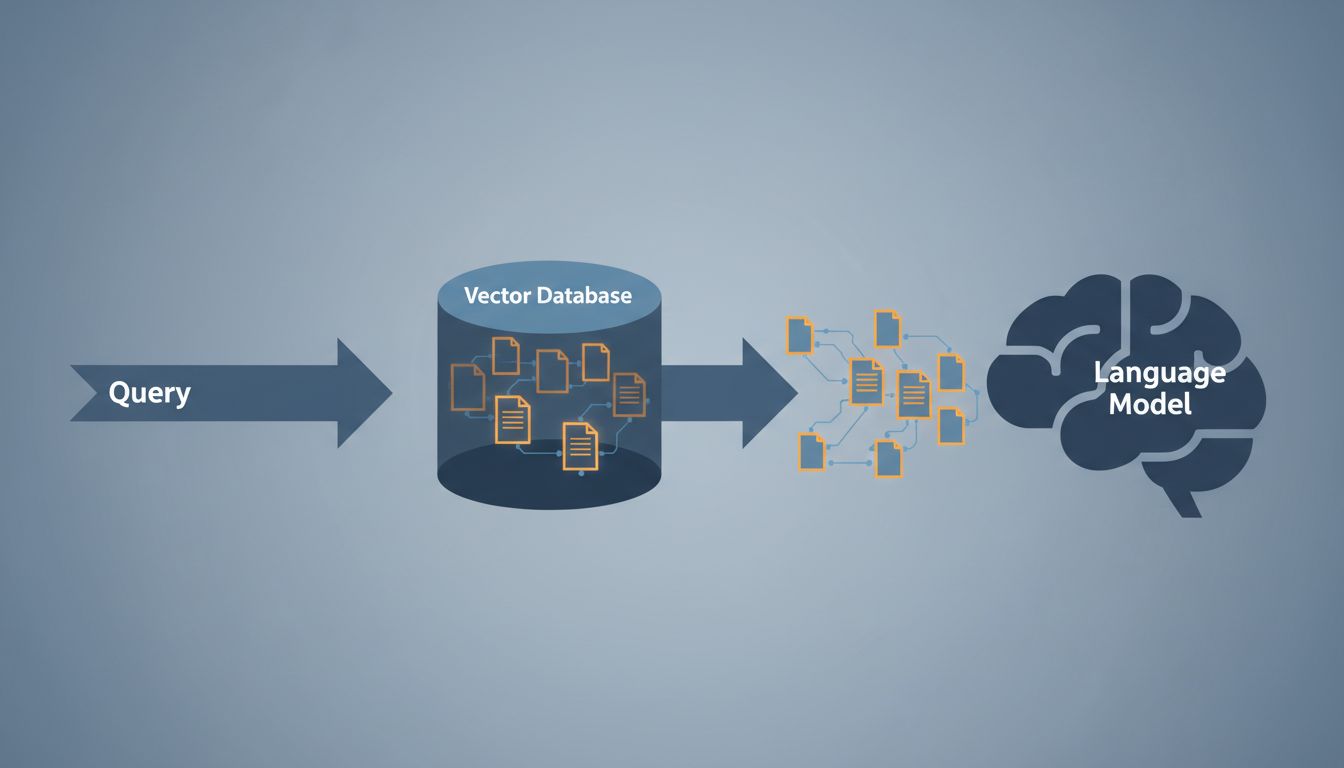

When someone says a vector database “understands” text, they’re borrowing a metaphor that feels intuitive but quietly misleads you. The database doesn’t understand anything. It stores lists of numbers and does math on them. The understanding, such as it is, happened earlier, somewhere else, and the implications of that sequence matter enormously if you’re building anything on top of this technology.
What Actually Gets Stored
When you feed a sentence into an embedding model, you get back a vector: a list of floating-point numbers, typically ranging from a few hundred to a few thousand dimensions depending on the model. OpenAI’s text-embedding-3-small produces 1,536-dimensional vectors. Each dimension is a number, and together they encode the model’s internal representation of that input.
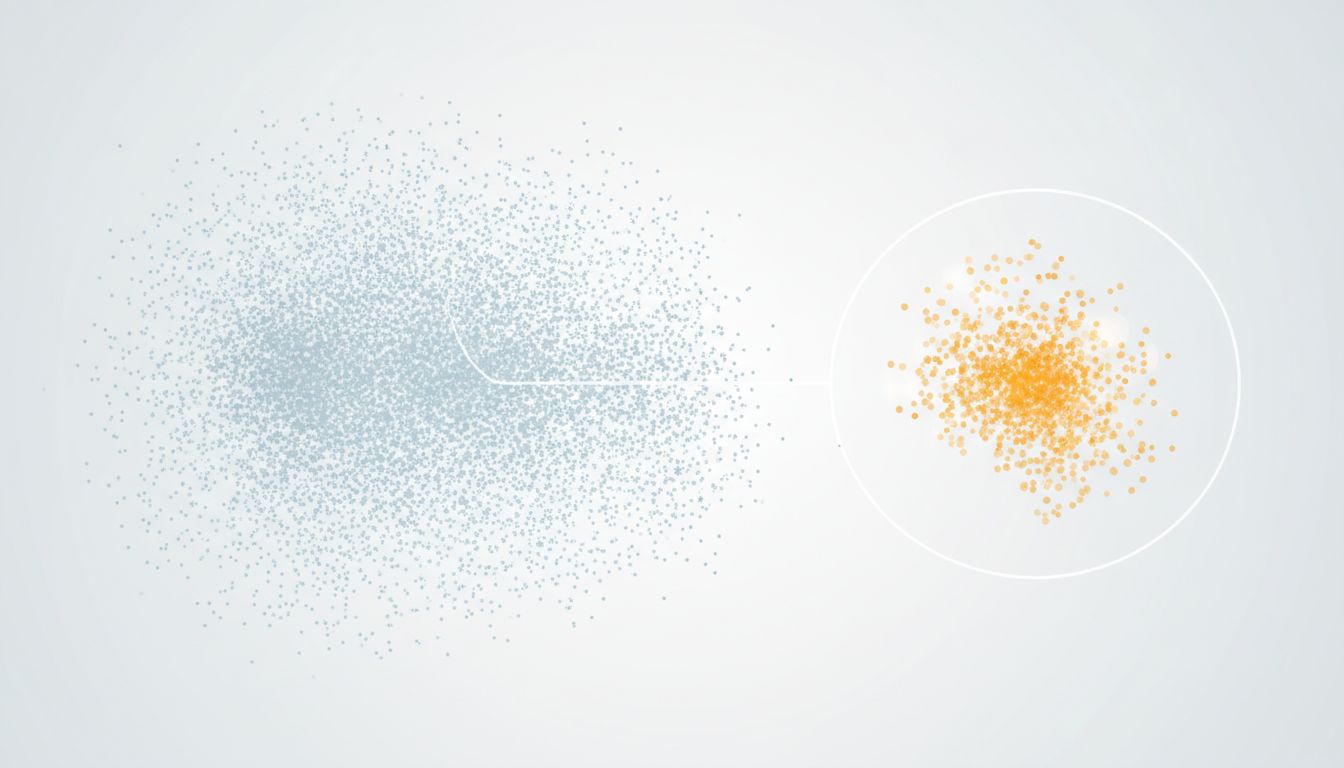
You can think of this as coordinates in a very high-dimensional space. Similar inputs cluster near each other. “Dog” and “puppy” land close together. “Dog” and “mortgage” do not. Your vector database stores those coordinates, indexes them efficiently, and when you run a query, it finds coordinates that are near your query’s coordinates.
The storage itself is not complicated. What’s complicated is the indexing. A naive approach to similarity search would compare every stored vector to your query vector. That becomes unusable quickly. If you have ten million vectors and need to compare each one, you’re not running a product, you’re running a space heater. So vector databases use approximate nearest neighbor (ANN) algorithms, most commonly HNSW (Hierarchical Navigable Small World graphs) or IVF (Inverted File Index with clustering). These trade a small amount of accuracy for dramatically faster lookup. Pinecone, Weaviate, Qdrant, and Chroma all use variations of these approaches.
Why “Similarity” Is Doing Heavy Lifting
Here’s the part that actually matters for your work: “similar” in vector space means geometrically close, not semantically equivalent, not contextually appropriate, not what you’d intuitively call “related.”
The math used to measure closeness is almost always cosine similarity, which measures the angle between two vectors rather than the distance between their endpoints. Two sentences can have high cosine similarity because they use the same words in different contexts. They can have low similarity even when they’re expressing the same idea with different vocabulary.
More importantly, the quality of your similarity search is entirely dependent on the quality of your embeddings, which is entirely dependent on what the embedding model was trained on and how well that training data matches your domain. A model trained on general web text may produce excellent results for common English queries and genuinely poor results for specialized medical terminology, legal language, or any domain where common words carry precise, domain-specific meanings. When your search returns irrelevant results, the database is not broken. The geometry is probably accurate. The geometry just isn’t capturing what you need it to capture.
This is worth sitting with. You can have a perfectly functioning vector database that returns perfectly useless results. The search is doing exactly what it’s designed to do. The problem is upstream. If you’re debugging why your RAG pipeline is producing strange outputs, the vector store is rarely where the problem lives.
The Indexing Tradeoff You Should Understand
When you configure a vector database, you’re making decisions that affect the accuracy/speed tradeoff in ways that aren’t always obvious in the documentation.
HNSW builds a layered graph where each vector is connected to its nearest neighbors. Search traverses from coarse layers to fine ones, like zooming in on a map. It’s fast and accurate, but it requires keeping much of the index in memory. For large datasets, that gets expensive. The ef_construction and M parameters (the number of connections per node) directly control the tradeoff between index quality and build time or memory usage.
IVF clusters your vectors during indexing and only searches within the most relevant clusters at query time. It’s more memory-efficient but requires you to specify the number of clusters up front, and if your data distribution shifts significantly, your clusters can become stale. Some databases (Qdrant and Weaviate among them) support hybrid approaches.
The practical implication: don’t use default settings in production without understanding what they’re trading away. A default ef value that’s fine for a demo with ten thousand vectors will give you noticeably degraded recall at ten million. Test your recall rate against a ground truth dataset before you assume the system is working.
Metadata Filtering Is Where It Gets Real
Pure vector search is rarely sufficient on its own. In most production applications, you want to filter by metadata at the same time you’re searching by similarity. Find the documents that are semantically close to this query AND belong to this user AND were created after this date.
How your database handles this matters a lot. The naive approach, run vector search and then filter the results, fails badly when most results get filtered out. If you retrieve the top 100 nearest vectors and 95 of them belong to the wrong user, you’re returning 5 results when you needed 20.
The better approach is pre-filtering: apply metadata filters before or during the vector search so you’re only searching within the eligible subset. Not all databases handle this equally well. Qdrant and Weaviate have built pre-filtering into their architecture. Others bolt it on afterward. When you’re evaluating options for a production system, this is a concrete question worth asking and testing, not just reading about in the docs.
What This Means For Your Architecture
Vector databases are a specific tool for a specific problem: finding approximate matches in high-dimensional space, quickly. They are genuinely good at that. But they’re often positioned as an AI capability when they’re really a retrieval mechanism whose results are only as meaningful as the embeddings you feed them and the filtering logic you apply.
A few things you can apply immediately. First, evaluate embedding models on your actual data, not benchmark scores from someone else’s domain. Run a small evaluation set with ground truth before committing to a model in production. Second, think carefully about your chunking strategy before you embed anything. How you split documents affects whether semantically coherent units stay together, which affects whether your vectors represent meaningful concepts or arbitrary fragments. Third, build in recall testing from the start. Measure whether your top-k results actually contain the relevant content, not just whether the system returns results.
The vector database is not the intelligent part of your system. It’s the index. The intelligence is in your embeddings, your chunking, your query construction, and your filtering logic. When you keep that clear, you’ll make better decisions about where to invest your attention and where to look when things go wrong.