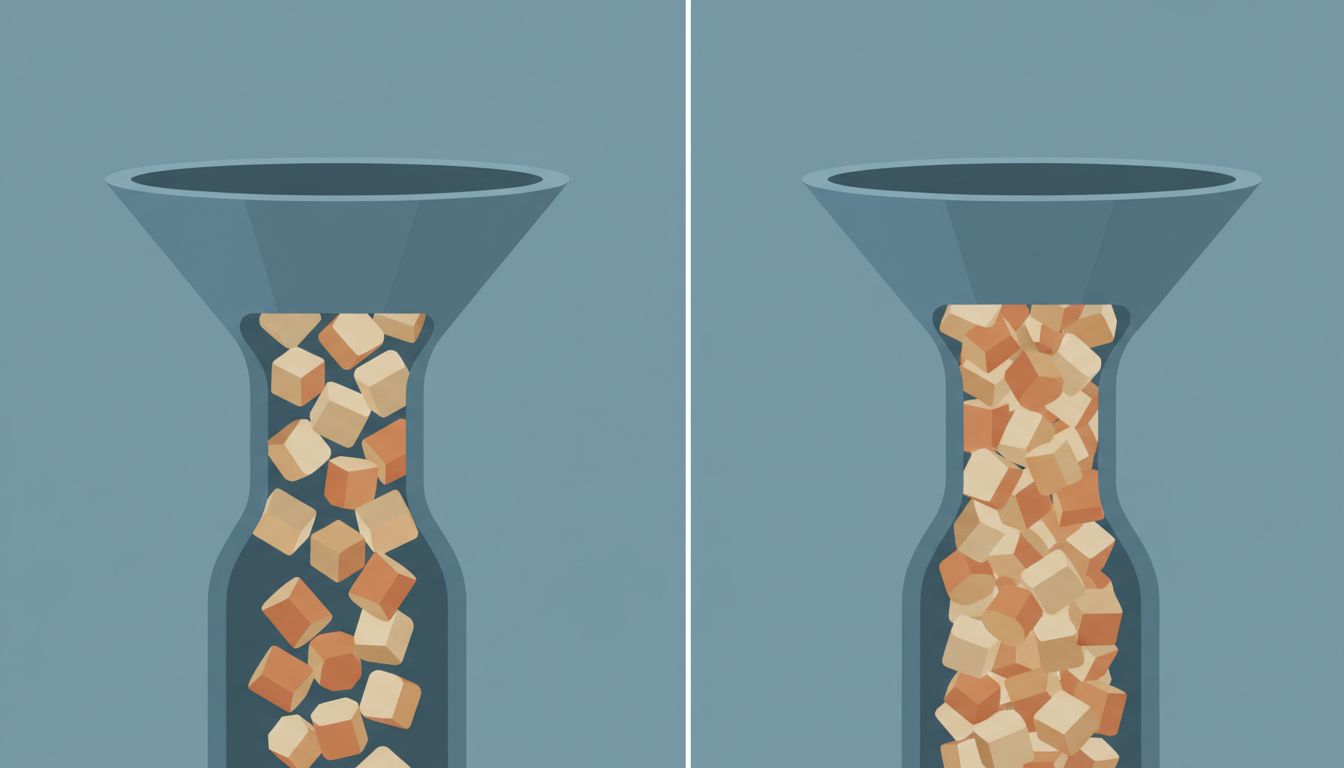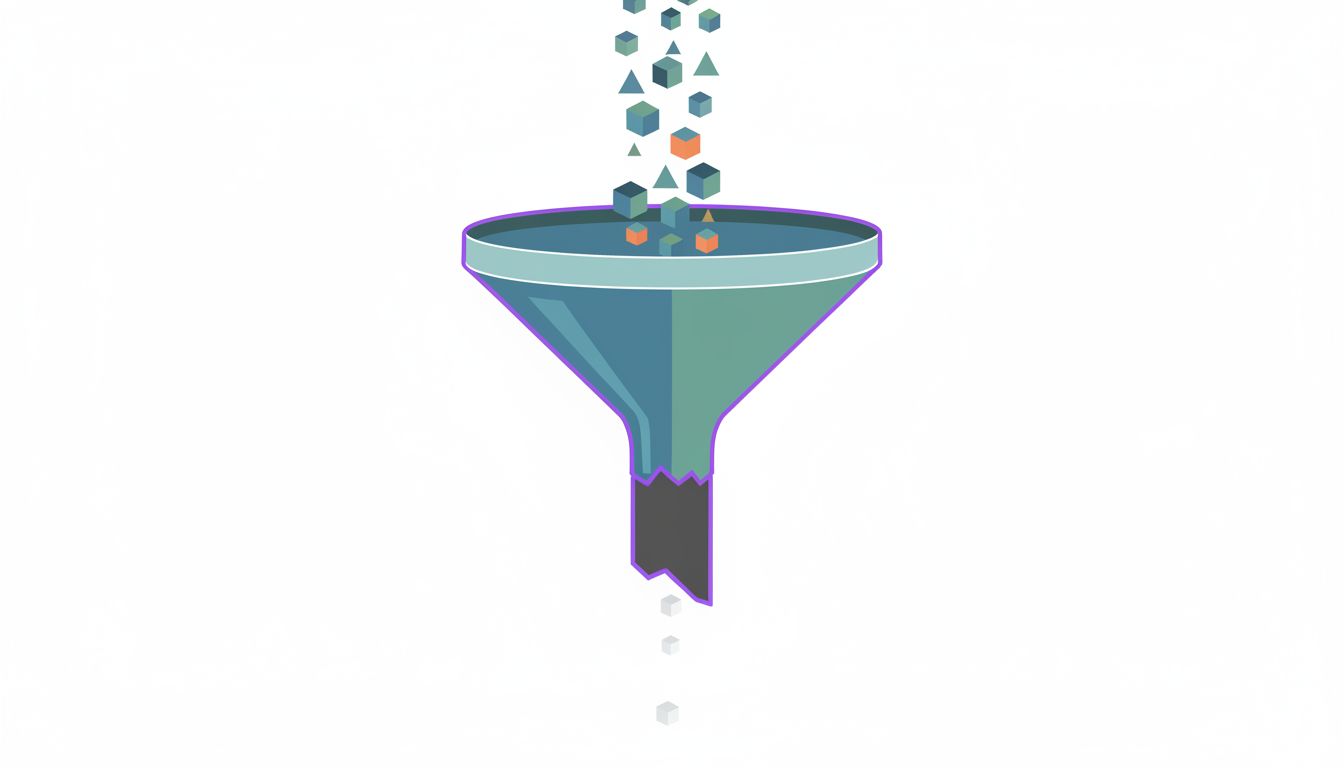
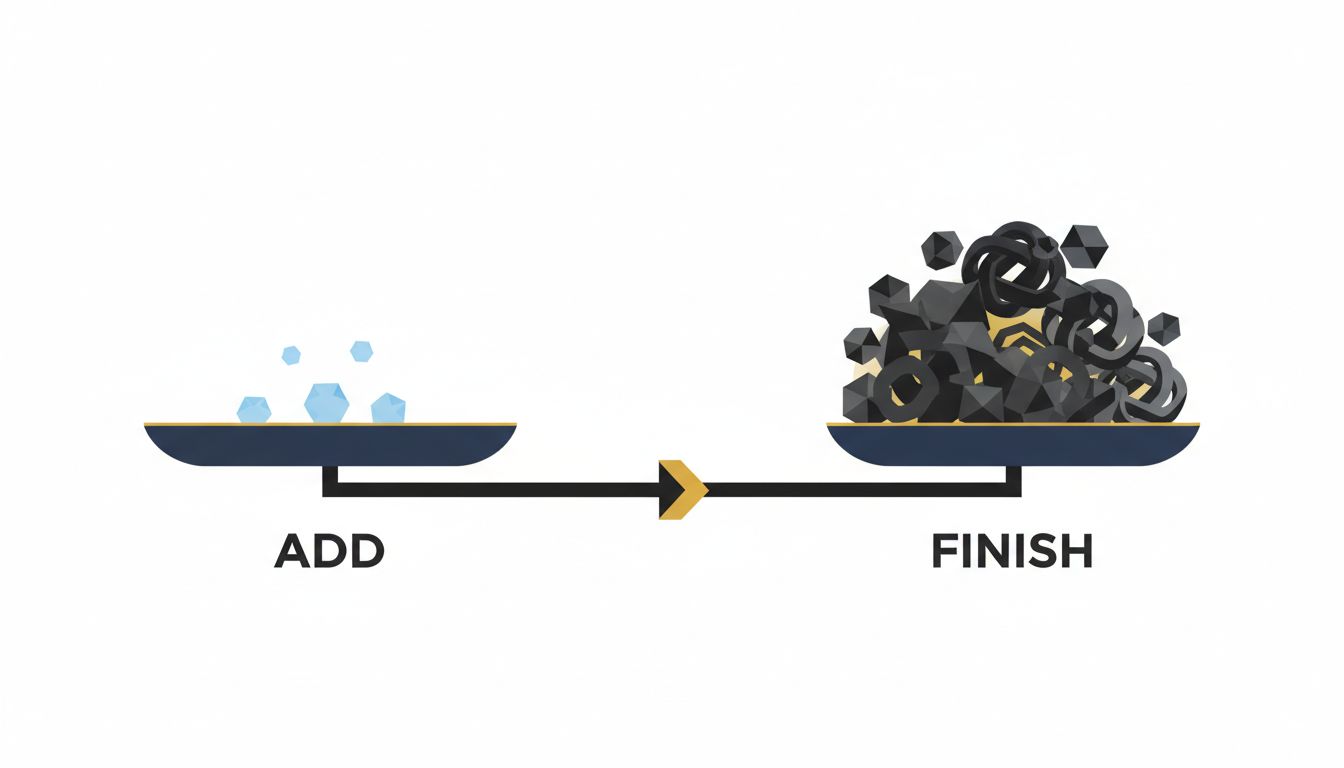
Most productivity advice treats your to-do list as a neutral tool, like a hammer that works however you swing it. It isn’t. The design of nearly every task system you’ve used quietly favors one behavior over another. Adding a task is fast, satisfying, and requires no commitment. Finishing one is slow, ambiguous, and often requires decisions you haven’t made yet. That asymmetry compounds daily.
Here’s what’s actually going wrong, and what to do about it.
1. Capture is frictionless by design, and that’s the problem
Every productivity app competes on how quickly you can get a thought out of your head. One tap. A keyboard shortcut. Voice input. The apps that win this race get the most downloads and the best reviews. Nobody rates an app on how well it helped them close things out.
So you end up with a system that acts like a very efficient inbox with no outbox. Research on decision fatigue shows that the cost of each choice accumulates over the course of a day, and your list is loading you up with dozens of micro-decisions every time you look at it. What does this task actually require? Is it still relevant? Where does it go? That overhead is invisible when you’re adding, and brutal when you’re trying to execute.
Fix this at the point of capture. Before you add anything, ask one question: what is the next physical action required? Not “research vendors” but “open browser, go to G2, filter by price.” If you can’t answer that in ten seconds, the task isn’t ready to be on your list yet.
2. Your list has no exit criteria
A task is “done” when you say it’s done. But most tasks are written in a way that makes “done” perpetually fuzzy. “Work on presentation” could mean ten minutes of outlining or three hours of slide design. Without a definition of done baked into the task itself, you’re making that judgment call every single time you look at it, and your brain will instinctively avoid things that feel unresolved.
This is why some teams write tasks like acceptance criteria in software: a condition that is either true or false. Not “improve onboarding email” but “rewrite subject line, test two variants, set live by Thursday.” The task now has a finish line. You can cross it. Until tasks have explicit exit criteria, your list doesn’t actually tell you when to stop.
3. Old tasks don’t expire, and your brain knows it
Your calendar is ruthlessly self-pruning. Yesterday’s meeting is gone. Your to-do list accumulates indefinitely. A task you added six months ago sits next to one you added this morning, both demanding equal attention, neither flagged as stale.
This creates a specific kind of psychological weight. Researchers studying the Zeigarnik effect (the tendency for incomplete tasks to occupy mental bandwidth) found that this effect dissipates when people make a concrete plan for the task, not when they complete it. A list full of ancient, plan-free tasks is actively draining you even when you’re not looking at it.
Schedule a weekly purge. Not a review where you feel guilty and reschedule everything forward, but a genuine question: if this showed up in my inbox today for the first time, would I add it? If the answer is no, delete it. Many tasks resolve themselves or become irrelevant. Your list should reflect that.
4. Completion has no reward signal
Adding a task feels good. There’s a reason people write down things they’ve already done just to cross them off. Checking something off also delivers a small hit of satisfaction. But finishing a large, ambiguous project? That often just reveals the next large, ambiguous project. The system doesn’t celebrate finishing. It immediately presents you with what’s next.
The practical fix is to make completion visible and distinct. A separate “done” column in a kanban view, a weekly list of closed items you actually read back to yourself, a brief note on what finishing each major item unlocked. This isn’t feel-good fluff. You’re building an accurate model of your own output, which is the only honest way to get better at estimating and prioritizing future work.
5. Your list treats all tasks as equal, so you’ll always do the easy ones first
Most to-do apps display tasks as a flat list. Maybe you can sort by due date or priority, but the visual weight of a ten-minute email and a two-hour strategic decision looks identical. Your brain, given the choice, will always reach for the thing that has a clear end, requires less cognitive load, and gives faster closure. This is not laziness. It’s rational local optimization that produces terrible global results.
The solution isn’t more tags or more priority levels. It’s physically separating your list into two categories: tasks that take under fifteen minutes with no dependencies, and projects that require focus and decisions. Keep them in different places. When you sit down for a focused work block, you look at only the second list. The first list exists for transition moments between meetings or at low-energy times of day. Context switching is already stealing your best thinking, and a flat list forces you to re-sort priorities every time you look at it.
6. You’re measuring inputs, not outputs
A checked-off list feels productive. But checking off twenty small tasks while the three important ones sit untouched is a failure mode that looks like success. Most to-do systems have no way to distinguish between the two.
Start tracking one number each week: how many of your identified high-priority items actually closed? Not total tasks completed, just the ones that mattered. If that number is consistently low while your overall task velocity looks fine, your list is performing as designed, and the design is working against you. That single metric will tell you more about your system than any productivity framework.
Your list isn’t broken. It’s just built for a different goal than the one you have. Redesign the exit, not just the entry.