Copying a file on a modern computer is, at its core, an act of theater. Your operating system reads every byte, transports it through multiple layers of abstraction, and writes it back down, even when the source and destination sit on the same physical drive. This is not a law of physics. It is a series of accumulated design decisions, and collectively they represent one of the most casually accepted inefficiencies in personal computing.
We should be demanding better.
The Hardware Can Already Do This
Storage hardware has had the capability to perform what are called server-side copy operations for years. Modern NVMe drives and enterprise SSANs support a command called XCOPY (or its successor, Simple Copy Command) that tells the storage controller to duplicate data internally, without routing it through the CPU or system memory. The drive handles the copy. The host machine barely notices.
This capability exists. It is implemented. It works. And for most users copying a file from one folder to another on the same drive, it is never invoked.
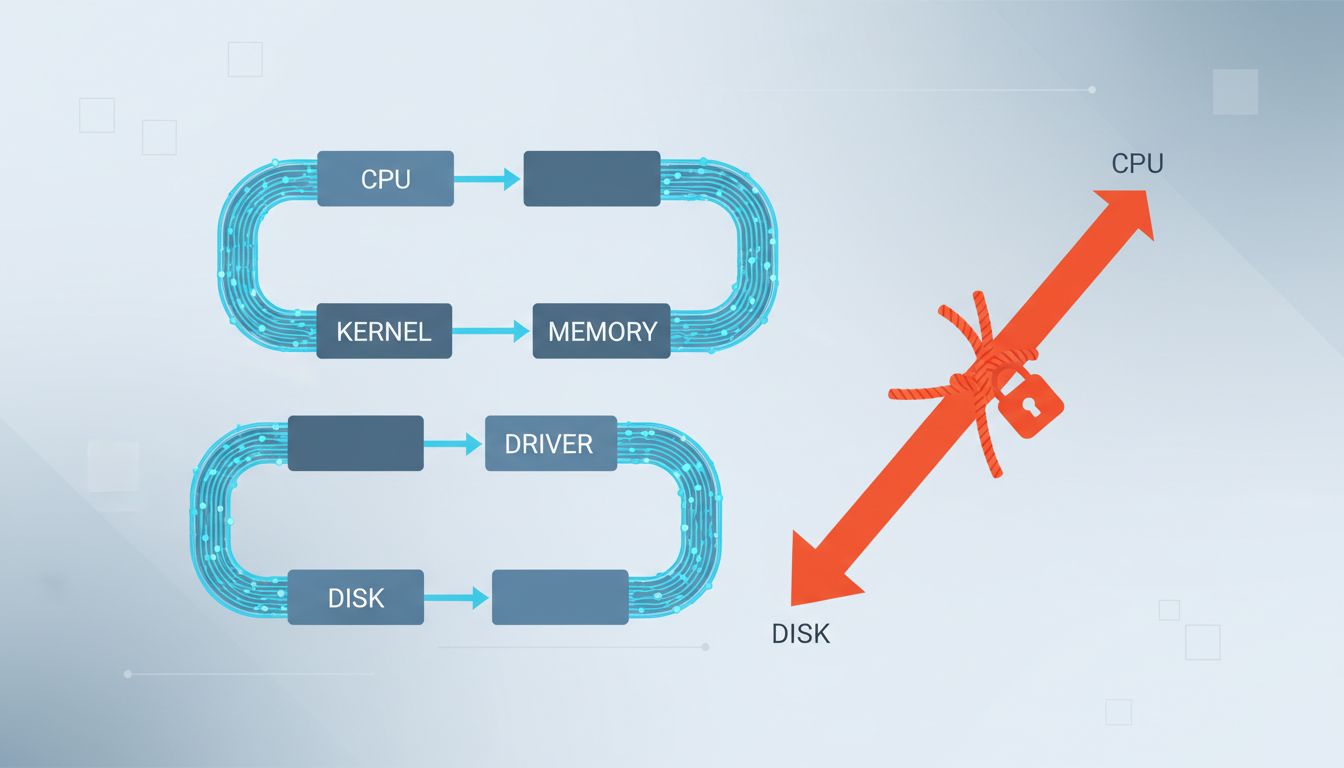
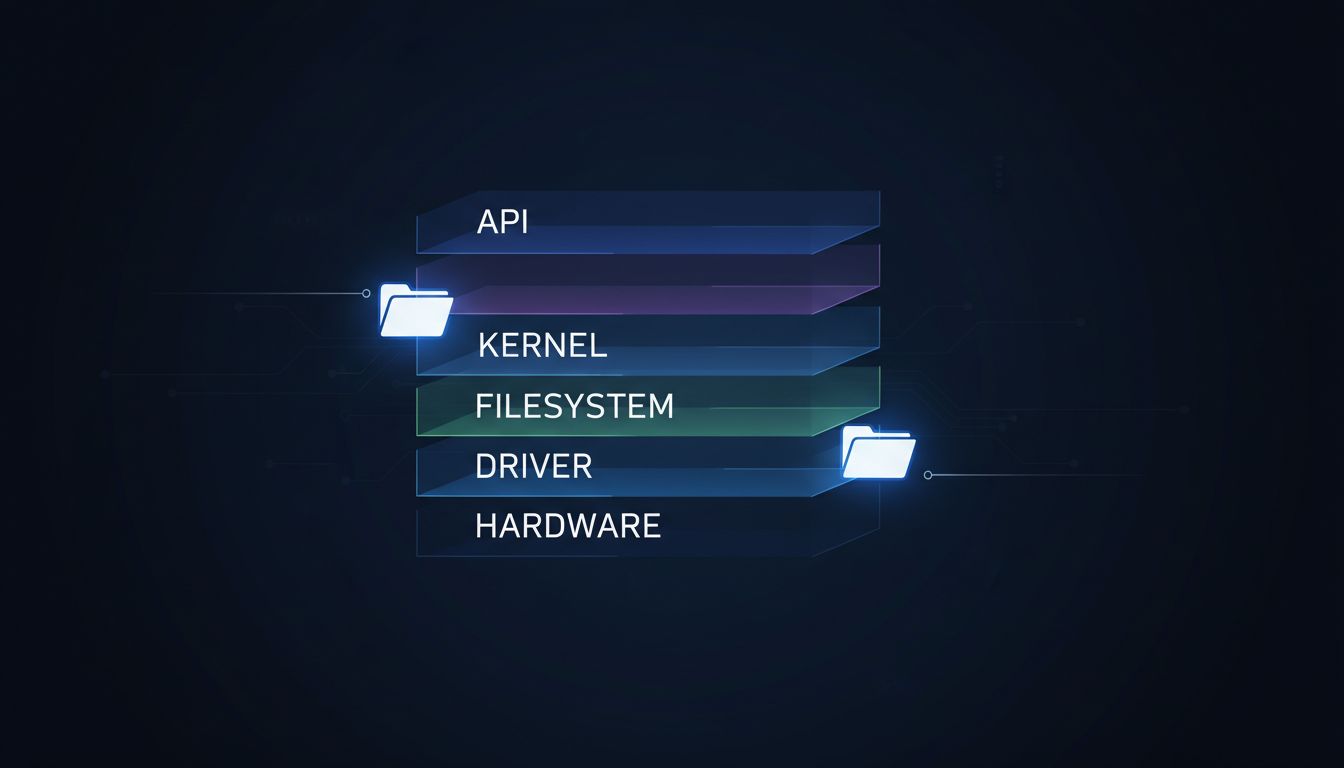
The reason is that the software stack between you and your drive is not designed around it. Your file manager calls a copy API. The operating system’s virtual file system layer reads the source. Data travels up through the kernel, into memory, then back down to the storage driver, which finally writes it. The drive’s internal copy capability sits unused, like a shortcut on a highway that nobody told the GPS about.
Filesystems Learned a Trick. Nobody Used It.
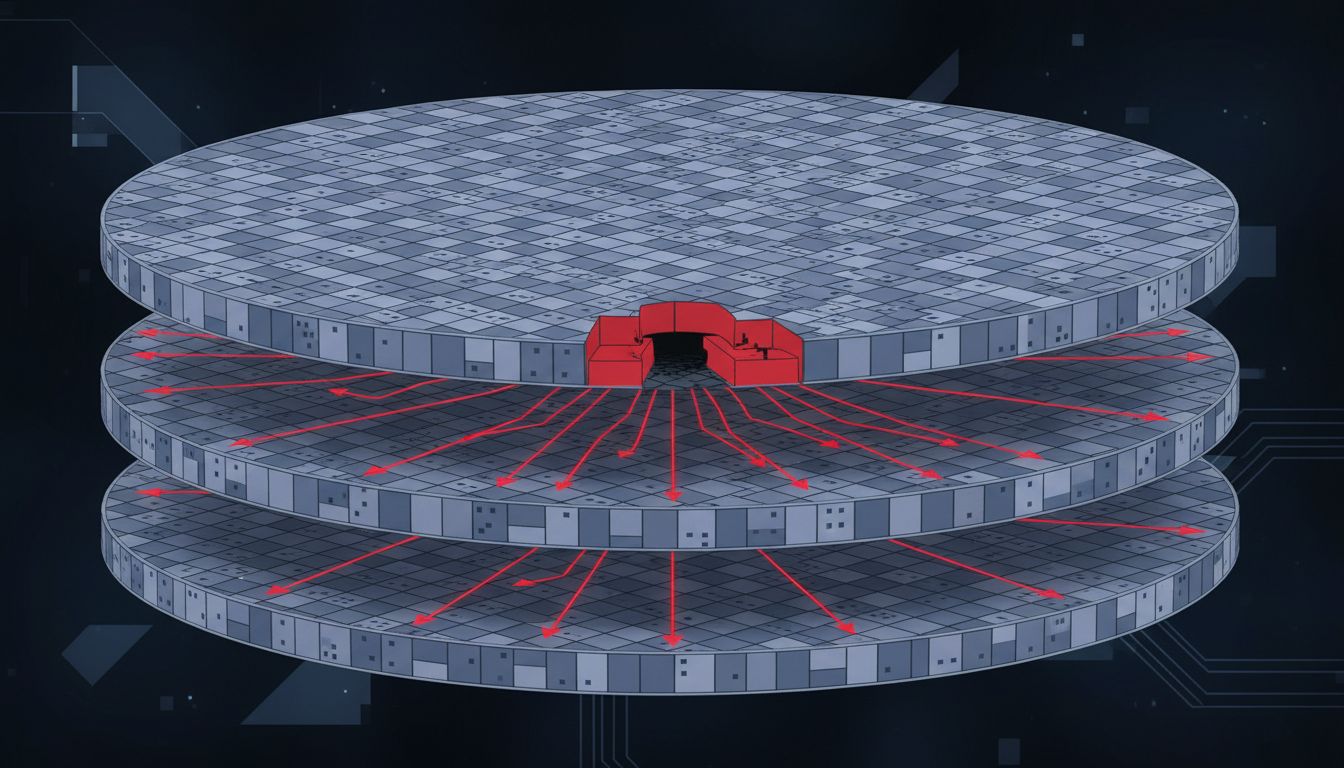
Modern copy-on-write filesystems like APFS (Apple’s default since 2017) and Btrfs (available on Linux for over a decade) solved a version of this problem. When you copy a file within the same APFS volume, macOS performs a clonefile operation. Instead of duplicating the data, it duplicates the metadata. Both files point to the same physical blocks. The copy is instantaneous because no data actually moves. Storage is consumed only when one of the files is modified.
This is genuinely elegant engineering. It is also, for most users, invisible and poorly understood. More importantly, it only works within a single volume on a compatible filesystem. Copy a file to a different partition, a network drive, or an external disk formatted differently, and you’re back to reading and writing every byte the hard way.
The solution exists in a narrow corridor. Step outside it and you’re in 1985.
The Abstraction Tax Is Real
Operating systems are built on layers of abstraction, each one solving a real problem: hardware independence, security boundaries, compatibility. These are worthwhile tradeoffs. But abstraction has a cost, and in the case of file copying, we pay it on every single operation without ever consciously deciding it’s worth it.
A typical file copy on Windows travels through the Win32 API, the NT kernel’s I/O manager, the filesystem driver, the storage port driver, and finally the hardware driver, before reversing the entire journey for the write. Each layer adds overhead and, critically, each layer treats the operation generically. There is no room in this architecture for a shortcut that says “this copy is local, on capable hardware, skip the data movement.”
The abstractions were designed for correctness and portability, not for the case where every component involved is modern and capable of something smarter. The architecture won the argument before the hardware was ready to make it.
The Counterargument
The standard defense goes like this: file copying is rarely the bottleneck that matters. Users aren’t sitting around copying gigabytes between local folders all day. Network transfers, external drives, and cross-device workflows dominate real usage, and in all those cases, data has to move physically. Optimizing the local case is premature.
This argument is weaker than it sounds. The assumption that local copies are rare is increasingly untrue. Developers duplicate large project directories constantly. Video editors clone working copies of raw footage. Backup software replicates trees of files before processing them. Virtual machine snapshots, container images, game asset pipelines. The “local copy is edge case” premise belongs to a different era of computing.
More fundamentally, the argument proves too much. Every inefficiency in software could be defended by pointing to other bottlenecks. The fact that a faster path exists and isn’t taken, even when the hardware supports it, is a legitimate design failure. It just happens to be a design failure we’ve normalized.
The Standard We Should Hold
Copying a file within the same volume, on hardware that supports internal copy commands, should complete in under a second regardless of file size. Not because this is technically magic, but because the technology to do it already exists in the drive, in the filesystem, and in the operating system’s own APIs. The work is coordination, not invention.
Apple got there for the narrow APFS case. The rest of the industry largely has not. And the gap between what’s possible and what’s delivered is wide enough that most users have simply stopped noticing it, the way you stop noticing a slow elevator when you’ve never seen a fast one.
The file copy dialog with its progress bar and estimated time remaining has become so familiar it reads as normal. It isn’t. It’s a monument to accumulated technical debt, dressed up as a feature.