The padlock is a promise about pipes, not people
There is a belief, carefully cultivated by two decades of browser UI design, that the little lock icon in your address bar signals safety. It does not. It signals encryption. Those two things are not the same, and conflating them has become one of the more costly misunderstandings in everyday computing.
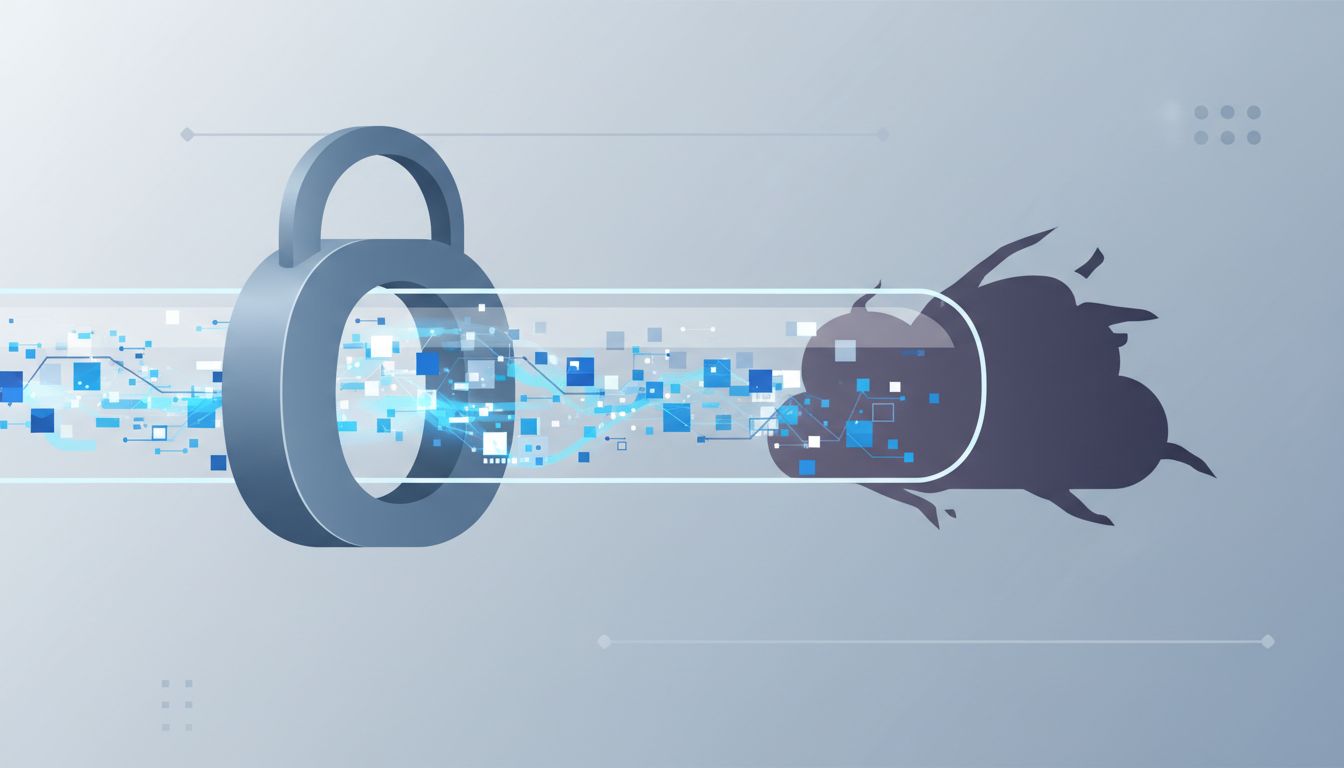
The lock means your browser has established an encrypted channel to a server. Data traveling between you and that server is protected from eavesdropping in transit. That is genuinely useful. It is also nearly the full extent of what the icon communicates. It says nothing about whether the server belongs to who you think it does, whether the site is harvesting your credentials, or whether you are about to hand your credit card number to a criminal.
Phishing sites have locks too
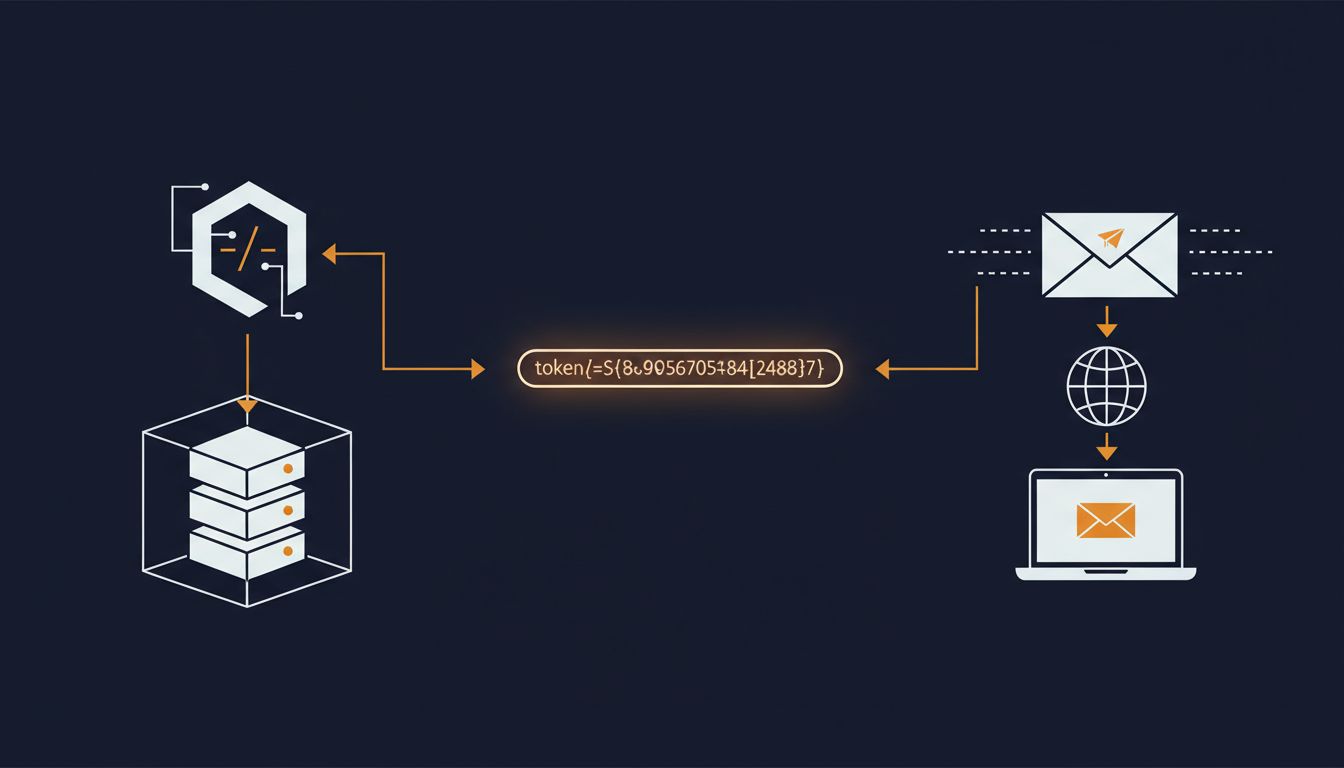
The Anti-Phishing Working Group has documented for years that a majority of phishing sites now use HTTPS. The shift happened gradually as free certificate authorities, most notably Let’s Encrypt (launched in 2016), made TLS certificates available to anyone within seconds at no cost. This was a genuine improvement for the web. It also meant that anyone building a convincing fake of your bank’s login page could trivially add the padlock that users had been trained to trust.
Obtaining a standard domain validation certificate requires proving control of a domain, nothing more. A certificate authority does not verify that the company operating the domain is legitimate, that it matches the brand displayed on the page, or that it has any relationship to the entity it claims to be. A site at “paypa1-secure-login.com” can carry a valid certificate and a fully visible lock icon.
The lock, in this context, means your phishing credentials will be transmitted to the attacker over an encrypted channel. Small comfort.
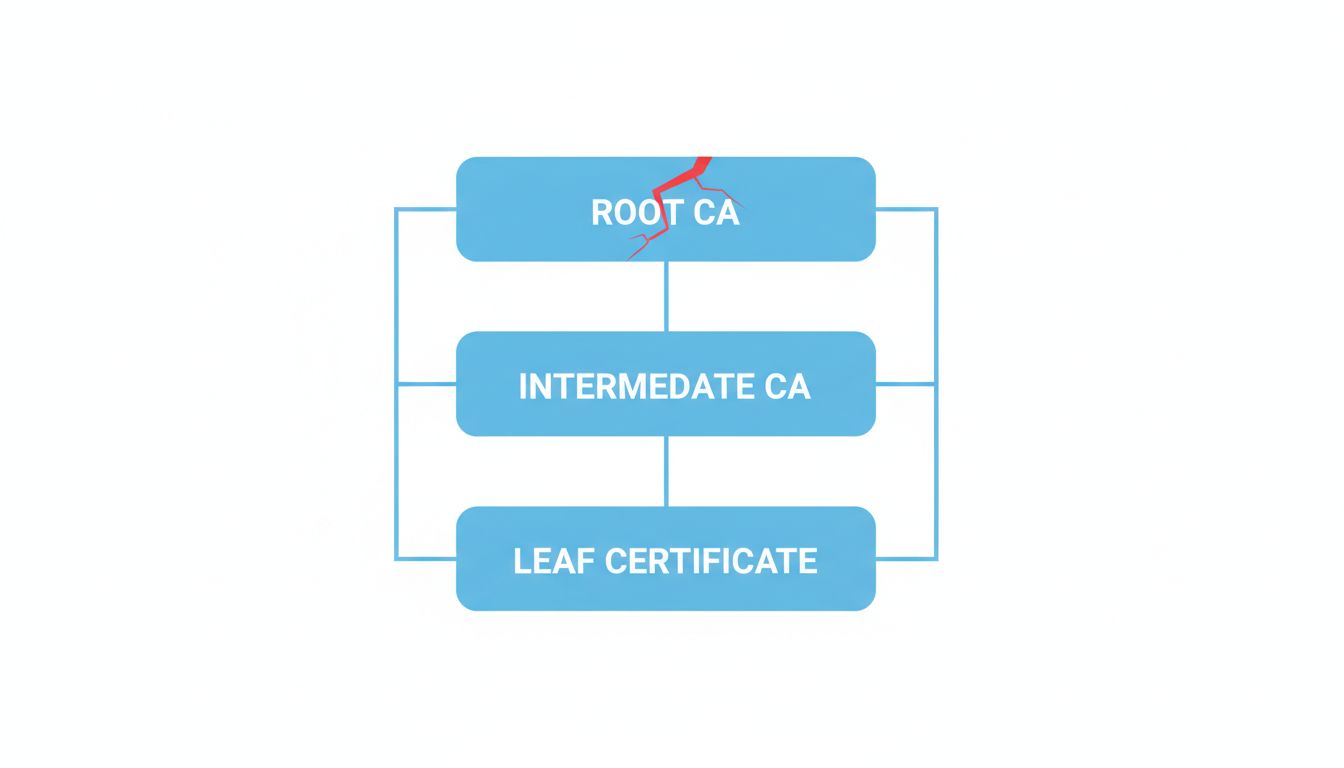
The certificate hierarchy is more fragile than it looks
Even when a certificate is issued legitimately, the trust system behind it has visible cracks. Certificate authorities have been compromised before. DigiNotar, a Dutch CA, was breached in 2011 and fraudulent certificates were issued for Google and other major domains, used in active man-in-the-middle attacks against Iranian users before the breach was discovered. DigiNotar was subsequently revoked from all major browsers and went bankrupt. The underlying problem, that browsers must trust a large number of CAs and a breach of any one of them undermines the entire chain, remains structurally present.
Certificate Transparency logs, now required by major browsers, have improved the ability to detect mis-issued certificates after the fact. But detection after the fact is a different thing from prevention. As encryption is strong but attackers often bypass it anyway, the security of a system depends on the weakest point in the chain, not the strongest.
Extended Validation certificates were supposed to fix this
There was a period when browser makers tried to communicate the distinction between “encrypted connection” and “verified identity” through Extended Validation (EV) certificates. EV certificates required more rigorous vetting, and browsers displayed the company name in green next to the lock. The idea was sound.
The execution failed on adoption. The additional cost and friction led most sites to stick with cheaper domain-validated certificates. Users, never carefully trained to distinguish the two, largely ignored the difference. By 2019, Chrome had removed the visible EV indicator entirely, concluding that research showed users did not find it meaningful. Safari and Firefox followed. The industry essentially acknowledged that the UI experiment to convey identity had not worked and removed it, leaving only the undifferentiated lock.
The counterargument
A reasonable objection: HTTP was actively worse. Before widespread HTTPS adoption, network eavesdropping was trivial on public Wi-Fi, ISPs injected ads into unencrypted pages, and credentials traveled in plaintext. All of that is true. The push toward universal HTTPS has made the web meaningfully more private and harder to tamper with in transit.
But acknowledging that is different from accepting the current UI as accurate. The lock icon was never updated to reflect what it actually guarantees. Users were not educated on the narrowness of its claim. The browser chrome became shorthand for “safe,” which is a different and broader word than “encrypted.” Fixing the first problem does not require ignoring the second.
What the icon should communicate, and what you should actually check
The position here is simple: the lock icon communicates one narrow technical property and browsers, for understandable but ultimately misguided reasons, allowed it to carry far more meaning in public perception than it earned.
Practically, this means verifying the domain name itself is the single most important check before submitting credentials or payment information. Not the lock, the domain. Bookmark the sites that matter. Be suspicious of links in email regardless of whether the destination shows a padlock. Understand that “encrypted” and “trustworthy” describe orthogonal properties.
The lock is not a lie. It just answers a narrower question than most people think they are asking. Precision about what our tools actually do is not a pedantic concern. It is the difference between a security signal and a false sense of confidence.