What Actually Happens When You Click Forgot Password
The “Forgot Password” button is one of the most clicked elements on the web. It looks like a minor convenience feature. What it actually represents is a carefully engineered workaround for one of the oldest problems in computer security: proving you are who you say you are, without requiring you to remember a secret.
The mechanics underneath that button reveal a lot about how modern authentication works, where it breaks, and why some of the smarter approaches remain uncommon.
The Core Problem: Identity Without a Shared Secret
Passwords work because only you (in theory) know them. The server stores a representation of your password and checks what you submit against it. The whole system collapses the moment you forget.
At that point, the service faces a genuine dilemma. It cannot retrieve your password, because any well-built system never stores the actual password. It stores a hash: the output of a one-way mathematical function that cannot be reversed. If you’ve forgotten your password, the database is useless for recovering it.
So the system has to do something different. Instead of verifying what you know, it verifies what you have access to: your email inbox, or increasingly your phone. This is the conceptual shift that the entire password-reset flow is built around.
What Happens the Moment You Submit the Form
When you enter your email and click submit, several things happen in quick sequence.
First, the server checks whether that email address exists in its database. This sounds straightforward, but most services deliberately obscure the result. You’ll see a message like “If an account with that email exists, we’ve sent a link” regardless of whether the account exists. The reason is account enumeration: if the service confirms that an email is registered, an attacker can systematically probe which accounts exist, making targeted phishing attacks much easier to construct.
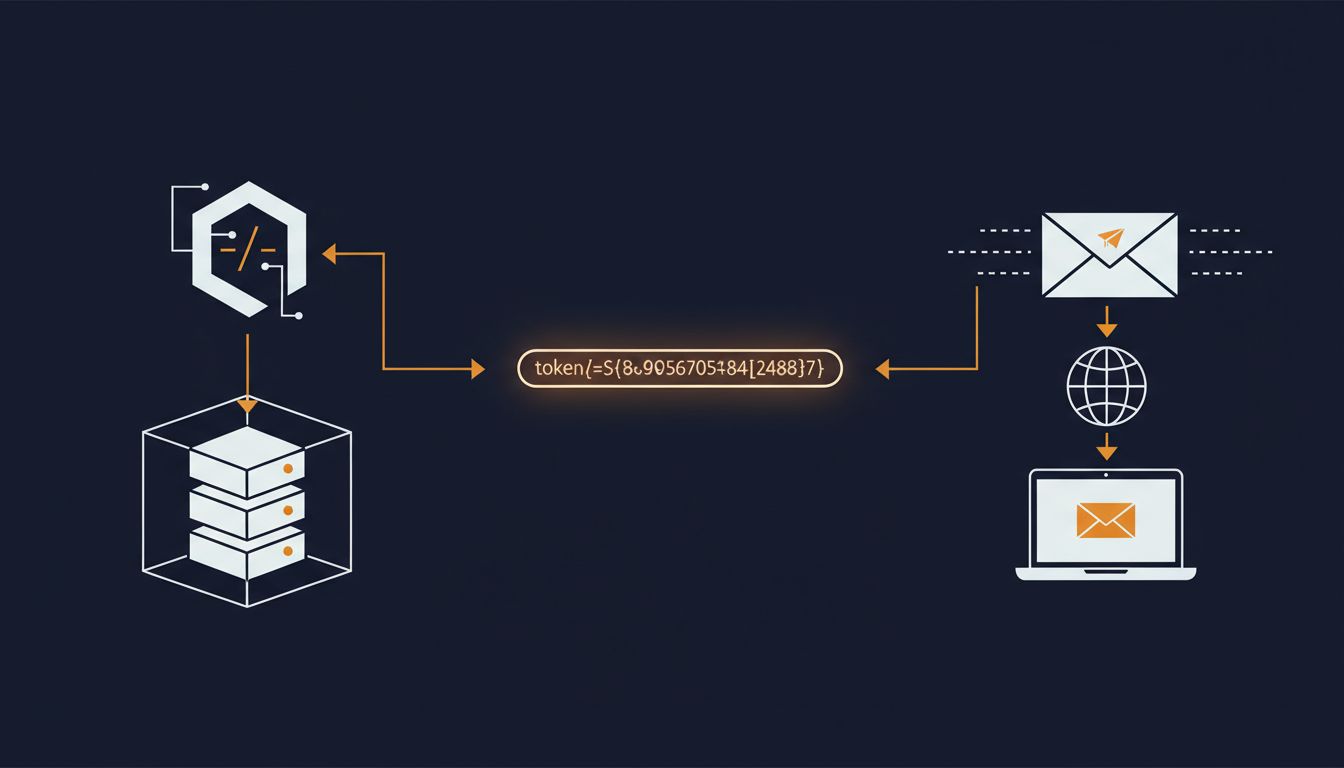
If the account does exist, the server generates a token. This is a long, randomly generated string, typically 32 to 64 bytes of cryptographically random data. The randomness matters enormously here. Predictable tokens have caused real breaches: an older version of a popular web framework generated tokens using a seeded pseudo-random function, which meant attackers could predict tokens if they knew the approximate generation time.
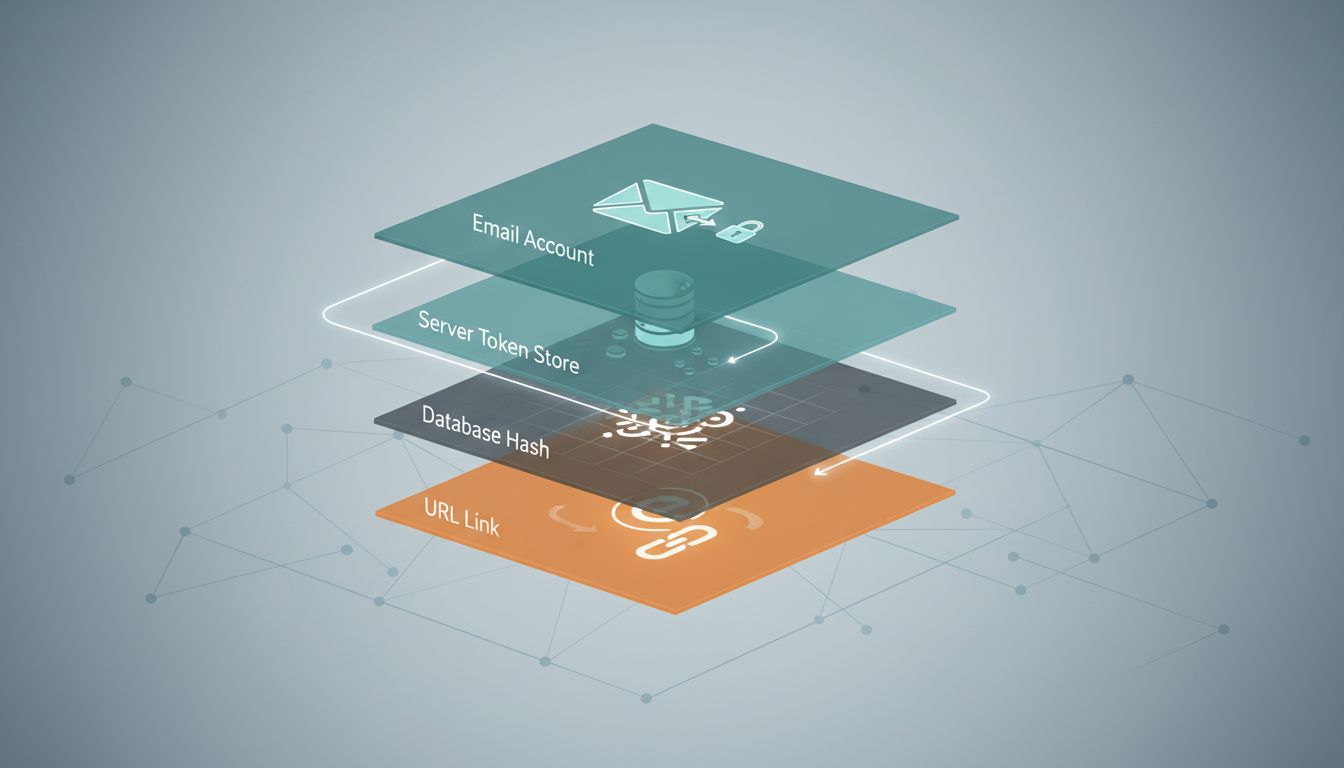
The server then stores this token in the database, paired with your account ID and an expiration timestamp. The token is almost never stored as-is. The better implementations hash it before storage, for the same reason passwords are hashed: if the database is breached, a raw token table is a skeleton key for account takeover.
Finally, an email goes out containing a link that includes the token as a URL parameter.
The Email Itself Is a Security Boundary
That link-carrying email is doing more work than it appears. Sending it to your registered address is the authentication step. The service is saying: we don’t know who you are right now, but whoever controls this email account presumably does.
This creates an obvious dependency: the security of your account is only as strong as the security of your email account. If your email is compromised, every password reset link for every other service is accessible. This is why security-conscious people treat their primary email account differently from everything else, often with hardware security keys and separate recovery methods.
The expiration window on that link is a deliberate tradeoff. Most services set it between 15 minutes and 24 hours. Shorter windows reduce the risk of a stolen link being used after the fact. Longer windows reduce user frustration when someone doesn’t check email promptly. There’s no correct answer, but the trend in higher-security applications has been toward shorter windows.
Once you click the link, the server performs several checks: it looks up the token, verifies it hasn’t expired, verifies it hasn’t already been used, and checks that the stored hash matches a hash of the token in the URL. If all of that passes, it marks the token as consumed (preventing reuse) and grants you a temporary session to set a new password.
The one-time-use requirement is critical. Without it, a reset link intercepted from email logs or browser history could be replayed indefinitely.
Where This System Actually Fails
The password reset flow has well-understood failure modes, and several of them are common in production systems.
Host header injection is one. Some email clients generate the reset link dynamically using the Host header from the incoming HTTP request. If an attacker can manipulate that header (a known risk in certain proxy configurations), they can cause the server to generate a link pointing to an attacker-controlled domain. The reset email arrives in the victim’s inbox looking legitimate, but clicking it sends the token to the attacker.
Token leakage through referrer headers is another. If the reset page loads third-party resources (analytics scripts, marketing pixels), the browser may send the full URL as a Referer header to those external services, including the token in the query string. This is why careful implementations move the token to a cookie or session variable as soon as it’s validated, before rendering any content that loads external resources.
Race conditions exist too. In a system that doesn’t properly invalidate old tokens when a new reset is requested, an attacker who has already requested a reset for a victim’s account (perhaps to lock them in a time window) might be able to use an older token if the invalidation logic is flawed.
SMS as an Alternative, and Why It’s Weaker Than It Looks
Many services offer SMS as an alternative to email for resets. It feels more secure because it requires physical access to a phone, but the actual security properties are weaker than most people assume.
SIM swapping is the primary attack. By convincing a carrier’s customer support to transfer a phone number to a new SIM card, an attacker gains control of all SMS messages. This has been used to compromise cryptocurrency accounts and high-profile social media accounts. It doesn’t require any technical skill, only social engineering against a call center agent.
SS7 vulnerabilities are a deeper issue. SS7 is the protocol that underlies global phone network routing, and it has known vulnerabilities that allow sophisticated attackers to intercept SMS messages in transit. Nation-state actors and well-resourced criminal groups have demonstrated this capability. For most users, this is a theoretical risk. For high-value targets, it’s a real one.
Email, for all its problems, at least routes over protocols where end-to-end encryption is increasingly common, and where the authentication chain is better understood.
The Better Approaches That Haven’t Gone Mainstream
Passkeys represent the most significant rethinking of this problem. Instead of a shared secret, they use public-key cryptography. Your device generates a key pair: the private key never leaves your device, and the server stores only the public key. Authentication involves the server sending a challenge that your device signs with the private key. There’s nothing to reset, because there’s no password to forget.
Apple, Google, and Microsoft have all built passkey support into their operating systems, and adoption is growing. The password reset flow, in a passkeys world, becomes an account recovery flow that relies on device backup and account-level recovery codes. It’s a different set of tradeoffs, but it eliminates the token-in-email vulnerability entirely.
Magic links work on a similar principle to password reset, but make it the primary authentication method. Rather than setting a password at all, you receive a single-use link each time you log in. This was Slack’s original login method for some time, and a handful of services still use it. The security model is identical to password reset, which means it inherits all the same email-dependency risks, but it eliminates the weak-password problem by removing passwords from the picture.
What This Means
The password reset flow is a workaround that became infrastructure. It was designed as an escape hatch and is now the primary recovery mechanism for most of the web’s authentication.
Understanding how it works matters because the failure modes are consequential and non-obvious. Account takeover through reset flows is one of the most common attack vectors in credential-based breaches, not because the cryptography is broken, but because the surrounding implementation, host headers, token storage, expiration windows, is easy to get wrong.
For users, the practical implication is simple: the security of every account you own is bounded by the security of your email. Treat it accordingly.
For builders, the checklist is short but each item is non-negotiable: hash reset tokens before storage, set short expiration windows, invalidate tokens on use, prevent account enumeration in error messages, and strip tokens from URLs before loading external resources. Most password reset failures in production systems aren’t cryptographic failures. They’re implementation failures in code that someone wrote in an afternoon and never revisited.