The Operation That Sounds Free
Deleting a column feels like the simplest thing in software. You added data you no longer need, so you remove it. One line of SQL: ALTER TABLE users DROP COLUMN legacy_flag. A junior developer types it into a terminal pointed at production, hits enter, and then watches in horror as the site’s response times climb and alerts start firing.
This is not a rare story. It happens at companies with experienced engineering teams, not just startups cutting corners. The reason it keeps happening is that the mental model most people carry about databases is wrong in one critical place: they think of a table as something like a spreadsheet, where removing a column is a visual operation. It is not. It is a physical one.
What a Table Actually Is on Disk
A relational database table is not an abstraction floating in memory. It is a file, or a set of files, laid out on disk in a specific format. Every row is written as a contiguous block of bytes, and the position of each field within that block is determined by the table’s schema.
If your users table has 20 columns, each row is encoded with all 20 fields packed together in a defined order. The database knows that the email address starts at byte 12 and the signup date starts at byte 44 because the schema told it so. This layout is baked into every single row on disk.
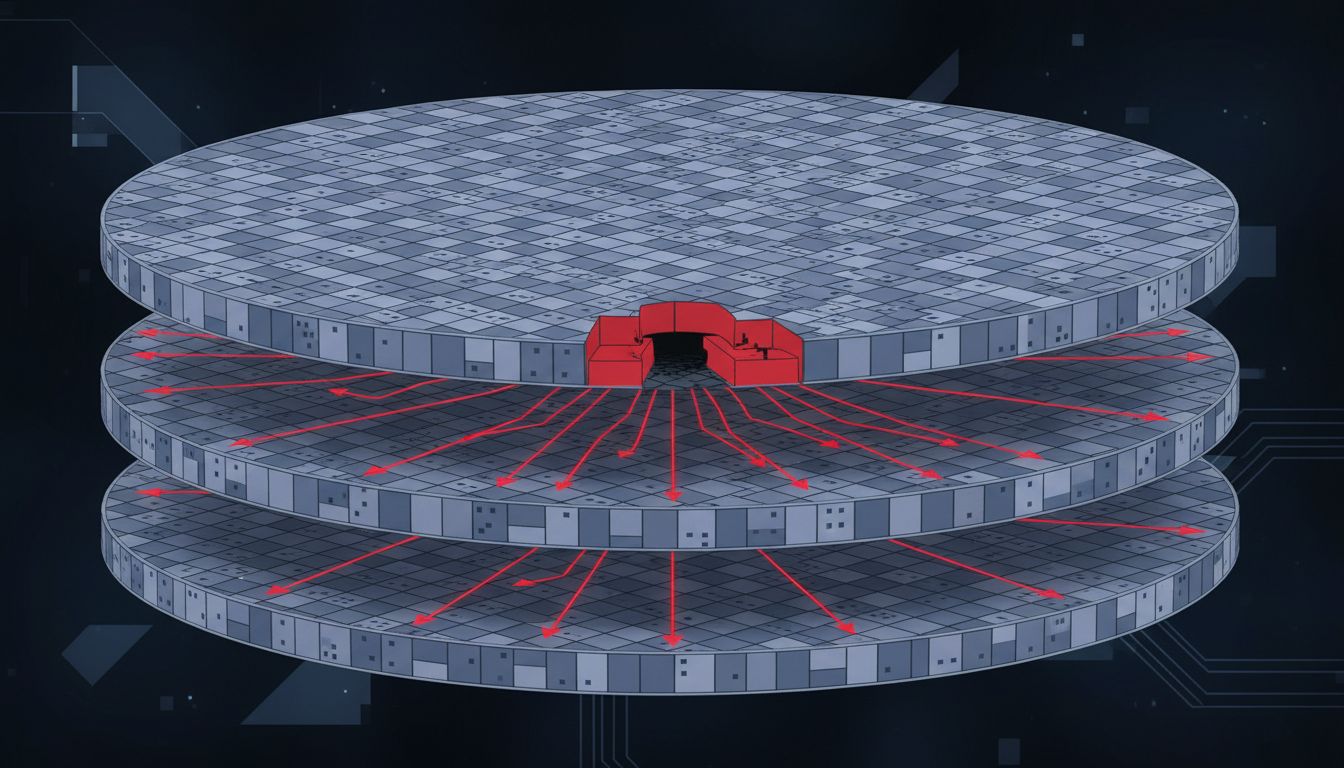
When you drop a column, the database cannot simply delete a column header and leave the data alone. Every row needs to be rewritten without the bytes for that column. For a table with 50 million rows and each row averaging 200 bytes, you are asking the database to read and rewrite roughly 10 gigabytes of data. On a busy production system with concurrent reads and writes happening every millisecond, that rewrite requires the database to hold a lock on the table to maintain consistency.
The Lock Is the Real Problem
Database locking exists to prevent two operations from corrupting each other. When a transaction is modifying a table’s structure, the database typically acquires a lock that blocks other writes, and in many configurations, other reads as well.
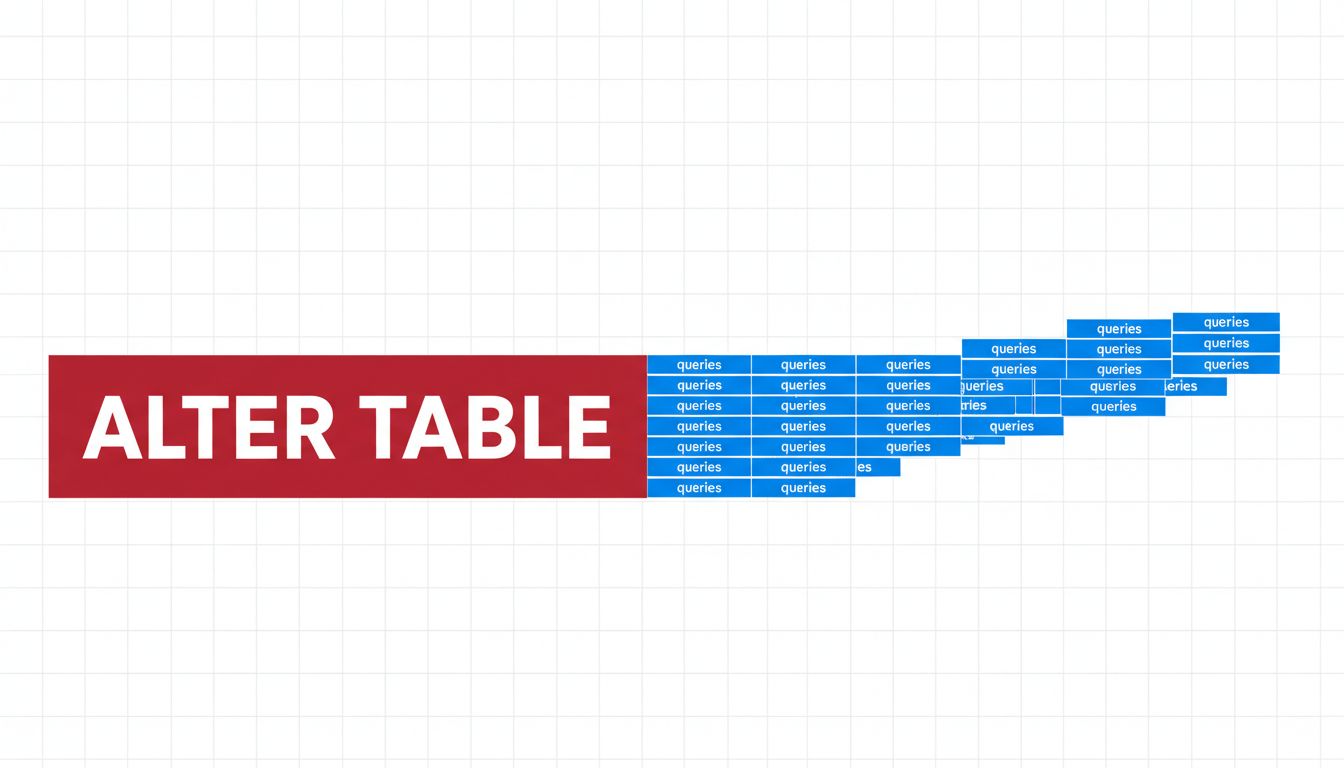
In PostgreSQL, an ALTER TABLE DROP COLUMN acquires an AccessExclusiveLock, the strongest lock available. Nothing else can touch the table while it holds this lock. If the table is large and the rewrite takes 40 minutes, your application’s database connections start queuing behind that lock. Web requests pile up. Timeouts fire. The site goes down.
MySQL’s behavior depends on the storage engine and version. InnoDB, the standard engine, has improved over the years with “online DDL” operations that allow some schema changes without full table locks. But the details matter enormously. Some column types can be dropped with minimal locking; others trigger a full table rebuild. The difference between the two is not always obvious from the documentation.
SQL Server has its own variant of this problem. An “online” index rebuild is possible in enterprise editions, but a column drop that requires a table rebuild still causes significant I/O pressure even if it acquires shorter locks in bursts.
The uncomfortable truth is that no major database makes it easy to know in advance exactly how long an operation will take or exactly what locks it will hold. You can estimate based on table size and past experience, but production systems have a way of being larger and busier than anyone remembers.
Why the Table Is Bigger Than You Think
There is a secondary problem that makes the timing estimates even worse: tables in production are almost never as clean as their row count suggests.
Databases do not immediately reclaim space when rows are deleted or updated. PostgreSQL uses a mechanism called MVCC (Multi-Version Concurrency Control) to handle concurrent transactions. When a row is updated, the old version is not overwritten immediately. It stays on disk until a background process called VACUUM cleans it up. A table with 10 million “live” rows might physically contain 30 million row versions on disk if VACUUM has been running infrequently.
This means the full table rewrite triggered by a column drop has to process not just the live rows but all the dead versions too. The operation that should have taken 15 minutes takes 45.
Beyond dead rows, there are indexes. Each column that participates in an index means the index file has to be updated or rebuilt as well. A heavily indexed table might have six or eight separate index structures, each requiring its own write pass.
How Experienced Teams Handle This
The standard approach in large-scale engineering is to break schema changes into multiple stages, each of which is safe to run on a live system.
For column removal, a typical sequence looks like this. First, stop writing to the column in application code. Deploy that change. Now the column exists but nothing depends on it. Second, wait. Make sure no background jobs, reports, or legacy integrations are still reading the column. This often takes longer than expected; at larger organizations it can take weeks of audit work. Third, remove the column from the application’s ORM mapping so it is invisible to the app even though it still exists in the database. Fourth, only then drop the column from the database itself.
This sequencing solves the application dependency problem but not the locking problem. For that, teams use tools designed specifically to perform schema migrations without long locks. pt-online-schema-change for MySQL and pg_repack or the newer pgroll for PostgreSQL work by creating a shadow copy of the table with the new schema, synchronizing changes from the live table to the shadow via triggers, then doing a quick atomic rename when the copy is complete. The rename is nearly instantaneous; the long rewrite happens on the shadow table in the background.
GitHub’s engineering team documented their approach to this class of problem publicly. They perform schema migrations that would otherwise lock for many minutes by running them during low-traffic windows and using tooling that minimizes lock duration. Even so, they treat any large table migration as a project requiring planning and rollback preparation, not a routine task.
The Surprising Cost of “Just Adding” a Column First
One more counterintuitive finding: adding a column can be nearly as expensive as removing one, depending on how you do it.
Adding a column with a NOT NULL constraint and no default value forces the database to verify every existing row satisfies the constraint, touching the full table. Adding a column with a default value in older database versions required rewriting every row to include the new default. PostgreSQL fixed this in version 11 for non-volatile defaults, storing the default at the schema level and applying it lazily when rows are read. MySQL InnoDB handled this differently across versions.
The point is that schema changes which look purely additive carry the same underlying physical costs. The database still has to account for every row. Why Five Nines Uptime Costs More Than the App Itself explores the broader principle at work here: reliability is expensive precisely because the costs are hidden until they aren’t.
The Business Cost Nobody Budgets For
Engineering teams typically measure schema migration risk in terms of downtime probability. The business cost is broader than that.
A migration that locks a table for 20 minutes during business hours affects not just the website but every downstream system reading from that database: analytics pipelines, internal dashboards, customer support tools, payment processing. In a system where the database is a shared resource, one locked table can cascade into multiple apparent outages across unrelated product surfaces.
The fix is not simply “run migrations at 3am.” Global products have no universal low-traffic window. And migrations that fail at 3am are harder to debug with a skeleton crew. The actual fix is treating schema changes as deployments with the same rigor as code changes: staged rollouts, automated verification, clear rollback procedures, and dedicated tooling.
The reason so many companies skip this rigor is that most schema changes work fine. A migration on a table with 50,000 rows takes milliseconds. The same pattern applied to a table with 50 million rows, by a team that never saw the small table’s operation be anything other than instant, produces a very bad Tuesday afternoon.
What This Means
Dropping a database column is a physical operation that rewrites every row on disk, holds an exclusive lock for the duration, processes dead row versions alongside live ones, and rebuilds every affected index. On a large production table, this can take hours and deny the table to all other readers and writers in the meantime.
The teams that avoid this problem do not avoid schema changes. They treat them as multi-step deployments, use tooling that performs rewrites in the background against shadow tables, and budget planning time proportional to table size. The column drop itself is the last step in a process that starts weeks earlier.
The mental model that makes this hard to internalize is the spreadsheet analogy. A database table looks like a grid, and grids make deletion feel visual and instantaneous. The reality is closer to a filing cabinet where every folder is physically relabeled whenever the taxonomy changes. At a thousand folders, that is a quick job. At fifty million, it is an afternoon.