The simple version
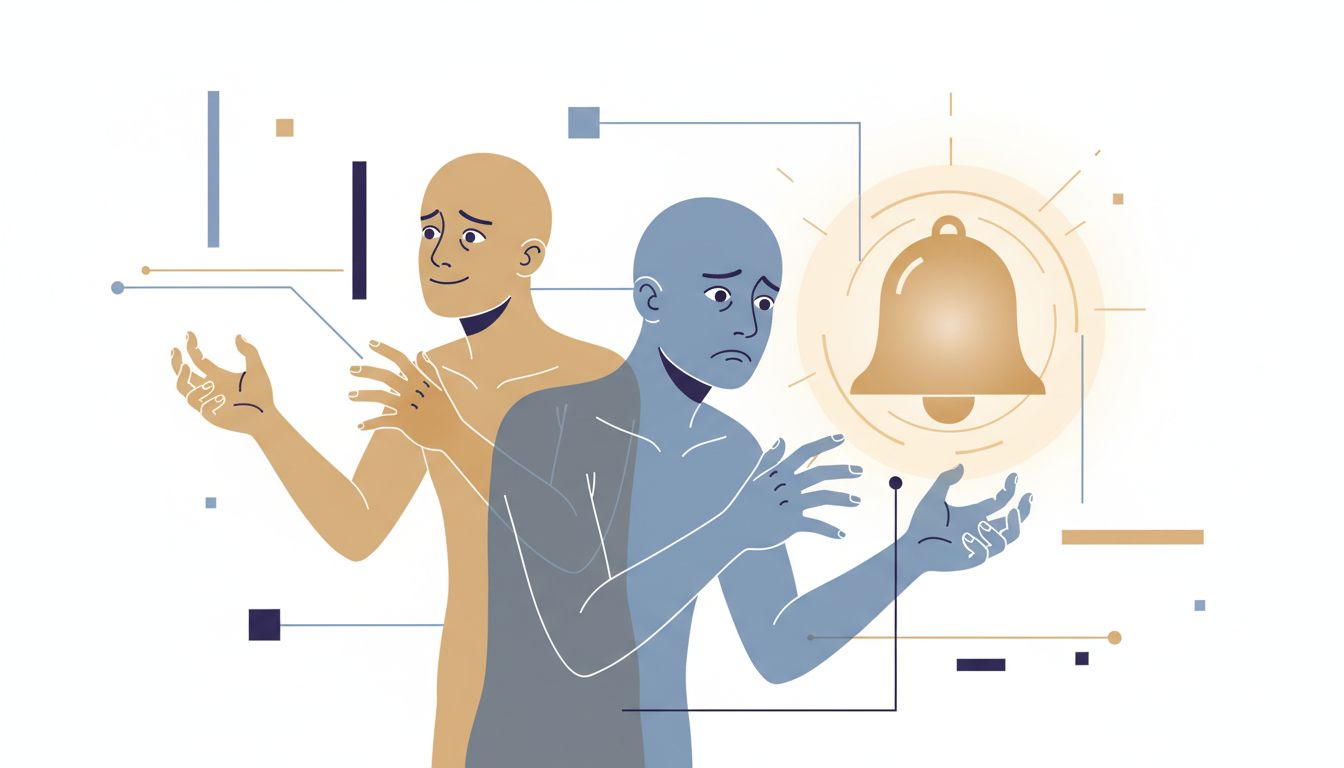
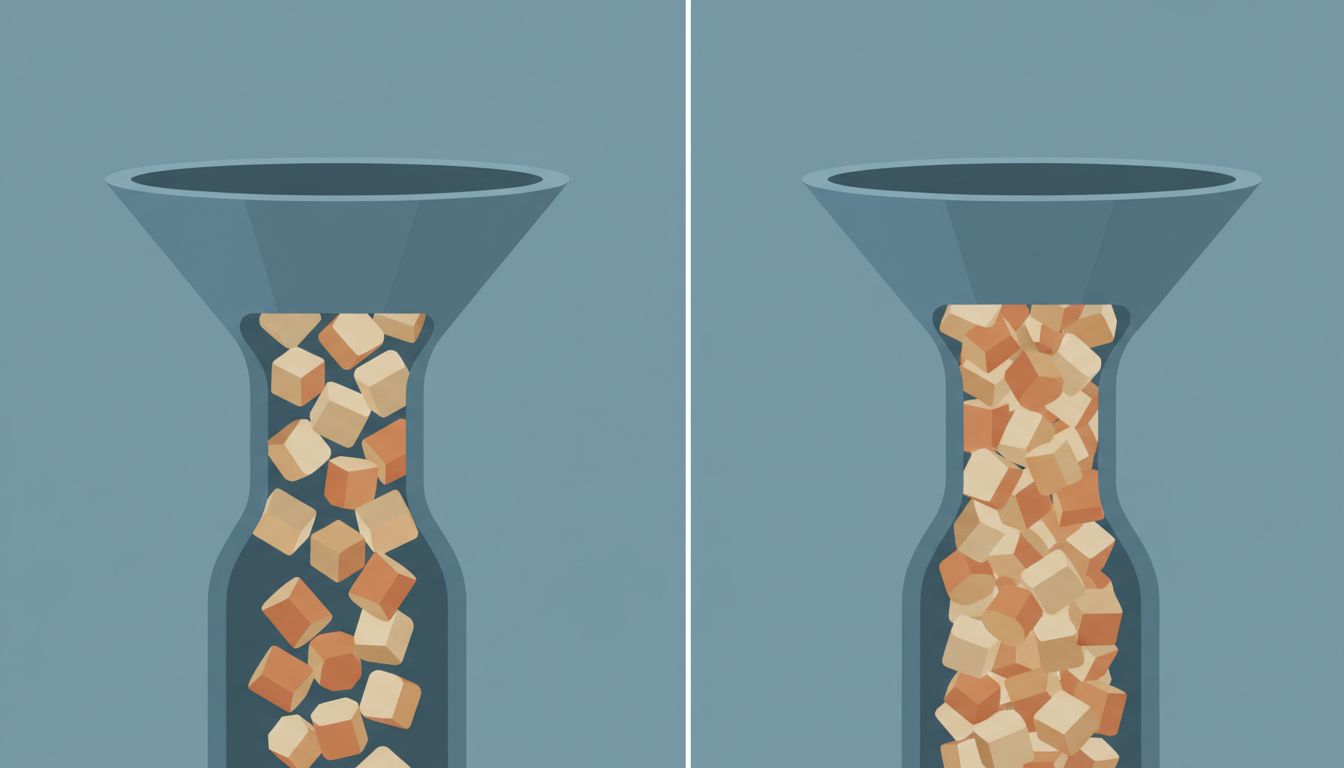
The way you name files tells you whether you’re organizing for the moment you save something or the moment you need it again. Those two things are surprisingly different.
Why this matters more than it seems
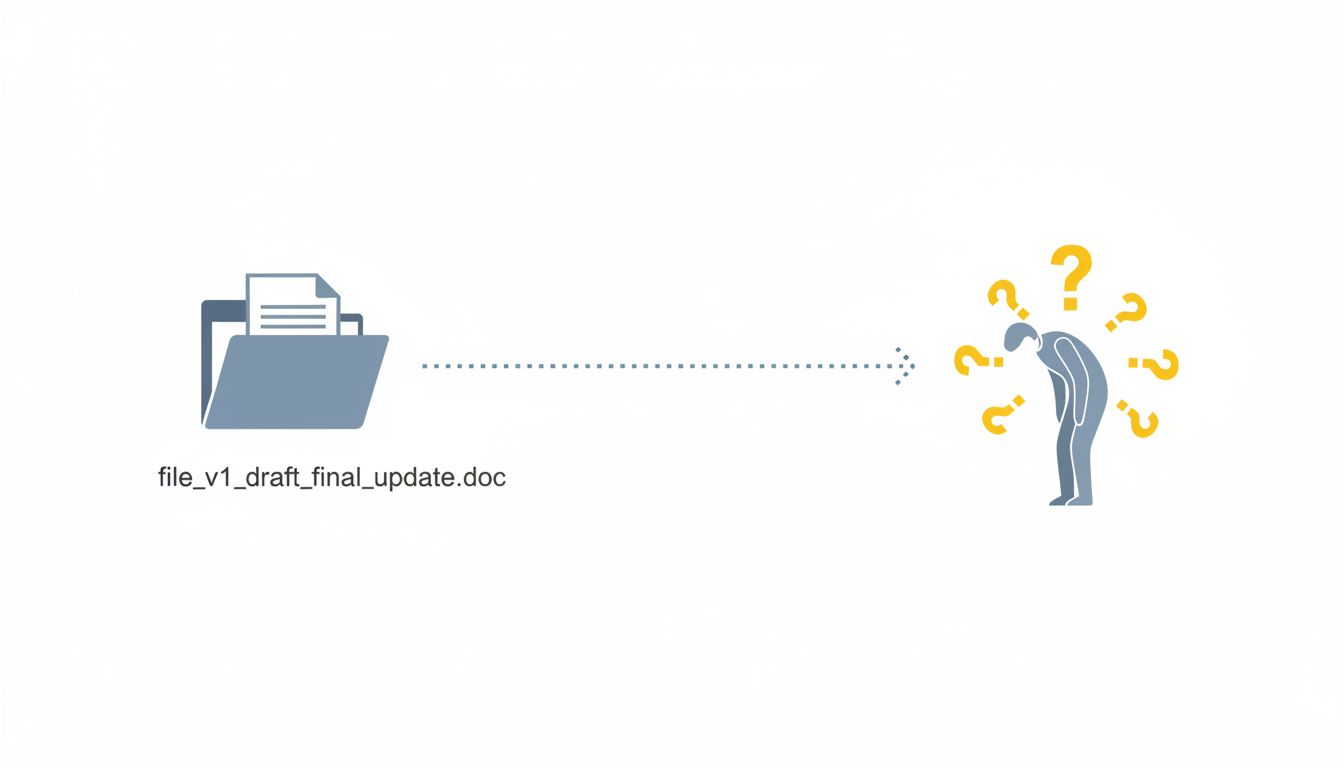
Most people don’t choose a file naming system. They inherit habits from whoever taught them to use a computer, then layer on small fixes when things break. The result is a folder called Final containing a file called Final_FINAL_v2_USE_THIS_ONE.docx, and a vague sense that the whole system is somehow your fault.
It’s not your fault, exactly. But it is revealing. Because the way you name files reflects how you actually model information in your head: where you think it lives, who you think will look for it, and whether you trust your future self to remember context that feels obvious right now.
These aren’t personality quirks. They’re design decisions, and like most design decisions, making them consciously produces better outcomes than making them by accident.
The two failure modes (and what they expose)
Watch most people name a file and you’ll see one of two patterns.
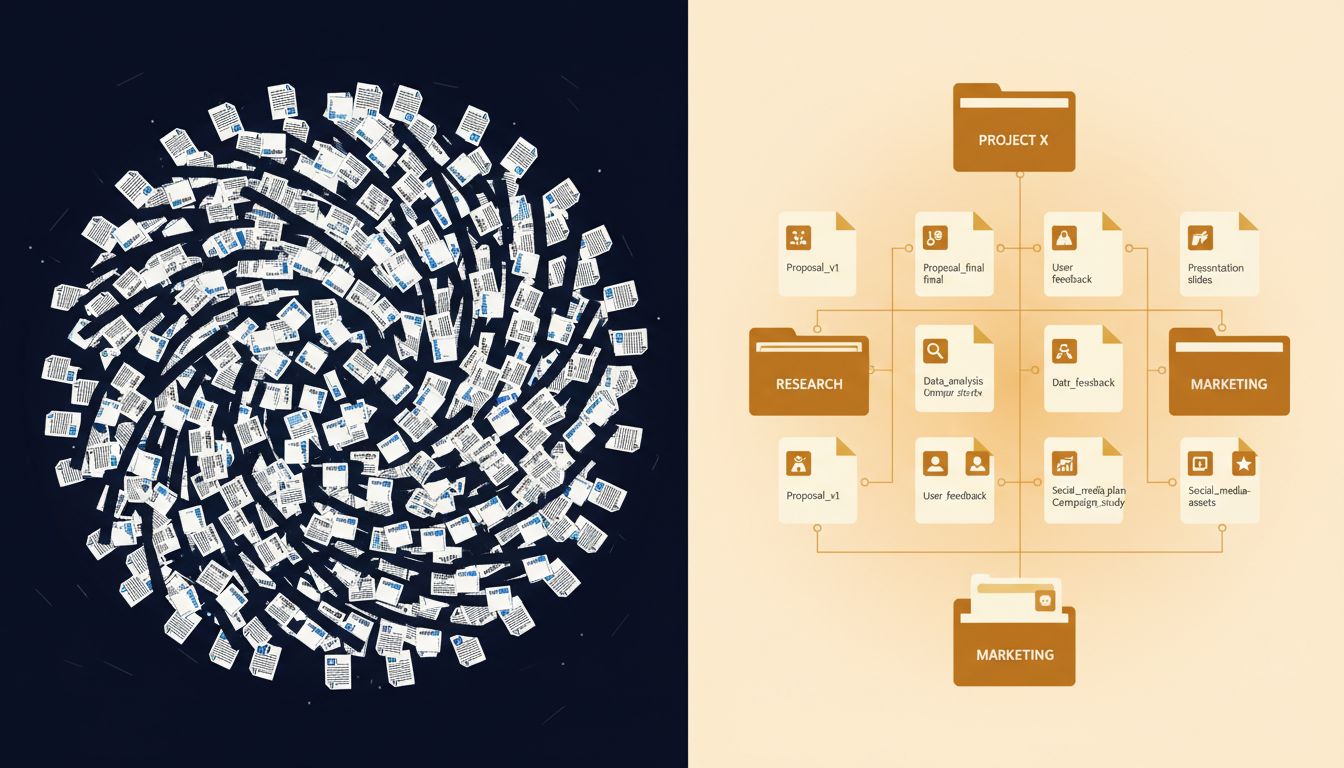
The first pattern is context-collapse naming. The file gets a name that made perfect sense at the moment of saving: notes.docx, draft.pdf, q3.xlsx. This approach treats the filename as a label for right now. You know what notes.docx means because you just wrote it. The problem is that this is pure present-tense thinking. Three months from now, you’ll have six files called notes and no memory of which project any of them belonged to.
People who name files this way tend to rely heavily on recency. They work from the Recent Files list, they keep active projects as desktop icons, and they treat folders as storage for finished things they’ll probably never touch again. That works fine until it doesn’t, which is usually right when you actually need something.
The second pattern is over-specification naming. The file gets a name like 2024-03-15_ProjectAlpha_ClientFeedback_Round2_JM_REVISED.pdf. This approach treats the filename as a database record. Every piece of metadata gets crammed in. People who name files this way are thinking about searchability and auditability, often because they’ve been burned before. They’re doing future-you a favor, but they’re usually doing it inconsistently, which is almost worse than not doing it at all, because it creates a false sense of system.
The interesting thing is that both failure modes come from the same root problem: naming the file for one audience (present-you, or a hypothetical perfect archivist) rather than for the specific person who will actually need to find it.
The thing that actually works: naming for retrieval
Here’s the reframe that makes file naming click. Don’t ask yourself “what is this file?” when you save it. Ask yourself “what will I type or say when I’m trying to find this six months from now?”
That question forces future-oriented thinking. It makes you name files using the vocabulary of the problem you were solving, not the vocabulary of the artifact you created.
A few concrete rules that follow from this:
Lead with the most distinguishing information. Alphabetical sorting is still the default in most interfaces. If you’re naming budget documents, Budget_Marketing_2024_Q3 is findable; 2024_Q3_Marketing_Budget sorts with everything else from 2024 and buries the category you’ll actually search by. Unless you’re a developer working in version-controlled environments where date-prefix sorting is genuinely useful, put the subject first.
Dates belong when time is the distinguishing factor. Not all files need dates. Your Brand_Guidelines.pdf doesn’t need 2024 in the name unless you’re going to have multiple versions with different years. Add dates when the version matters and when you’ll actually compare versions. ISO format (YYYY-MM-DD) sorts correctly; March_15_2024 does not.
Kill the version suffix habit. Final, v2, REVISED are symptoms of a process problem, not a naming problem. If you’re iterating heavily on a document, use a tool with version history (Google Docs, Notion, literally any modern collaborative tool). If you’re not, overwrite the file and let your backup system handle history. The _FINAL_v2 suffix means you don’t trust your tools. That distrust is worth examining separately.
Keep it pronounceable. This sounds strange until you notice how often you search for files by half-remembering what you called them. Names that are speakable are more memorable. ClientOnboarding_Checklist will come back to you. CLNT_ONBRD_CHKLST_V3 won’t.
The team dimension
Everything above gets harder the moment more than one person is involved. A naming system that lives only in your head isn’t a system; it’s a personal habit. And personal habits scale badly.
Shared folders are where naming inconsistencies become genuinely costly. When different people use different conventions, search stops working well, onboarding new team members gets harder, and the folder devolves into chaos that everyone agrees is a problem and nobody has time to fix. This is a coordination problem, and coordination problems don’t get solved by individuals being more disciplined.
The fix is making the convention explicit and boring. A one-page doc that says “We name files like this: [ProjectCode]_[DocumentType]_[YYYY-MM-DD]” is worth more than a hundred conversations about the right approach. Boring, documented, and consistent beats clever and unwritten every time. The same principle applies whether you’re naming files or writing code.
What it’s actually telling you
Your file naming system is a small, visible window into how you think about information persistence. Do you optimize for now or for later? Do you trust your memory or build systems that don’t require it? Do you design for yourself or for the people who’ll follow you?
None of this requires a productivity overhaul. The next file you save is an opportunity to practice one thing: name it for the version of you who is frantically looking for it at 11pm before a deadline. That person is tired, stressed, and working with incomplete memory. Give them a fighting chance.
The irony is that the best file naming systems are the ones you stop thinking about. You build the habit, apply it consistently, and then your files just work. The goal isn’t a perfect taxonomy. It’s a system that asks nothing of you once it’s in place.