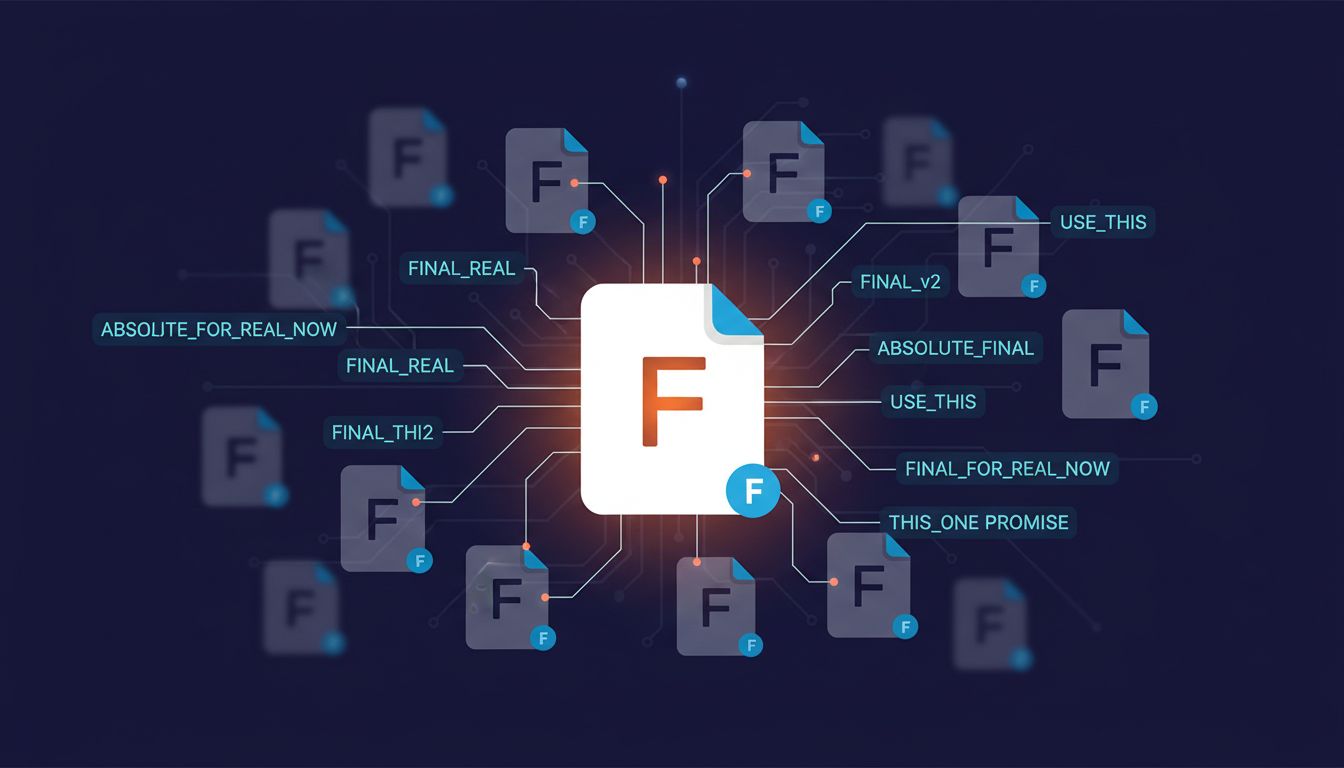
Your file naming system is a cognitive fingerprint. It encodes assumptions about how information decays, how retrieval works, and whether you consider future-you a different person than present-you. Most people treat it as a minor administrative detail. It isn’t.
I’ve spent enough time debugging other people’s projects, inheriting shared drives, and watching smart colleagues waste genuine hours on retrieval problems to hold this position firmly: how you name files reflects how clearly you think about information architecture, and poor naming is almost always a symptom of fuzzy thinking about time and context, not laziness.
The date problem is actually a logic problem
The most immediately diagnostic habit is how someone handles dates in filenames. The three camps are: no dates at all, dates in MM-DD-YYYY format, and dates in YYYY-MM-DD format (ISO 8601).
No dates means you’ve implicitly decided that temporal context is irrelevant or that you’ll remember it. This is almost always wrong. Dates in MM-DD-YYYY format means you’re optimizing for how dates look when you read them aloud, not for how a filesystem sorts them. Your files will sort as 01, 02… by month, creating a scrambled chronological view that only makes sense if you already know what you’re looking for.
ISO 8601 dates (2024-11-15_project-brief.pdf) mean you’ve internalized that computers sort lexicographically and you’ve aligned your naming convention with that reality. This isn’t pedantry. It’s the difference between a directory that self-organizes chronologically and one that requires mental overhead every time you open it.
The person who uses MM-DD-YYYY isn’t bad at computers. They’re applying a human-reading mental model to a machine-sorting problem. That category error, applying the wrong mental model to a system, shows up everywhere in software and systems thinking.
Version suffixes are a confession
Nothing reveals more than the version suffix trail. When I see proposal_FINAL.docx, proposal_FINAL_v2.docx, proposal_FINAL_REAL.docx, proposal_FINAL_USE_THIS_ONE.docx in a shared folder, I know two things immediately: there’s no version control in use, and the person doing this doesn’t have a consistent mental model for what “done” means at any given moment.
This is worth taking seriously beyond the jokes about it. Version control systems like Git encode a specific idea: that state is meaningful, that changes are intentional, and that history is queryable. When someone manages versions through filename mutation instead, they’re operating without that underlying model. They’re treating the filename as the only available metadata, which means the filename has to carry information it was never designed to hold.
The diff that ships is not the diff that solves the problem is a problem about exactly this: what version of thinking actually made it into the artifact? A FINAL_v3_REAL file gives you no answer.
Flat structures vs. hierarchies reveal your retrieval model
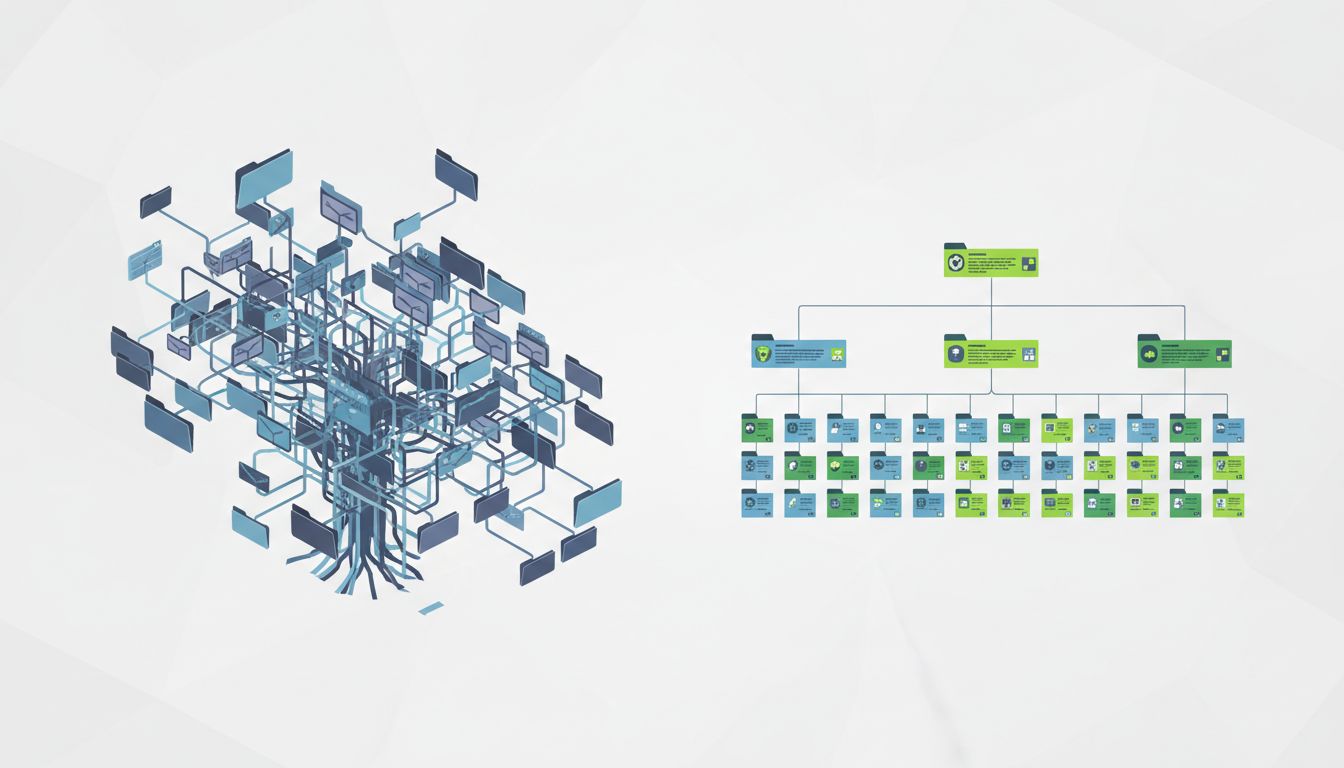
Some people maintain deep nested folder hierarchies. Others dump everything into a flat structure and rely on search. Both approaches contain assumptions about how retrieval works, and both have failure modes that are worth naming explicitly.
Deep hierarchies assume that you’ll remember the categorization decision you made at filing time when you come to retrieve. If you filed the vendor contract under Finance/Legal/External/Vendors/2023/, you need to reconstruct that reasoning path later. If you were in a different mental frame when you filed it, you won’t find it. Cognitive scientists call this the vocabulary problem: the word you use when searching is often not the word you used when organizing.
Flat-plus-search assumes good search tooling and consistent naming vocabulary. This works well until your corpus gets large enough that search returns too many results, or until the search tool changes or disappears.
The most robust approach is what you might call shallow hierarchy with rich naming: two or three levels of folders (project, type, date) combined with descriptive filenames that contain the keywords you’ll actually search for later. This is the explicit acknowledgment that retrieval and storage are different cognitive operations, and your system has to serve both.
Audience blindness in naming
Here’s the test I use to calibrate whether someone is thinking about shared work contexts or only about themselves: look at how they name files they share with others.
A file named notes.docx or draft.pdf or v3.xlsx is named entirely for the sender’s context, at the moment of creation. The recipient gets nothing: no topic, no date, no project, no indication of what action is expected. It’s the file equivalent of forwarding an email with no message body.
A file named 2024-11-15_q4-budget-review_for-finance-team.xlsx is named as if someone else will receive it and need to file it, find it, and understand its purpose without asking. This is just thinking about your users applied to filenames, and it turns out a lot of people skip that step.
The counterargument
The reasonable objection here is that modern search is good enough that naming conventions are increasingly irrelevant. Spotlight, Windows Search, and cloud services like Google Drive now index content, not just filenames, so even a poorly named file is findable if its contents are distinctive.
This is partially true and I don’t want to dismiss it. For personal files on a well-indexed system, search does reduce the cost of sloppy naming. But it doesn’t eliminate it, for a few reasons. First, you still need to distinguish between multiple files that contain similar content. Second, shared environments often have inconsistent or absent indexing. Third, and most importantly, the discipline of naming things precisely is the same discipline required for naming variables, writing commit messages, documenting APIs, and communicating in writing. You can’t compartmentalize it cleanly.
The person who names files final_REAL_USE_THIS.docx tends to write commit messages that say “fixed stuff” and function names like handleData(). These aren’t separate habits. They’re the same underlying habit of treating naming as an afterthought rather than as a communication act.
Naming is thinking made visible
The way you name files is a low-stakes, high-frequency practice that either builds or erodes the habit of naming things precisely. It’s cheap to fix and the fix compounds over time, because every well-named file is slightly easier to retrieve, share, and understand than the alternative.
More than that: if you work in software, the mental models you apply to file organization are the same models you bring to system design. How you think about temporal ordering, version state, retrieval context, and audience needs in your filesystem is a preview of how you’ll think about those problems when the stakes are higher. Your file naming system is not a productivity trick. It’s a diagnostic.