The Audit Nobody Asked For
In 2018, a product manager at a mid-sized software company did something unusual. She pulled up the notification settings for every app installed on her work phone and wrote down, for each one, who had configured them. The answer, almost universally, was: the app had.
She hadn’t changed a single default. Neither had most of her colleagues when she asked around. The apps had arrived with their settings pre-loaded, and everyone had just started living inside whatever the developers had decided.
This is not a story about that one product manager. It’s a story about a structural incentive problem that touches every device you own, and what you can actually do about it.
How Defaults Get Set
When an app team debates notification settings, the people in the room have a specific goal: user retention and engagement. A notification that pulls you back into the app is, from their analytics dashboard, a success. A notification you ignore is a failure they’ll A/B test their way out of. A notification you turn off is a user they’ve partially lost.
This is not cynicism. It’s just accurate. The companies building these apps have fiduciary obligations to shareholders, engagement metrics tied to compensation, and growth targets that depend on your attention. Their notification defaults are not designed to serve your schedule. They’re designed to serve their numbers.
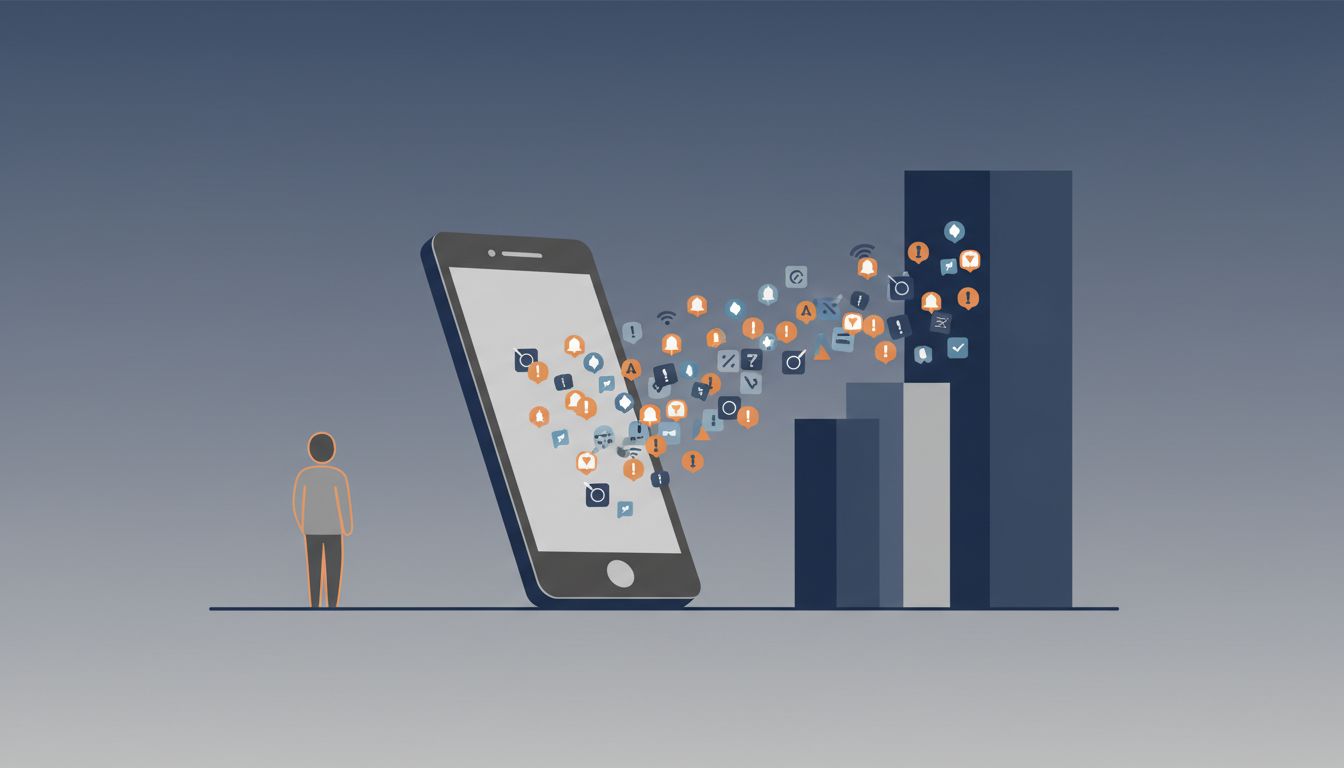
Slack’s default notification behavior, before users manually change it, notifies you of every message in every channel you belong to. The logic is defensible from Slack’s perspective: they want the product to feel indispensable, and presence creates that feeling. From your perspective, if you’re in forty channels and your organization uses Slack the way most do, you’re being interrupted dozens of times per hour by conversations that have nothing to do with your current work.
The research on interruption cost is consistent across studies: recovering your full focus after an interruption takes longer than the interruption itself. If each notification pulls you away for even thirty seconds, the math on a typical workday is brutal. The actual cost isn’t the thirty seconds. It’s the task-switching overhead that follows it.
What the Audit Revealed
Back to that product manager. When she started cataloging her notifications deliberately, she found a few categories worth naming.
Notifications that served her. Calendar reminders. A cooking app that only notified her when a timer she’d set was done. Direct messages from three specific people. This category was small, maybe 15% of what she was receiving.
Notifications that served the app. “You haven’t checked in lately.” “Someone liked your post.” “New content is waiting for you.” These weren’t informing her of anything that required action. They were nudges designed to reactivate her.
Notifications that served neither. Badge counts on apps she rarely opened. Weekly summary emails rendered as push notifications. Updates about app features she’d never used. Pure noise with no plausible beneficiary.
When she reconfigured everything based on this framework, she turned off roughly 80% of her notifications. Not because she was doing some productivity experiment, but because when she asked honestly, “does this help me,” the answer was usually no.
The Broader Pattern
This isn’t unique behavior by bad actors. It’s the rational outcome of how the incentives are structured. Apps measure active users, session length, and return visits. Notifications drive all three. The team that gets conservative with notifications and loses engagement will have that decision scrutinized in the next quarterly review. The team that gets aggressive and retains more users gets praised.
The result is an arms race you didn’t sign up for. Email clients notify you of emails, then notify you again when you haven’t read them. Social platforms notify you when someone reacts to your post, when someone comments, when someone replies to that comment, and then send you a digest of everything you missed. News apps notify you about breaking news, then follow-up coverage, then opinion pieces about the original story.
Each of these individually seems reasonable. Together they form a permission structure that has quietly handed your attention to whoever wants it most.
How to Run Your Own Audit
You don’t need a spreadsheet. You need about forty minutes and a useful question: for each notification type, who benefits when I stop what I’m doing to look at this?
Step one: go through your notification settings app by app. Don’t rush this. Read what each setting actually does. Most people have never looked at this screen carefully.
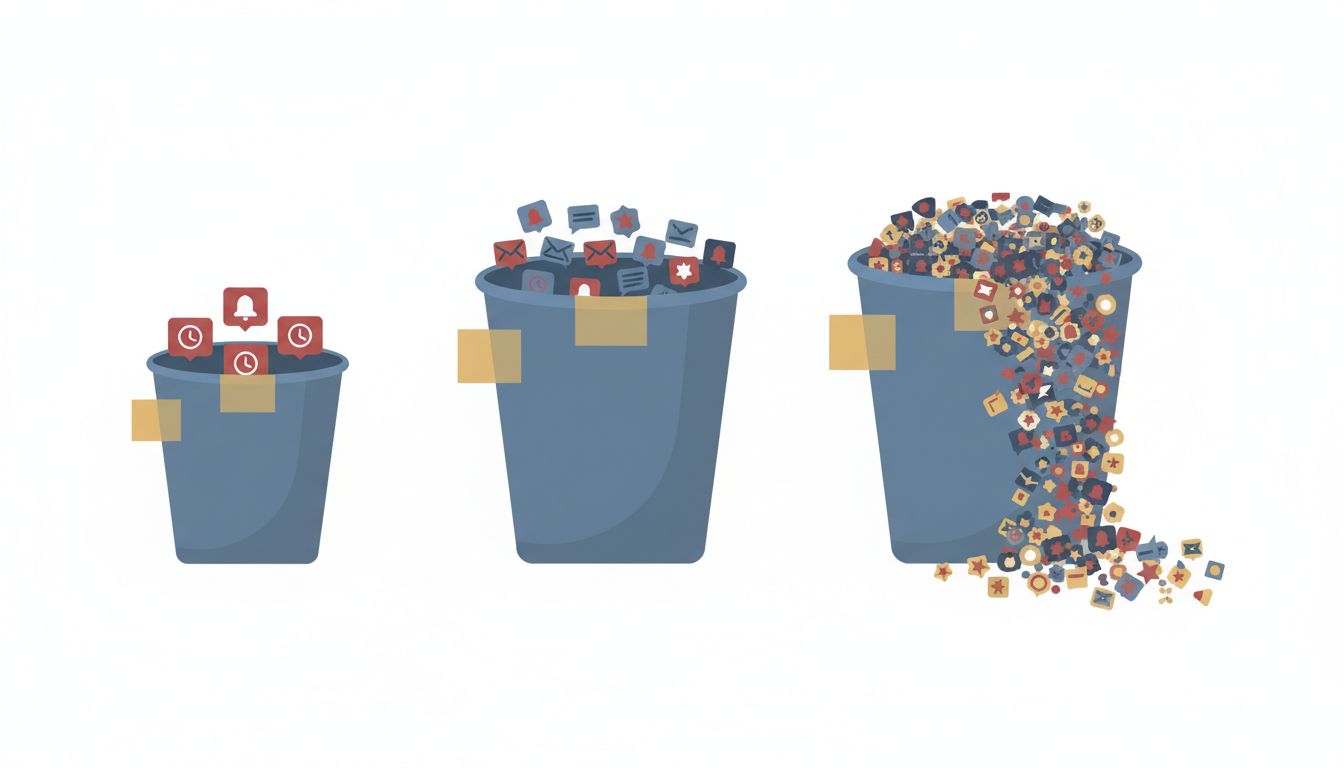
Step two: sort every notification type into one of three buckets. Time-sensitive and requires my action. Useful but can wait. Not useful to me.
Anything in the third bucket gets turned off immediately. Anything in the second bucket either gets turned off or, if the app supports it, batched into a summary delivered once or twice a day. Only the first bucket stays as an interrupting notification.
Step three: set a two-week rule. If you turn something off and realize two weeks later you missed something important, turn it back on. Most people find they don’t miss much.
The specific settings matter less than the framework. You’re asking a question the app developers never asked on your behalf: does this serve the person receiving it, or the person sending it?
The Defaults Will Keep Coming
Every app you install from here forward will arrive with its own agenda baked in. New apps tend to request notification permissions immediately, before you have any sense of whether you want them, and grant themselves aggressive defaults if you approve.
The practical habit is this: when you install something new, don’t let it set its own defaults. Go to notification settings before you start using the app, turn everything off, and add back only what you actually want after you understand what the app does.
This takes two minutes. It’s the kind of small friction that pays off every single day you use the app afterward.
Your attention is a finite resource, and you’ve been handing it out by default. The notification settings screen is unglamorous and nobody talks about it, but it’s one of the highest-leverage places on your phone. Go look at yours. Not someday. Today.