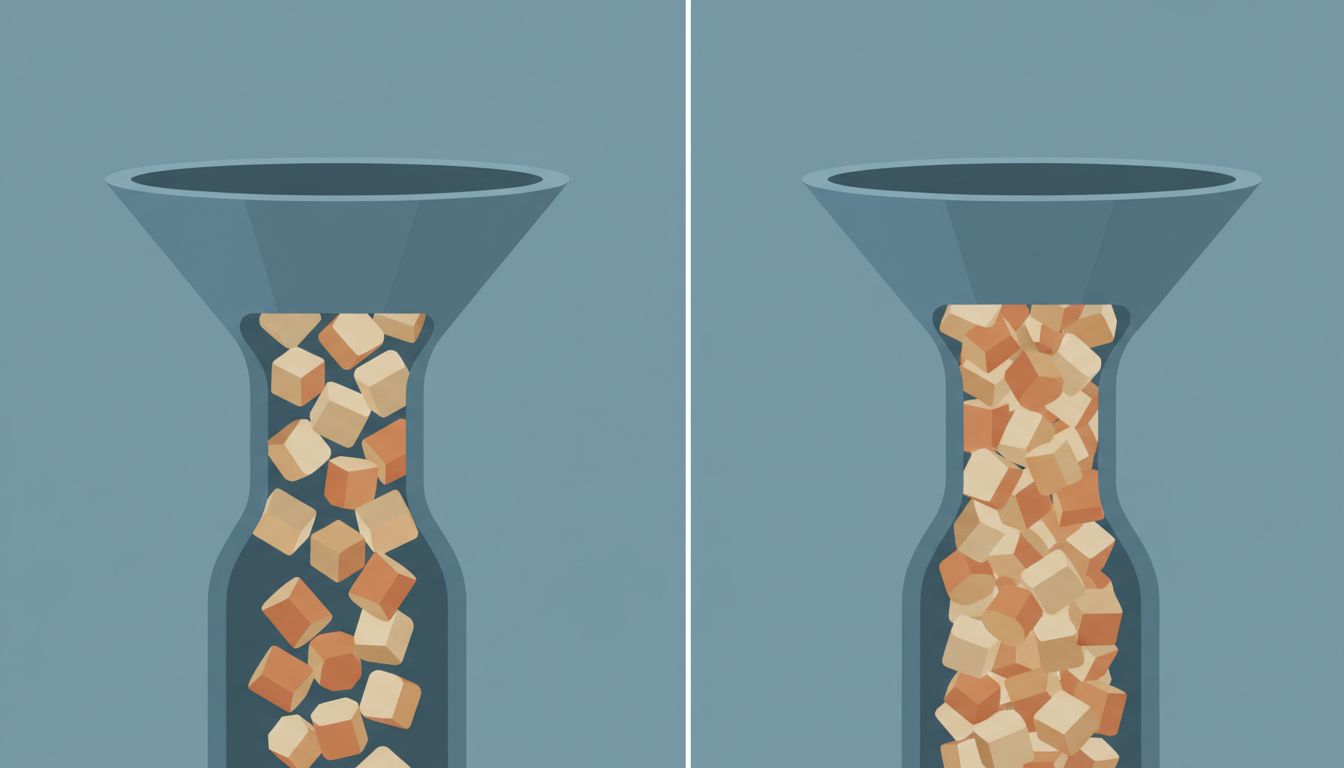
Most productivity advice treats task capture as the hard problem. Get everything out of your head, into a trusted system, and you’ll feel better. That part is true. But the tooling stops there, and the backlog quietly grows until the list itself becomes the source of anxiety it was supposed to cure.
This isn’t a motivation problem. It’s a design problem.
1. Infinite Lists Have No Natural Forcing Function
A physical notepad runs out of pages. A whiteboard fills up and forces a reckoning. Digital to-do lists have no such constraint. Todoist, Things, Notion, and every other app will cheerfully hold ten thousand tasks without complaint. The system never tells you that you’re overcommitted because the system has no model of your capacity.
Compare this to how a good engineering team manages work. A sprint backlog is bounded. You commit to a fixed amount of work for a fixed period, and when the sprint ends, anything incomplete gets explicitly re-evaluated. The constraint is load-bearing. It forces the question: do we still want this? That question never gets asked when your backlog can grow forever.
2. Adding a Task Feels Like Progress
There’s a real cognitive reward to capturing a task. You’ve externalized a responsibility, offloaded it from working memory, and told yourself you’ll handle it. That feeling is useful when it leads to action. The problem is that it’s often a complete substitute for action. The act of logging “research better deployment pipeline” produces almost the same psychological relief as actually researching a better deployment pipeline, at a fraction of the cost.
This is sometimes called “completion substitution” in behavioral research, and it’s well-documented in contexts ranging from goal-setting to shopping wishlists. Writing down that you want to exercise provides a measurable (if temporary) reduction in the cognitive discomfort of not exercising. Your to-do app is, in a real sense, a machine for generating fake progress.
3. Most Apps Sort by Recency or Priority, Not by Removability
The default view in almost every task manager surfaces what you added recently or flagged as important. What it never surfaces is tasks that are clearly dead weight: things added months ago that you’ve never touched, tasks whose context has evaporated, work that was relevant to a project that no longer exists.
A codebase accumulates dead code the same way. Functions that were called once, variables that were declared and never used, entire modules that predate a pivot. The difference is that a linter will tell you about dead code. Your to-do app won’t tell you about dead tasks. It just keeps them, giving them equal visual weight alongside things that actually matter. If you’ve ever scrolled past the same task fifty times without acting on it, you’ve experienced the cost of this directly.
4. Due Dates Are Wishes Dressed Up as Commitments
Most to-do tools let you assign a due date to anything with zero friction. This is a design choice that sounds good and works badly. When everything can have a due date, due dates stop meaning anything. Miss enough of them, and your app becomes a guilt ledger rather than a planning tool.
Real scheduling requires a model of capacity. A calendar does this imperfectly but honestly: if you book a two-hour meeting, those two hours are gone. You can see the conflict. A to-do app with due dates has no such model. You can assign “urgent” and “today” to forty tasks simultaneously, and the app will accept all of them without protest. The system is lying to you about what’s achievable, and you built the lie yourself.
5. Completion Isn’t the Same as Closure
Checking off a task and actually resolving the underlying thing it represented are different events. You can check off “respond to Sarah’s proposal” after sending a two-line non-answer that defers the actual decision. The task is gone, the problem isn’t. This is the inverse of the capture problem: instead of capturing too freely, you’re closing too freely.
This matters because it inflates your sense of throughput. You close thirty tasks in a week, feel productive, and don’t notice that eight of them were restatements of the same underlying problem you’ve been avoiding for a month. Finishing a task and closing it are not the same thing is worth sitting with as a principle. A task manager that treats every checkbox as equivalent has no way to distinguish real resolution from task-laundering.
6. The Fix Is Structural, Not Motivational
The standard advice is to try harder: review your list weekly, prune ruthlessly, be more intentional about what you add. This advice is correct and mostly ignored, because it’s fighting the grain of the tool. You’re being asked to impose constraints that the software actively resists.
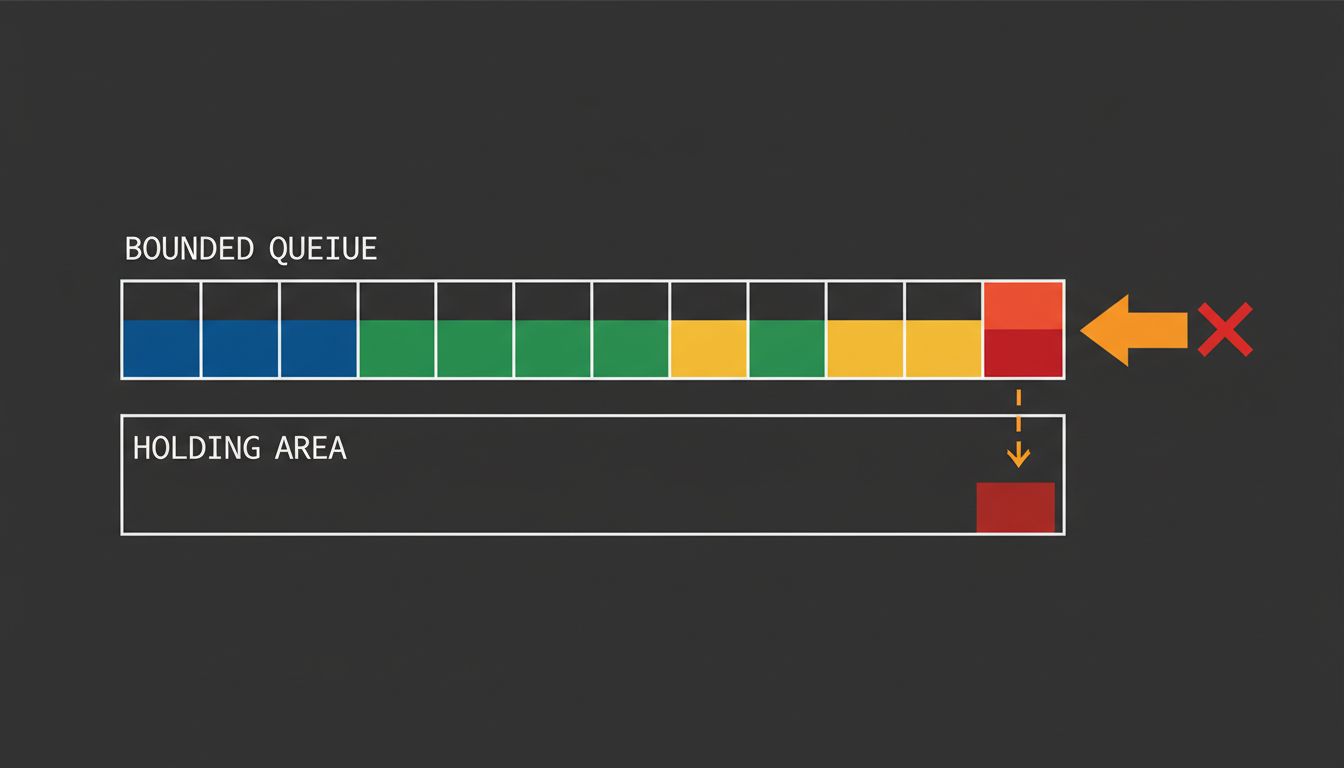
A more useful intervention is architectural. Treat your task list like a work queue with an explicit size limit (something between ten and twenty items for active work is a reasonable starting point). Anything beyond that threshold lives in a “someday/maybe” bucket that you review on a schedule, not a list you consult daily. This is essentially a priority queue with bounded capacity, and the capacity bound is the thing that forces real prioritization decisions rather than letting you defer them indefinitely.
The weekly review exists in GTD (Getting Things Done) for exactly this reason. David Allen’s insight wasn’t that you should capture everything, it was that capture is only useful if it’s paired with regular culling. Most people implement the capture half and skip the culling, because the tooling makes capture easy and culling uncomfortable. A system that makes culling as easy as capture would be genuinely useful. Most systems don’t build that, because a shorter list feels like a less powerful product.
The underlying issue is that task management tools are sold on features, and “helps you delete things” is a hard feature to market. So they optimize for the satisfying part, the capture, the tagging, the due dates, the satisfying checkbox animation, and leave the hard part to you. Knowing that is the first step toward building a system that actually works around the constraint instead of pretending it doesn’t exist.