The Invisible Co-Author
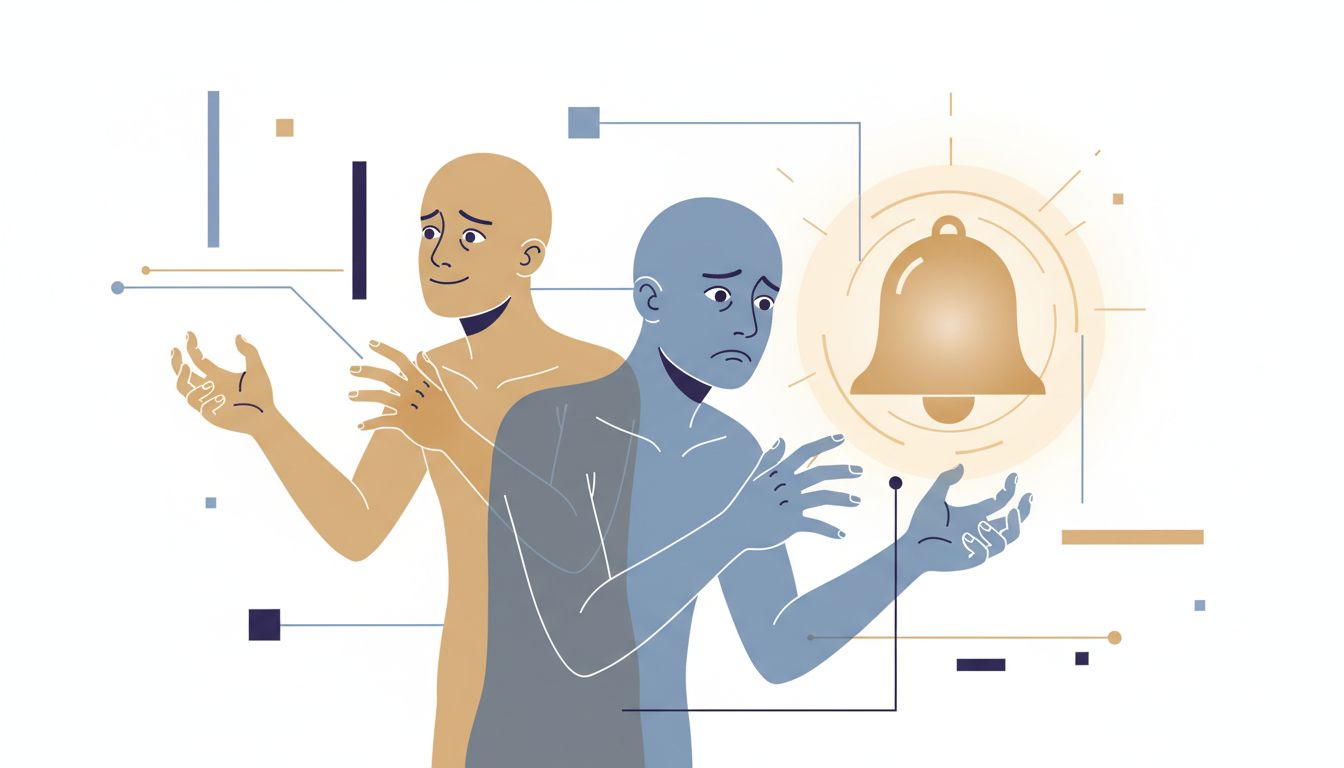
Every time you type on a smartphone or modern laptop, something is finishing your sentences before you do. Autocomplete, autocorrect, and predictive text are so embedded in daily writing that most people have stopped noticing them. That invisibility is exactly the problem.
These systems are not neutral transcription tools. They are probabilistic models trained on enormous corpora of text, making predictions about what word is most likely to follow the words you’ve already typed. The technical term is a language model, specifically an n-gram or neural model depending on the implementation. The practical consequence is that your keyboard is constantly steering you toward the most statistically common continuation of whatever you started saying.
This sounds benign. It often is. But it has measurable effects on what you write, and subtler effects on what you decide.
How the Prediction Actually Works
Older autocomplete systems (the kind on feature phones) used n-gram models: count how often word B follows word A in a training corpus, then suggest the most frequent winner. If you typed “I’m running” on a 2010 phone, it probably suggested “late” because that was the most common continuation in the training data.
Modern systems are more sophisticated. Your phone’s keyboard now uses a small on-device neural network that considers several words of context, your personal typing history, and the app you’re currently using. Google’s Gboard and Apple’s QuickType both do personalized predictions, meaning the model adapts to your vocabulary over time. iOS keyboards, for instance, store a local model of your typing patterns in the Secure Enclave, kept separate from the main OS.
Gmail’s Smart Compose goes further: it’s a transformer-based model that can suggest entire phrases and clauses, not just single words. When you type “Let me know if” it might offer “you have any questions” or “this works for you” because those completions appear millions of times in professional email. The suggestion appears as gray ghost text, waiting for you to hit Tab.
The architecture matters because it tells you what the model optimizes for: frequency. These aren’t systems that know what you mean. They know what people usually say in similar contexts.
The Anchoring Effect in Your Keyboard
Here’s where it gets psychologically interesting. There’s a well-documented cognitive bias called anchoring: when you’re estimating or deciding something, an initial value you’ve seen pulls your final answer toward it, even when that initial value is arbitrary or irrelevant. Kahneman and Tversky’s foundational work on this showed the effect is robust and hard to override even when people know about it.
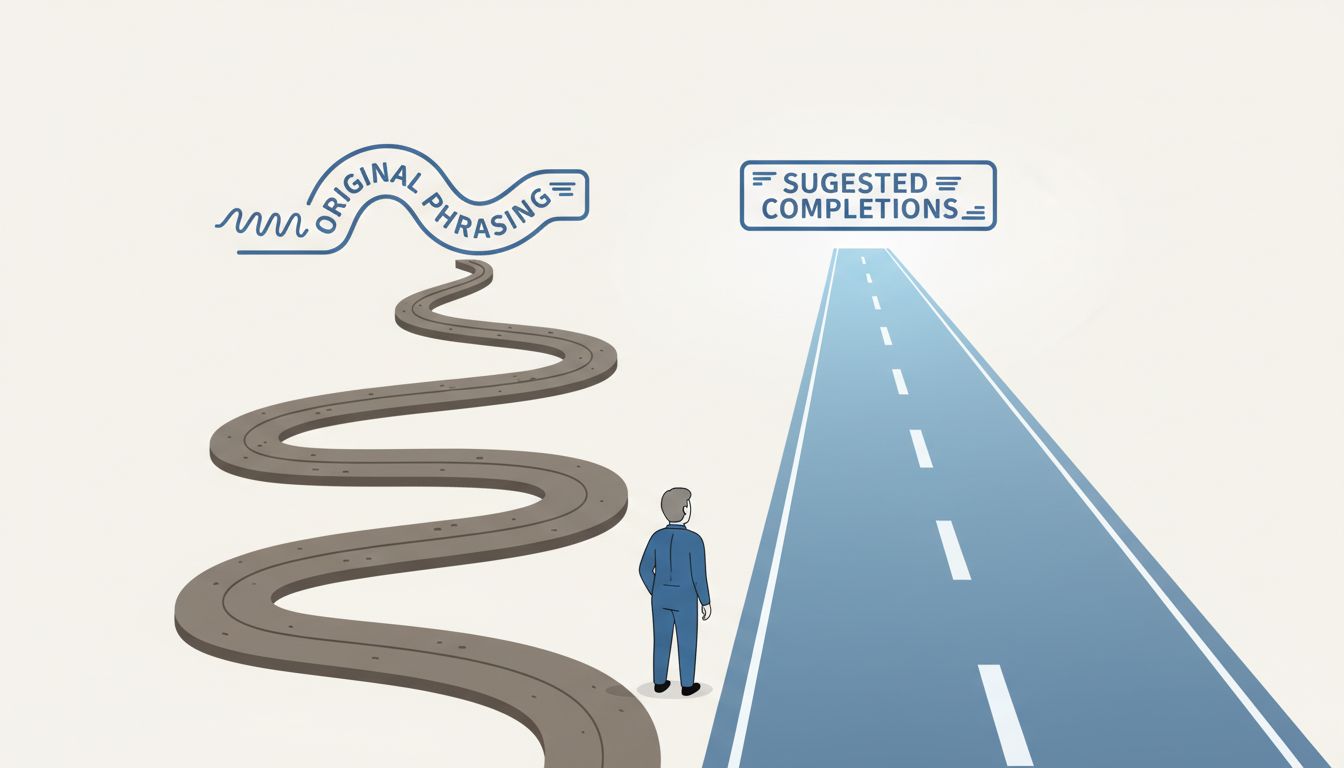
Autocomplete creates a continuous low-grade anchoring effect on your writing. You start a sentence with a vague idea in your head. A suggestion appears. Now you’re not deciding what to say from a blank slate; you’re deciding whether to accept or reject a specific proposal. Rejection takes more cognitive effort than acceptance. You have to hold your original intention in mind, compare it against the suggestion, and consciously choose the harder path.
Most of the time, you accept. Not because the suggestion is better, but because it’s there and it’s good enough. This is the path of least resistance, and human cognition follows it constantly.
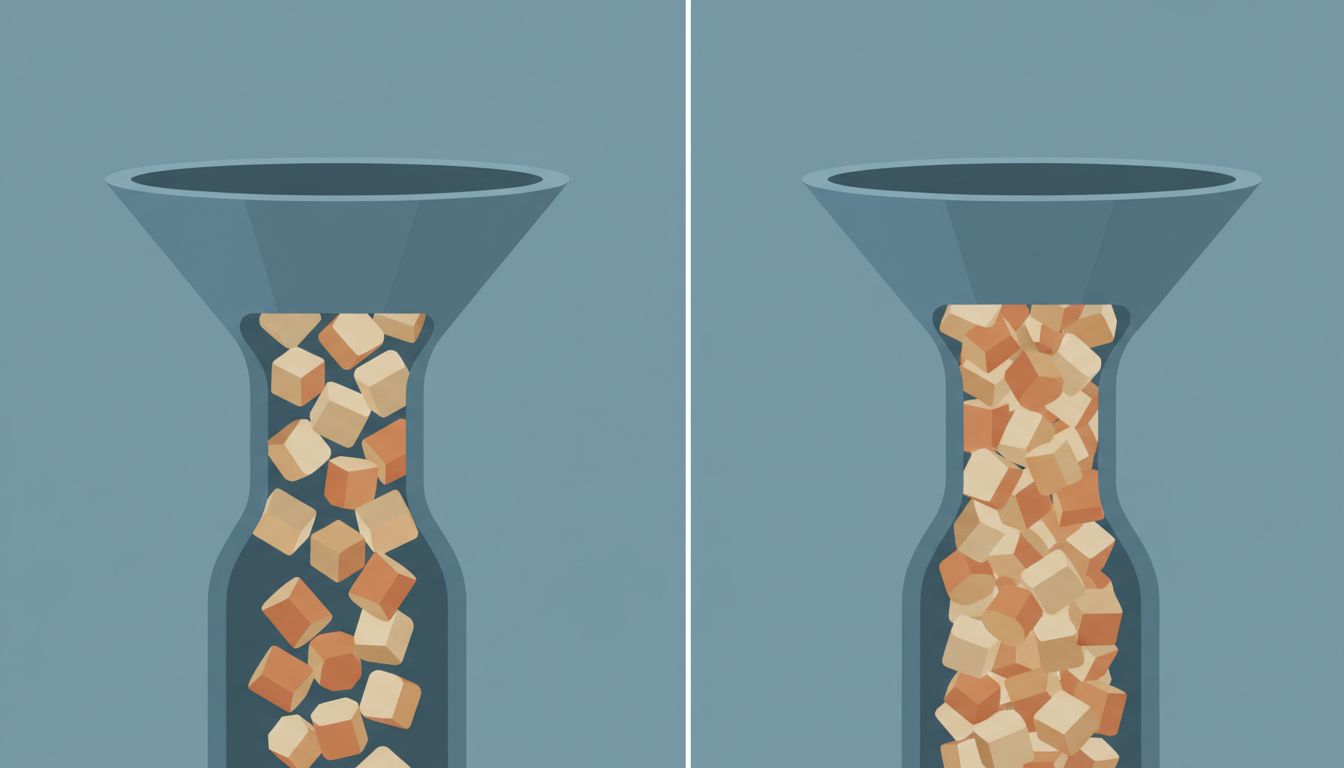
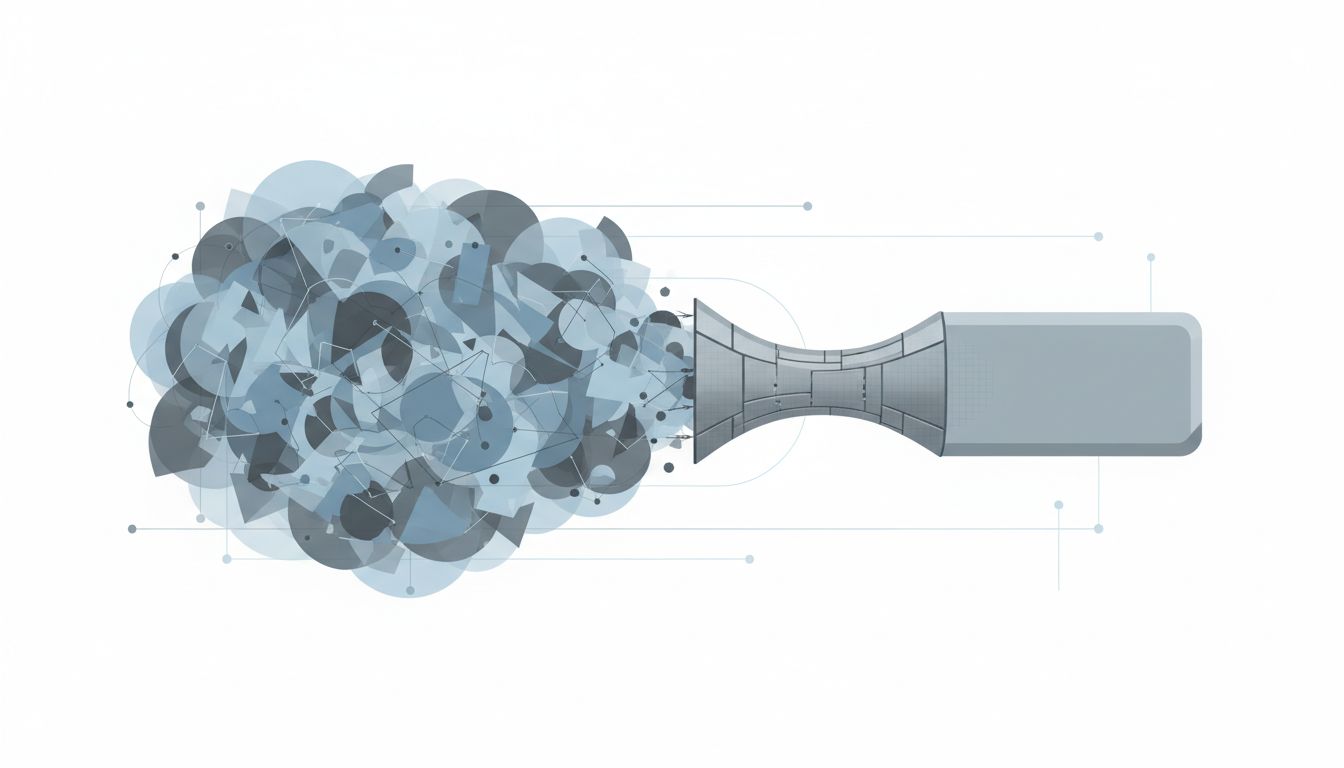
The result is a subtle but real compression of what gets written. Idiosyncratic phrasing, unusual word choices, the particular cadence of your thinking: all of this faces friction that conventional phrasing does not. The keyboard is a gentle pressure toward the mean.
What This Does to Professional Communication
For casual texting, you might not care. For professional writing, it matters more than people acknowledge.
Consider email. Smart Compose and similar tools push professional email toward a small set of common patterns. “Please find attached,” “Let me know if you have any questions,” “Happy to jump on a call” are all phrases that autocomplete tools aggressively suggest because they appear constantly in professional email training data. These phrases are now so ubiquitous they’ve become nearly meaningless. The signal that you’re being polite and professional has been diluted to noise.
More consequentially: when you’re writing something that requires you to articulate a nuanced position, like a technical design document, a performance review, or a difficult message to a stakeholder, autocomplete can actively work against clarity. The model doesn’t know your specific situation. It knows what people generally write in similar situations. If your situation is unusual or your position is genuinely different from what’s typical, accepting suggestions is exactly wrong.
Design documents are a good example. The best design docs I’ve read make specific, sometimes contrarian arguments about tradeoffs. They say things like “the conventional approach here is X, but we’re choosing Y because of constraint Z that’s specific to our system.” That sentence structure doesn’t autocomplete well because it’s uncommon. The keyboard wants to give you something more standard.
The Decision Framing Problem
The effect runs deeper than just prose style. When you’re using text to think, autocomplete shapes the thinking itself.
Writing is not just a way to communicate conclusions you’ve already reached. For many people, writing is how they reason through problems. You start a sentence not knowing exactly how it will end, and the act of finishing it clarifies what you actually think. Programmers do this in comments and READMEs; managers do it in strategy docs; engineers do it in incident postmortems. The writing is load-bearing cognitive work.
When autocomplete intervenes in that process, it’s not just suggesting words. It’s suggesting thought-completions. And those completions are drawn from the distribution of how other people have finished similar thoughts. If your situation is genuinely novel, or if the standard thinking on a problem is wrong, autocomplete is a current pulling you toward conventional conclusions.
This connects to something worth being direct about: there’s a version of this that’s fine and a version that’s genuinely costly. Autocomplete finishing “the deployment is scheduled for” with a date format is fine. Autocomplete nudging your incident postmortem toward “we should improve our monitoring” (the most common postmortem conclusion, by a wide margin) when the real lesson is something more specific and harder to say, that’s a problem. Your mental model of how these tools help you is probably too optimistic.
When Autocomplete Learns You (And When That Backfires)
Personalized prediction is supposed to solve this. If the model learns your vocabulary and patterns, it should suggest your words, not just anyone’s words.
This works, partially. If you frequently write “LGTM” or “nit:” or “per my earlier comment,” your keyboard eventually learns to suggest these. Your idiosyncratic abbreviations get incorporated. Your name spellings stop getting autocorrected.
But there’s a ceiling on this. Personalization can’t fully override the base model’s statistical gravity toward common patterns, especially for phrases you’ve never typed before. Novel thoughts, by definition, don’t have personal typing history behind them. The moment you’re writing something genuinely new, you’re back to relying on what the crowd usually says.
There’s also a feedback loop problem. If autocomplete subtly steers you toward certain phrasings, and you accept those phrasings, and the keyboard learns from your acceptances, the model adapts to the behavior it caused. Your “personal” model starts reflecting not just how you naturally write but how autocomplete has been training you to write. Separating the two is nearly impossible after a few years of heavy use.
Practical Adjustments Worth Making
None of this means you should turn off autocomplete. It’s genuinely useful for reducing typos and speeding up routine communication. The goal is to be deliberate about when you rely on it and when you don’t.
For high-stakes or analytically demanding writing, disable predictive text. Every major mobile OS and most writing apps let you do this per-app or system-wide. When I’m writing anything that requires me to think carefully, I turn it off. The friction of typing every character actually helps: it forces me to commit to my own phrasing rather than evaluating proposals from a statistical model.
For emails and messages where the content is straightforward, let autocomplete do its job. There’s no virtue in typing “please let me know if you have any questions” character by character.
The more important habit is noticing when you’ve accepted a suggestion and asking whether it said what you actually meant. Not every time; that would be exhausting. But for sentences that carry weight, the extra second to verify that the ghost text matched your intention is worth it.
Writing tools that suggest completions are not editors with taste. They are compression algorithms that have learned what’s statistically normal. When normal is fine, use them. When you’re trying to say something specific and true, they are working against you.
What This Means
Autocomplete is a force toward the average. It predicts the most common continuation of what you’re writing, and human cognition, via anchoring and effort-minimization, tends to accept those predictions. For routine communication, this is a net positive: fewer typos, faster throughput, lower cognitive load. For analytical writing, decision documentation, or anything where precision and originality matter, accepting autocomplete suggestions is a quiet tax on the quality of your thinking. The practical fix is less about technology and more about awareness: know when you’re writing something that deserves your full, unassisted attention, and protect that context accordingly.